pengenalan
This instruction manual provides detailed guidance for the installation, operation, and maintenance of your new TECLAST P30 Tablet Case. This soft silicone adjustable stand cover is designed to protect your TECLAST P30 Android 14 Tablet (10 inch, 2024 New Model) and enhance its usability. Please read this manual thoroughly before use to ensure proper handling and longevity of the product.

Figure 1: Full protection design. The case is engineered to wrap the entire tablet, preventing damage from accidental drops and impacts.
Ciri-ciri Produk
- Keserasian: Exclusively designed for TECLAST P30 Android 14 Tablet (10 inch, 2024 New Model). Not compatible with other tablet models.
- Bahan Premium: Made from high-quality, skin-friendly soft silicone for durability and ease of cleaning.
- Pendirian boleh laras: Features a ruggedized, concealed PC material bracket that can be disassembled/assembled, allowing for multiple viewsudut-sudut.
- Perlindungan Penuh: Wraps the entire tablet to prevent damage from drops and impacts.
- Pelesapan Haba: Interior three-dimensional honeycomb design for effective heat dissipation.
- Potongan Tepat: Ensures easy access to all camera, ports, buttons, and features without removing the case.
Persediaan dan Pemasangan
Follow these steps to properly install the case on your TECLAST P30 tablet:
- Pastikan tablet anda bersih dan bebas daripada habuk atau serpihan.
- Carefully align the tablet with the case, starting with one corner.
- Gently press the tablet into the case, ensuring all edges and corners are securely fitted. The soft silicone material allows for easy installation and removal without scratching the tablet.
- Verify that all ports, buttons, and the camera are accessible through the precise cutouts.
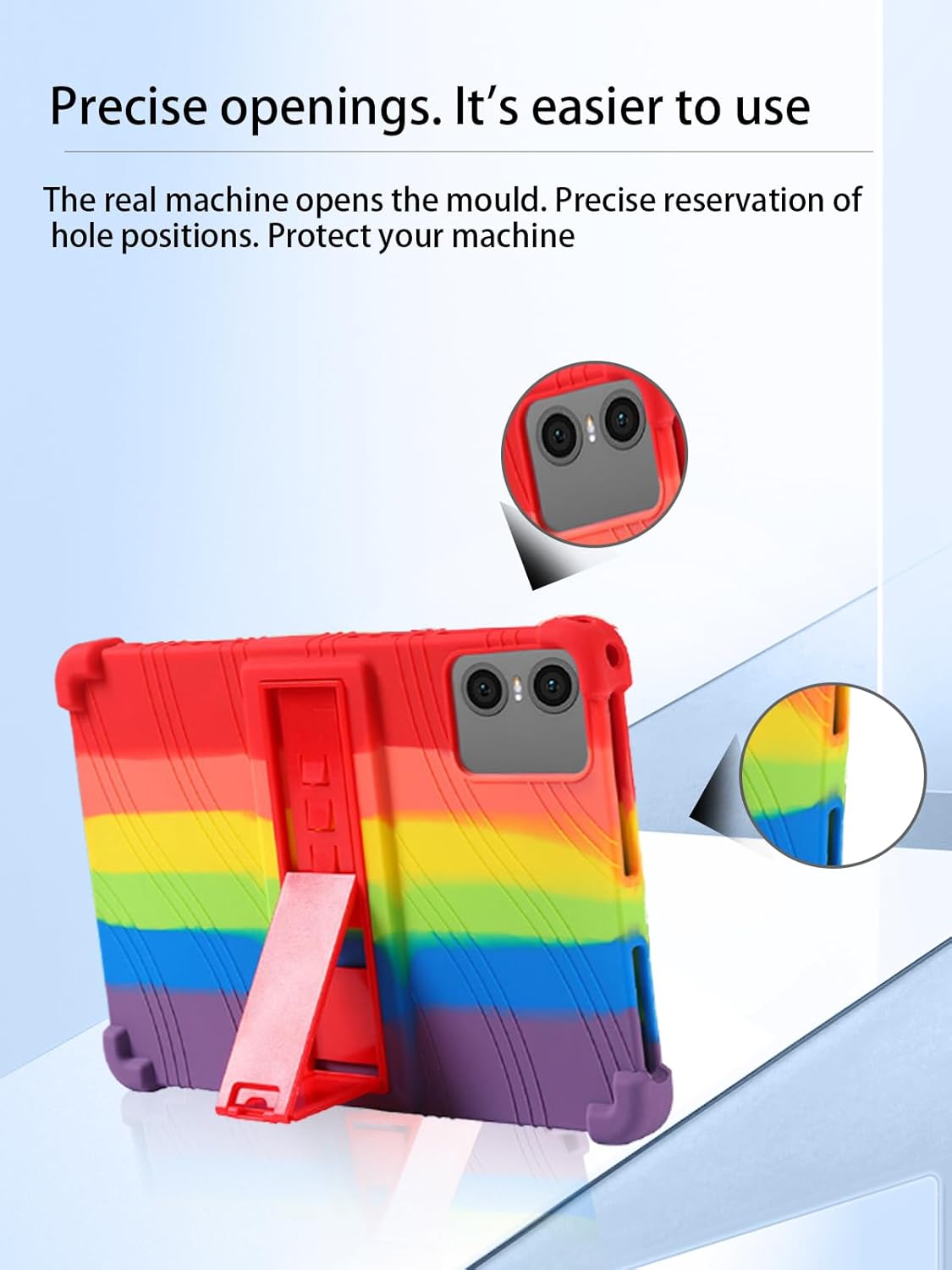
Figure 2: Precise openings for ports and camera. The case is designed with accurate cutouts to ensure full functionality of your tablet without removal.
Operating the Adjustable Stand
The integrated adjustable stand provides convenient hands-free viewing and typing experiences.
- Locate the concealed bracket on the back of the case.
- Gently pull out the bracket until it locks into position.
- Adjust the angle of the stand to your preferred viewing or typing position. The bracket is made of durable PC material and can be adjusted to various angles.
- To retract the stand, push it back into its concealed position until it is flush with the case.
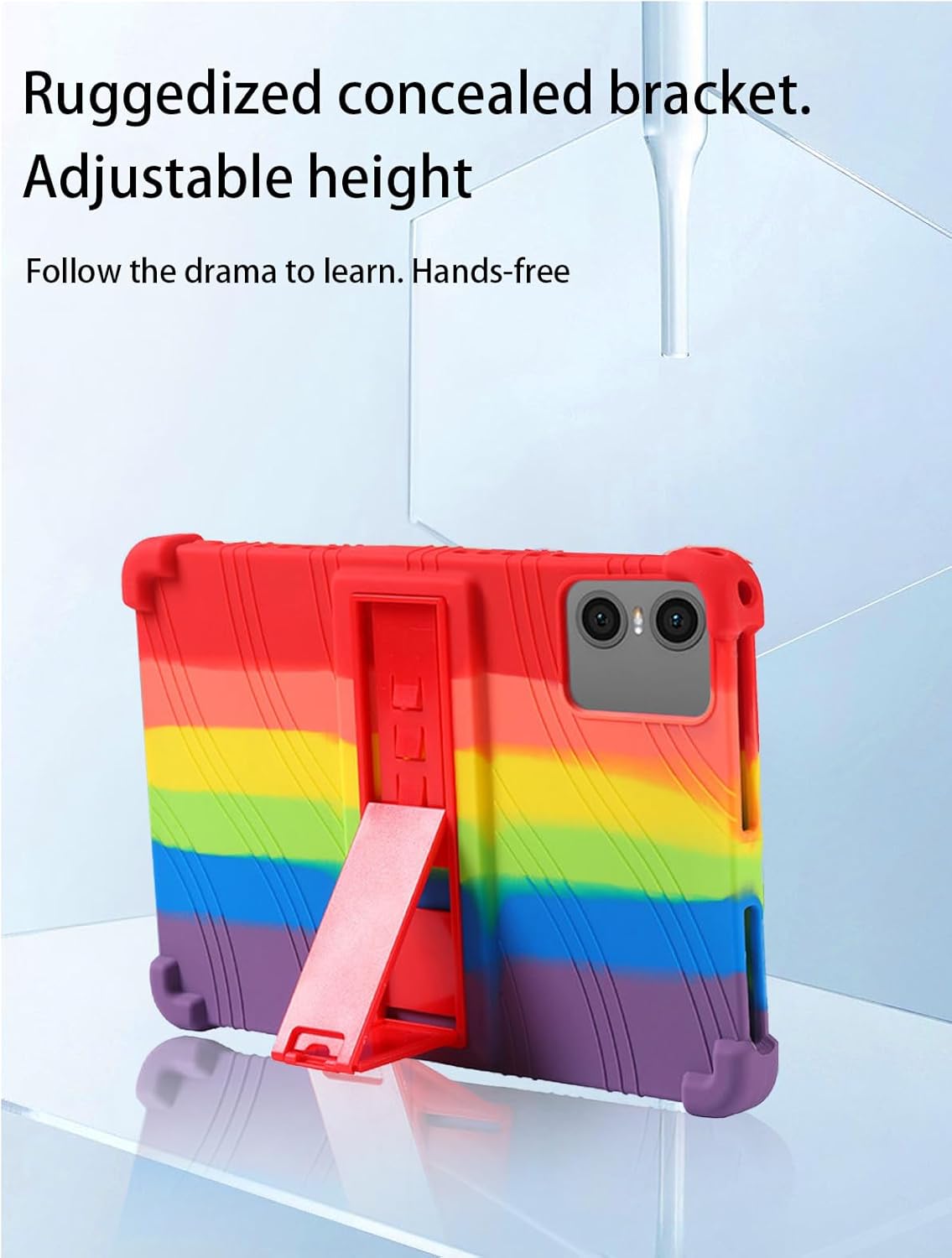
Figure 3: Adjustable stand in use. The ruggedized concealed bracket allows for hands-free viewing and learning.
Penyelenggaraan dan Penjagaan
To ensure the longevity and cleanliness of your tablet case, follow these maintenance guidelines:
- Pembersihan: The soft silicone material is water-resistant and can be cleaned directly with water. Use a mild soap solution if necessary, then rinse thoroughly and air dry.
- Rintangan Noda: The high-quality silicone is resistant to oil and stains, making it easy to maintain a clean appearance.
- Ketahanan: The case is designed to be wear-resistant and fall-resistant, providing robust protection. Avoid exposing it to extreme temperatures or sharp objects.
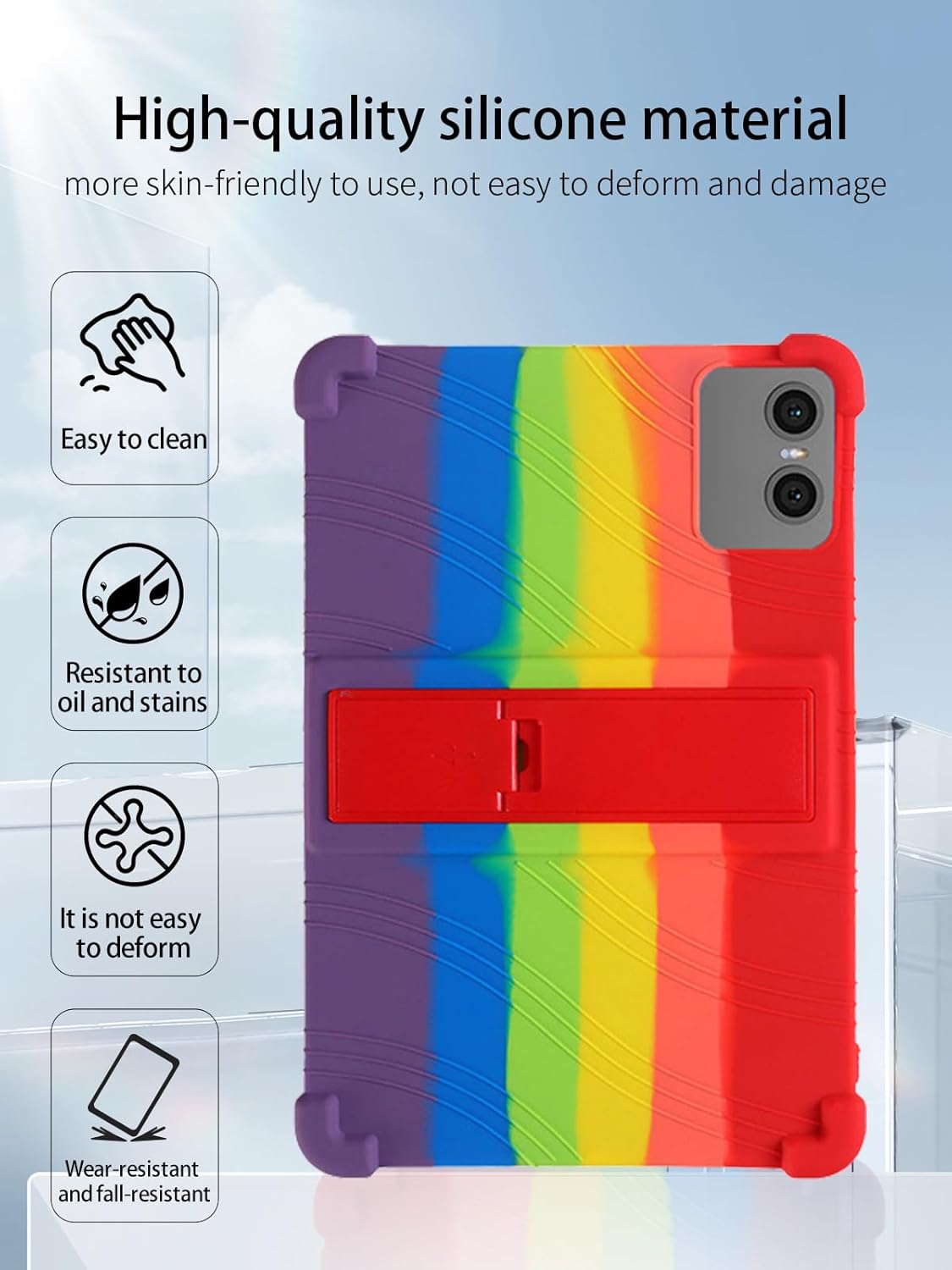
Figure 4: High-quality silicone material benefits. The case is designed for easy cleaning and long-lasting durability.

Figure 5: Interior honeycomb design. This feature aids in effectively dissipating heat from the tablet, preventing overheating.
Menyelesaikan masalah
If you encounter any issues with your tablet case, please refer to the following common solutions:
- Kes tidak muat: Ensure your tablet is the TECLAST P30 Android 14 Tablet (10 inch, 2024 New Model). This case is specifically designed for this model and is not compatible with others.
- Stand is loose or not holding position: Check if the bracket is fully extended and locked into place. If the issue persists, inspect the bracket for any visible damage.
- Difficulty accessing ports/buttons: Re-check the installation to ensure the tablet is correctly seated within the case and aligned with all cutouts.
Spesifikasi
| Ciri | Perincian |
|---|---|
| Keserasian Model | TECLAST P30 tablet |
| bahan | Silikon Lembut |
| Faktor Bentuk | Kes |
| Ciri Khas | Adjustable Stand, Slim Fit, Kids Friendly, Shockproof, Heat Dissipation |
| warna | Pelangi |
| Berat Barang | 0.64 auns (lebih kurang 18 gram) |
| Dimensi Pakej | 0.06 x 0.06 x 0.05 inci (lebih kurang) |
| Pengeluar | UYRUREL |
Waranti dan Sokongan
We are committed to providing high-quality after-sales service for your product.
- If you encounter any problems with your product or its packaging, please contact our customer support team.
- We aim to provide a satisfactory solution within 24 hours of your inquiry.
For support, please refer to the contact information provided by your retailer or on the product packaging.


