
1. Pengenalan dan Lebihview
The Disney Winnie the Pooh Squish Light is a soft, squeezable night light designed to provide a comforting, warm amber glow. It is suitable for various rooms, including nurseries, bedrooms, playrooms, and living rooms. This light offers adjustable brightness levels and can be powered via USB or AAA batteries, providing flexibility for both stationary and portable use.
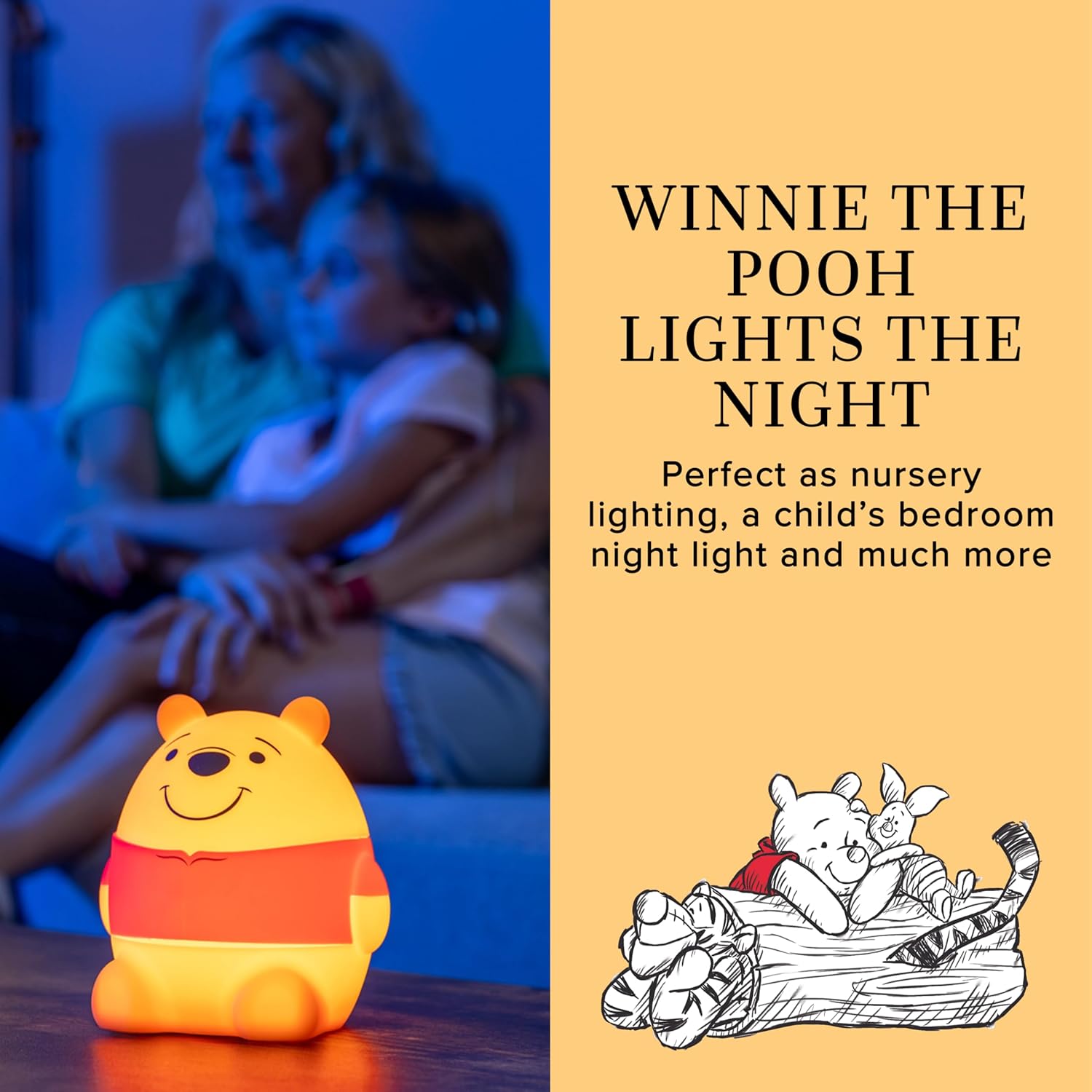
Image: The Winnie the Pooh Squish Light illuminates a room with a soft, warm light, creating a cozy atmosphere.
2. Maklumat Keselamatan
Please read and understand all safety instructions before using the product. Failure to follow these instructions may result in electric shock, fire, or serious injury.
- Keep the device away from water and moisture. Do not use in wet environments.
- Jangan cuba membuka, membaiki atau mengubah suai peranti. Rujuk semua servis kepada kakitangan yang berkelayakan.
- Use only the specified power sources (USB-C cable with a 5V, 1A USB-A adapter or 3 AAA batteries).
- Pastikan bateri dimasukkan dengan kekutuban yang betul. Jangan campurkan bateri lama dan baharu, atau jenis bateri yang berbeza.
- Buang bateri terpakai dengan betul mengikut peraturan tempatan.
- This product is designed to be cool to the touch, but always supervise children during use.
3. Kandungan Pakej
Sahkan bahawa semua item terdapat dalam pakej:
- 1 x Disney Winnie the Pooh Squish Light
- 1 x Kabel USB-C
Nota: Three AAA batteries and a 5V, 1A USB-A power adapter are required for operation and are not included.
4. Persediaan
The Winnie the Pooh Squish Light offers two power options: USB-C cable or AAA batteries.
4.1. USB-C Power Setup
- Locate the USB-C port on the back of the Squish Light.
- Insert the included USB-C cable into the light's port.
- Plug the other end of the USB-C cable into a 5V, 1A USB-A power adapter (not included) or a compatible USB-A port.
- Lampu kini sedia untuk digunakan.
4.2. Battery Power Setup
- Gently remove the silicone outer shell from the light unit to access the battery compartment on the base.
- Open the battery compartment cover using a small screwdriver (not included).
- Insert three (3) new AAA batteries, ensuring correct polarity (+/-).
- Tutup penutup petak bateri dan selamatkannya dengan skru.
- Re-attach the silicone outer shell.
- The light is now ready for portable use.

Image: Illustrations demonstrating how to install AAA batteries and connect the USB-C cable for power.
5. Arahan Operasi
The Winnie the Pooh Squish Light is designed for simple and intuitive operation.
5.1. Hidupkan/Mati Kuasa
- Untuk menghidupkan lampu ON, press the power button located on the base of the unit.
- Untuk menghidupkan lampu DIMATIKAN, press and hold the power button for a few seconds.
5.2. Melaraskan Kecerahan
The light features three brightness levels: Low, Medium, and High.
- Once the light is on, gently tap the light's base to cycle through the brightness levels. Each tap will switch to the next level (Low → Medium → High → Low).

Image: Visual representation of the three dimmable light settings: Low, Medium, and High.
5.3. Squeezable Design
The soft silicone material allows for gentle squeezing. While primarily for tactile comfort, the light's functionality (on/off, dimming) is controlled by the power button and tapping the base.

Image: A hand demonstrating the soft and squeezable feature of the light.
6. Penyelenggaraan
To ensure the longevity and proper functioning of your Winnie the Pooh Squish Light, follow these maintenance guidelines:
- Pembersihan: Wipe the exterior of the light with a soft, dry cloth. Do not use abrasive cleaners, solvents, or immerse the unit in water.
- Penggantian Bateri: When using battery power, replace all three AAA batteries simultaneously when the light dims or stops functioning. Refer to Section 4.2 for battery installation instructions.
- Storan: If storing the light for an extended period, remove the AAA batteries to prevent leakage and damage. Store in a cool, dry place.
7. Penyelesaian masalah
If you encounter issues with your Winnie the Pooh Squish Light, refer to the following common problems and solutions:
| Masalah | Kemungkinan Punca | Penyelesaian |
|---|---|---|
| Cahaya tidak menyala. | Tiada kuasa atau bateri lemah. | Ensure USB-C cable is securely connected to a working power adapter/port, or replace AAA batteries. |
| Cahaya malap atau berkelip. | Kuasa bateri rendah. | Replace AAA batteries or switch to USB-C power. |
| Cannot change brightness levels. | Incorrect tapping method. | Ensure you are gently tapping the base of the light, not squeezing the body. |
| Light turns off automatically after 60 minutes. | This is a built-in feature when operating on battery power. | This is normal operation. To keep the light on continuously, use USB-C power. |
8. Spesifikasi
| Ciri | Perincian |
|---|---|
| Nombor Model | 83063 |
| Dimensi Produk | 4.19"D x 4.73"W x 5.23"H |
| Bahan Asas | silikon |
| Jenis Sumber Cahaya | LED |
| Sumber Kuasa | Battery Powered (3x AAA, not included) / USB (5V, 1A) |
| Kaedah Kawalan | Sentuh |
| Ciri-ciri Tambahan | Dimmable, Energy Efficient, Portable |
| warna | Yellow Pooh Bear Squishy |
| UPC | 030878831895 |
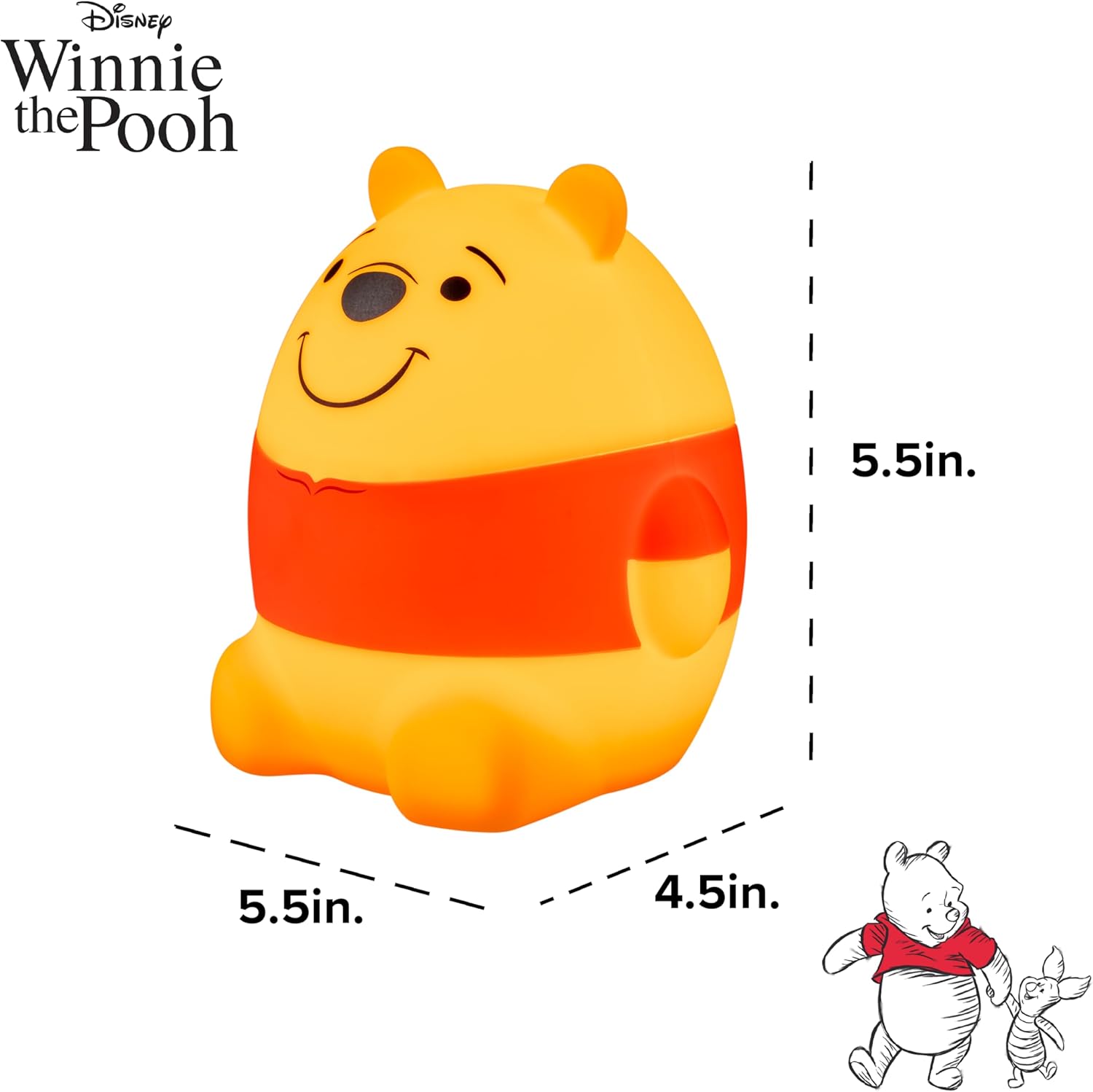
Image: Diagram showing the approximate dimensions of the Winnie the Pooh Squish Light.
9. Waranti dan Sokongan
9.1. Waranti Pengeluar
Produk ini dilindungi oleh a Waranti terhad 90 hari from the date of purchase. This warranty covers manufacturing defects and workmanship under normal use. It does not cover damage caused by misuse, accident, unauthorized modification, or improper installation.
Sila simpan bukti pembelian anda untuk tuntutan waranti.
9.2. Sokongan Pelanggan
For technical assistance, troubleshooting not covered in this manual, or warranty inquiries, please contact Disney customer support through their official webtapak atau peruncit tempat produk itu dibeli.