
1. Pengenalan
This manual provides detailed instructions for the Varmilo Sword68 Sakura 65% Hotswap Wireless RGB Mechanical Keyboard. Please read this manual thoroughly before using the product to ensure proper operation and to maximize its lifespan. This keyboard features a full 6063 aluminum CNC case, multiple connectivity options, hot-swappable switches, and customizable RGB lighting.
2. Maklumat Keselamatan
- Jauhkan papan kekunci daripada cecair dan kelembapan berlebihan untuk mengelakkan kerosakan.
- Elakkan daripada mendedahkan papan kekunci kepada suhu yang melampau.
- Do not attempt to disassemble or modify the keyboard, as this may void the warranty and cause damage.
- Use only the provided USB-C cable for charging and wired connection.
- Jauhkan daripada kanak-kanak.
3. Kandungan Pakej
Sahkan bahawa semua item terdapat dalam pakej:
- Varmilo Sword68 Mechanical Keyboard
- Kabel USB-C
- Penarik Penutup Kunci (mungkin disertakan)
- Penarik Suis (mungkin disertakan)
4. Persediaan
4.1 Pengecasan Awal
Before first use, connect the keyboard to a USB power source using the provided USB-C cable. The keyboard features a 4000mAh rechargeable battery. A full charge is recommended for optimal wireless performance.
4.2 Pilihan Kesambungan
The Varmilo Sword68 supports three connection modes:
- Berwayar (USB-C): Connect the keyboard directly to your computer using the USB-C cable. The keyboard will automatically switch to wired mode.
- Bluetooth 5.0:
- Turn on the keyboard and switch to Bluetooth mode (refer to the keyboard's function keys for mode switching).
- On your device (PC, laptop, smartphone, tablet), enable Bluetooth and search for new devices.
- Select 'Varmilo Sword68' from the list of available devices to pair.
- Wayarles 2.4 GHz:
- Insert the 2.4 GHz USB receiver into an available USB port on your computer.
- Switch the keyboard to 2.4 GHz wireless mode (refer to the keyboard's function keys for mode switching). The keyboard should automatically connect to the receiver.
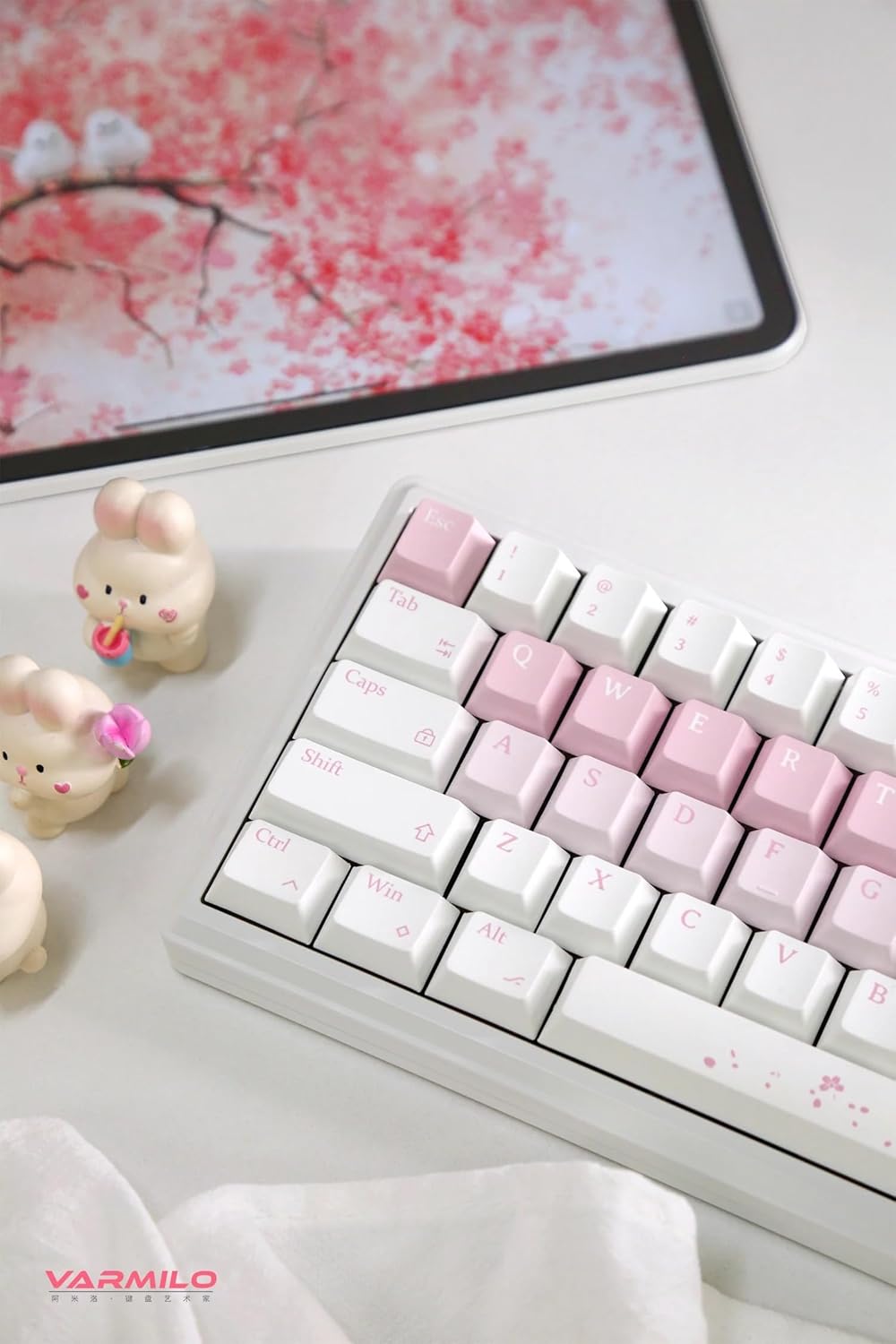
Image: The Varmilo Sword68 keyboard set up on a desk, demonstrating its compact size and aesthetic design alongside a tablet.
5. Beroperasi
5.1 Fungsi Papan Kekunci Asas
The Varmilo Sword68 functions as a standard 65% mechanical keyboard. All keys perform their labeled functions. For secondary functions (accessed via the Fn key), refer to the keycap legends or the custom software.

Imej: A terperinci view of the Varmilo Sword68 keyboard's right side, highlighting the white and pink keycaps and the Sakura-themed spacebar and escape key.
5.2 Lampu latar RGB
The keyboard features RGB backlighting. Lighting effects and colors can be customized using the dedicated software. Refer to the software's instructions for detailed customization options.
5.3 Custom Layout Control
The Varmilo Sword68 supports custom layout control through its software. This allows users to remap keys, create macros, and personalize the keyboard's functionality to suit their workflow or gaming preferences.
5.4 Suis Boleh Tukar Panas
The PCB is hot-swappable, allowing users to change mechanical switches without soldering. This feature supports both plate mount and PCB mount stabilizers. To replace a switch:
- Gently remove the keycap using a keycap puller.
- Use a switch puller to carefully extract the switch from the PCB.
- Align the pins of the new switch with the holes on the PCB and press firmly until it clicks into place. Ensure pins are not bent.

Imej: Dari dekat view of the Varmilo Sword68 keyboard, showcasing the arrangement of its white and pink keycaps and the decorative spacebar.
6. Penyelenggaraan
6.1 Membersihkan Papan Kekunci
Untuk mengekalkan rupa dan fungsi papan kekunci:
- Putuskan sambungan papan kekunci daripada semua sumber kuasa sebelum membersihkannya.
- Gunakan kain lembut dan tidak berbulu sedikit dampdicairkan dengan air atau larutan pembersih lembut untuk mengelap penutup kekunci dan bekas.
- Untuk habuk dan serpihan di antara penutup kekunci, gunakan udara termampat atau berus kecil.
- Elakkan menggunakan bahan kimia yang keras atau bahan yang melelas.
6.2 Penjagaan Papan Kekunci dan Suis
The Double Shot ABS keycaps are durable. If removing keycaps or switches, do so gently to avoid damaging the components or the PCB.
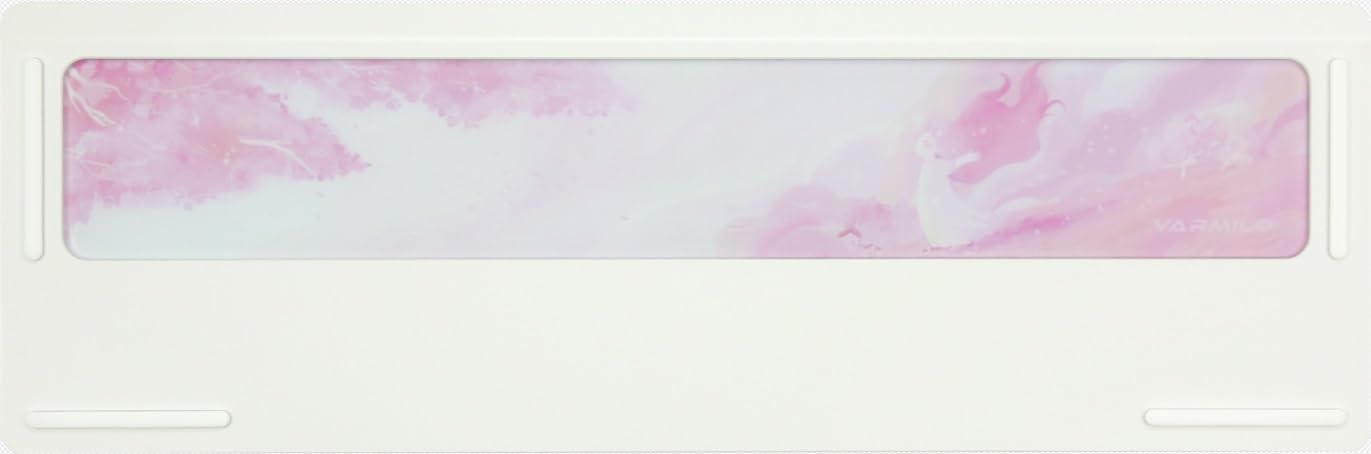
Image: The underside of the Varmilo Sword68 keyboard, revealing the frosted glass weight and rubber feet for stability.
7. Penyelesaian masalah
- Papan kekunci tidak bertindak balas: Ensure the USB-C cable is securely connected or that the wireless receiver is properly inserted and the keyboard is in the correct mode (wired, Bluetooth, 2.4 GHz). Check battery level if in wireless mode.
- Isu berpasangan Bluetooth: Ensure the keyboard is in pairing mode and your device's Bluetooth is enabled. Try removing previous pairings and re-pairing.
- Pencahayaan RGB tidak berfungsi: Check the software settings for RGB control. Ensure the keyboard is not in a low-power mode that disables lighting.
- Kunci tidak mendaftar: For hot-swappable switches, ensure the switch is fully seated and its pins are not bent. Try replacing the switch if the issue persists.
- Sambungan tanpa wayar sekejap-sekejap: Ensure the keyboard is within range of the receiver/device and there are no significant obstructions or interference sources.
8. Spesifikasi
| Jenama | Varmilo |
| Model | Sword68 |
| ASIN | B0DMXL67WS |
| Teknologi Ketersambungan | Bluetooth, USB-C |
| Penerangan Papan Kekunci | mekanikal |
| Ciri Khas | Lampu belakang, Boleh Tukar Panas, Boleh dicas semula |
| Sokongan Warna Lampu Latar Papan Kekunci | RGB |
| bahan | Aluminium, Polikarbonat |
| Kapasiti Bateri | 4000mAh |
| Kekunci Kekunci | ABS Berganda |
| Penyerapan Bunyi | 3x Poron foam, 2x PET foam, 1x IXPE foam |
| Bahan Kes | 6063 Aluminum CNC with electrophoresis finish |
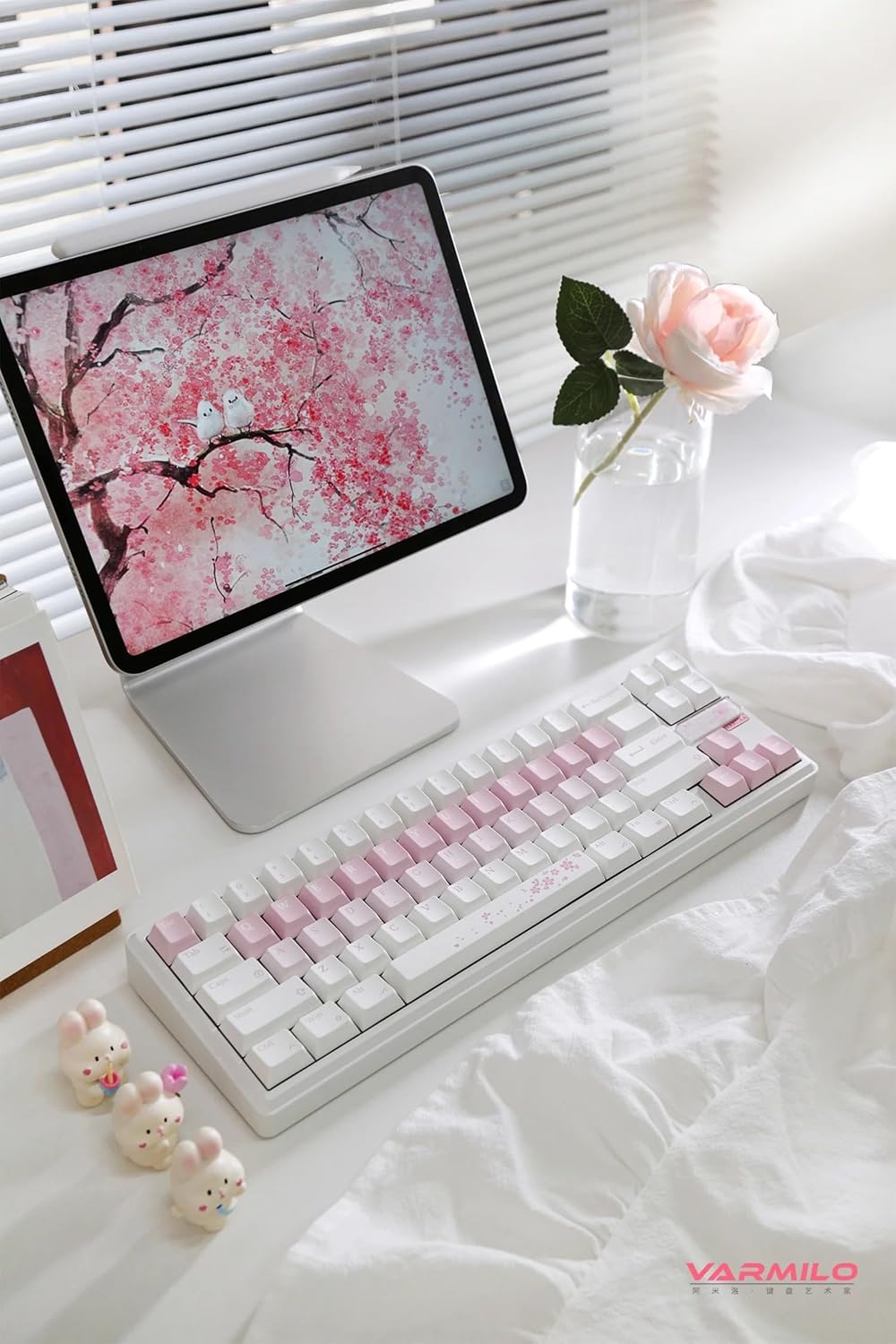
Imej: Lengkap view of the Varmilo Sword68 keyboard in a desk setup, showcasing its elegant design and compact form factor.
9. Waranti dan Sokongan
For warranty information, technical support, or service inquiries, please refer to the official Varmilo webtapak atau hubungi sokongan pelanggan mereka secara langsung. Simpan resit pembelian anda untuk tuntutan waranti.