1. Pengenalan
This manual provides essential information for the safe and efficient operation of your PowMr Pure Sine Wave Solar Inverter, Model LVM3K-24V. This device is designed to convert 24V DC power from batteries or solar panels into 110/120V AC power, suitable for various household and office loads. It features a built-in 80A MPPT charge controller and supports multiple charging and output modes.
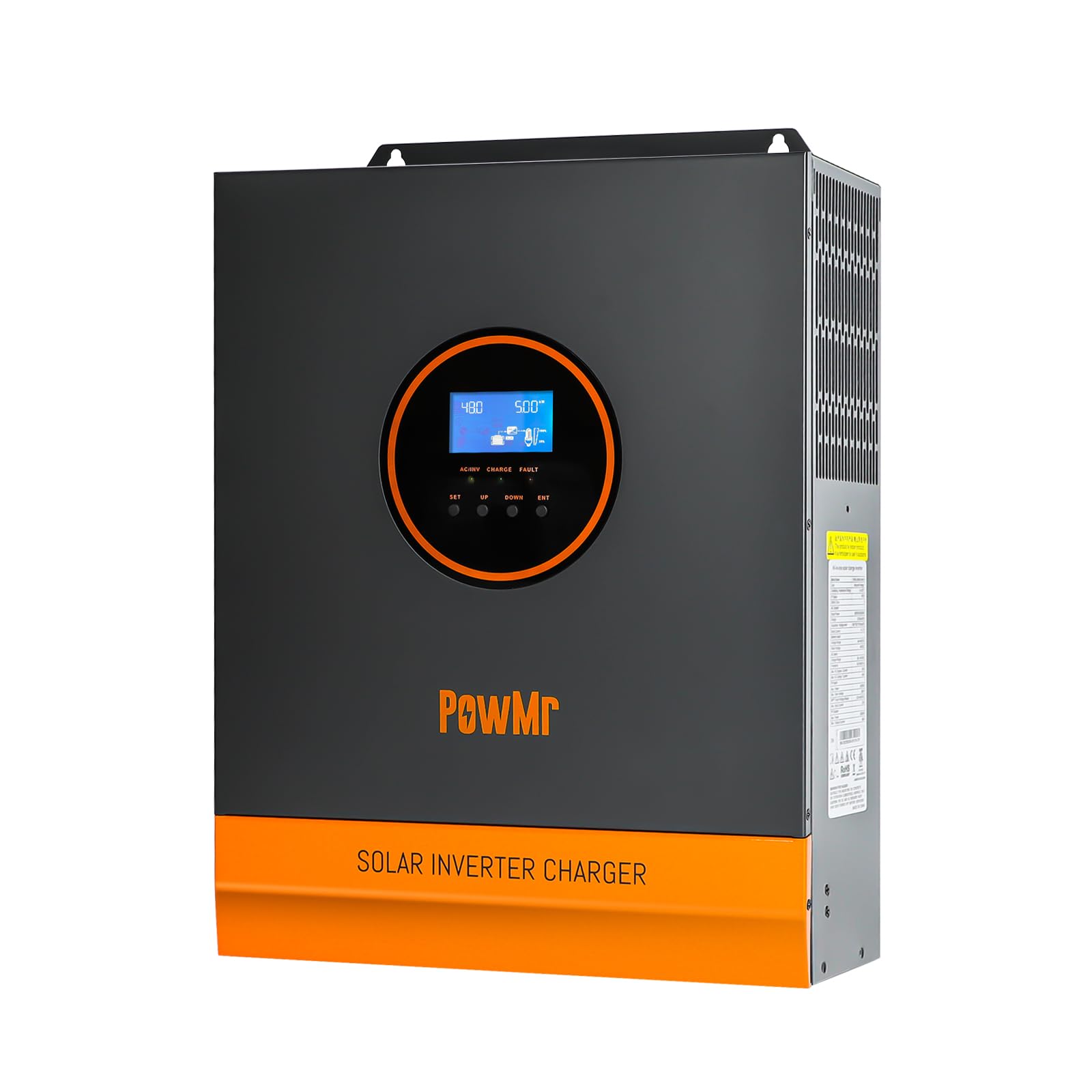
Imej: Depan view of the PowMr 3KW Solar Inverter, highlighting its key features and design.
2. Arahan Keselamatan
Please read and follow all safety instructions carefully before installation and operation. Failure to do so may result in electric shock, fire, or serious injury.
- Pemasangan mesti dilakukan oleh kakitangan yang berkelayakan.
- Pastikan pembumian penyongsang yang betul.
- Jangan buka penyongsang. Tiada bahagian yang boleh diservis pengguna di dalamnya.
- Keep the inverter away from flammable materials, moisture, and direct sunlight.
- Ensure adequate ventilation around the inverter to prevent overheating.
- Sahkan semua sambungan adalah selamat dan betul sebelum menggunakan kuasa.
- Always disconnect power before performing any maintenance or wiring.
3. Produk Lebihview
Familiarize yourself with the various ports and indicators on your inverter.
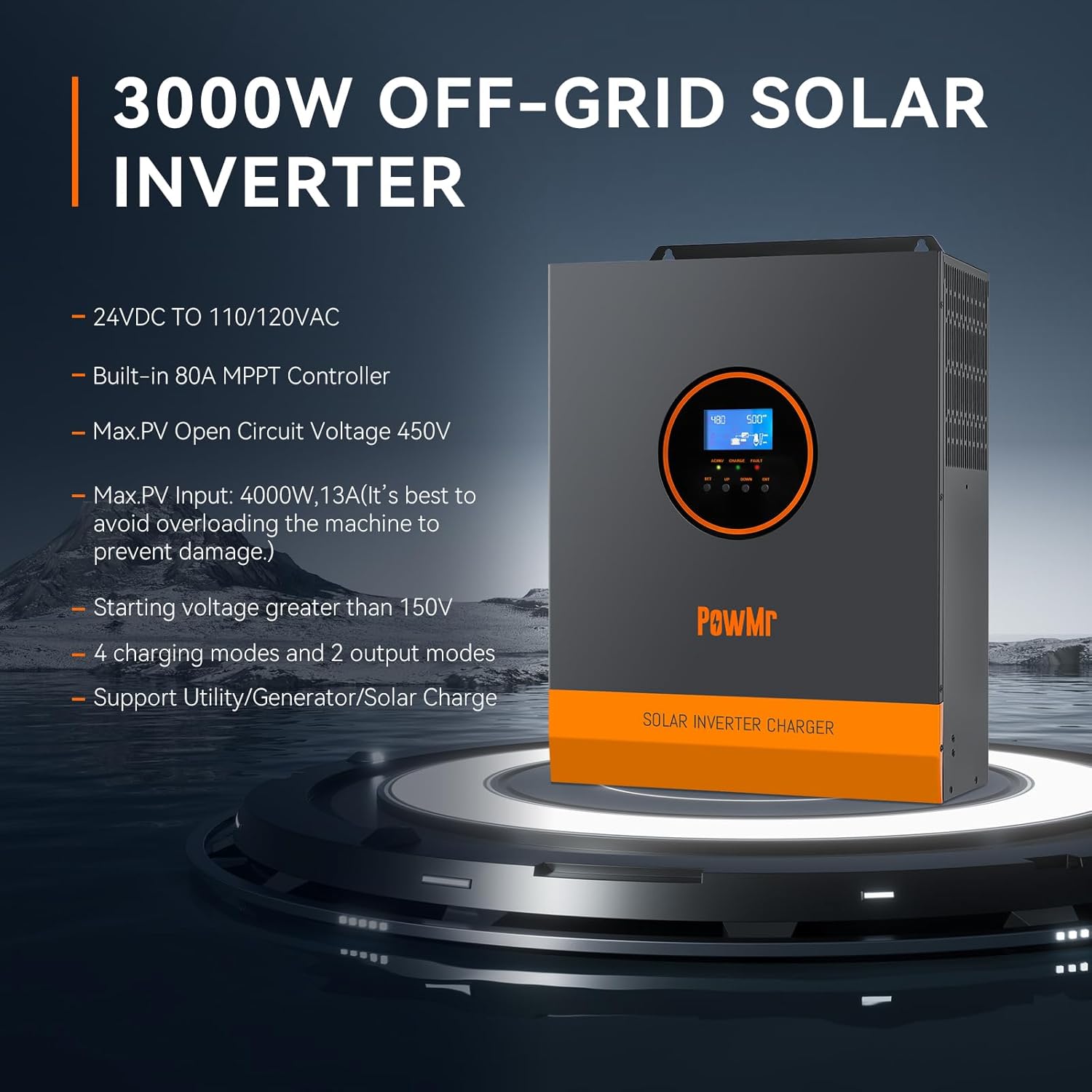
Image: Rear and side view of the PowMr 3KW Solar Inverter with numbered labels for each port and indicator.
- Port input AC: Connects to grid utility or generator AC power.
- Port keluaran AC: Connects to AC loads (e.g., appliances).
- CAN communication port: For advanced communication.
- USB communication port: For data monitoring and configuration.
- Port komunikasi RS485: For data monitoring and configuration.
- Port kenalan kering: Untuk kawalan luaran atau isyarat.
- Grounding screw hole: For connecting the system ground.
- Pelindung beban berlebihan: Circuit breaker for overload protection.
- Battery port: Connects to the battery bank (24V DC).
- Kipas penyejuk: Membuang haba semasa operasi.
- ON/OFF rocker switch: Suis kuasa utama untuk penyongsang.
- PV port: Bersambung ke susunan panel solar.
- Kekunci sentuh: For navigating the LCD display.
- Penunjuk LED: Memaparkan status operasi.
- Skrin LCD: Displays system data and settings.
4. Persediaan dan Pemasangan
4.1 Gambarajah Pendawaian
Refer to the following diagram for proper wiring connections. Ensure all connections are secure and follow local electrical codes.

Image: Detailed wiring diagram showing connections for solar panels, battery, AC input (utility/generator), and AC output (loads).
- Sambungan Panel Suria: Max PV Input Power 4000W, Max PV Input Current 13A. Total Open Circuit Voltage (Voc) ≤ 450V. Start-up voltage needs to be greater than 150V. Use 12AWG PV wire. At least 4-6 solar panels are typically needed to meet the starting voltage, depending on individual panel specifications.
- Sambungan Bateri: Compatible with 24V Lithium/Lead-acid batteries. Recommended battery capacity: 200AH. Use 2AWG battery wire. The battery must be connected for the system to operate.
- Sambungan Input AC: Connect to 120Vac±5% utility or generator. Frequency: 50Hz/60Hz. Max AC Bypass Current: 40A. Max AC Charge Current: 40A. Use 10 AWG AC wire. Be sure to connect the PE protective conductor (ground) first.
- Sambungan Output AC: Max Output Power ≤ 3000W. Rate Voltage: 120Vac±5%. Rate Current: 27.5A.
4.2 Keserasian Bateri
The inverter is compatible with a wide range of 24V battery types.

Image: Graphic illustrating compatibility with various battery types including AGM, GEL, FLD (Flooded), LI (Lithium), and SLD (Sealed Lead-Acid).
- Lead-Acid Batteries (Sealed, AGM, Gel, Flooded)
- Bateri Litium
Ensure the correct battery type is selected in the inverter settings for optimal charging and discharge performance.
5. Mod Operasi
The inverter offers flexible operating modes to suit different application requirements.
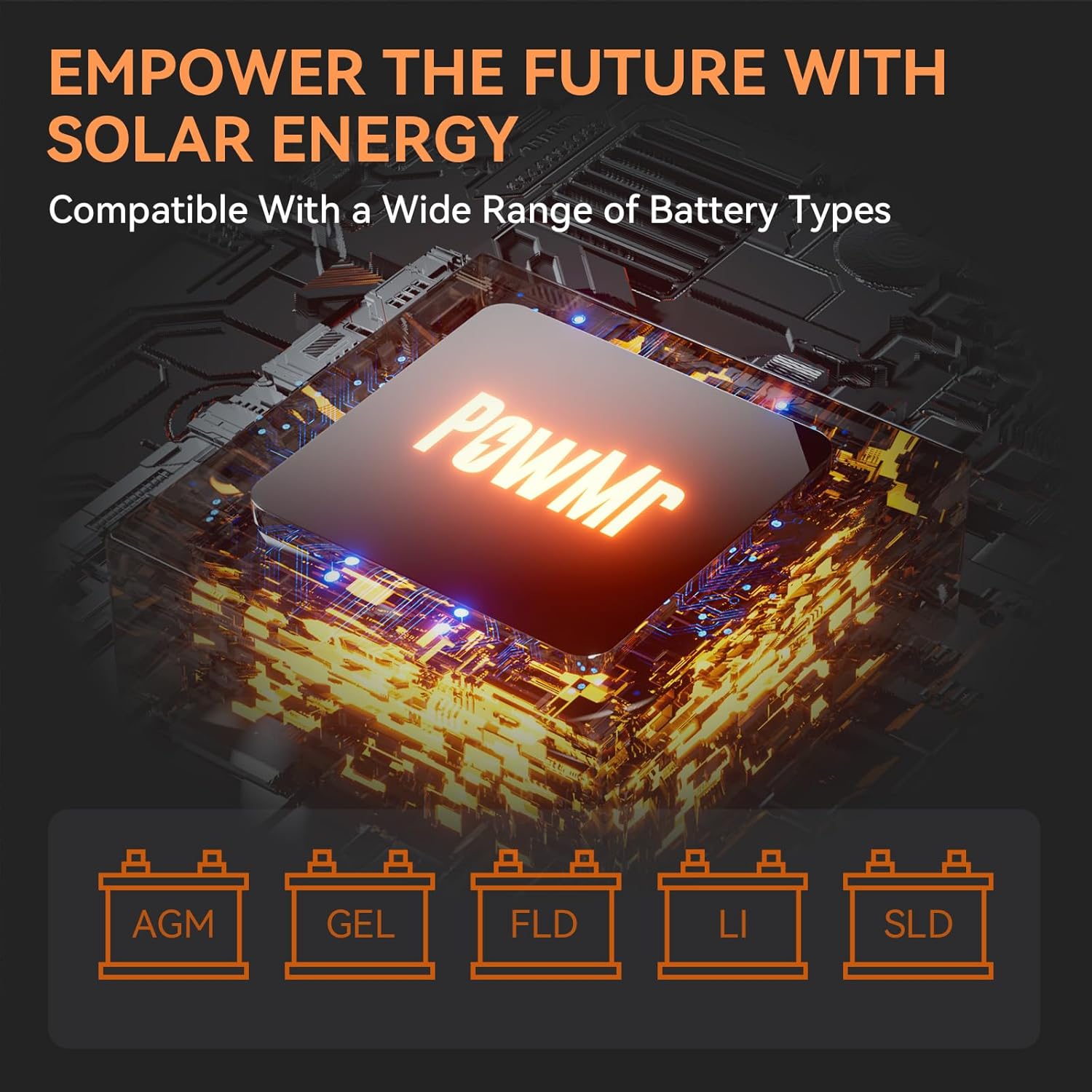
Image: Diagram showing the four charging modes and three load output working modes of the inverter.
5.1 Mod Pengecasan
- PV Priority (Solar Charging): Solar power is prioritized for charging the battery.
- Utility Priority (Electricity Utility Priority): Grid power is prioritized for charging the battery.
- Pengecasan Hibrid: A combination of solar and utility power is used for charging.
- Only Solar Charging: Only solar power is used for charging the battery.
5.2 Load Output Working Modes
- Keutamaan PV: Solar power is prioritized to supply the loads.
- Keutamaan Utiliti: Grid power is prioritized to supply the loads.
- Mod Penyongsang: Battery power is used to supply the loads via the inverter.
These modes can be configured via the LCD display to optimize energy usage based on your specific needs.
6. LCD Display and Indicators
The inverter features an LCD display and three LED indicators for real-time monitoring of system data and operational status.
- Paparan LCD: Provides detailed information such as input/output voltage, current, power, battery status, and selected operating modes. Use the touch keys to navigate through the menus.
- Penunjuk LED: Provide quick visual status updates (e.g., power on, fault, charging status). Refer to the user manual for specific LED patterns and their meanings.
An intelligent variable speed fan is integrated to efficiently dissipate heat, extending the system's lifespan.
7. Ciri-ciri Perlindungan
The PowMr Solar Inverter is equipped with comprehensive protection mechanisms to ensure safe and reliable operation:
- Perlindungan Litar pintas: Mencegah kerosakan akibat litar pintas.
- Lebih Voltage Perlindungan: Perlindungan terhadap voltage input.
- Di bawah Voltage Perlindungan: Melindungi bateri daripada nyahcas yang dalam.
- Perlindungan Lebihan: Mencegah kerosakan apabila beban yang disambungkan melebihi kapasiti penyongsang.
- Perlindungan Terbalik: Protects against incorrect battery polarity connection.
8. Penyelenggaraan
Penyelenggaraan berkala memastikan jangka hayat dan prestasi optimum inverter anda.
- Pembersihan: Periodically clean the inverter's exterior and ventilation openings to prevent dust buildup. Ensure the inverter is off and disconnected from all power sources before cleaning.
- Sambungan: Annually check all electrical connections (PV, battery, AC input/output) for tightness and corrosion.
- Persekitaran: Pastikan persekitaran pemasangan kekal dalam julat suhu dan kelembapan yang ditetapkan.
- Kesihatan Bateri: Monitor battery health and perform maintenance as recommended by the battery manufacturer.
9. Penyelesaian masalah
If the inverter is not operating as expected, refer to the following basic troubleshooting steps. For complex issues, contact customer support.
- Tiada Kuasa: Check the ON/OFF switch, battery connections, and battery voltage. Ensure the overload protector has not tripped.
- Tiada Output AC: Verify AC output connections and ensure no overload condition exists. Check if the inverter is in a fault state indicated by LEDs or LCD.
- Tiada Pengecasan Solar: Check PV panel connections, ensure PV voltage is above the starting voltage (150V), and verify sufficient sunlight.
- Amaran Lebihan: Reduce the connected load. The inverter may automatically restart after a cool-down period.
- Kod Ralat: Consult the full user manual for specific error codes displayed on the LCD and their corresponding solutions.
10. Spesifikasi
| Ciri |
Spesifikasi |
| Jenama |
PowMr |
| Nama Model |
LVM3K-24V |
| Wattage |
3000 watt |
| Kuasa Keluaran Puncak |
4000 watt |
| Input Voltage |
24 Volt (DC) |
| Keluaran Voltage |
110/120 Vac |
| Bentuk Gelombang Output Elektrik |
Gelombang Sinus Tulen |
| Kuasa Input PV Maks |
4000W |
| Vol. Input PV Makstage (Litar Terbuka) |
450V |
| PV Starting Voltage |
>150V |
| Built-in Charge Controller |
80A MPPT |
| Dimensi Item (L x W x H) |
11.02"L x 4"W x 14.88"H |
| Berat Barang |
8 Kilogram |
| Penggunaan yang Disyorkan |
Home, Recreational Vehicle, Travel |
11. Waranti dan Sokongan
11.1 Maklumat Waranti
This PowMr Solar Inverter comes with a Waranti 1 tahun dari tarikh pembelian. Waranti ini meliputi kecacatan bahan dan mutu kerja di bawah penggunaan biasa. Ia tidak meliputi kerosakan yang disebabkan oleh pemasangan yang tidak betul, salah guna, kemalangan atau pengubahsuaian yang tidak dibenarkan.
11.2 Sokongan Pelanggan
For technical assistance, troubleshooting beyond this manual, or warranty claims, please contact PowMr customer support. Have your model number (LVM3K-24V) and purchase information ready when contacting support.
You can find contact information on the official PowMr webtapak atau melalui peruncit anda.
