
1. Pengenalan
Thank you for choosing the pTron Basspods P181 True Wireless Stereo (TWS) Earbuds. These earbuds are designed to provide a high-quality audio experience with advanced features for convenience and durability. This manual will guide you through the setup, operation, and maintenance of your new earbuds.
2. Apa yang ada di dalam Kotak
- pTron Basspods P181 TWS Earbuds
- Kes Pengecasan
- Kabel Pengecasan USB Jenis-C
- Manual Pengguna
- S/M/L Size Eartips (one set pre-installed)
3. Produk Lebihview

Figure 1: pTron Basspods P181 Earbuds in their open charging case.

Figure 2: Key features including 13mm dynamic drivers, 300mAh charging case, Type-C charging port, and DC5V/1A charging input.
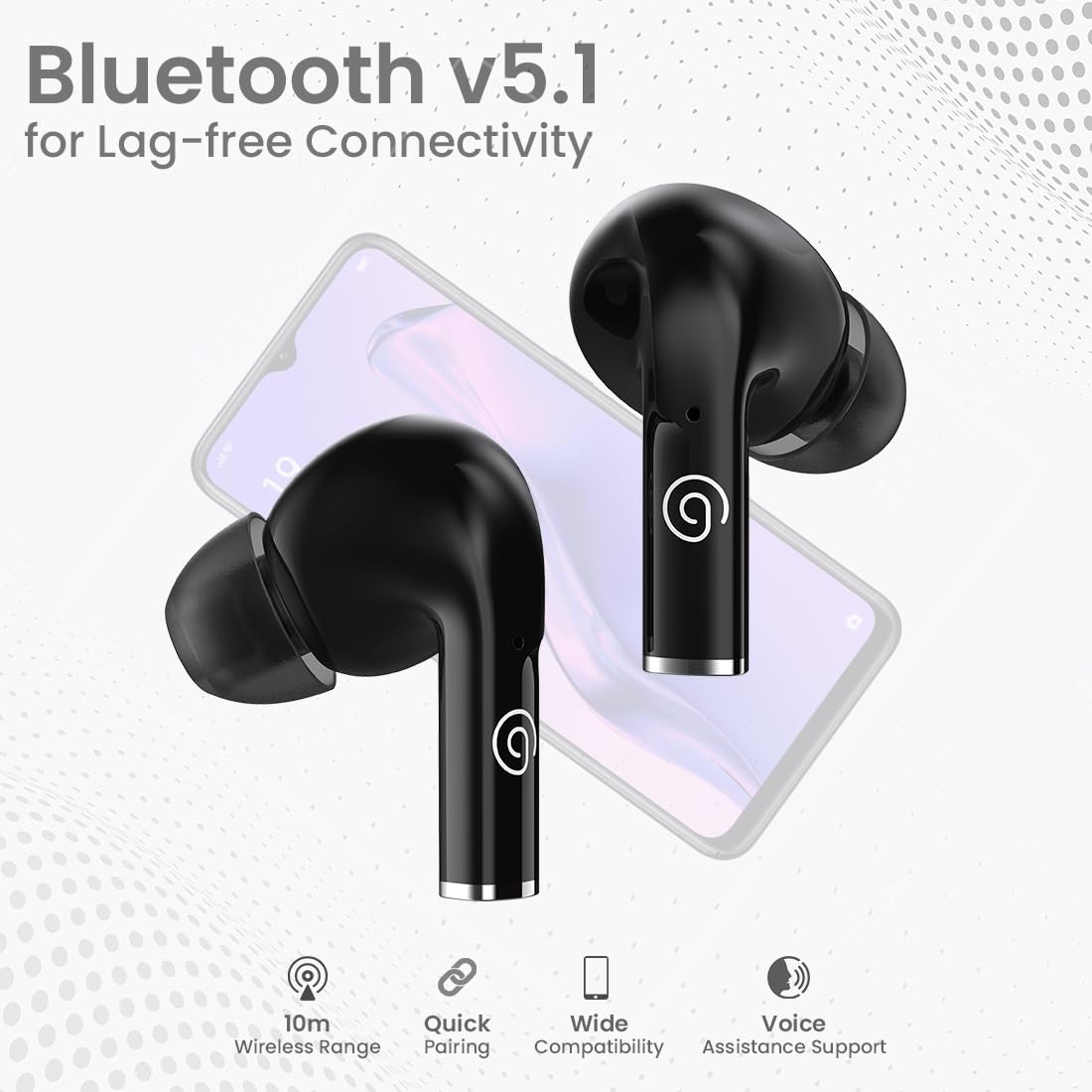
Figure 3: Bluetooth 5.1 for lag-free connectivity, featuring a 10-meter wireless range, quick pairing, wide compatibility, and voice assistance support.
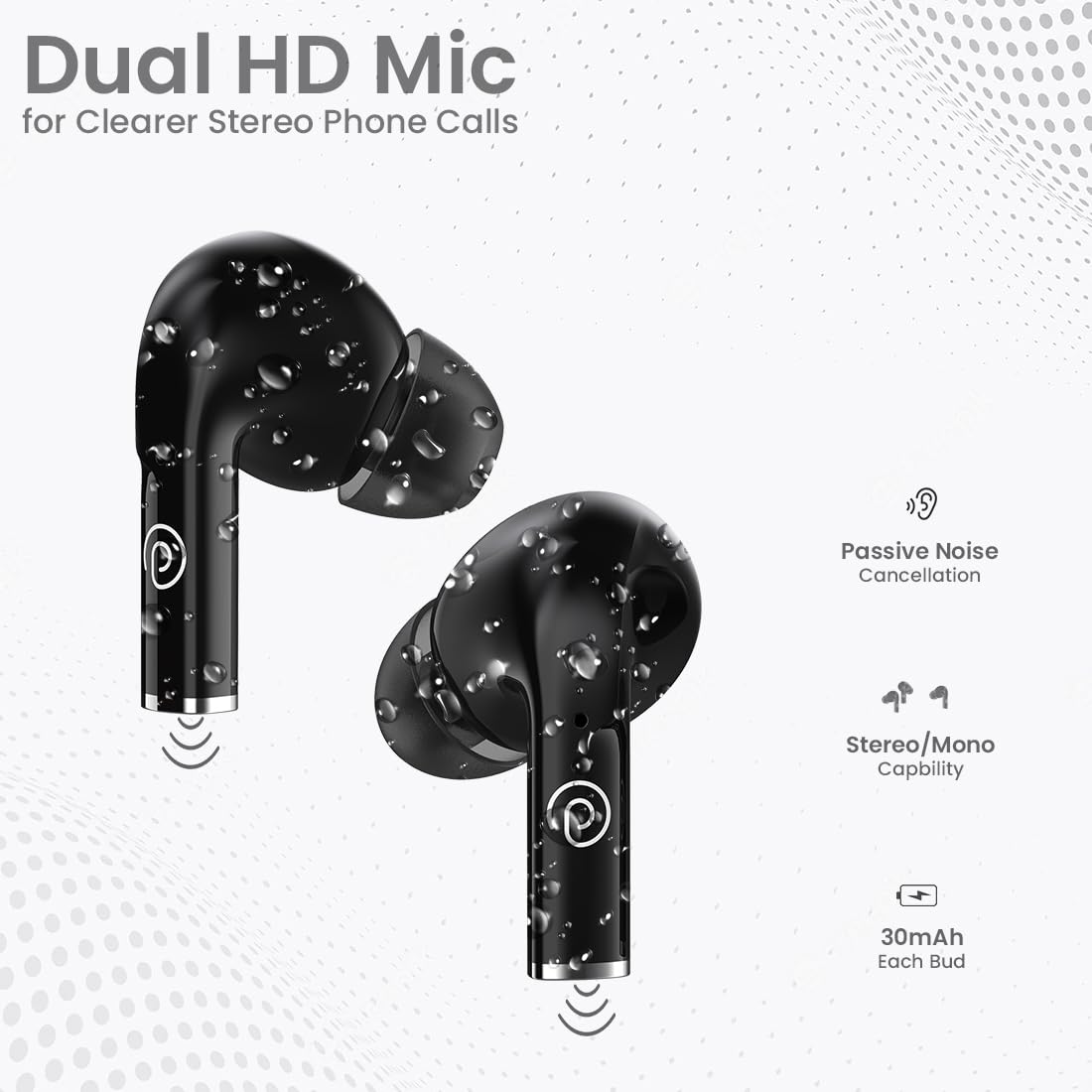
Figure 4: Dual HD Microphones for clear stereo phone calls, passive noise cancellation, stereo/mono capability, and 30mAh battery in each earbud.

Figure 5: Touch sensor controls for easy music and call management, including Play/Pause, Call Answer, Call Hangup, Next Track, Previous Track, and Voice Assistance.
4. Arahan Persediaan
4.1 Pengecasan Awal
Before first use, fully charge the earbuds and the charging case. Connect the provided USB Type-C cable to the charging port on the case and a compatible power source (DC5V/1A). The indicator light on the case will show charging status. A full charge typically takes 1-1.5 hours.
4.2 Berpasangan dengan Peranti
- Pastikan fon telinga dicas sepenuhnya.
- Buka bekas pengecas. Fon telinga akan memasuki mod berpasangan secara automatik.
- Pada telefon pintar atau tablet anda, dayakan Bluetooth.
- Cari untuk available Bluetooth devices and select "pTron Basspods P181".
- Sebaik sahaja disambungkan, fon telinga akan menunjukkan pasangan yang berjaya.
Ciri fon telinga 1-Step Pairing dan Auto sambung semula, meaning they will automatically connect to the last paired device when removed from the case.
5. Arahan Operasi
5.1 Kawalan Sentuhan
The pTron Basspods P181 earbuds feature intuitive touch controls on each earbud. Refer to the following table for common functions:
| Tindakan | Fungsi |
|---|---|
| Ketik sekali (L/R) | Main/Jeda Muzik, Jawab Panggilan |
| Ketik dua kali (L/R) | Tamatkan Panggilan |
| Triple tap (Right) | Trek Seterusnya |
| Triple tap (Left) | Trek Sebelumnya |
| Long press (L/R) | Aktifkan Pembantu Suara |
5.2 Stereo/Mono Mode
The earbuds can be used in either stereo (both earbuds) or mono (single earbud) mode. Simply remove one earbud from the case to use it independently. To switch back to stereo, take out the other earbud.
6. Mengecas
The pTron Basspods P181 provide up to 32 hours of total playtime with the included charging case. Each earbud has a 30mAh battery, and the charging case has a 300mAh capacity.
- To charge the earbuds, place them back into the charging case. They will automatically begin charging.
- To charge the case, connect it to a power source using the Type-C cable.
- Charging time for both earbuds and case is approximately 1-1.5 hours.
7. Penyelenggaraan
To ensure the longevity and optimal performance of your pTron Basspods P181 earbuds, follow these maintenance guidelines:
- Pembersihan: Bersihkan fon telinga dan bekas pengecas secara berkala dengan kain lembut dan kering. Elakkan menggunakan bahan kimia yang keras atau bahan yang melelas.
- Tahan Air: The earbuds are IPX4 water/sweat resistant, making them suitable for workouts and light rain. Do not submerge them in water or expose them to heavy downpours. Ensure they are dry before placing them back in the charging case.
- Storan: Store the earbuds in their charging case when not in use to protect them from dust and damage.
- Suhu: Elakkan dedahkan fon telinga kepada suhu yang melampau (panas atau sejuk) kerana ini boleh menjejaskan hayat bateri dan prestasi.
8. Penyelesaian masalah
Jika anda menghadapi masalah dengan fon telinga anda, cuba penyelesaian berikut:
- Tiada Bunyi/Kualiti Bunyi Lemah:
- Pastikan fon telinga dipasangkan dan disambungkan dengan betul ke peranti anda.
- Semak tahap kelantangan pada kedua-dua peranti anda dan fon telinga.
- Clean any debris from the earbud nozzles and eartips.
- Cuba tetapkan semula fon telinga (rujuk kepada pengilang webtapak untuk arahan set semula khusus jika perlu).
- Fon telinga Tidak Mengecas:
- Pastikan kabel pengecasan disambungkan dengan selamat pada kedua-dua bekas dan sumber kuasa.
- Verify the charging case has sufficient power.
- Bersihkan sesentuh pengecasan pada kedua-dua fon telinga dan sarung.
- Isu Berpasangan:
- Matikan Bluetooth pada peranti anda, kemudian hidupkan semula.
- Forget the "pTron Basspods P181" from your device's Bluetooth list and attempt to pair again.
- Pastikan tiada peranti Bluetooth lain yang mengganggu sambungan.
9. Spesifikasi
| Ciri | Perincian |
|---|---|
| Nama Model | Basspods P181 |
| Jenama | pTron |
| Teknologi Ketersambungan | Wayarles (Bluetooth 5.1) |
| Julat Bluetooth | 10 Meter |
| Saiz Pemacu Audio | 13 Milimeter |
| Jenis Pemacu Audio | Pemandu Dinamik |
| Impedans | 32 Ohm |
| Kawalan Bunyi | Pengasingan Bunyi (Pembatalan Bunyi Pasif) |
| Mikrofon | Dual HD Mic for Clear Calls |
| Jenis Kawalan | Kawalan Sentuh |
| Tahap Ketahanan Air | IPX4 Water/Sweat Resistant |
| Kapasiti Bateri Earbud | 30mAh (each bud) |
| Kapasiti Bateri Kes Pengecasan | 300mAh |
| Port Pengecasan | Jenis-C |
| Masa Mengecas | 1-1.5 Jam |
| Jumlah Masa Main | Sehingga 32 Jam (dengan kes pengecasan) |
| Peranti Serasi | Cellphones, Tablets |
| bahan | Akrilonitril Butadiena Stirena (ABS) |
| Berat Barang | 43 Gram |
| Dimensi Produk | 6 x 4.5 x 2.4 cm |
| Negara Asal | China |
10. Video Produk
Video 1: Selesai ringkasview of the pTron Basspods P181 TWS Earbuds, showcasinciri-ciri utama dan reka bentuk. Video ini disediakan oleh penjual.
Video 2: Detailed product presentation of the pTron Basspods P181 TWS Earbuds, covering various aspects of functionality and user experience. This video is provided by the seller.
11. Waranti dan Sokongan
The pTron Basspods P181 comes with a Waranti Pengeluar 1 Tahun from the date of purchase, covering manufacturing defects only.
Untuk sokongan pelanggan, sila hubungi:
- telefon: 040-67138888
- e-mel: support@ptron.in