
1. Produk Lebihview
The Monster Wireless CarPlay & Android Auto Adapter converts your vehicle's existing wired CarPlay or Android Auto system into a wireless connection. This compact dongle eliminates the need for physical cable connections, allowing for seamless integration of your smartphone's features with your car's infotainment system.
Ciri-ciri utama termasuk:
- Instant Wireless Connectivity: Connect your device to your car’s infotainment system wirelessly for apps, navigation, and media.
- Bluetooth & Wi-Fi Integration: Utilizes advanced Bluetooth and Wi-Fi technologies for a stable and reliable connection.
- Keserasian Universal: Works with most vehicles that support wired Apple CarPlay or Android Auto.
- Compact & Versatile Design: Discreetly fits into your car's existing setup without clutter.
- Enhanced Driving Experience: Access navigation, music streaming, hands-free calls, and voice control wirelessly.
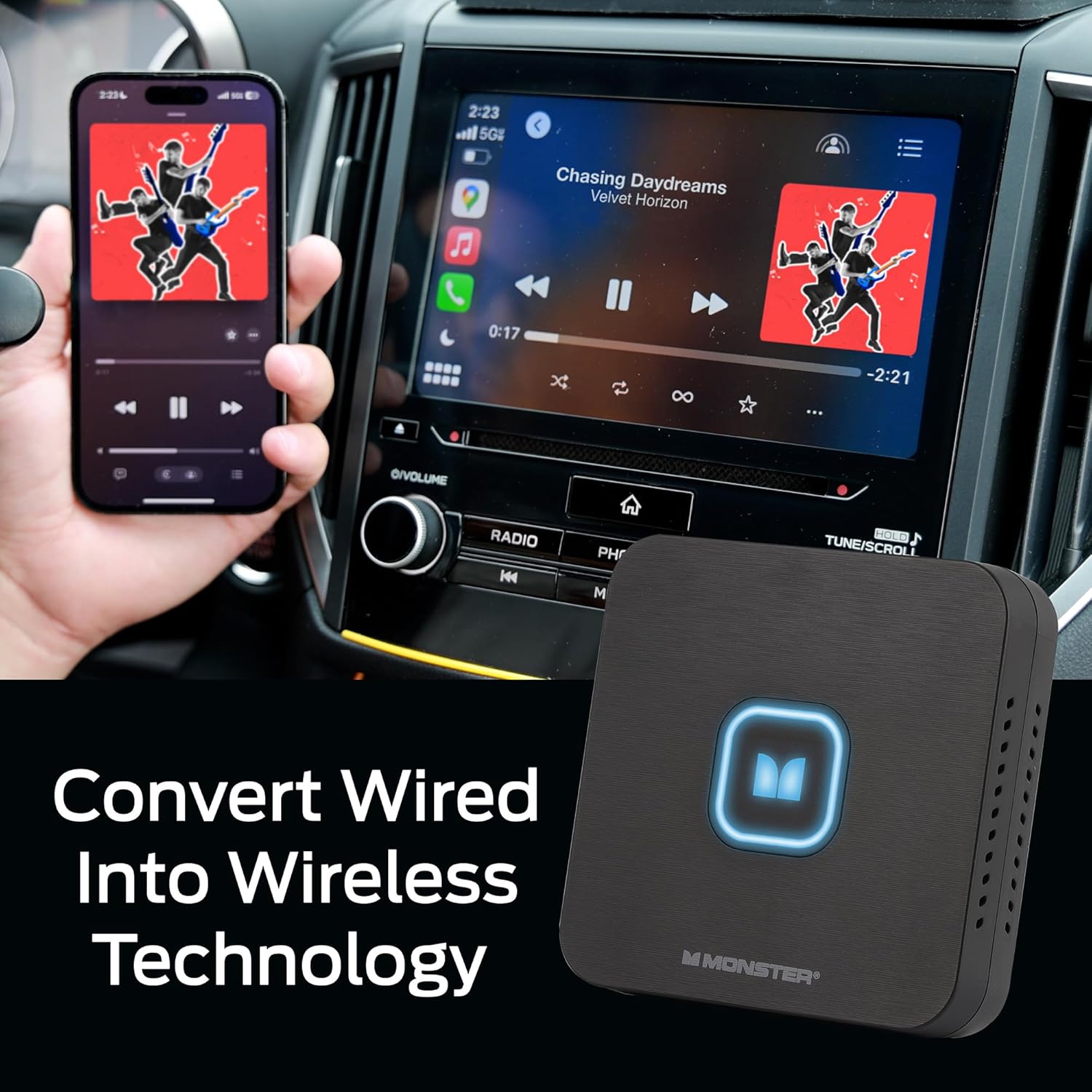
Image 1: The Monster Wireless Adapter in a car interior, demonstrating wireless CarPlay functionality.
2. Apa yang Termasuk
Pakej produk mengandungi item berikut:
- Monster Wireless Adapter Unit
- Kabel USB-C ke USB-A
- Kabel USB-C ke USB-C
- Manual Pengguna
- Double Sided Mounting Sticker
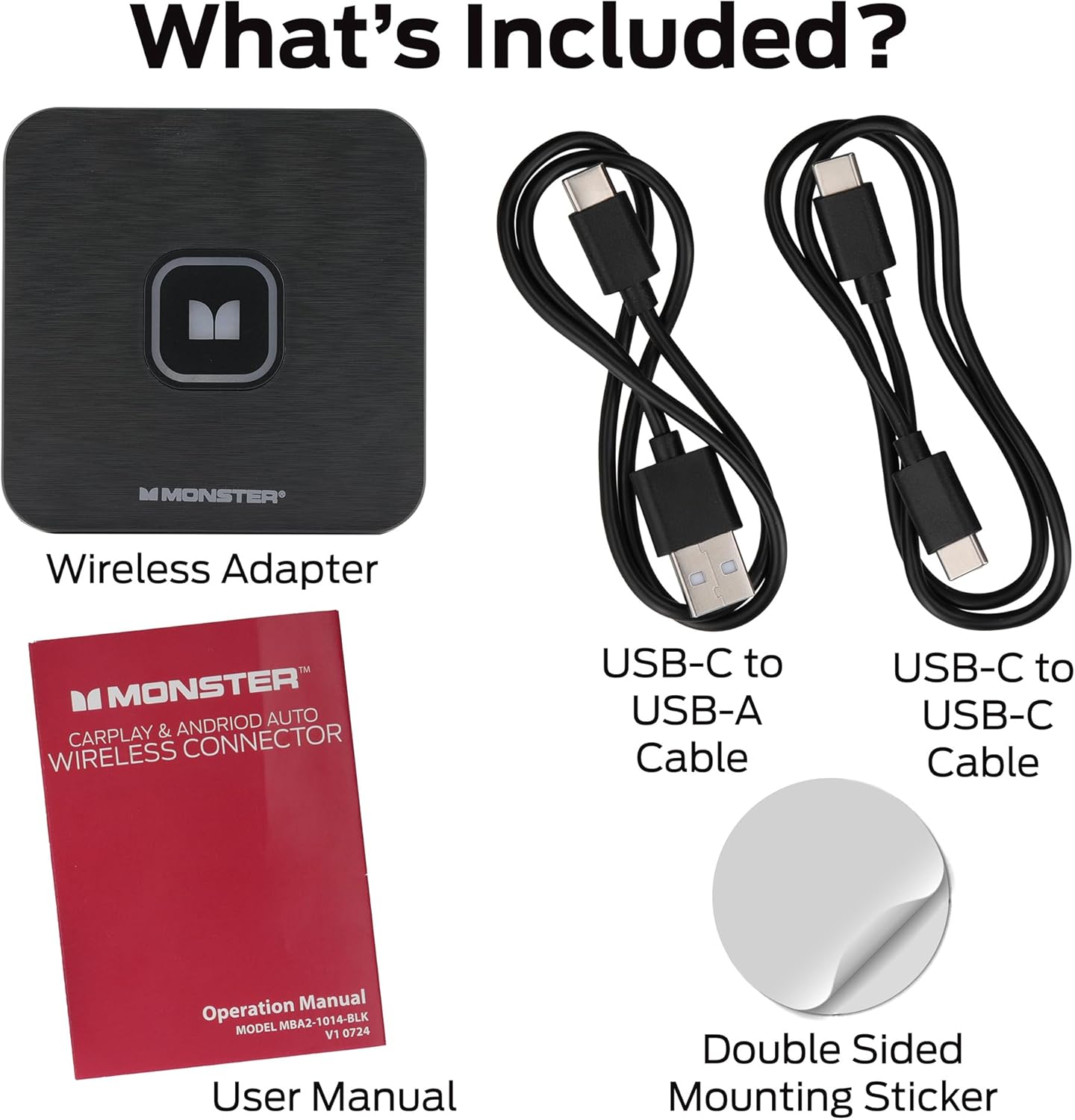
Image 2: All items included in the Monster Wireless Adapter package.
3. Arahan Persediaan
Follow these steps to set up your Monster Wireless Adapter:
- Sambungkan Penyesuai: Plug the Monster Wireless Adapter into your car's primary USB port. This is typically the same port used for wired CarPlay or Android Auto. Use the provided USB-C to USB-A or USB-C to USB-C cable as needed for your vehicle. The adapter's LED indicator will illuminate.
- Enable Bluetooth on your Smartphone: On your smartphone, go to your Bluetooth settings and ensure Bluetooth is enabled.
- Pair with the Adapter: Look for the adapter in the list of available Bluetooth devices (e.g., "MonsterBox-XXXX"). Select it to initiate the pairing process. Confirm any pairing requests on your phone and allow access for contacts and data sync if prompted.
- Sahkan Sambungan: Once successfully paired, the adapter's LED indicator will turn green, and your car's infotainment system should display the CarPlay or Android Auto interface.
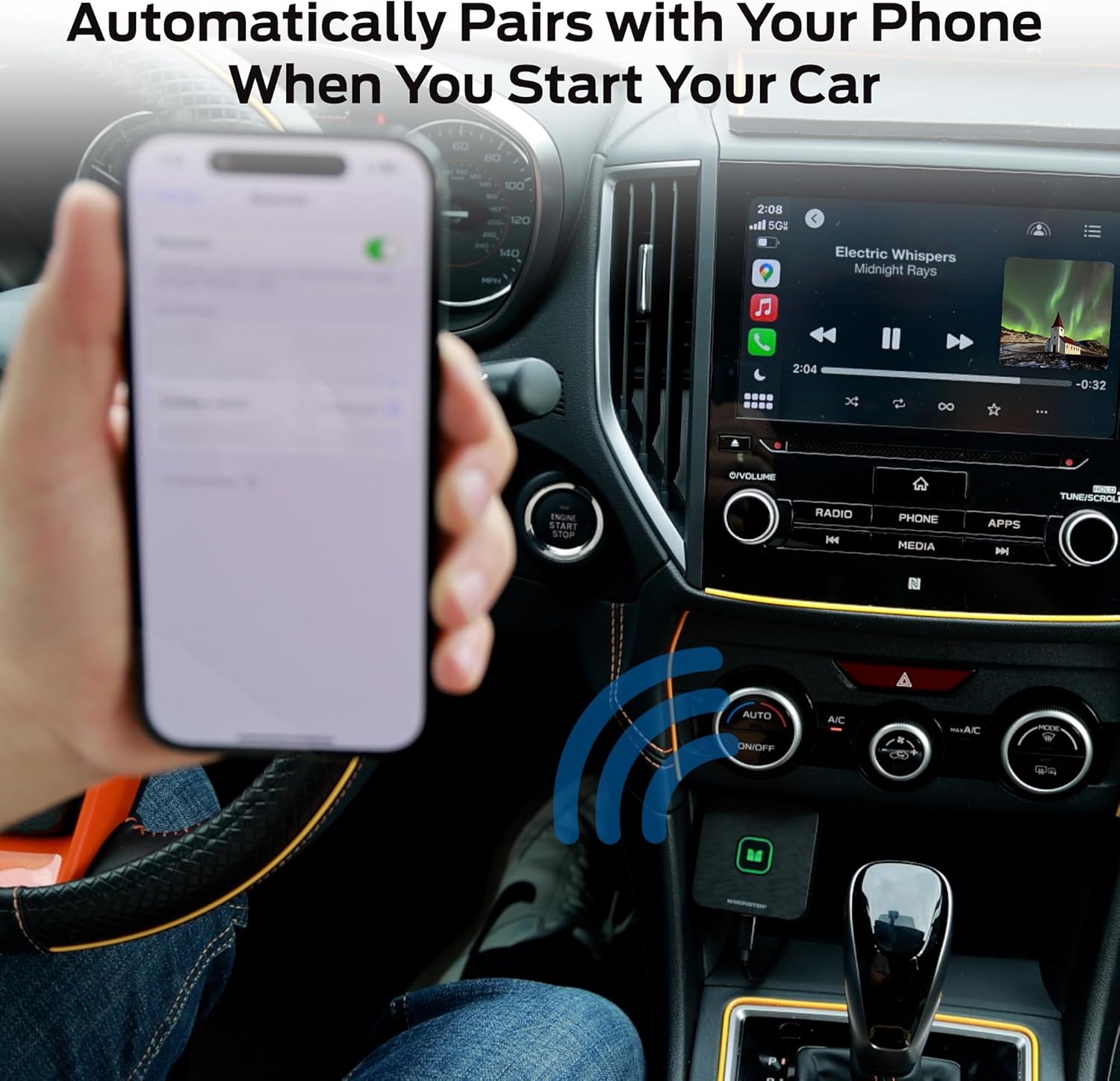
Image 3: The adapter connected to a car's USB port, ready for pairing.
Panduan Video Persediaan
Video 1: Official setup guide for the Monster Wireless CarPlay and Android Auto Adapter, demonstrating connection and pairing steps.
4. Arahan Operasi
After successful setup, the adapter will automatically connect to your paired smartphone when you start your car. You can then use your car's infotainment system to access CarPlay or Android Auto features wirelessly.
- Sambungan Automatik: The adapter is designed to automatically pair with your phone when you start your car, provided Bluetooth is enabled on your phone.
- Mengakses Apl: Navigate through your car's touchscreen or voice commands to access compatible apps like navigation, music, and messaging.
- Kawalan Suara: Utilize voice assistants (Siri for CarPlay, Google Assistant for Android Auto) for hands-free operation.
- Kawalan Penuh: Your phone's interface will be mirrored on your car's display, allowing full control of supported applications.
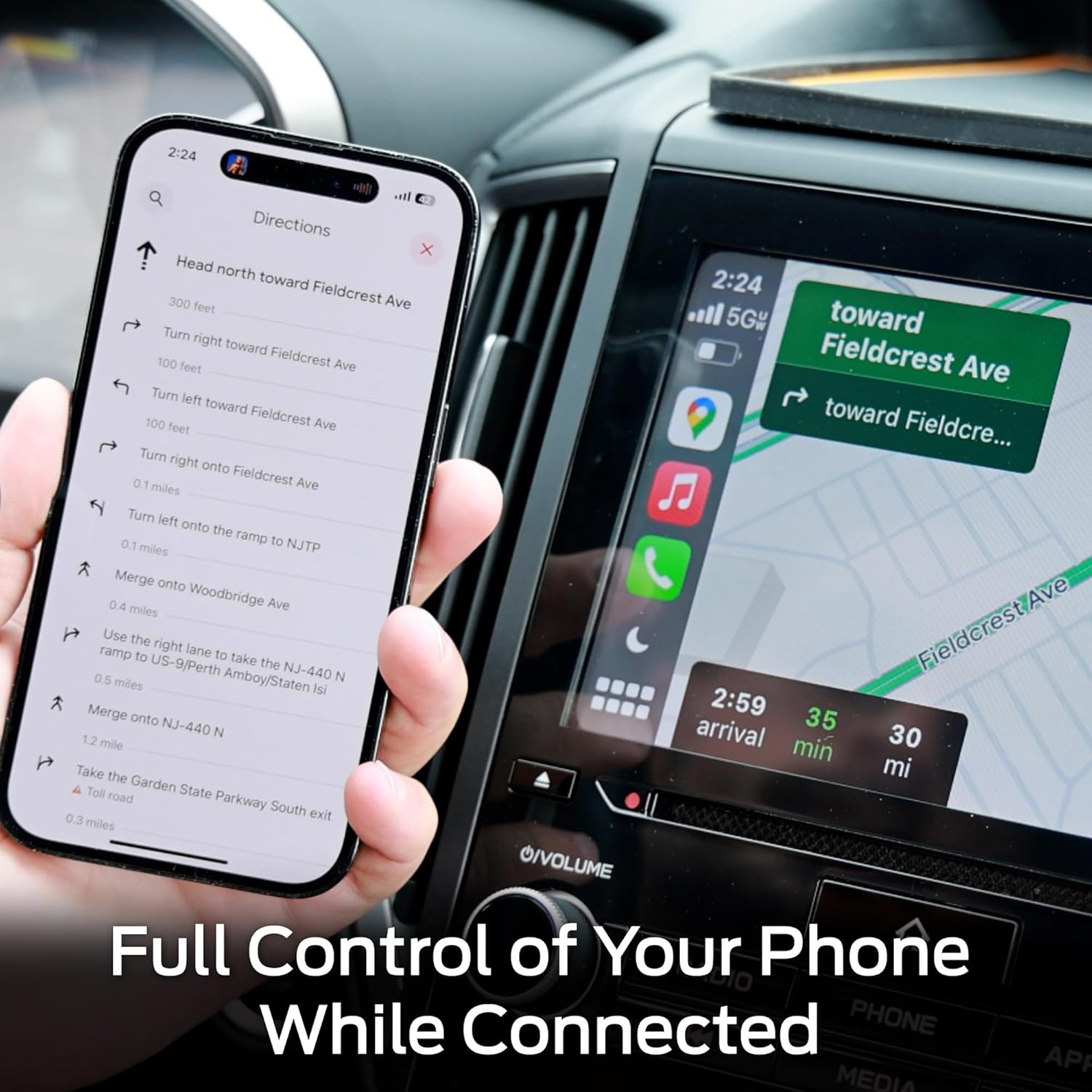
Image 4: Demonstrating full control of phone functions, such as navigation, through the car's display.

Image 5: The adapter supports both Apple CarPlay and Android Auto, as shown on the car's display.
5. Penyelesaian masalah
If you encounter issues with your Monster Wireless Adapter, try the following troubleshooting steps:
- Masuk semula Mod Berpasangan: If the adapter is not connecting or experiencing issues, press and hold the button on the adapter for 5 seconds. The LED will change, indicating it has re-entered pairing mode. Then, attempt to re-pair with your smartphone.
- Semak Sambungan USB: Ensure the adapter is securely plugged into a functional USB port in your car. Some cars have multiple USB ports; ensure you are using the one designated for data transfer (often the same one used for wired CarPlay/Android Auto).
- Restart Car and Phone: Turn off your car's ignition and restart it. Also, restart your smartphone. This can resolve temporary connectivity glitches.
- Forget Device and Re-pair: On your smartphone, go to Bluetooth settings, "forget" or "unpair" the Monster Wireless Adapter, and then repeat the setup process from step 1.
- Disable Other Bluetooth Connections: If your car or phone automatically connects to other Bluetooth devices (e.g., a dash cam or another car system) before the adapter, this might interfere. Try temporarily disabling other Bluetooth connections or ensuring the adapter is prioritized.
- Kemas kini Firmware: Check the Monster official website for any available firmware updates for your adapter, as these can resolve known issues and improve performance.

Image 6: Pressing the adapter button to re-enter pairing mode.
6. Spesifikasi
| Ciri | Perincian |
|---|---|
| Jenama | raksasa |
| Model | Monster Wireless CarPlay & Android Auto Adapter |
| bahan | plastik |
| Berat Barang | 0.12 Kilogram |
| Standard Komunikasi Tanpa Wayar | Bluetooth, WiFi |
| Antara Muka Perkakasan | Bluetooth |
| Bilangan Saluran | 1 |
| Termasuk Bateri Boleh Dicas Semula | Tidak |
| UPC | 805106896829 |
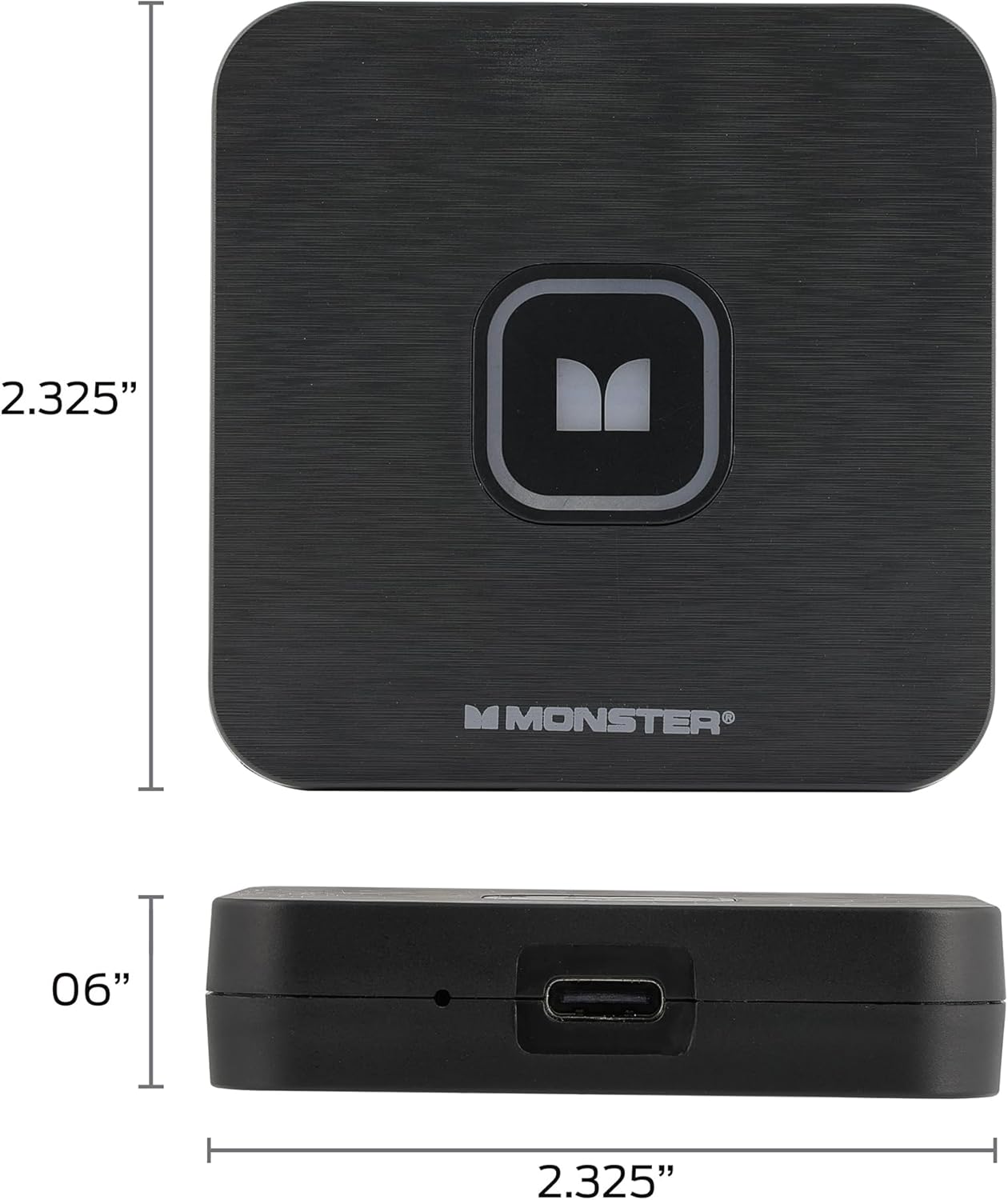
Image 7: Physical dimensions of the Monster Wireless Adapter.
7. Waranti dan Sokongan
Untuk maklumat jaminan dan sokongan teknikal, sila rujuk dokumentasi yang disertakan dalam pembungkusan produk anda atau lawati Monster rasmi webtapak. Simpan bukti pembelian anda untuk tuntutan waranti.
If you require further assistance, please contact Monster customer service through their official channels.