
1. Persediaan
1.1 Membongkar dan Pemeriksaan Awal
Carefully remove the ACCT Digital Kitchen Scale from its packaging. Inspect the scale for any signs of damage. Ensure all components are present: the scale unit and 2 AAA batteries.
1.2 Pemasangan Bateri
- Cari petak bateri di bahagian bawah penimbang.
- Buka penutup petak bateri.
- Masukkan 2 bateri AAA, pastikan kekutuban (+/-) yang betul seperti yang ditunjukkan di dalam petak.
- Tutup penutup petak bateri dengan selamat.
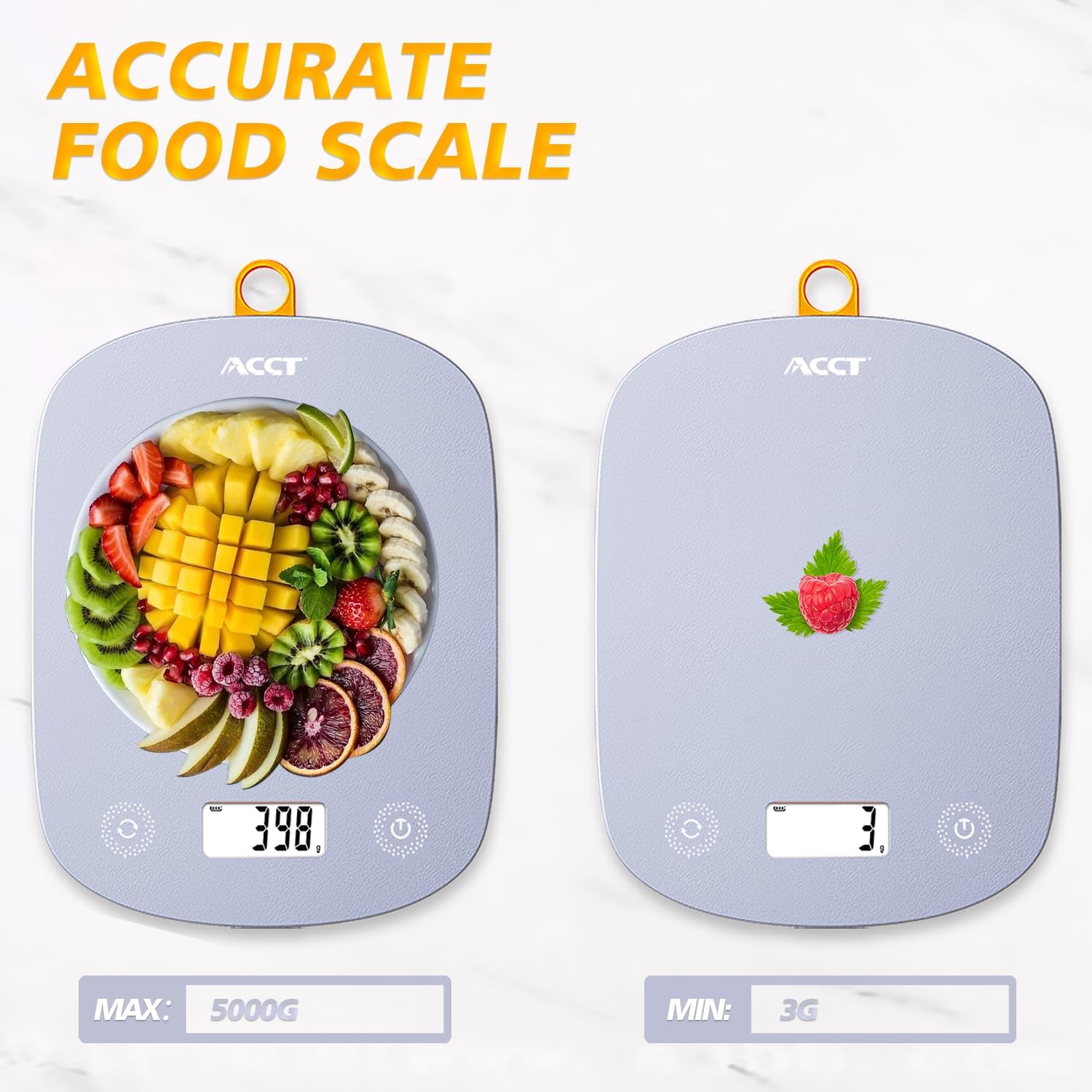
Image: The ACCT Digital Kitchen Scale in purple, showing its sleek design and LCD display. This is the main unit of the scale.
1.3 Penempatan
Place the scale on a flat, stable, and level surface to ensure accurate measurements. Avoid placing it on soft or uneven surfaces, or near strong electromagnetic fields.
2. Arahan Operasi
2.1 Hidupkan/Mati Kuasa
- Untuk menghidupkan: Tekan butang kuasa button (usually marked with a power symbol ⏻). The display will show "0.0" or "0g" when ready.
- Untuk mematikan kuasa: Tekan dan tahan butang kuasa button for a few seconds. The scale will also automatically shut off after a period of inactivity to conserve battery life.
2.2 Penukaran Unit
The scale supports multiple units of measurement. To switch between units:
- Dengan penimbang dihidupkan, tekan butang UNIT button (often labeled "UNIT" or "U").
- Each press will cycle through the available units: g (grams), kg (kilograms), ml (milliliters), lb (pounds), oz (ounces), lb:oz (pounds and ounces).
- Pilih unit yang dikehendaki untuk ukuran anda.

Image: The digital kitchen scale displaying various unit options like grams, kilograms, pounds, ounces, and milliliters, highlighting the ease of switching between them.
2.3 Fungsi Tara
The tare function allows you to subtract the weight of a container or previous ingredients, enabling you to measure subsequent items accurately.
- Place an empty container on the center of the scale platform. The display will show the container's weight.
- Tekan ke SASARAN button (often labeled "T" or "TARE"). The display will reset to "0.0" or "0g".
- Add the item(s) you wish to weigh into the container. The display will now show only the net weight of the added item(s).

Image: A step-by-step visual guide demonstrating the tare function: placing a container, pressing the tare button to zero the display, and then adding ingredients for accurate measurement.
2.4 General Weighing
To weigh items directly:
- Ensure the scale is on a flat surface and powered on, displaying "0.0".
- Place the item(s) directly onto the center of the scale platform.
- Baca berat yang dipaparkan pada skrin LCD.
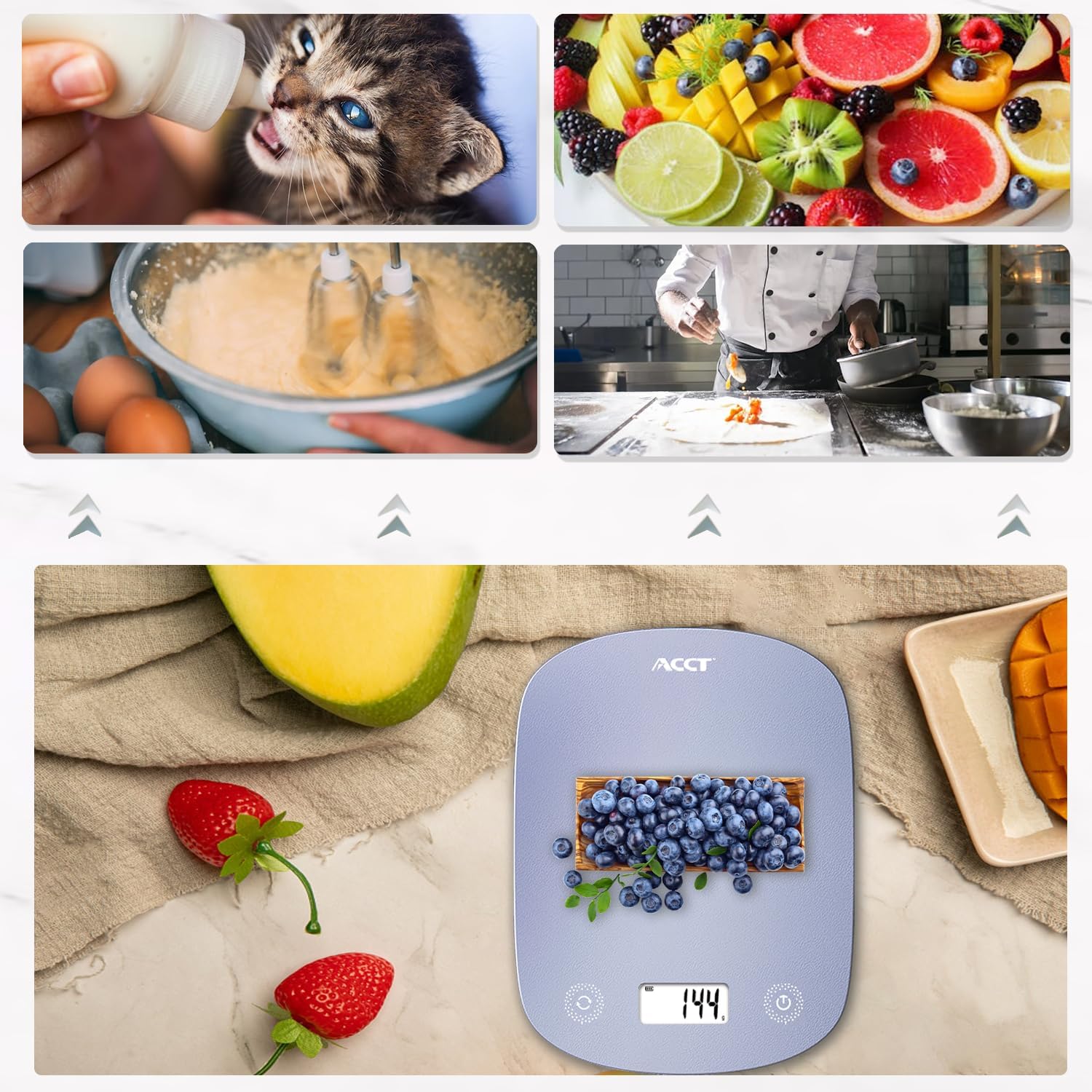
Image: The digital kitchen scale being used to weigh various food items, including fruits and ingredients for baking, demonstrating its versatility in kitchen tasks.

Imej: Dari dekat view of the scale's bright LCD display, showing a clear reading of "0.0" grams, indicating it is ready for use.
2.5 Instructional Video
Video: An official product video demonstrating the ACCT Colorful 11lb Kitchen Scale in action, including unit conversion, tare function, and general weighing of various items. This video provides a visual guide to the scale's main features and operation.
3. Penyelenggaraan
3.1 Pembersihan
- Lap permukaan skala dengan lembut, damp kain.
- Jangan gunakan pembersih yang kasar atau rendam kerak di dalam air.
- Pastikan penimbang kering sepenuhnya sebelum penyimpanan atau penggunaan seterusnya.
3.2 Penyimpanan
Store the scale in a cool, dry place. Its thin design allows for convenient storage in drawers or hanging on a hook.

Image: The digital kitchen scale demonstrating its convenient storage options, showing it neatly placed inside a kitchen drawer and also hanging on a wall hook by its integrated loop.
3.3 Penggantian Bateri
If the display shows "Lo" or becomes dim, it's time to replace the batteries. Follow the battery installation steps in Section 1.2.
4. Penyelesaian masalah
| Masalah | Kemungkinan Punca | Penyelesaian |
|---|---|---|
| Skala tidak dihidupkan | Bateri mati atau tidak dipasang dengan betul. | Periksa kekutuban bateri atau gantikan dengan bateri AAA baharu. |
| "Lo" dipaparkan | Kuasa bateri rendah. | Gantikan bateri. |
| "O-Ld" dipaparkan | Overload. Weight exceeds maximum capacity (11lb / 5kg). | Remove items immediately to prevent damage. |
| Bacaan tidak tepat | Unstable surface, scale not tared, or external interference. | Place on a flat, stable surface. Use the tare function. Avoid strong electromagnetic fields. |
5. Spesifikasi
- Jenama: ACCT
- model: AC-KS02
- warna: Ungu
- Jenis Paparan: LCD
- Had Berat: 11 paun (5 kg)
- Ketepatan Bacaan: 0.1 ounces (1 gram)
- Unit: g, kg, ml, lb, oz, lb:oz
- Sumber Kuasa: 2 bateri AAA (termasuk)
- Berat Barang: 9.9 auns (0.28 Kilogram)
- Dimensi Pakej: 11.34 x 6.34 x 0.83 inci
6. Waranti dan Sokongan
For warranty information or technical support, please refer to the contact details provided with your purchase or visit the official ACCT webtapak. Simpan resit pembelian anda sebagai bukti pembelian untuk tuntutan waranti.
Pengeluar: ACCT