
EBTOOLS EBTOOLSs1gq2a4o5t-12
EBTOOLS Body Camera User Manual
Model: EBTOOLSs1gq2a4o5t-12
1. Pengenalan
This manual provides comprehensive instructions for the operation and maintenance of your EBTOOLS Body Camera, Model EBTOOLSs1gq2a4o5t-12. This portable, body-mounted camcorder is designed for various recording needs, including law enforcement, security, and outdoor activities, offering 1080P HD video recording, night vision capabilities, and a wide-angle lens.
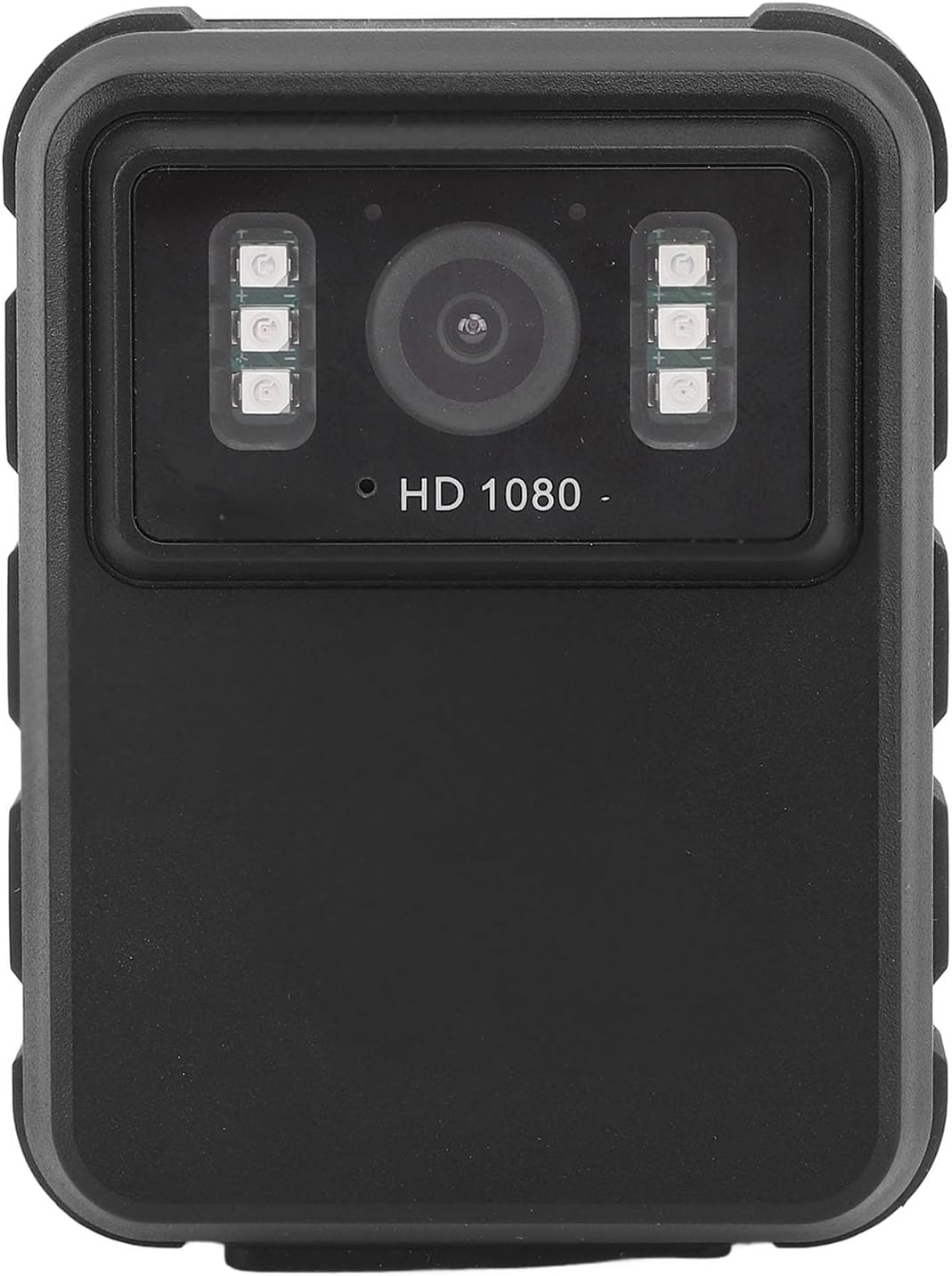
Rajah 1: Depan view of the EBTOOLS Body Camera, showing the lens and infrared LEDs.
2. Produk Lebihview
2.1 Ciri-ciri Utama
- Rakaman Video HD 1080P: Captures high-definition video for clear footage.
- Penglihatan Malam: Equipped with 6 infrared LEDs for clear recording up to 33 feet in low-light or dark conditions, with manual and automatic activation modes.
- Kanta Sudut Lebar 130°: Provides a broader field of view to capture more of the surroundings.
- Rakaman Gelung: Menulis ganti foo tertua secara automatiktage when storage is full, ensuring continuous recording.
- Paparan IPS 2.0-inci: Allows for immediate video playback and photo viewing directly on the device.
- Pilihan Pemasangan Serbaguna: Can be clipped to clothing, mounted on a motorcycle, or used as a dash cam.
- Hayat Bateri yang Panjang: Built-in 1800mAh lithium battery supports approximately 8 hours of continuous recording.

Rajah 2: Illustration of the 130° wide-angle lens and the 2.0-inch IPS display for clear viewing.

Rajah 3: The camera's built-in infrared lights for night vision and its robust design suitable for various conditions.
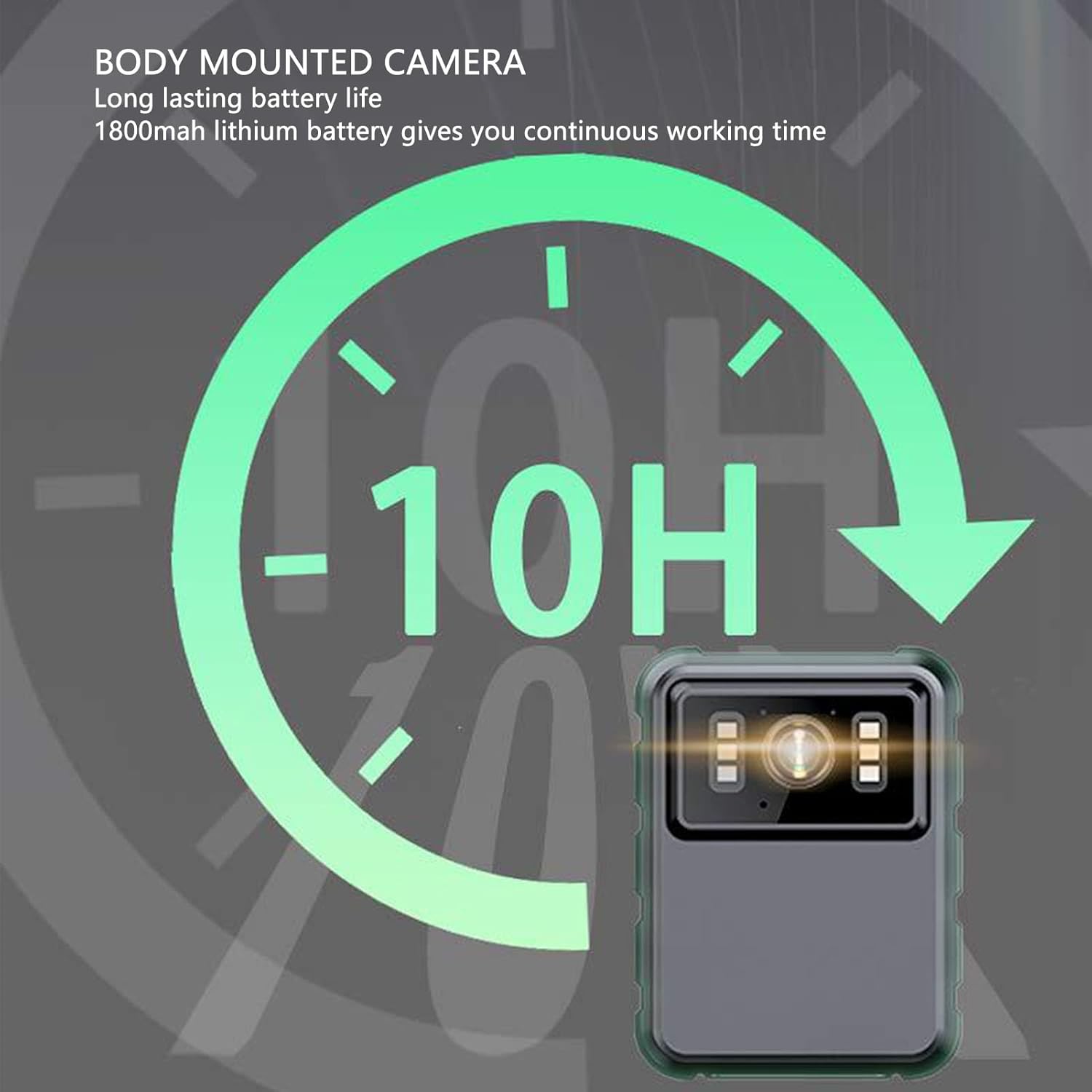
Rajah 4: The camera features a long-lasting 1800mAh lithium battery, providing extended operational time.
2.2 Kandungan Pakej
Sahkan bahawa semua item terdapat dalam pakej:
- 1 x EBTOOLS Body Camera
- 2 x Pendakap Pemasangan
- 1 x Penyesuai
- 1 x Kabel Pengecasan (USB)
- 1 x Manual Pengguna (dokumen ini)
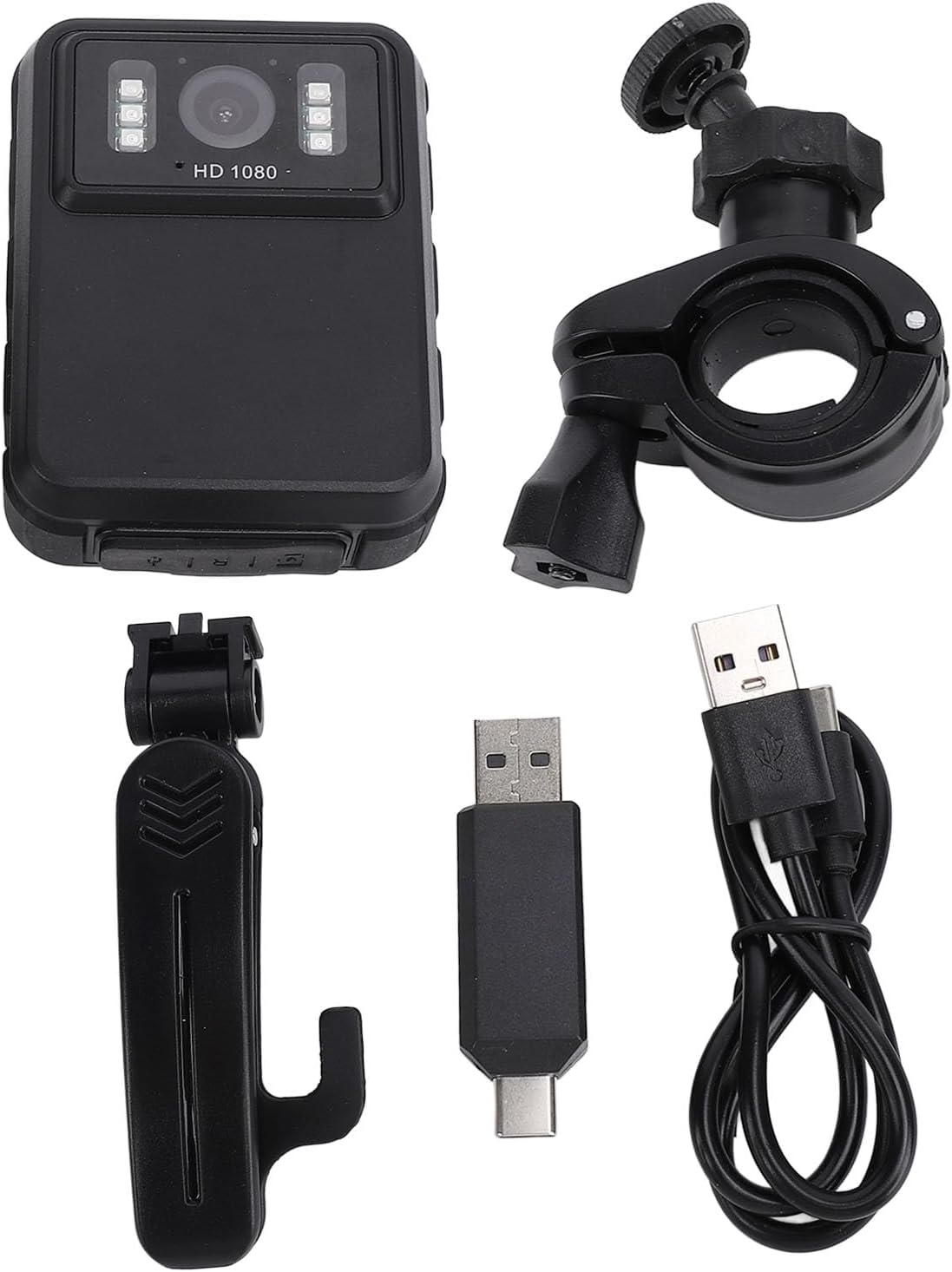
Rajah 5: All components included in the EBTOOLS Body Camera package.
3. Persediaan
3.1 Pengecasan Awal
- Connect the provided charging cable to the camera's USB port.
- Connect the other end of the charging cable to the adapter, then plug the adapter into a standard power outlet.
- Allow the camera to charge fully before first use. The charging indicator light will typically change color or turn off when charging is complete.
3.2 Menghidupkan/Mematikan
- Untuk Menghidupkan: Press and hold the Power button (usually located on the side or top) for a few seconds until the screen illuminates.
- Untuk Mematikan: Press and hold the Power button again until the device shuts down.
3.3 Attaching Brackets
The camera comes with two types of brackets for versatile mounting:
- Clip Bracket: For attaching to clothing, pockets, or straps. Slide the camera onto the clip until it securely locks.
- Universal Mount Bracket: For motorcycle handlebars, dashboards, or other surfaces. Attach the camera to the bracket's screw mount, then secure the bracket to the desired location.

Rajah 6: Detail of the camera's universal mounting screw thread.
4. Arahan Operasi
4.1 Merakam Video
- Pastikan kamera dihidupkan.
- Press the dedicated Record button (often marked with a red dot or camera icon) to start video recording. A recording indicator (e.g., a flashing red light or icon on the screen) will appear.
- Press the Record button again to stop recording. The video file akan disimpan secara automatik.
- The camera supports 1080P and 2K resolution. Refer to the on-screen menu for resolution selection.

Rajah 7: The camera supports both 2K and 1080P video recording resolutions.
4.2 Mengambil Foto
- With the camera powered on, switch to photo mode (if applicable, via a mode button or menu).
- Press the Shutter button (often the same as the Record button, or a separate button) to capture a still image.
4.3 Night Vision Activation
The camera features both automatic and manual night vision modes:
- Mod Automatik: The camera will detect low light conditions and automatically activate the infrared LEDs.
- Mod Manual: Access the camera's menu settings to manually turn night vision on or off.
4.4 Rakaman Gelung
When the storage capacity is full, the camera will automatically overwrite the oldest video files to continue recording. This feature ensures continuous operation without manual intervention to clear space.
4.5 Main semula dan File Pengurusan
- Main Balik Pada Peranti: Use the 2.0-inch IPS display and navigation buttons to browse and play recorded videos or view photos directly on the camera.
- Sambungan Komputer: Connect the camera to a computer using the USB cable to transfer files for backup or viewing on a larger screen. The camera will appear as a removable disk drive.

Rajah 8: The camera's display and control buttons for navigation and playback.

Rajah 9: Examples of the camera's versatile applications, such as for delivery personnel or motorcycle riders.
5. Penyelenggaraan
- Pembersihan: Use a soft, dry cloth to clean the camera body. For the lens, use a specialized lens cleaning cloth and solution to avoid scratches. Do not use harsh chemicals.
- Storan: Simpan kamera di tempat yang sejuk dan kering jauh dari cahaya matahari langsung dan suhu yang melampau.
- Penjagaan Bateri: Untuk memanjangkan hayat bateri, elakkan daripada kerap mencas sepenuhnya bateri. Cas kamera secara berkala, walaupun tidak digunakan, untuk mengekalkan kesihatan bateri.
- Kemas kini Firmware: Semak pengeluar weblaman web ini secara berkala untuk sebarang kemas kini perisian tegar yang tersedia bagi memastikan prestasi optimum dan ciri baharu.
6. Penyelesaian masalah
6.1 Kamera Tidak Menghidupkan
- Ensure the battery is sufficiently charged. Connect the camera to a power source and allow it to charge for at least 30 minutes before attempting to power on again.
- Verify that the power button is being pressed and held for the required duration (typically 3-5 seconds).
6.2 Recording Issues (e.g., not saving, corrupted files)
- Check available storage space. If the storage is full and loop recording is not enabled or functioning correctly, new recordings may not save.
- Ensure the camera's internal storage is not corrupted. If issues persist, consider formatting the storage via the camera's settings menu (this will erase all data).
6.3 Night Vision Not Activating
- Verify that night vision is enabled in the camera's settings, either in automatic or manual mode.
- Ensure there are no obstructions blocking the infrared LEDs on the front of the camera.
6.4 Computer Not Recognizing Camera
- Cuba port USB lain pada komputer anda.
- Pastikan kabel USB disambungkan dengan kukuh pada kamera dan komputer.
- Restart both the camera and the computer.
7. Spesifikasi
| Ciri | Perincian |
|---|---|
| Jenama | EBTOOLS |
| Nama Model | EBTOOLSs1gq2a4o5t-12 |
| Skrin Paparan | 2.0 inch IPS Screen (Resolution: 320x240) |
| Lensa Viewsudut | 100° (Wide Angle) |
| Resolusi Kamera | 3840x2160p (2K), 2560x1440p, 1920x1080p (1080P) |
| Bit Audio | WAV (512KBPS) |
| Penglihatan Malam Inframerah | Support, Built-in 6 Enhanced Energy Saving Infrared Lights |
| Infrared Switching Mode | Off, Auto, Manual Adjustment |
| Mikrofon | Omnidirectional Built-in Capacitor MIC |
| Bateri Terbina dalam | Bateri Lithium 1800mAh |
| Recording Working Time | Lebih kurang 8 jam |
| Masa Rakaman Berterusan | Lebih kurang 8 jam |
| Longest Photo Time | Approximately 10 hours (1080p 30fps High Grade Video) |
| Teknologi Ketersambungan | USB |
| Berat Barang | 10.9 auns |
| Dimensi Pakej | 5.91 x 5.12 x 2.36 inci |
8. Waranti dan Sokongan
For warranty information, technical support, or service inquiries, please refer to the official EBTOOLS webtapak atau hubungi bahagian perkhidmatan pelanggan mereka. Simpan resit pembelian anda sebagai bukti pembelian untuk tuntutan waranti.
You can typically find support contact details on the manufacturer's webtapak atau melalui peruncit tempat produk itu dibeli.
Ask a question about this manual
Ask about setup, troubleshooting, compatibility, parts, safety, or missing instructions. Manuals+ will review the question and use this page’s manual context to help answer it.