
pengenalan
The OnePlus Buds Pro 3 are advanced wireless Bluetooth earbuds designed to deliver a high-quality audio experience with features such as adaptive noise cancellation, dual-driver audio, and extended battery life. This manual provides essential information for setting up, operating, and maintaining your earbuds.

Image: OnePlus Buds Pro 3 earbuds and their charging case in Midnight Opus.
Apa yang ada dalam Kotak
Your OnePlus Buds Pro 3 package includes the following items:
- OnePlus Buds 3 Pro x 1 pair
- OnePlus Buds 3 Pro charging case x 1
- Panduan pengguna x 1
- Silicon eartips x 3 (S, M, L)
- Kabel pengecas USB Jenis-C x 1

Image: All items included in the OnePlus Buds Pro 3 retail packaging.
Produk Selesaiview
The OnePlus Buds Pro 3 feature a sleek design with a metallic finish on the earbud stems and a textured charging case. Each earbud is equipped with dual drivers for enhanced audio quality.

Depan view of earbuds and case.

sebelah view of earbuds and case.
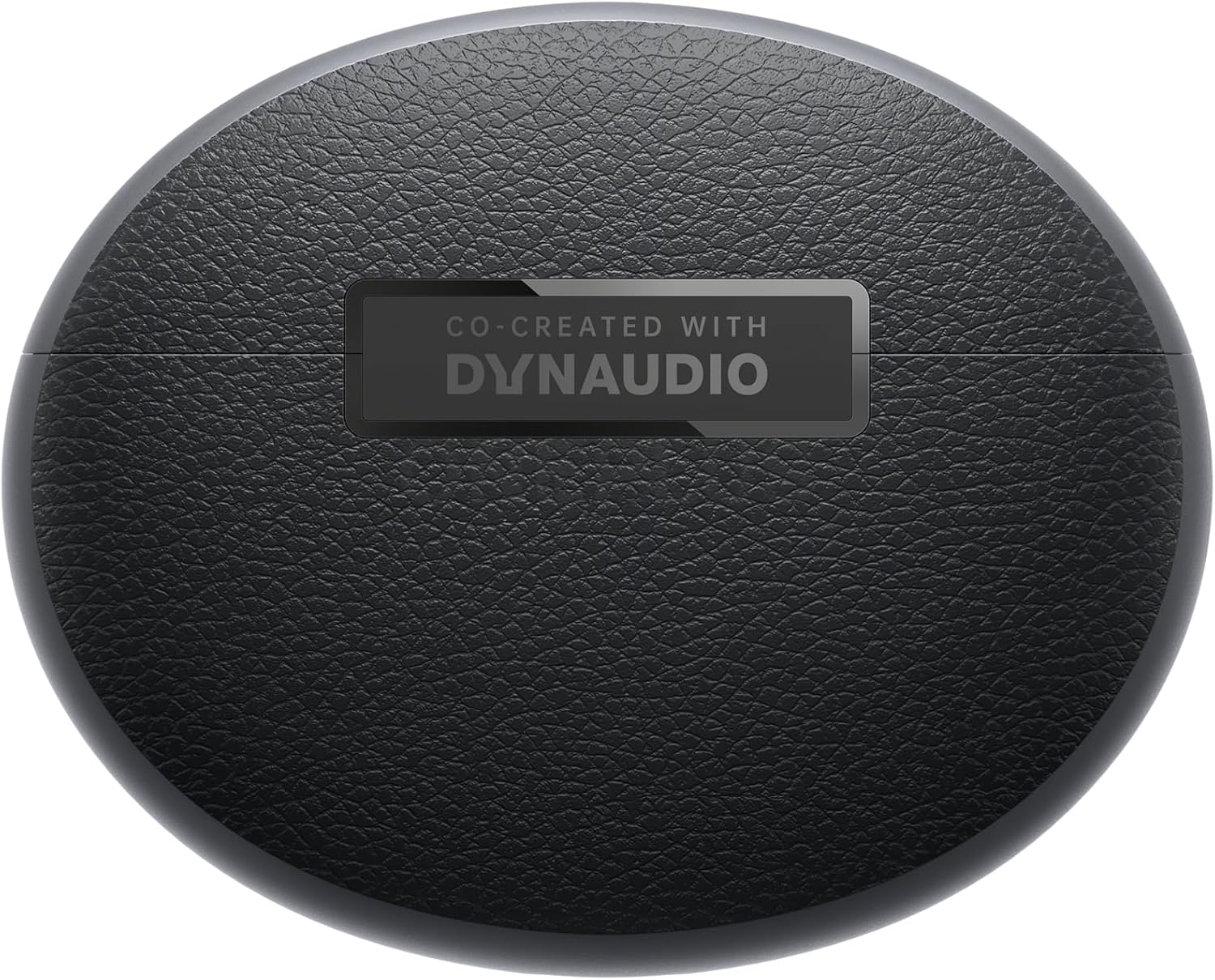
belakang view of earbuds and case.
Persediaan
Berpasangan
- Ensure your OnePlus Buds Pro 3 are charged.
- Buka bekas pengecas. Fon telinga akan memasuki mod berpasangan secara automatik.
- Pada peranti anda (telefon pintar, tablet, dll.), dayakan Bluetooth.
- Cari untuk "OnePlus Buds Pro 3" in the list of available Bluetooth devices and select it to pair.
- For quick pairing with compatible Android devices, Google Fast Pair is supported.
HeyMelody App Installation
For full functionality and customization of your OnePlus Buds Pro 3, download the HeyMelody app from your device's app store (Google Play Store for Android, Apple App Store for iOS). The app allows you to manage settings, update firmware, and access advanced features.
Earbud Fit Test
Use the HeyMelody app to perform an earbud fit test. This ensures you have the optimal seal for the best audio quality and effective noise cancellation. Experiment with the included silicone eartips (S, M, L) to find the size that provides the best fit for your ears.
Arahan Operasi
Kawalan Sentuh
The OnePlus Buds Pro 3 feature intuitive touch and squeeze controls on the earbud stems. These controls can be customized via the HeyMelody app.
- Quick Squeeze: Main/Jeda audio.
- Double Squeeze: Trek seterusnya.
- Triple Squeeze: Lagu sebelumnya.
- Slide on Earbud Stem: Kawalan kelantangan.
- Squeeze and Hold: Switch between Noise Cancellation and Transparency modes.
Mod Kawalan Bunyi
The earbuds offer various noise control modes to adapt to your environment:
- Pembatalan Bunyi Aktif (ANC): Reduces ambient noise by up to 50dB for an immersive listening experience.
- Pembatalan Bunyi Adaptif: Automatically adjusts the noise cancellation level based on your surroundings.
- Mod Ketelusan: Membolehkan anda mendengar persekitaran anda sambil masih menikmati audio anda, berguna untuk kesedaran dalam persekitaran yang sibuk.
Spatial Audio with Head Tracking
Experience immersive 3D sound with dynamic head tracking. This feature creates a sound environment that adapts to your head movements, providing a more realistic audio experience for supported music, video, and game apps.

Image: Spatial Audio with head tracking provides an immersive sound experience.
Mod Permainan Kependaman Rendah
Activate Gaming Mode via the HeyMelody app to reduce audio lag, ensuring seamless sound synchronization for an enhanced gaming experience.
Smart Dual Connection
The earbuds support dual connection, allowing you to seamlessly switch between two paired devices (e.g., a smartphone and a laptop) without manually disconnecting and reconnecting.
Sound Master EQ
The HeyMelody app provides access to various Sound Master EQ presets, including Dynaudio-featured tuning, to customize your audio experience. You can also adjust the BassWave™ feature for deeper bass with clarity and fidelity.
Mengecas
Jangka Hayat Bateri
The earbuds offer up to 9 hours of playback on a single charge. With the charging case, the total battery life extends up to 44 hours.
Teknologi Pengecasan Pantas
A quick 10-minute charge provides up to 5 hours of playback, ensuring your music is always ready when you are.
Pengecasan Tanpa Wayar
The charging case supports wireless charging for convenient power replenishment.

Image: Battery life details for various usage scenarios.
Penyelenggaraan dan Penjagaan
IP55 Water and Sweat Resistance
The earbuds are rated IP55 for water and sweat resistance, making them suitable for workouts and outdoor activities. This rating protects against splashes and sweat, but they are not designed for submersion in water.

Image: IP55 rating ensures protection against water splashes and sweat.
Pembersihan
Regularly clean the earbuds and charging case with a soft, dry cloth. Remove any earwax or debris from the eartips and speaker grilles to maintain optimal sound quality and hygiene.
Menyelesaikan masalah
- Tiada Masalah Bunyi/Kesambungan: Ensure earbuds are charged, Bluetooth is enabled on your device, and the earbuds are paired correctly. Try unpairing and re-pairing.
- Kualiti Bunyi Lemah: Check earbud fit using the HeyMelody app's fit test. Ensure eartips are clean and free of debris.
- Pembatalan Bunyi Tidak Berkesan: Verify ANC mode is active and that earbuds have a good seal.
- Fon telinga Tidak Mengecas: Ensure the charging case is charged and that the earbuds are properly seated in the case. Clean charging contacts if necessary.
Spesifikasi
| Ciri | Spesifikasi |
|---|---|
| Nama Model | OnePlus Buds Pro 3 (E512A) |
| Kawalan Bunyi | Pembatalan Bunyi Adaptif (sehingga 50dB) |
| Jenis Pemacu Audio | Hybrid Driver (11mm woofer, 6mm tweeter) |
| Teknologi Ketersambungan | Bluetooth 5.2 |
| Hayat Bateri (Earbud) | Sehingga 9 jam |
| Hayat Bateri (dengan Sarung) | Sehingga 44 jam |
| Pengecasan Cepat | 10 minit mengecas selama 5 jam main balik |
| Tahan Air | IP55 (Fon telinga) |
| Jenis Kawalan | Kawalan Sentuh |
| Impedans | 18 ohm |
| Sensitiviti | 100 dB |
| Respons Kekerapan | 40 Hz |
| Berat badan | 7.4 auns (0.21 Kilogram) |
Video Produk Rasmi
Video: An official short preview tunjuk casing the design and features of the OnePlus Buds Pro 3.
Waranti dan Sokongan
For detailed warranty information and support, please refer to the official OnePlus website or contact OnePlus customer service. Keep your proof of purchase for warranty claims.