
AWANFI GL-528
AWANFI GL-528 Rechargeable Walkie Talkies User Manual
Model: GL-528
pengenalan
Thank you for choosing the AWANFI GL-528 Rechargeable Walkie Talkies. This manual provides detailed instructions for the safe and efficient operation of your new two-way radios. Designed for ease of use and durability, these walkie talkies are ideal for various activities such as family camping, cycling, hiking, and general communication. Please read this manual thoroughly before using the product to ensure optimal performance and longevity.
Apa yang ada dalam Kotak
Sila semak kandungan pakej semasa membuka kotak:
- 4 x AWANFI GL-528 Walkie Talkie
- 4 x Klip Tali Pinggang
- 4 x Lanyard
- 2 x Kabel Jenis-C 2-dalam-1
- 1 x Manual Pengguna (dokumen ini)
Produk Selesaiview
Familiarize yourself with the components of your AWANFI GL-528 walkie talkie:
Rajah 1: AWANFI GL-528 Walkie Talkie Components. This image displays the front view of the walkie talkie with various parts clearly labeled, including the antenna, LCD display, Push-to-Talk (PTT) button, volume/menu controls, call tone/lock button, microphone, speaker, SOS button, flashlight/scan button, power/menu button, Type-C charging port, and integrated flashlight.
- Antena: Untuk menghantar dan menerima isyarat.
- Paparan LCD: Shows channel number, battery level, VOX status, and other indicators.
- Butang Tekan untuk Bercakap (PTT): Tekan dan tahan untuk menghantar suara anda.
- Volume/Menu Up (▲) Button: Adjusts volume up or navigates menu options.
- Call Tone/Lock (♪/🔒) Button: Sends a call tone or locks/unlocks the keypad.
- mikrofon: Merakam suara anda untuk penghantaran.
- Penceramah: Output audio yang diterima.
- Butang SOS: Activates the SOS alarm and flashlight.
- Volume/Menu Down (▼) Button: Adjusts volume down or navigates menu options.
- Flashlight/Scan (💡/SCAN) Button: Turns the flashlight on/off or initiates channel scanning.
- Power/Menu (⏻/MENU) Button: Turns the device on/off or enters the menu settings.
- Port Pengecasan Jenis-C: For connecting the USB Type-C charging cable.
- Lampu suluh: Lampu LED bersepadu untuk pencahayaan.
Persediaan
1. Mengecas Bateri
The AWANFI GL-528 walkie talkies come with a built-in 1000mAh Li-ion rechargeable battery. Before first use, fully charge the device.
- Locate the Type-C charging port on the top of the walkie talkie.
- Connect the provided 2-in-1 Type-C cable to the charging port.
- Sambungkan hujung kabel USB yang satu lagi kepada penyesuai kuasa USB standard (tidak disertakan) atau port USB komputer.
- Penunjuk bateri pada paparan LCD akan menunjukkan status pengecasan. Pengecasan penuh biasanya mengambil masa beberapa jam.
- Setelah dicas sepenuhnya, cabut kabel pengecasan.

Rajah 2: Charging the AWANFI GL-528 Walkie Talkie. This image illustrates the walkie talkie connected to a USB-C charging cable, highlighting its rechargeable nature and the 1000mAh built-in Li-ion battery.
2. Attaching the Belt Clip and Lanyard
For convenient carrying, attach the included belt clip and lanyard.
- Klip tali pinggang: Slide the belt clip onto the designated slot on the back of the walkie talkie until it clicks into place.
- Lanyard: Thread the lanyard through the small loop located at the top of the walkie talkie, near the antenna.
Arahan Operasi
1. Hidupkan/Mati Kuasa
- Untuk menghidupkan: Tekan dan tahan butang Power/Menu (⏻/MENU) butang sehingga skrin LCD menyala.
- Untuk mematikan: Tekan dan tahan butang Power/Menu (⏻/MENU) butang sehingga skrin LCD mati.
2. Melaraskan Kelantangan
Semasa walkie-talkie dihidupkan, tekan butang Volume/Menu Up (▲) or Volume/Menu Down (▼) butang untuk melaraskan kelantangan mendengar.
3. Pemilihan Saluran
The AWANFI GL-528 features 22 channels. To communicate with another walkie talkie, both devices must be on the same channel.
- Tekan ke Power/Menu (⏻/MENU) button once to enter the menu. The channel number will flash.
- Gunakan Volume/Menu Up (▲) or Volume/Menu Down (▼) butang untuk memilih saluran yang anda inginkan (1-22).
- Tekan ke Power/Menu (⏻/MENU) button again to confirm the channel and exit the menu, or wait a few seconds for it to auto-confirm.
4. Menghantar dan Menerima (PTT)
To speak, ensure you are on the same channel as the recipient.
- Untuk menghantar: Tekan dan tahan butang Tekan untuk Bercakap (PTT) button. Speak clearly into the microphone, holding the walkie talkie approximately 2-3 inches from your mouth.
- Untuk menerima: Lepaskan PTT butang. Walkie talkie akan bertukar kepada mod penerimaan secara automatik.
5. VOX Function (Hands-Free Communication)
VOX (Voice Operated Exchange) allows you to transmit without pressing the PTT button when it detects your voice.
- Tekan ke Power/Menu (⏻/MENU) button multiple times until "VOX" appears on the LCD display.
- Gunakan Volume/Menu Up (▲) or Volume/Menu Down (▼) buttons to select the VOX sensitivity level (1-3, or OFF).
- 1: Low Sensitivity (for noisy environments)
- 2: Medium Sensitivity (for most occasions)
- 3: High Sensitivity (for quiet environments)
- Tekan ke Power/Menu (⏻/MENU) butang untuk mengesahkan dan keluar.

Rajah 3: VOX Function for Hands-Free Communication. This image demonstrates the VOX feature in use by children on bicycles, illustrating how the walkie talkie can automatically transmit when voice is detected, with adjustable sensitivity levels for different environments.
6. Fungsi Lampu Suluh
The built-in LED flashlight provides convenient illumination.
- To turn on/off: Briefly press the Flashlight/Scan (💡/SCAN) butang.

Rajah 4: SOS Function and Flashlight. This image shows the walkie talkie's integrated flashlight illuminating a dark environment, emphasizing its utility, and highlights the SOS button for emergency signaling.
7. Fungsi SOS
In an emergency, the SOS function can alert others on the same channel.
- Untuk mengaktifkan: Tekan dan tahan SOS button. The walkie talkie will emit a loud siren and flash the flashlight, transmitting the distress signal to other walkie talkies on the same channel.
- To deactivate: Release the SOS butang.
8. Kunci Pad Kekunci
Locking the keypad prevents accidental button presses.
- To lock/unlock: Press and hold the Call Tone/Lock (♪/🔒) button. A lock icon will appear/disappear on the LCD display.
9. Amaran Nada Panggilan
Send a distinct tone to alert other users on your channel.
- To send a call tone: Briefly press the Call Tone/Lock (♪/🔒) butang.
10. Auto Scan
The auto scan feature helps you find active channels.
- To activate scan: Press and hold the Flashlight/Scan (💡/SCAN) button until "SCAN" appears on the display. The walkie talkie will scan through channels and stop on an active one.
- To stop scan: Briefly press the Flashlight/Scan (💡/SCAN) butang lagi.
Penyelenggaraan
- Pembersihan: Gunakan yang lembut, damp kain untuk membersihkan bahagian luar walkie talkie. Jangan gunakan bahan kimia yang keras atau pembersih yang kasar.
- Storan: When not in use for extended periods, store the walkie talkies in a cool, dry place. It is recommended to fully charge the batteries before long-term storage and recharge them every 3-6 months to maintain battery health.
- Penjagaan Bateri: Elakkan menyahcas sepenuhnya bateri dengan kerap. Cas semula apabila penunjuk bateri rendah.
- Tahan Air: Walkie-talkie ini adalah TIDAK water resistant. Avoid exposure to rain, splashes, or immersion in water.
Menyelesaikan masalah
| Masalah | Kemungkinan Punca | Penyelesaian |
|---|---|---|
| Tiada kuasa | Bateri habis. | Cas walkie-talkie sepenuhnya. |
| Tidak boleh berkomunikasi dengan walkie-talkie lain | Different channels selected. Luar kawasan. | Pastikan kedua-dua walkie-talkie berada pada saluran yang sama. Move closer to the other walkie talkie. |
| Kualiti bunyi kurang baik / Statik | Isyarat lemah. Obstructions (buildings, hills). | Bergerak ke kawasan lapang. Adjust antenna position. |
| Pad kekunci tidak bertindak balas | Pad kekunci dikunci. | Tekan dan tahan butang Call Tone/Lock (♪/🔒) butang untuk membuka kunci. |
| VOX tidak berfungsi | VOX sensitivity too low or OFF. | Adjust VOX sensitivity to a higher level (2 or 3) in the menu. |
Spesifikasi
| Ciri | Perincian |
|---|---|
| Nombor Model | GL-528 |
| Jenama | AWANFI |
| Bilangan Saluran | 22 |
| Julat Kekerapan | 400-470 MHz |
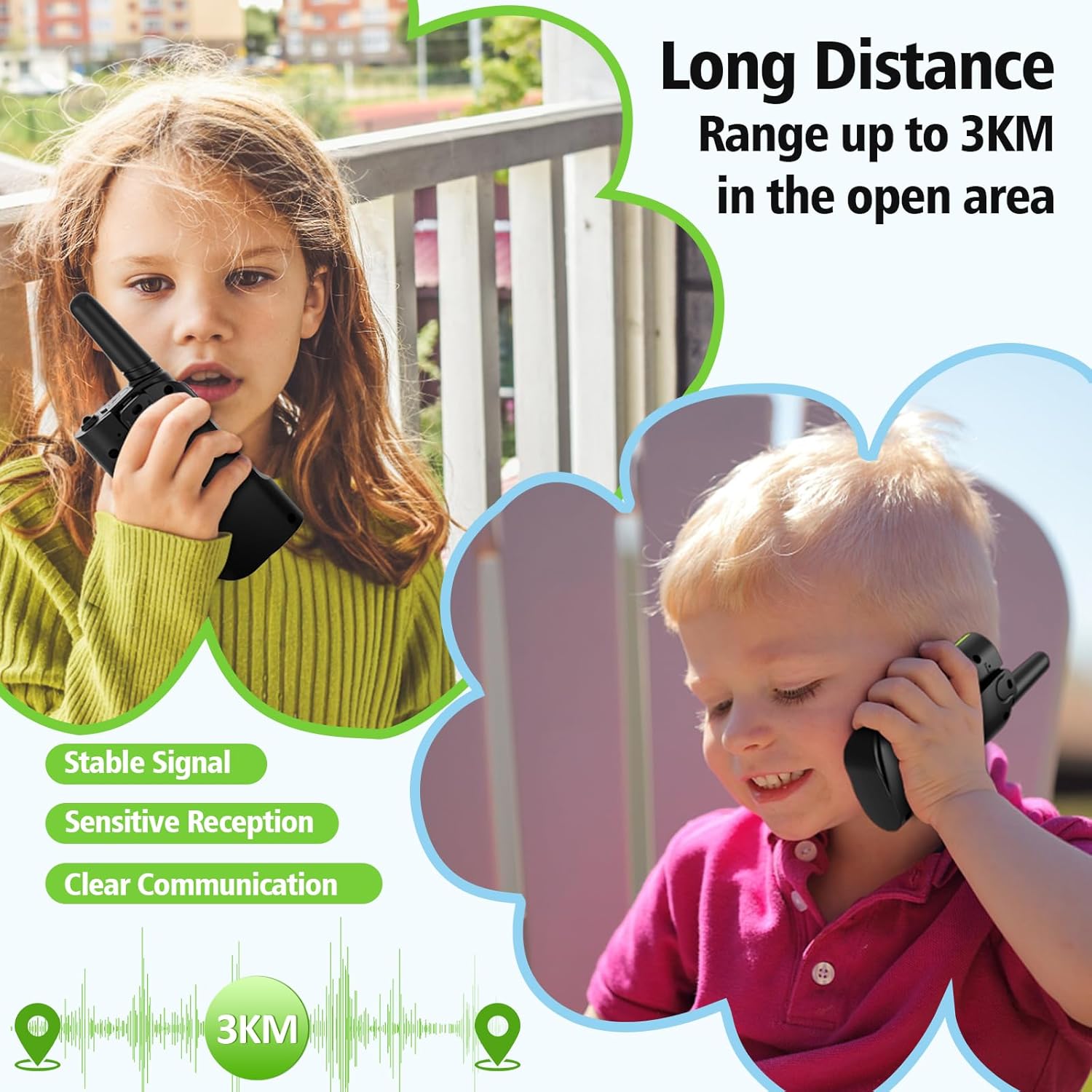
| Julat Percakapan (Maksimum) | 3 Kilometers (in open area) |
| Jenis Bateri | Bateri Li-ion 1000mAh terbina dalam |
| Voltage | 3.7 Volt |
| Ciri Khas | Call Alert, Emergency Alarm (SOS), Integrated Flashlight, Keypad Lock, VOX (Voice Operated Exchange), Auto Scan |
| Tahap Ketahanan Air | Bukan Tahan Air |
| Pengeluar | Shenzhen Geling Technology Co., Ltd. |
Maklumat Waranti
The AWANFI GL-528 Walkie Talkies come with a Waranti 1 Tahun dari tarikh pembelian. Waranti ini meliputi kecacatan pembuatan dan mutu kerja. Ia tidak meliputi kerosakan yang disebabkan oleh salah guna, kemalangan, pengubahsuaian tanpa kebenaran atau haus dan lusuh biasa. Sila simpan bukti pembelian anda untuk tuntutan waranti.
Sokongan
For further assistance, technical support, or warranty inquiries, please contact AWANFI customer service through the retailer's platform where you purchased the product or visit the official AWANFI store page on Amazon:
Ask a question about this manual
Ask about setup, troubleshooting, compatibility, parts, safety, or missing instructions. Manuals+ will review the question and use this page’s manual context to help answer it.