
Doro Leva 30
Doro Leva L30 Senior Flip Phone User Manual
Model: Leva L30 | Brand: Doro
pengenalan
Welcome to the user manual for your Doro Leva L30 Senior Flip Phone. This guide provides essential information on how to set up, operate, maintain, and troubleshoot your device. Please read this manual carefully to ensure proper use and to maximize the benefits of your phone.

The Doro Leva L30 flip phone, featuring a red and white design, is displayed alongside its dedicated charging cradle. The phone is open, revealing its large, easy-to-read keypad and internal screen.
Maklumat Keselamatan
Always follow basic safety precautions when using your Doro Leva L30 to reduce the risk of fire, electric shock, and injury. Keep the phone away from water and excessive heat. Use only Doro-approved accessories. Do not attempt to disassemble the phone.
Persediaan
1. Memasukkan Kad SIM dan Bateri
Before using your phone, you need to insert a SIM card (provided by your mobile network operator) and the battery.
- Tanggalkan penutup belakang telefon dengan berhati-hati.
- Locate the SIM card slot and insert your SIM card with the gold contacts facing down, ensuring it clicks into place.
- Masukkan bateri, sejajarkan sesentuh emas pada bateri dengan sesentuh di dalam telefon.
- Pasang semula penutup belakang sehingga ia terkunci dengan selamat.
2. Mengecas Telefon
Your Doro Leva L30 comes with a convenient charging cradle and a USB-C cable for easy charging.
- Connect the USB-C cable to the charging cradle and then to a power adapter (not always included) or a USB port.
- Place your Doro Leva L30 into the charging cradle, ensuring it sits firmly. The phone will indicate that it is charging.
- Alternatively, you can connect the USB-C cable directly to the phone's charging port.

The Doro Leva L30 phone is shown resting in its charging cradle. This image emphasizes the ergonomic design and the location of the assistance button on the back of the phone, which is easily accessible.
Arahan Operasi
Fungsi Asas
- Hidupkan/Mati Kuasa: Press and hold the red end call button to power the phone on or off.
- Membuat Panggilan: Enter the phone number using the large, contrasted keypad. Press the green call button to dial.
- Menjawab Panggilan: Open the flip to answer an incoming call, or press the green call button. Close the flip or press the red end call button to end a call.
- Menghantar SMS: Navigate to the 'Messages' menu. Select 'New Message', enter your text, and choose a recipient from your contacts or enter a number.
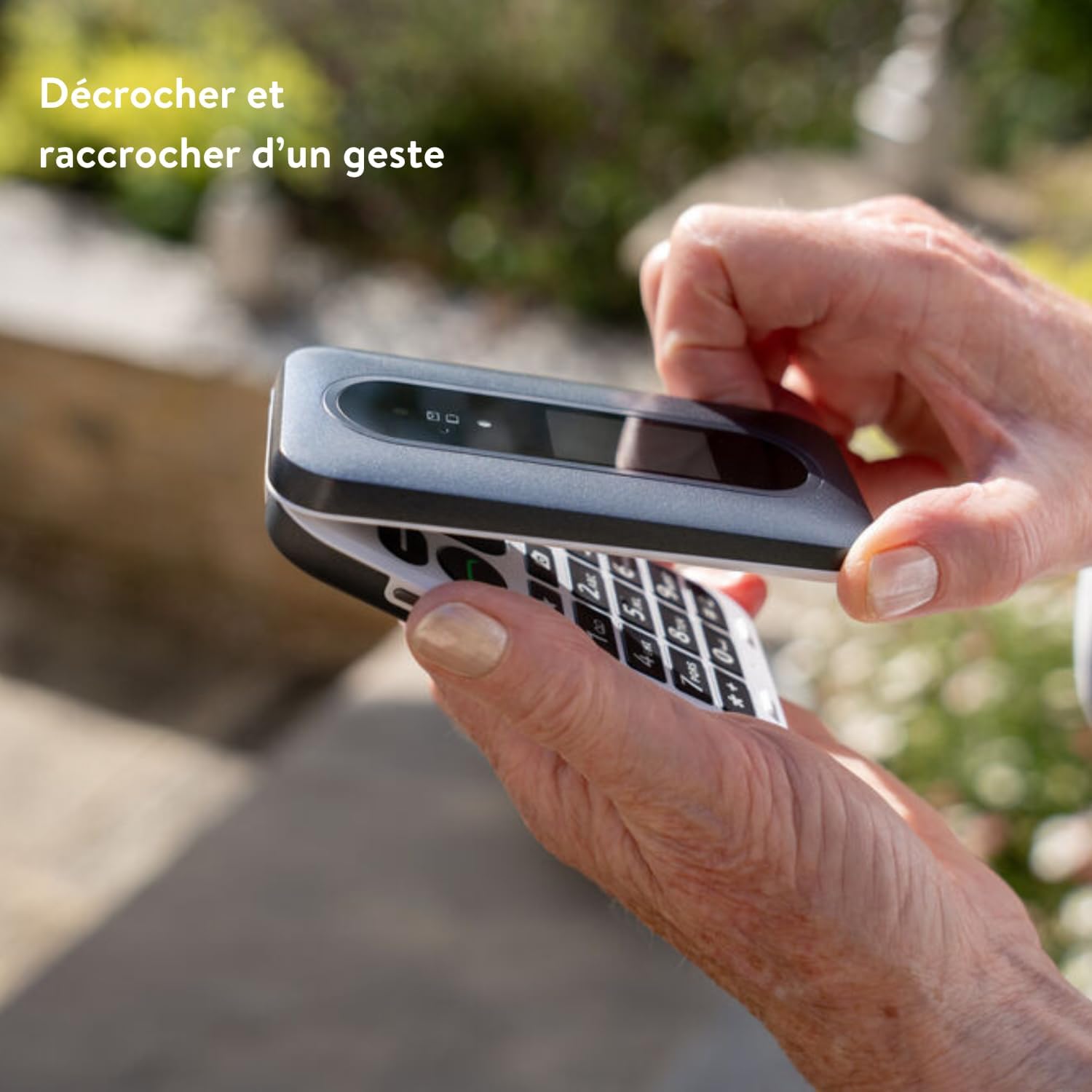
This image illustrates the simple gesture of opening and closing the Doro Leva L30 flip phone to answer or end calls, highlighting its user-friendly design.
Ciri Khas
- Skrin Luaran: The Doro Leva L30 features an external screen that displays caller ID, time, and battery status, allowing you to see important information without opening the phone.
- Assistance Button with GPS: Located on the back of the phone, this button can be programmed to send an alert SMS with your GPS location to pre-selected emergency contacts in case of an emergency.
- HD Voice and Hearing Aid Compatibility: Experience clear sound quality with HD Voice technology. The phone is also compatible with hearing aids, ensuring excellent audio for all users.
- 2MP Camera with Flash: Capture moments with the integrated 2-megapixel camera. Access it via the menu or a dedicated shortcut key.
- Voice Feedback Keys: The keypad provides voice feedback for numbers pressed, aiding users with visual impairments.
- Kekunci pintasan: Utilize the three programmable shortcut keys for quick access to frequently used functions or contacts.
- Mini Flashlight: A built-in mini flashlight provides convenience in low-light conditions.
- Splash Resistance (IP54): The phone is designed to withstand splashes, offering added durability.

This infographic highlights the Doro Leva L30's main features, including its 4G capability, dual screen, assistance button with geolocation, clear and powerful sound, hearing aid compatibility, voice feedback keys, and three shortcut keys for enhanced usability.

This visual guide showcases additional features of the Doro Leva L30, such as its simple menu interface, the GPS-enabled assistance button, compatibility with hearing aids, integrated camera, mini flashlight, and IP54 splash resistance for durability.
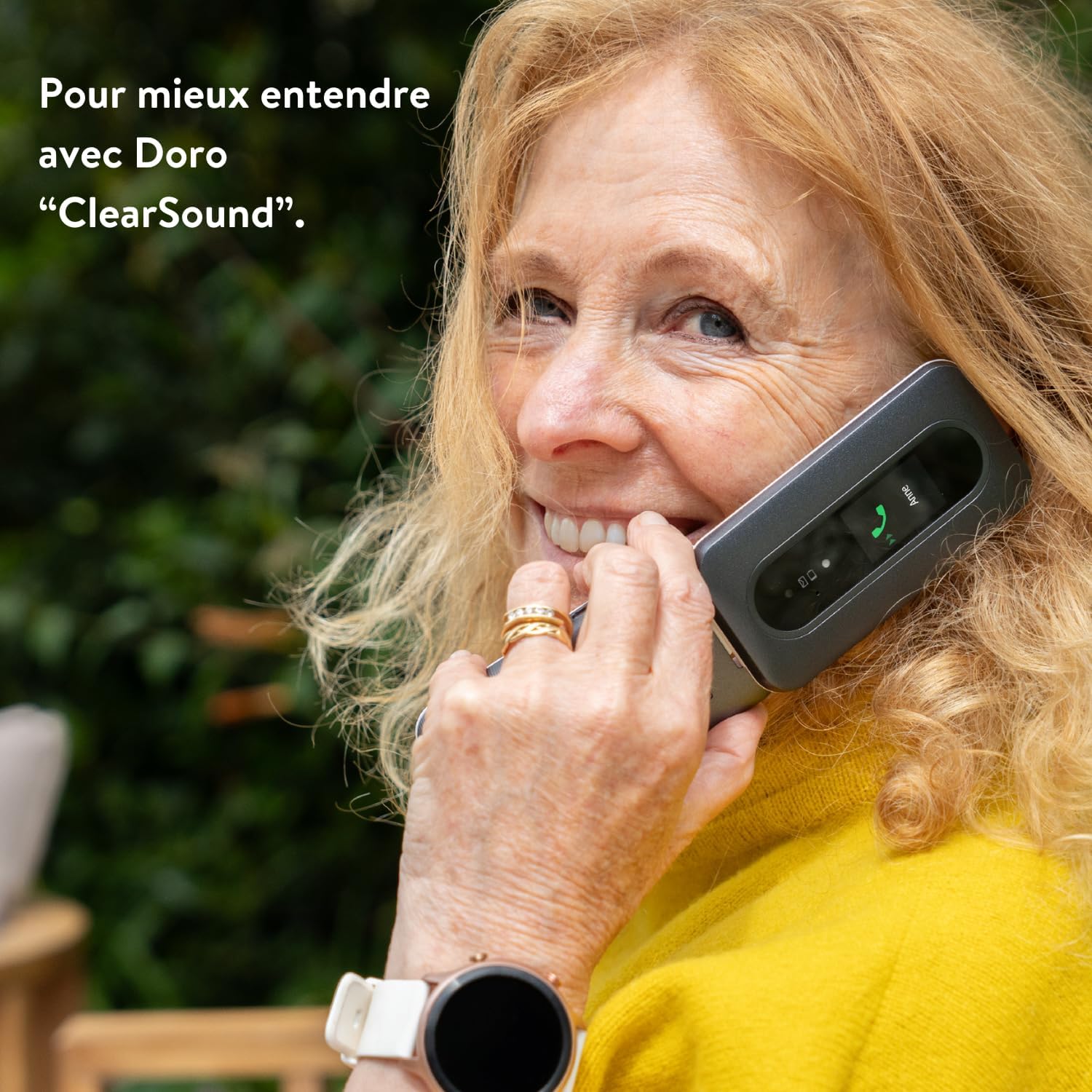
A woman is shown happily conversing on the Doro Leva L30, demonstrating the phone's "ClearSound" technology designed for enhanced audio clarity during calls.
Penyelenggaraan
Membersihkan Telefon Anda
To keep your Doro Leva L30 in optimal condition, clean it regularly.
- Gunakan kain yang lembut, kering dan tidak berbulu untuk mengelap permukaan telefon.
- Untuk tanda degil, sedikit dampen the cloth with water or a mild screen cleaner. Avoid harsh chemicals.
- Do not allow moisture to enter openings.
Penjagaan Bateri
Proper battery care extends its lifespan.
- Elakkan daripada mendedahkan bateri kepada suhu yang melampau.
- Do not leave the phone charging for excessively long periods after it's fully charged.
- If the phone will not be used for an extended period, charge it to about 50% before storing.
Menyelesaikan masalah
If you encounter issues with your Doro Leva L30, try the following solutions before contacting support.
| Masalah | Penyelesaian yang Mungkin |
|---|---|
| Telefon tidak dihidupkan | Ensure the battery is correctly inserted and charged. Connect to the charger and wait a few minutes before attempting to power on. |
| Tiada isyarat rangkaian | Check if the SIM card is properly inserted. Move to an area with better network coverage. Contact your network provider if the issue persists. |
| Tidak boleh membuat atau menerima panggilan | Verify that you have network signal. Check if call barring is enabled. Ensure the phone number is correct. |
| Sound issues (low volume, no sound) | Adjust the volume settings. Ensure the speaker is not blocked. If using a hearing aid, check compatibility settings. |
| Bateri cepat habis | Reduce screen brightness. Close unused applications. Limit background data usage. Consider replacing the battery if it's old. |
Spesifikasi
Key technical specifications for the Doro Leva L30:
- Jenama: Doro
- Nama Model: Leva 30
- Sistem pengendalian: OxygenOS (Note: This might be a generic placeholder from the source data, Doro phones typically run a simplified OS.)
- Model CPU: Core i5 (Note: This might be a generic placeholder from the source data, Doro phones typically use simpler processors.)
- Kapasiti Storan Memori: 64 GB
- Resolusi: 1280 x 720 piksel
- Pembawa Tanpa Wayar: Orange (Note: Phone is unlocked, this may refer to a specific variant or network compatibility.)
- Teknologi Selular: 4G
- Teknologi Ketersambungan: 4G
- warna: Leva L30 Red & White
- Bateri: 1000mAh
- kamera: 2MP dengan denyar
- Rintangan Percikan: IP54
Waranti dan Sokongan
Maklumat Waranti
For detailed warranty information regarding your Doro Leva L30, please refer to the warranty card included in your product packaging or visit the official Doro webtapak. Terma dan syarat waranti mungkin berbeza mengikut wilayah dan peruncit.
Sokongan Pelanggan
If you require further assistance or have questions not covered in this manual, please contact Doro customer support. You can find contact details on the official Doro weblaman web atau melalui peruncit tempat anda membeli peranti tersebut.
Visit the official Doro store: Doro Store on Amazon
Ask a question about this manual
Ask about setup, troubleshooting, compatibility, parts, safety, or missing instructions. Manuals+ will review the question and use this page’s manual context to help answer it.