
A6S TWS
User Manual for A6S TWS Wireless Bluetooth Earphones
model: A6S TWS | Jenama: Generik
pengenalan
Thank you for choosing the A6S TWS Wireless Bluetooth Earphones. This manual provides detailed instructions on how to set up, operate, and maintain your earphones to ensure optimal performance and longevity. Please read this manual carefully before using the product.
Apa yang ada dalam Kotak
- A6S TWS Earphones (Left and Right)
- Kes Pengecasan
- Kabel Pengecas USB
- Ear Tips (earhat)
- Manual Pengguna

Image: The A6S TWS Earphones, white in color, resting inside their open charging case. The case is also white and shows the charging indicators.
Bermula (Persediaan)
1. Mengecas Fon Telinga dan Sarung
Before first use, ensure both the earphones and the charging case are fully charged. The charging time for the earphones is approximately 1-2 hours.
- Letakkan fon telinga ke dalam bekas pengecas.
- Sambungkan kabel pengecas USB ke port pengecasan pada sarung dan palamkan hujung satu lagi ke sumber kuasa USB (cth, komputer, penyesuai dinding).
- The indicator lights on the case will show the charging status. Once fully charged, the lights may turn solid or turn off, depending on the model.
2. Berpasangan dengan Peranti Anda
The A6S TWS Earphones feature Bluetooth 5.1 for stable and efficient connection. They support automatic connection after initial pairing.

Image: A graphic illustrating the "Core Upgrade 5.0 Bluetooth" feature, highlighting a 10-meter connection distance and call noise reduction. A smartphone displaying a game is shown in the foreground.
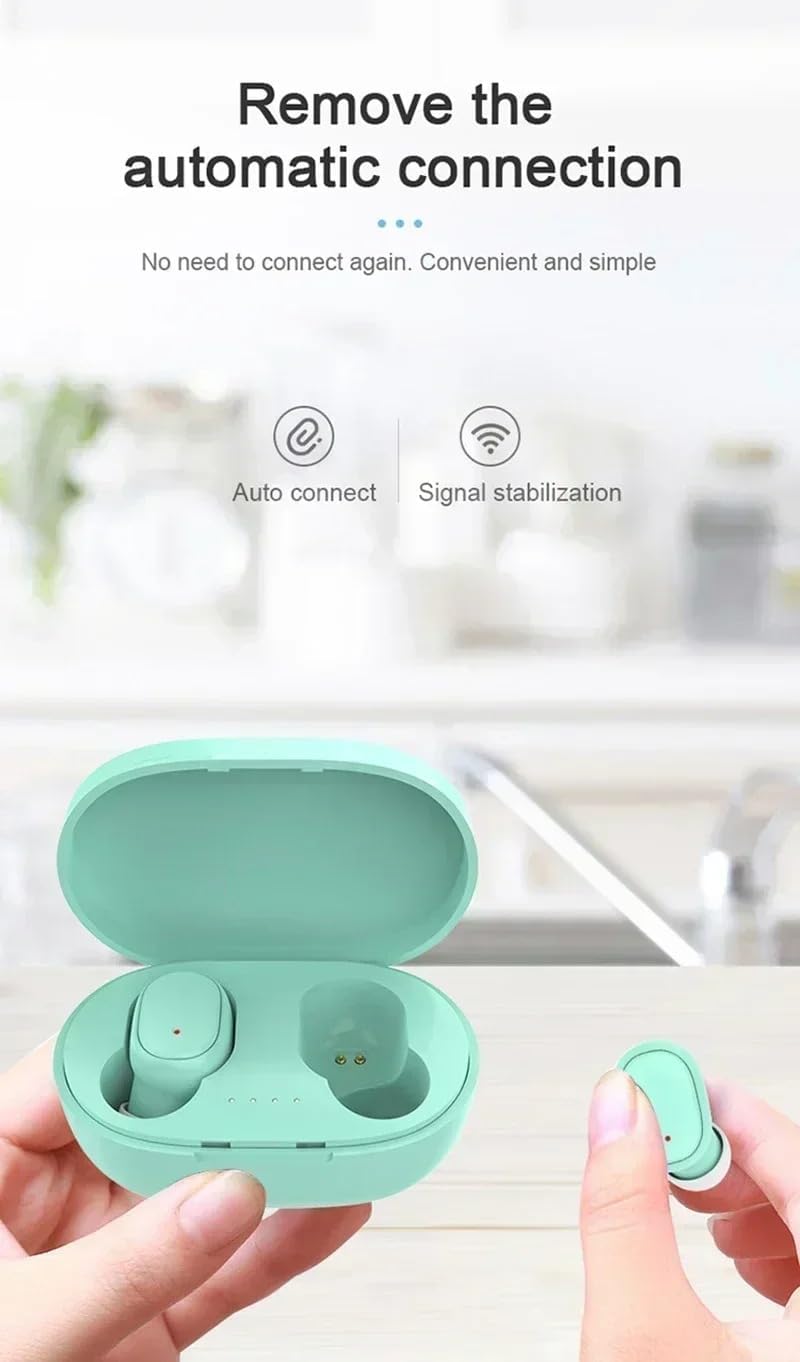
Image: A pair of green A6S TWS earphones in their open charging case, with a hand holding one earbud. Text indicates "Remove the automatic connection" and icons for "Auto connect" and "Signal stabilization".
- Gandingan Awal:
- Take both earphones out of the charging case. They will automatically power on and enter pairing mode.
- Pada peranti anda (telefon pintar, tablet, dll.), pergi ke tetapan Bluetooth.
- Cari untuk available devices and select "A6S TWS" (or similar name) from the list.
- Once connected, you will hear a confirmation sound, and the earphone indicator lights may turn off or flash slowly.
- Penyambungan Semula Automatik:
- After the first successful pairing, the earphones will automatically connect to the last paired device when taken out of the charging case, provided Bluetooth is enabled on your device.
Arahan Operasi
1. Memakai Earbud
For optimal sound quality and comfort, ensure the earbuds are properly seated in your ears. The A6S TWS earphones are ergonomically designed for a secure fit, suitable for sports activities.

Image: A woman engaged in a sports activity, wearing the A6S TWS earphones. The image emphasizes the ergonomic design for comfortable and secure wear during physical activity.
- Kenal pasti fon telinga Kiri (L) dan Kanan (R).
- Masukkan setiap fon telinga ke dalam saluran telinga yang sepadan dengan lembut.
- Rotate the earbud slightly until it feels snug and comfortable.
- Experiment with different ear tip sizes (earhats) to find the best fit for sound isolation and comfort.
2. Kawalan Sentuh
The A6S TWS earphones feature intuitive touch controls for managing music playback and calls.
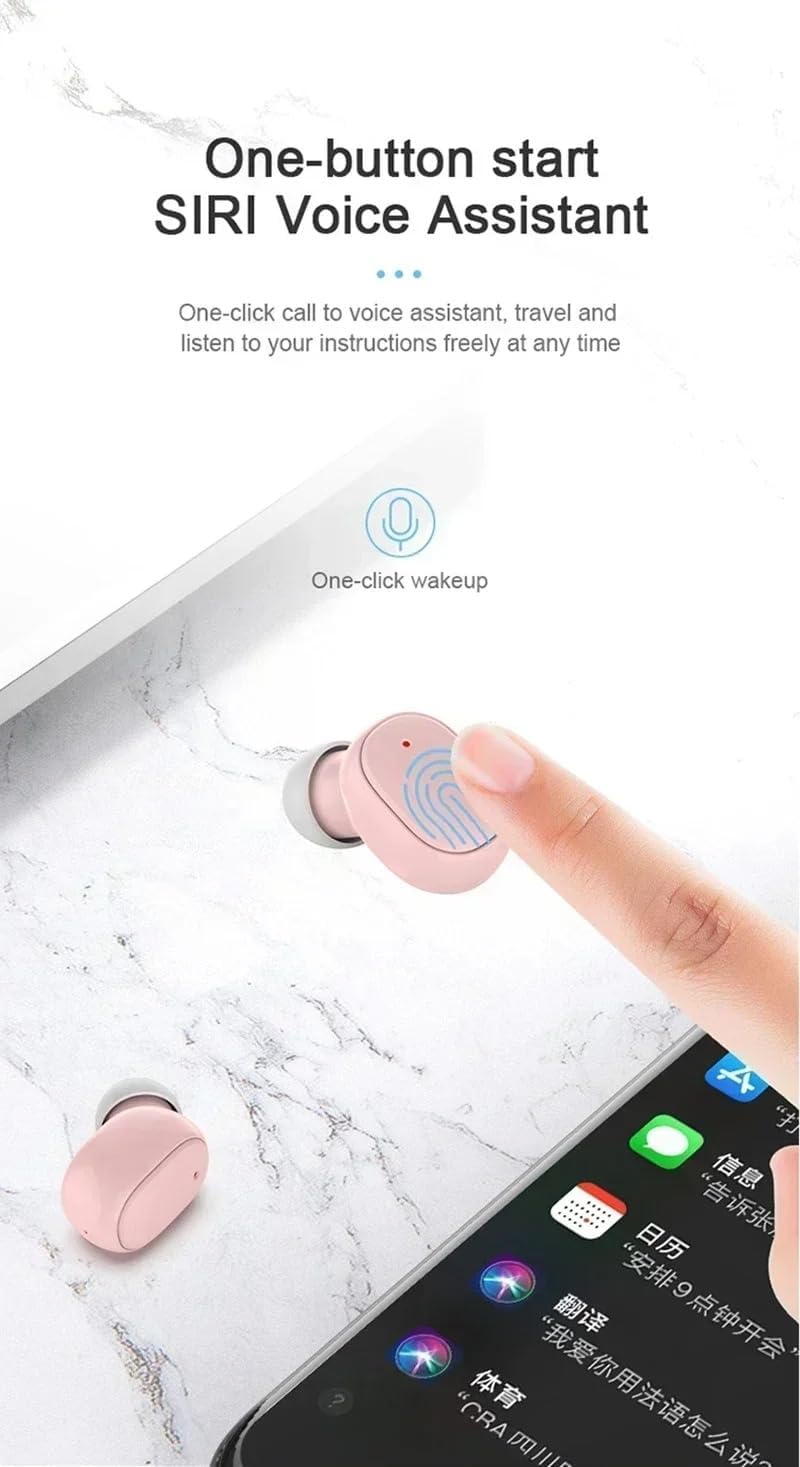
Image: A pink A6S TWS earbud being touched by a finger, illustrating the "One-button start Siri Voice Assistant" feature. A smartphone screen with various app icons is visible in the background.
| Fungsi | Tindakan |
|---|---|
| Main/Jeda Muzik | Ketik sekali pada salah satu fon telinga. |
| Trek Seterusnya | Ketik dua kali pada fon telinga Kanan. |
| Trek Sebelumnya | Ketik dua kali pada fon telinga Kiri. |
| Jawab/Tamatkan Panggilan | Ketik sekali pada salah satu fon telinga semasa panggilan masuk. |
| Tolak Panggilan | Tekan dan tahan salah satu fon telinga selama 2 saat semasa panggilan masuk. |
| Aktifkan Pembantu Suara (Siri/Google Assistant) | Ketik tiga kali pada salah satu fon telinga. |
| Hidupkan kuasa | Take out of charging case, or press and hold for 3 seconds. |
| Matikan Kuasa | Place back into charging case, or press and hold for 5 seconds. |
3. Fungsi Panggilan
The earphones support binaural HD calls, providing clear communication.

Image: A woman speaking, wearing the A6S TWS earphones, demonstrating the binaural HD call feature for clear, face-to-face like communication.
- Menjawab / Menamatkan Panggilan: Use the single tap touch control as described above.
- Menolak Panggilan: Use the press and hold touch control as described above.
- mikrofon: The earphones are equipped with a high-sensitivity microphone for clear voice pickup, even in noisy environments.
Penyelenggaraan
1. Pembersihan dan Penyimpanan
- Bersihkan fon telinga dan bekas pengecas dengan kerap menggunakan kain yang lembut, kering dan tidak berbulu.
- Jangan gunakan pembersih yang melelas, alkohol atau pelarut kimia.
- Simpan fon telinga dalam bekas pengecasnya apabila tidak digunakan untuk melindunginya dan memastikan ia dicas.
- Elakkan mendedahkan fon telinga kepada suhu, kelembapan atau cahaya matahari langsung yang melampau.
2. Rintangan Air (IPX4)
The A6S TWS earphones are IPX4 waterproof, meaning they are resistant to splashing water from any direction. This makes them suitable for workouts and outdoor activities where they might encounter sweat or light rain.

Image: Two blue A6S TWS earbuds with water droplets on their surface, illustrating their IPX4 waterproof and anti-sweat capabilities, suitable for indoor and outdoor listening.
Penting: IPX4 rating does not mean the earphones are fully submersible. Do not immerse them in water or expose them to strong jets of water.
Menyelesaikan masalah
If you encounter any issues with your A6S TWS earphones, please refer to the following common solutions:
| Masalah | Penyelesaian yang Mungkin |
|---|---|
| Earphones not pairing with device. |
|
| Hanya satu fon telinga berfungsi. |
|
| Tiada bunyi atau kelantangan rendah. |
|
| Isu pengecasan. |
|
Spesifikasi
Below are the technical specifications for the A6S TWS Wireless Bluetooth Earphones:

Image: A graphic detailing eight core advantages of the earphones, including IPX4 waterproof, Bluetooth 5.0, Auto connect, Binaural call, Ergonomics, HIFI sound quality, Endurance, and Mini compact design.
- Nama Model: A6S TWS Earphones Wireless Bluetooth
- Versi Bluetooth: V5.1
- Jarak Bluetooth: Sehingga 10 meter (33 kaki)
- Bateri fon telinga: Polymer Lithium Battery 45mAh (per earbud)
- Masa Pengecasan: Lebih kurang 1-2 jam
- Masa Main Balik Muzik: Lebih kurang 3 jam
- Masa Bercakap: Lebih kurang 4 jam
- Masa Siap sedia: Lebih kurang 80 jam
- Penilaian Ketahanan Air: IPX4 (Kalis peluh dan tahan percikan)
- Jenis Kawalan: Touch Control (Volume Control, Playback, Calls, Voice Assistant)
- Peletakan Telinga: Di Telinga
- Faktor Bentuk: Wayarles Benar
- Kawalan Bunyi: Pembatalan Bunyi Aktif, Pengasingan Bunyi
- Teknologi Ketersambungan: Tanpa wayar
- Komponen yang Disertakan: Earphones, Charging Cable, Ear Tips, User Manual

Imej: Meletup view diagram of an earbud, illustrating its internal components and highlighting the "Fever level HIFI sound quality" feature.
Waranti dan Sokongan
For warranty information, please refer to the documentation provided at the time of purchase or contact the retailer where you purchased the A6S TWS Earphones. As this product is listed under a "Generic" brand, specific warranty terms may vary by seller.
If you require further assistance or have questions not covered in this manual, please contact the seller or manufacturer directly through the platform or contact information provided with your purchase.
Sila simpan bukti pembelian anda untuk sebarang tuntutan waranti.
Ask a question about this manual
Ask about setup, troubleshooting, compatibility, parts, safety, or missing instructions. Manuals+ will review the question and use this page’s manual context to help answer it.