
Bumpboxx Thump
Bumpboxx Thump Bluetooth Speaker User Manual
Model: Thump
pengenalan
Welcome to the Bumpboxx Thump user manual. This guide provides comprehensive instructions for setting up, operating, maintaining, and troubleshooting your new Bumpboxx Thump portable Bluetooth speaker. The Bumpboxx Thump is designed to deliver powerful audio with exceptional bass, featuring an IPX6 water-resistant rating, dynamic RGB LED lighting, and up to 32 hours of battery life. Its lightweight and portable design makes it ideal for both indoor and outdoor use.
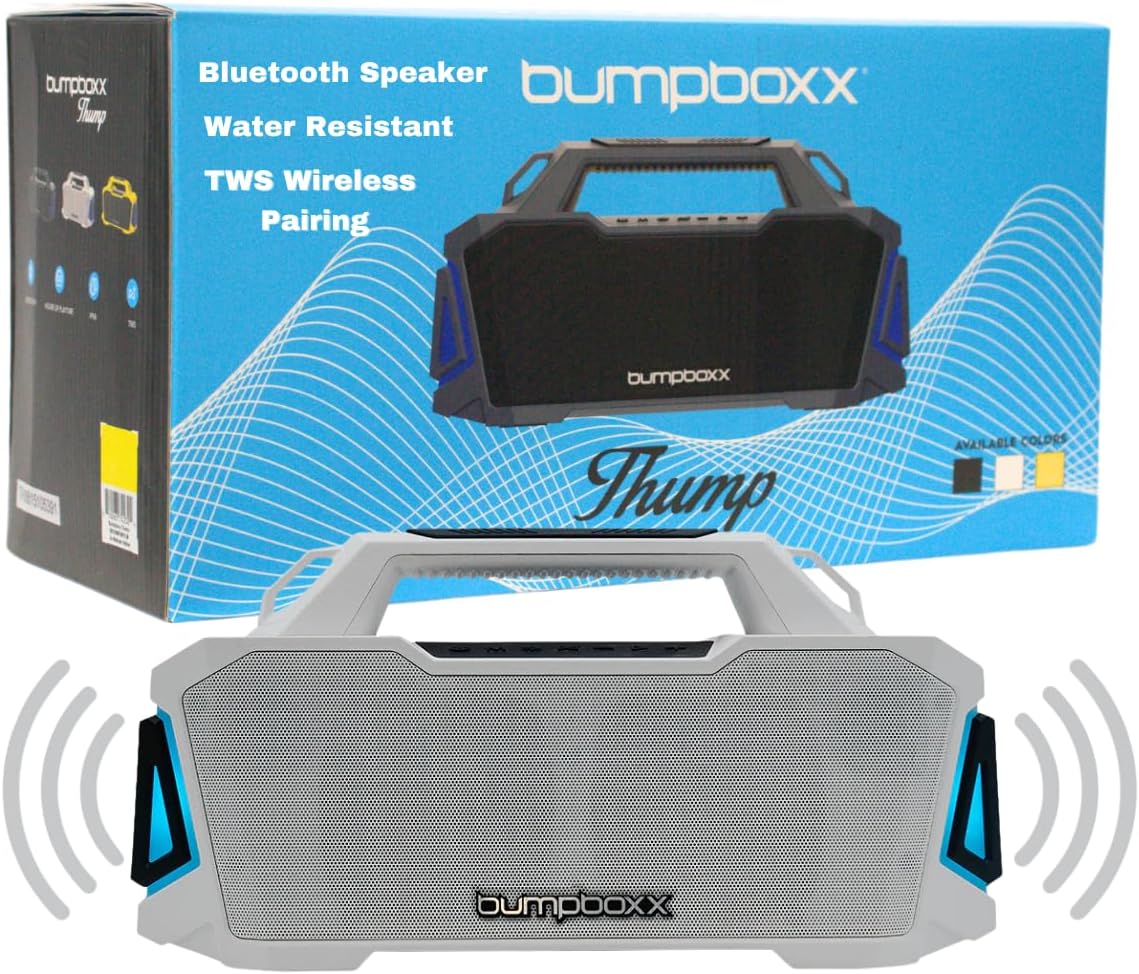
Image: The Bumpboxx Thump speaker shown with its retail packaging, highlighting its sleek design and key features like Bluetooth connectivity, water resistance, and TWS wireless pairing.
Maklumat Keselamatan
- Jangan dedahkan pembesar suara kepada suhu yang melampau atau cahaya matahari langsung untuk tempoh yang lama.
- Ensure all ports are securely closed when using the speaker near water to maintain its IPX6 water resistance.
- Jangan cuba membuka atau mengubah suai pembesar suara. Ini akan membatalkan jaminan dan boleh menyebabkan kerosakan.
- Gunakan hanya kabel pengecasan yang disediakan atau setara yang diperakui.
- Jauhkan pembesar suara daripada medan magnet yang kuat.
- Bersihkan pembesar suara dengan lembut, damp kain. Elakkan menggunakan bahan kimia yang keras atau bahan yang melelas.
Apa yang ada dalam Kotak
Upon opening your Bumpboxx Thump package, please verify that all the following items are included:
- Bumpboxx Thump Bluetooth Speaker
- Kabel Pengecasan (USB)
- Tali Bahu
- Manual Pengguna (dokumen ini)

Imej: Dari dekat view of the durable strap attachment point on the Bumpboxx Thump, illustrating how the included shoulder strap connects for easy portability.
Persediaan
Mengecas Speaker
Before first use, fully charge your Bumpboxx Thump. A full charge provides up to 32 hours of playback time.
- Cari port pengecasan pada pembesar suara.
- Sambungkan kabel pengecas USB yang disediakan ke port pengecasan pembesar suara.
- Sambungkan hujung kabel USB yang satu lagi ke penyesuai kuasa USB yang serasi (tidak disertakan) atau port USB komputer.
- The LED indicator will show charging status (refer to speaker's LED guide for specific indications).
- Setelah dicas sepenuhnya, cabut kabel pengecasan.

Image: A visual representation emphasizing the Bumpboxx Thump's impressive 32-hour battery life, depicted by a glowing battery icon.
Arahan Operasi
Menghidupkan/Mematikan
- To power on: Press and hold the Power button until the speaker activates.
- To power off: Press and hold the Power button until the speaker deactivates.
Berpasangan Bluetooth
Connect your Bumpboxx Thump to a Bluetooth-enabled device.
- Pastikan pembesar suara dihidupkan dan dalam mod berpasangan Bluetooth (ditunjukkan oleh LED berkelip).
- Pada peranti anda (telefon pintar, tablet, komputer), dayakan Bluetooth dan cari peranti yang tersedia.
- Select "Bumpboxx Thump" from the list of devices.
- Once paired, the LED indicator will become solid, and you will hear an audible confirmation.
Pasangan Stereo Tanpa Wayar Sejati (TWS)
Pair two Bumpboxx Thump speakers for a stereo sound experience.
- Ensure both Bumpboxx Thump speakers are powered on and not connected to any other Bluetooth device.
- On one speaker, press and hold the TWS button (refer to speaker's button layout for exact location).
- The speaker will enter TWS pairing mode. Repeat this step on the second speaker.
- Pembesar suara akan bersambung secara automatik antara satu sama lain. Setelah disambungkan, satu pembesar suara akan bertindak sebagai induk (saluran kiri) dan satu lagi sebagai hamba (saluran kanan).
- Now, connect your Bluetooth device to the master speaker as described in the "Bluetooth Pairing" section.
Using Auxiliary Input (AUX)
Connect devices without Bluetooth using the 3.5mm AUX input.
- Connect a 3.5mm audio cable (not included) from your audio source to the AUX input port on the speaker.
- Pembesar suara secara automatik akan bertukar kepada mod AUX.
Main Balik USB
Mainkan audio files terus daripada pemacu USB.
- Masukkan pemacu kilat USB yang mengandungi audio files ke dalam port USB pada pembesar suara.
- Pembesar suara akan secara automatik mengesan pemacu USB dan memulakan main semula.
Tetapan Lampu LED
The Bumpboxx Thump features 5 dynamic RGB LED light settings.
- Press the Light button (refer to speaker's button layout) to cycle through the different light modes.
- Press and hold the Light button to turn the lights off.

Image: A person joyfully holding a yellow Bumpboxx Thump speaker above their head, demonstrating its lightweight and portable nature for outdoor activities.
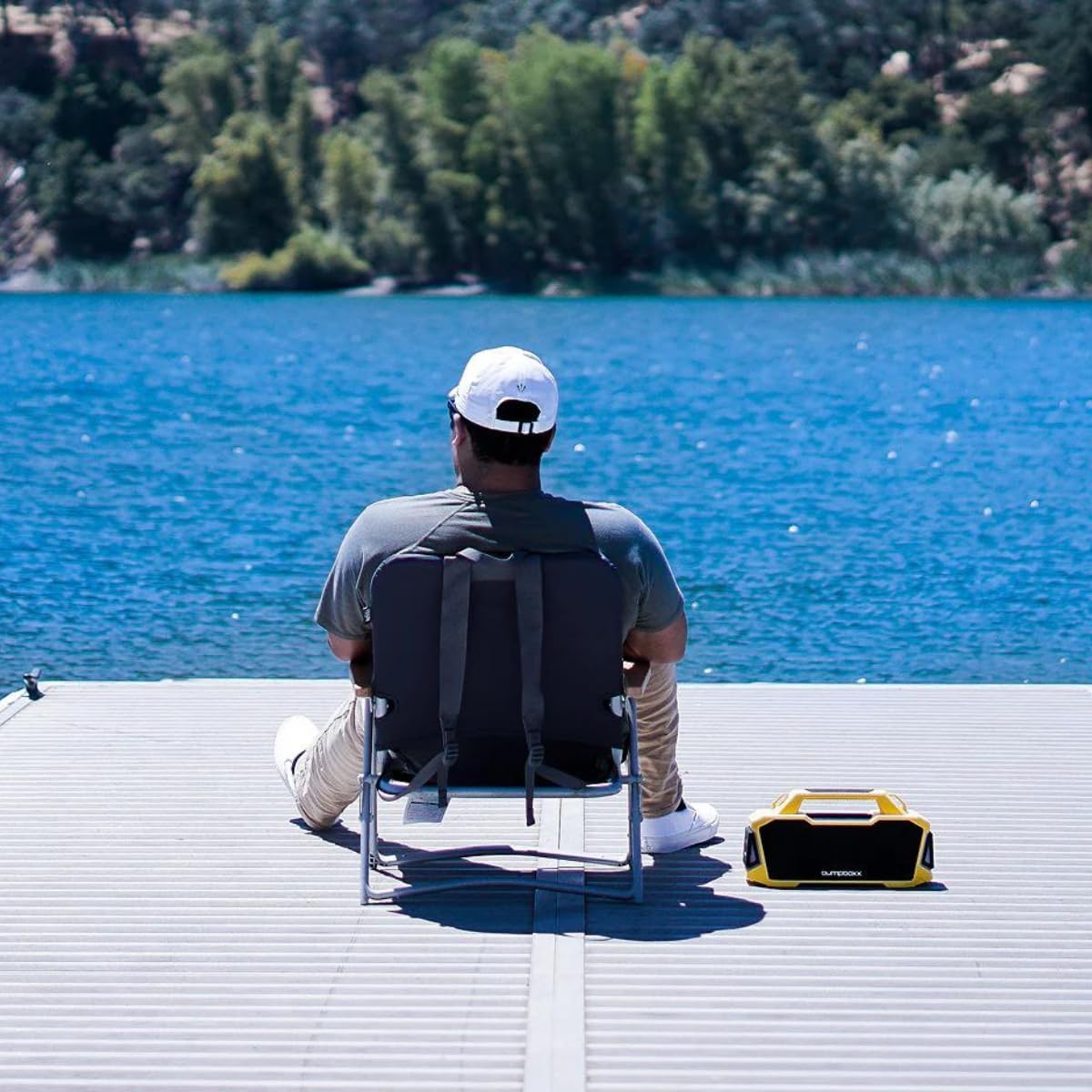
Image: A person relaxing by a lake with the Bumpboxx Thump speaker placed next to them, illustrating its suitability for outdoor environments.
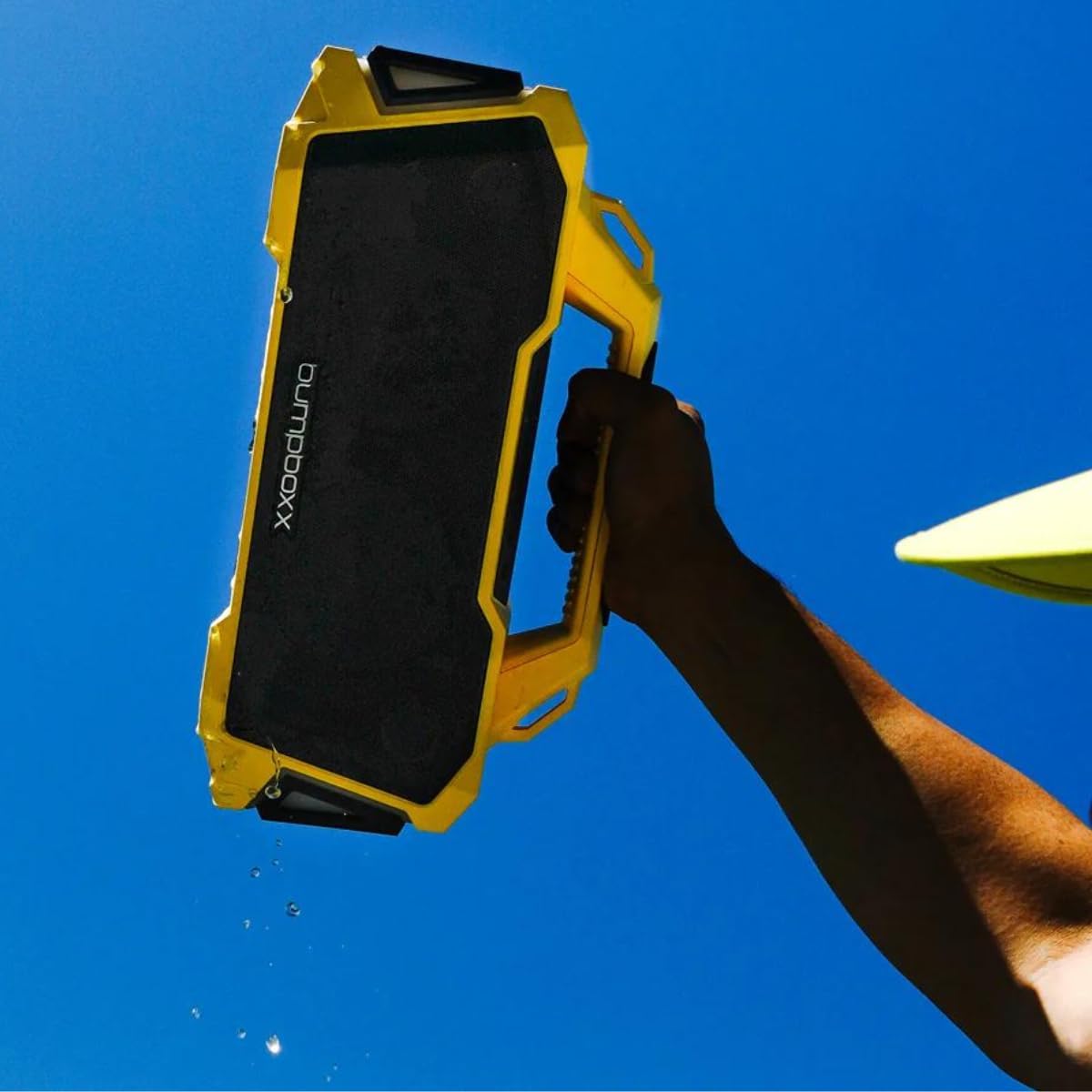
Image: A hand holding the yellow Bumpboxx Thump speaker with water visibly dripping from it, showcasing its IPX6 water-resistant capability.
Penyelenggaraan
Pembersihan
To keep your Bumpboxx Thump in optimal condition:
- Lap bahagian luar dengan kain lembut yang sedikitamp kain.
- Jangan gunakan pembersih yang melelas, alkohol, benzena atau bahan kimia keras yang lain, kerana ini boleh merosakkan permukaan atau komponen dalaman.
- Ensure all port covers are closed before cleaning with a damp kain.
Penyimpanan
Apabila tidak digunakan untuk tempoh yang lama:
- Store the speaker in a cool, dry place, away from direct sunlight and extreme temperatures.
- Charge the battery at least once every three months to maintain battery health.
Menyelesaikan masalah
| Masalah | Kemungkinan Punca | Penyelesaian |
|---|---|---|
| Speaker tidak dihidupkan. | Bateri habis. | Cas pembesar suara sepenuhnya. |
| Tidak boleh berpasangan melalui Bluetooth. | Speaker is not in pairing mode or already connected. Device Bluetooth is off. | Ensure speaker is in pairing mode. Turn off and on Bluetooth on your device. Forget "Bumpboxx Thump" on your device and re-pair. |
| Tiada bunyi atau kelantangan rendah. | Volume too low on speaker or device. Incorrect input mode. | Increase volume on both speaker and connected device. Ensure correct input mode (Bluetooth, AUX, USB) is selected. |
| Gandingan TWS gagal. | Pembesar suara terlalu jauh atau sudah disambungkan ke peranti lain. | Ensure both speakers are within range and not connected to other devices. Restart both speakers and try TWS pairing again. |
| Lampu tidak berfungsi. | Lights are turned off or battery is very low. | Press the Light button to cycle modes. Charge the speaker. |
Spesifikasi
| Ciri | Perincian |
|---|---|
| Nama Model | dentum |
| Jenama | Bumpboxx |
| Teknologi Ketersambungan | Bluetooth |
| Teknologi Komunikasi Tanpa Wayar | Bluetooth |
| Kuasa Output Maksimum Pembesar Suara | 120 Watt |
| Hayat Bateri | Sehingga 32 Jam |
| Penilaian Ketahanan Air | IPX6 |
| Dimensi Produk (L x W x H) | 14.25" x 5.37" x 7.25" |
| Berat Barang | 7 paun (lebih kurang 3.17 kg) |
| Mod Keluaran Audio | Stereo |
| Kaedah Kawalan | Sentuh |
| Komponen yang Disertakan | tali |
| UPC | 810063742317 |

Image: A clear diagram illustrating the length, width, and height of the Bumpboxx Thump speaker, providing precise product dimensions.
Waranti dan Sokongan
Maklumat Waranti
The Bumpboxx Thump comes with an extended warranty. Please refer to the warranty card included in your packaging or visit the official Bumpboxx weblaman web untuk terma dan syarat terperinci mengenai perlindungan waranti, tempoh dan proses tuntutan.
Sokongan Pelanggan
For technical assistance, troubleshooting beyond this manual, or warranty inquiries, please contact Bumpboxx customer support:
- Webtapak: Visit the official Bumpboxx webtapak untuk Soalan Lazim, sumber sokongan dan borang hubungan.
- e-mel: Refer to the contact section on the Bumpboxx webtapak untuk alamat e-mel sokongan.
- telefon: Check the Bumpboxx website for available phone support numbers and hours of operation.
When contacting support, please have your product model (Thump) and purchase information ready.