
MISIRUN fu
Manual Arahan Kamera Digital Kanak-kanak Cetakan Segera MISIRUN
Model: fu | Brand: MISIRUN
pengenalan
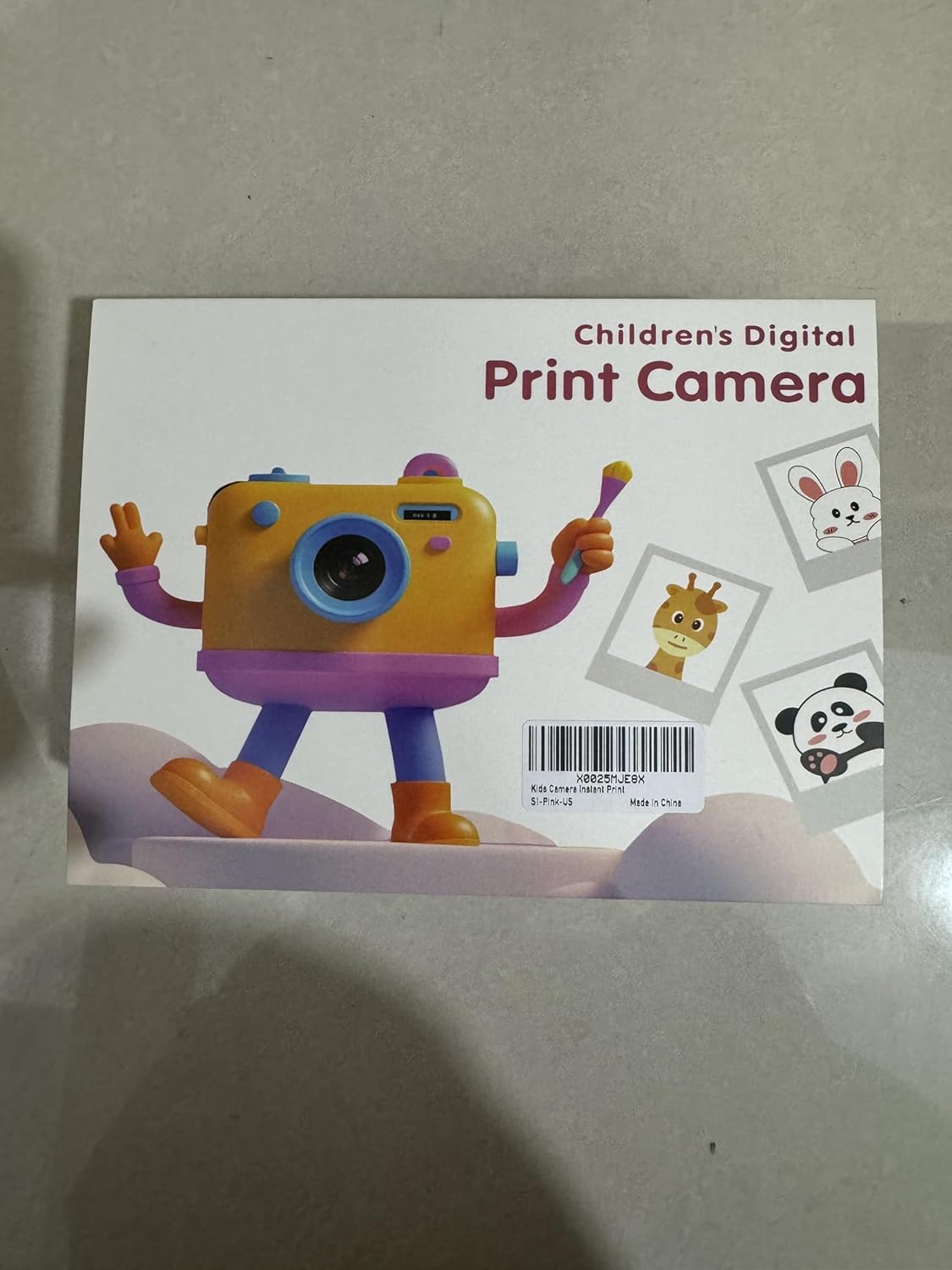
This manual provides essential information for the safe and effective operation of your MISIRUN Instant Print Kids Digital Camera. Please read it thoroughly before use and retain it for future reference. This camera is designed to capture both digital photos and 1080p HD videos, with the added feature of instant black and white thermal printing.
Apa yang ada dalam Kotak
Selepas membongkar, sila pastikan semua item yang disenaraikan di bawah ada:
- MISIRUN Instant Print Kids Digital Camera
- Kabel Pengecas USB
- Lanyard
- Thermal Print Paper Rolls (5 rolls included)
- Color Pens (Set of 6)
- Sticker Sheets (3 sheets)
- 32GB Memory Card (pre-installed or separate)
- Manual Arahan

Persediaan
1. Mengecas Kamera
Connect the provided USB cable to the camera's Type-C port and a compatible USB power adapter (not included) or computer. The charging indicator will illuminate. A full charge typically takes approximately 2-3 hours.

2. Installing Thermal Print Paper
- Locate the paper compartment on the side of the camera.
- Buka penutup petak dengan perlahan.
- Insert a roll of thermal paper, ensuring the paper feeds out from the top and is aligned correctly.
- Tutup penutup petak dengan selamat.

3. Memasukkan Kad Memori
The camera comes with a 32GB memory card. Locate the TF card slot on the side of the camera and insert the card until it clicks into place. Ensure the card is inserted in the correct orientation.

Arahan Operasi
1. Hidupkan/Mati Kuasa
Press and hold the Power button (usually located on the top or side) for a few seconds to turn the camera on or off. The screen will display a "WELCOME" or "GOODBYE" message.
2. Navigasi dan Menu
Use the directional buttons (up, down, left, right) to navigate through the menu options on the screen. The 'OK' or 'Shutter' button typically confirms selections.

3. Mengambil Foto
From the main menu, select the 'Photo' icon. Frame your shot using the screen. Press the 'Shutter' button to capture the image. The camera features dual lenses for both front-facing (selfie) and rear-facing photos. Long-press the shutter button to switch between lenses.

4. Merakam Video
Select the 'Video' icon from the menu. Press the 'Shutter' button to start recording. Press it again to stop. Videos are recorded in 1080p HD quality.

5. Percetakan Segera
After taking a photo, you can choose to print it instantly. Press the 'Print' button (often indicated by a printer icon) to initiate printing. The camera will print a black and white thermal image. You can then use the included color pens and stickers to customize your prints.

6. Games and Music
The camera includes 5 built-in mini-games for entertainment. Select the 'Games' icon to access them. An MP3 music player is also integrated; select the 'MP3' icon to play music (ensure compatible audio files are on the memory card).


Ciri-ciri
- Kanta Dwi: Front and rear cameras for versatile photography, including selfies.
- Zum Digital 16X: Allows for closer shots and detailed exploration.
- Rakaman Video HD 1080P: Capture high-definition video moments.
- Percetakan Terma Segera: Print black and white photos directly from the camera.
- Penyesuaian: Use included pens and stickers to personalize printed photos.
- Permainan Terbina dalam: 5 mini-games for added entertainment.
- Pemain mp3: Enjoy music on the go.
- Kad Memori 32GB: Ampstoran untuk beribu-ribu foto dan video.
- Reka bentuk tahan lasak: Made from non-toxic, shockproof materials suitable for children.

Penyelenggaraan
- Pembersihan: Use a soft, dry cloth to clean the camera body and screen. Avoid liquid cleaners.
- Penggantian Kertas: When the thermal paper runs out, replace it with a new roll as described in the "Setup" section.
- Storan: Simpan kamera di tempat yang sejuk dan kering jauh dari cahaya matahari langsung dan suhu yang melampau.
- Penjagaan Bateri: Charge the camera regularly to maintain battery health. If not used for extended periods, charge it at least once every three months.
Menyelesaikan masalah
| Masalah | Kemungkinan Punca | Penyelesaian |
|---|---|---|
| Kamera tidak dihidupkan. | Bateri lemah. | Charge the camera fully. |
| Tidak boleh mengambil gambar/merakam video. | Kad memori penuh atau tidak dimasukkan dengan betul. | Check memory card insertion or delete old files. |
| Prints are blank or faded. | Thermal paper installed incorrectly or run out. | Re-install paper correctly or replace with a new roll. |
| Kamera membeku. | Gangguan perisian. | Use a small pin to press the reset button (located near the Type-C port). |
Spesifikasi
- model: fu
- Dimensi Produk: 4.72 x 3.54 x 1.97 inci
- Berat Barang: 1.3 paun (0.59 Kilogram)
- Resolusi Video: 1080P HD
- Zum: Zum Digital 16X
- Kanta: Dwi (Depan & Belakang)
- Jenis Cetakan: Instant Thermal (Black & White)
- Ingatan: Supports 32GB TF Card (included)
- Bateri: 1 bateri AAA diperlukan (termasuk) - Note: Product specifications state 1 AAA battery, but the charging cable implies a rechargeable internal battery. Please refer to the product packaging for definitive battery information.
- Ciri Khas: Lightweight, Shockproof, Non-toxic materials
Waranti dan Sokongan
For warranty information or technical support, please refer to the warranty certificate included in your product packaging or visit the official MISIRUN website. You may also contact customer service via the details provided on the warranty certificate.
Untuk sokongan tambahan, anda boleh melawati MISIRUN Store on Amazon.
Ask a question about this manual
Ask about setup, troubleshooting, compatibility, parts, safety, or missing instructions. Manuals+ will review the question and use this page’s manual context to help answer it.