
1. Pengenalan
The boAt Nirvana Space TWS Earbuds are designed to provide an immersive audio experience with advanced features. This manual provides detailed instructions for setup, operation, and maintenance to ensure optimal performance and longevity of your earbuds.

Image: boAt Nirvana Space TWS Earbuds (Pink Punch) and their charging case.
2. Kandungan Pakej
- boAt Nirvana Space Truly Wireless In-Ear Earbuds
- Kes Pengecasan
- Kabel Pengecas USB
- Manual Pengguna
- Additional Eartips
3. Mengecas Fon Telinga dan Sarung
Before first use, fully charge the earbuds and charging case. Connect the provided USB cable to the charging port on the case and a power source. The LED indicator on the case will show charging status. A full charge takes approximately 1.5 hours.
The earbuds feature ASAP Charge technology. A quick 15-minute charge provides up to 240 minutes (4 hours) of audio playback.

Image: Charging the boAt Nirvana Space earbuds case via USB-C.

Image: Illustration of ASAP Charge feature, highlighting 15 minutes of charge for 4 hours of playtime.
4. Berpasangan dan Ketersambungan
4.1 Gandingan Awal
- Buka bekas pengecas. Fon telinga akan memasuki mod berpasangan secara automatik.
- Pada peranti anda (telefon pintar, tablet, komputer riba), dayakan Bluetooth.
- Cari untuk 'Nirvana Space' in the list of available Bluetooth devices and select it to connect.
- Once connected, you will hear an audio prompt, and the LED indicator on the earbuds will change.
4.2 Sambungan Berbilang Titik
The Nirvana Space earbuds support multipoint connection, allowing you to connect to two devices simultaneously. This enables seamless switching between devices, for example, watching a video on your tablet and answering a call on your phone without re-pairing.

Image: Multipoint Connectivity, showing earbuds connected to both a tablet and a smartphone.
4.3 Google Fast Pair
For Android devices, Google Fast Pair allows for quick and effortless connection. Simply open the charging case near your Android device, and a pop-up notification will appear for instant pairing.
5. Arahan Operasi
5.1 Kawalan Sentuhan
The earbuds feature intuitive touch controls for managing music, calls, and features. Refer to the boAt Hearables App for customizable touch functions.
5.2 Pengesanan Dalam Telinga
The earbuds automatically detect when they are in your ears. Music playback will pause when an earbud is removed and resume when re-inserted, providing a seamless listening experience.

Image: Instant In-Ear Detection feature, showing automatic play/pause functionality.
6. Ciri Audio
6.1 360 Spatial Audio
Experience an immersive soundscape with boAt 360 Spatial Audio. This feature creates a cinematic effect, enveloping you with sound from all directions, enhancing your movie and music experience.

Image: boAt 360 Spatial Audio feature banner.
6.2 Pembatalan Bising Aktif (ANC)
The Nirvana Space earbuds offer up to 32dB Active Noise Cancellation, effectively reducing ambient sounds. This allows you to focus on your audio content without distractions from your surroundings.

Image: Active Noise Cancellation feature banner, highlighting 32dB noise reduction.
6.3 10mm Diamond-Like Carbon (DLC) Drivers
Equipped with 10mm Diamond-Like Carbon (DLC) drivers, these earbuds deliver crisp sound with outstanding balance and tonality, providing a rich audio experience with deep bass.
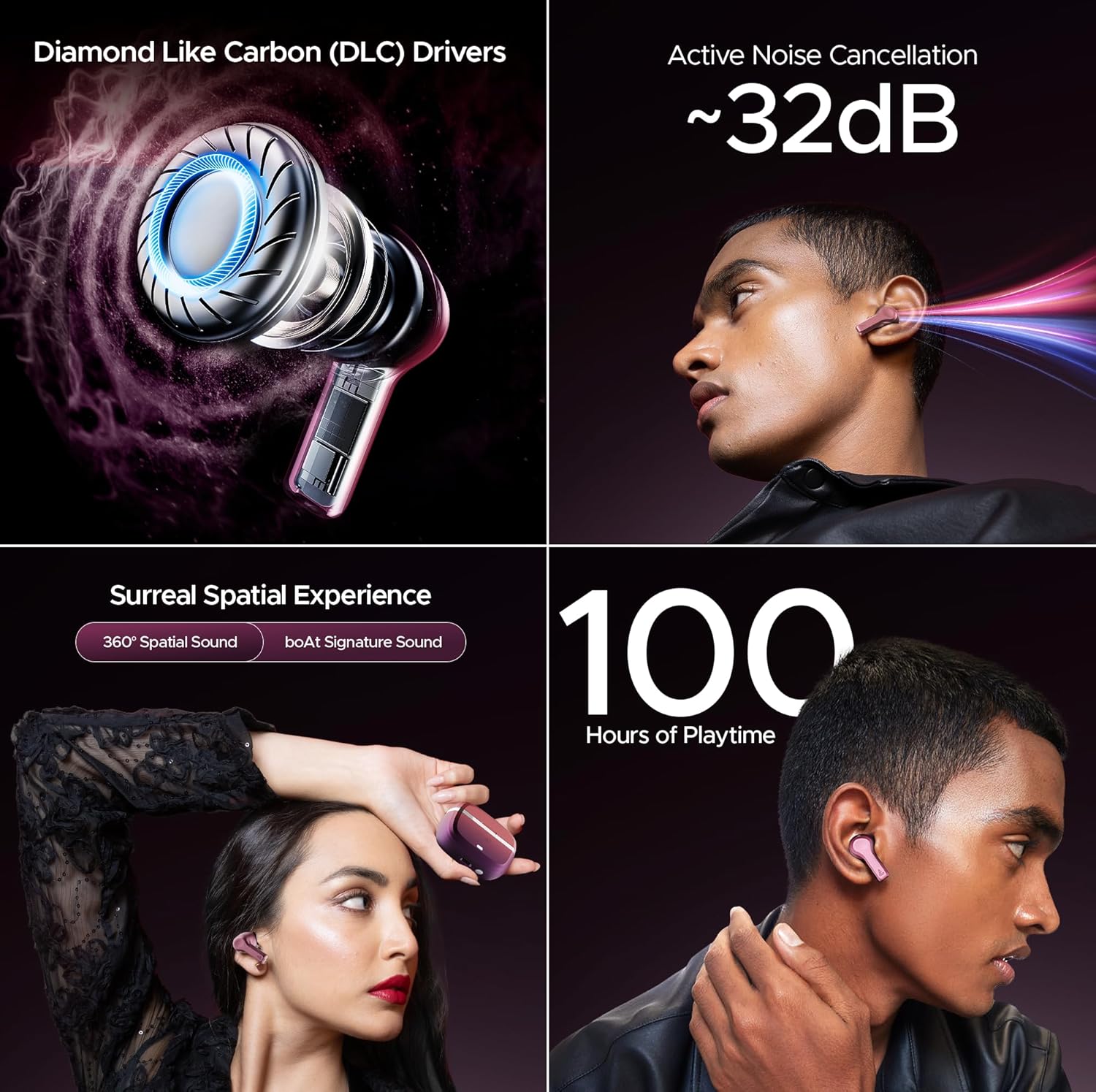
Imej: Selesaiview of key audio features including DLC Drivers, ANC, Spatial Audio, and battery life.
6.4 boAt Signature Sound
Enjoy the signature boAt sound profile, optimized for a powerful and dynamic listening experience across various genres.
6.5 BEAST Mode
Activate BEAST Mode for ultra-low latency (60ms), ideal for gaming and video streaming, ensuring synchronized audio and visuals.
6.6 Mod Ambien
When you need to be aware of your surroundings, switch to Ambient Mode. This feature allows external sounds to pass through, keeping you connected to your environment without removing the earbuds.
7. Kualiti Panggilan
The Nirvana Space earbuds are equipped with 4 microphones and AI-ENx Technology. This technology enhances call clarity by isolating your voice and reducing background noise, ensuring clear conversations even in noisy environments.

Image: Quad Mics with AI-ENx Technology for enhanced call clarity.
8. boAt Hearables App
Download the boAt Hearables App to unlock the full potential of your Nirvana Space earbuds. The app allows for customization of touch controls, sound personalization with boAt Adaptive EQ, and access to various features and settings.

Image: boAt Hearables App interface for customizing settings and features. Download the app via this link: https://l.ead.me/bdAX6k
9. Hayat Bateri
The boAt Nirvana Space earbuds offer an impressive 100 hours of total playback time with the charging case. This extended battery life ensures long listening sessions without frequent recharging.

Image: 100 Hours of Playtime feature banner.
10. Penyelenggaraan
Untuk mengekalkan prestasi dan jangka hayat fon telinga anda:
- Pastikan fon telinga dan bekas pengecas bersih dan kering.
- Avoid exposing them to extreme temperatures or direct sunlight.
- Gunakan kain lembut dan kering untuk pembersihan. Jangan gunakan pembersih yang kasar.
- Store in the charging case when not in use to protect them from dust and damage.
11. Penyelesaian masalah
11.1 Fon Telinga Tidak Berpasangan
- Pastikan kedua-dua fon telinga dicas.
- Letakkan semula fon telinga ke dalam bekas, tutup penutup, tunggu beberapa saat, kemudian buka semula untuk memasuki semula mod berpasangan.
- Forget 'Nirvana Space' from your device's Bluetooth settings and attempt to pair again.
11.2 Satu Fon Telinga Tidak Berfungsi
- Semak sama ada kedua-dua fon telinga dicas.
- Cuba tetapkan semula fon telinga (rujuk manual pengguna penuh untuk arahan tetapan semula khusus).
11.3 Kualiti Panggilan yang Buruk
- Pastikan fon telinga diletakkan dengan betul di telinga anda.
- Check for any obstructions around the microphone areas.
- If in a very noisy environment, try moving to a quieter location.
12. Spesifikasi
| Ciri | Spesifikasi |
|---|---|
| Nama Model | Nirvana Space |
| Kawalan Bunyi | Active Noise Cancellation (~32dB) |
| Teknologi Ketersambungan | Tanpa Wayar (Bluetooth v5.3) |
| Julat Bluetooth | 10 Meter |
| Hayat Bateri | 100 Jam (dengan kes pengecasan) |
| Masa Mengecas | 1.5 Jam |
| Jenis Pemacu Audio | Dynamic Driver (10mm DLC) |
| Mikrofon | 4 Mics with AI-ENx Technology |
| Tahap Ketahanan Air | Tahan Air |
| Kaedah Kawalan | App / Touch |
| Berat Barang | 140 Gram |
13. Waranti dan Sokongan
Your boAt Nirvana Space TWS Earbuds come with a manufacturer's warranty. For detailed warranty information, service requests, or technical support, please visit the official boAt webtapak atau hubungi perkhidmatan pelanggan mereka. Simpan resit pembelian anda untuk tuntutan waranti.
Visit the official boAt Store: Kedai boAt di Amazon