
pengenalan
This manual provides detailed instructions for setting up and operating your TUTT S6 (New Generation) 15.6" Triple Portable Monitor Screen Extender. Please read this guide thoroughly to ensure proper usage and to maximize your productivity with this versatile device.
Isi Kotak
- 1 x TUTT S6 Monitor Extender-Host (Rose Gold)
- 2 x USB-A to USB-C cables
- 2 x USB-C to USB-C cables
- 1 x HDMI to Type-C cable
- 1 x H5 2-in-1 High Definition Video Transmission Conversion Cable
- 1 x Membawa Beg
- 1 x Sleeve Stand
- 1 x Single Screen Stand
- 2 x User Guides

Figure 1: Contents of the TUTT S6 product box.
Persediaan dan Ketersambungan
The TUTT S6 monitor offers flexible connectivity options to suit various devices. Ensure your laptop or device has the necessary ports for video output and power.
Direct USB-C Connection (Full-Featured)
For laptops with a full-featured USB-C port (supporting both video and power delivery, often indicated by a Thunderbolt symbol), a single USB-C to USB-C cable is sufficient for both video transmission and power. Simply connect one end of the USB-C to USB-C cable to your laptop's full-featured USB-C port and the other end to one of the USB-C ports on the monitor.
H5 2-in-1 Cable Connection (for USB-A or non-full-featured USB-C)
If your laptop does not have a full-featured USB-C port, or if you prefer to use an HDMI connection, utilize the H5 2-in-1 High Definition Video Transmission Conversion Cable. This cable converts regular USB-A or USB-C signals to HDMI for video output.
- Connect the USB-A or USB-C end of the H5 cable to your laptop.
- Connect the HDMI end of the H5 cable to the HDMI port on the back of the TUTT S6 monitor.
- Provide power to the monitor using a separate USB-C to USB-A cable connected to a power source (e.g., wall charger, laptop's USB-A port).

Figure 2: Rear ports of the TUTT S6 monitor.
Video 1: This video demonstrates how to connect the TUTT S6 monitor using the H5 converter cable, including identifying the correct ports on the monitor and laptop, and ensuring proper power supply. It also covers driver installation and changing display orientation.
Pemasangan Pemandu
Upon initial connection, your computer may automatically recognize the monitor and install necessary drivers. If a 'USB Display' notification appears, click on it to initiate the driver installation. If not, follow these steps:
- Go to 'This PC' or 'My Computer' on your system.
- Locate the 'CD Drive (D:) USB Display' (or similar) under 'Devices and drives'.
- Double-click to open and run the installer for the 'USB Display' driver.
- Follow the on-screen prompts to complete the installation. You may need administrator permissions for installation on company or government computers.
Orientasi Paparan
To adjust the display orientation (e.g., from landscape to portrait):
- Klik kanan pada desktop anda dan pilih 'Tetapan paparan'.
- Identify the monitor you wish to adjust (usually labeled 1, 2, or 3).
- Scroll down to 'Display orientation' and select your desired orientation (e.g., 'Portrait').
- Sahkan perubahan apabila digesa.
Arahan Operasi
Pelbagai tugas yang cekap
The TUTT S6 Triple-Screen Monitor supports various display modes to enhance productivity:
- Mod Sambungan: Extend your desktop across multiple screens for increased workspace.
- Mod Pencerminan: Duplicate your main screen's content onto the portable monitors, ideal for presentations.
- Mod Potret: Rotate the display for vertical viewing, beneficial for documents or coding.
- Mod Landskap: Standard horizontal viewing.
These modes can be configured in your computer's display settings.

Figure 3: Efficient multitasking with multiple displays.
Flexible Stand Design
The monitor features a lightweight all-aluminum frame and an adjustable stand for personalized comfort. You can adjust height, pivot, swivel, and tilt. The intelligent cooling base also serves as a stable stand and enhances heat dissipation for your laptop.

Figure 4: Flexible stand design for optimal viewing.
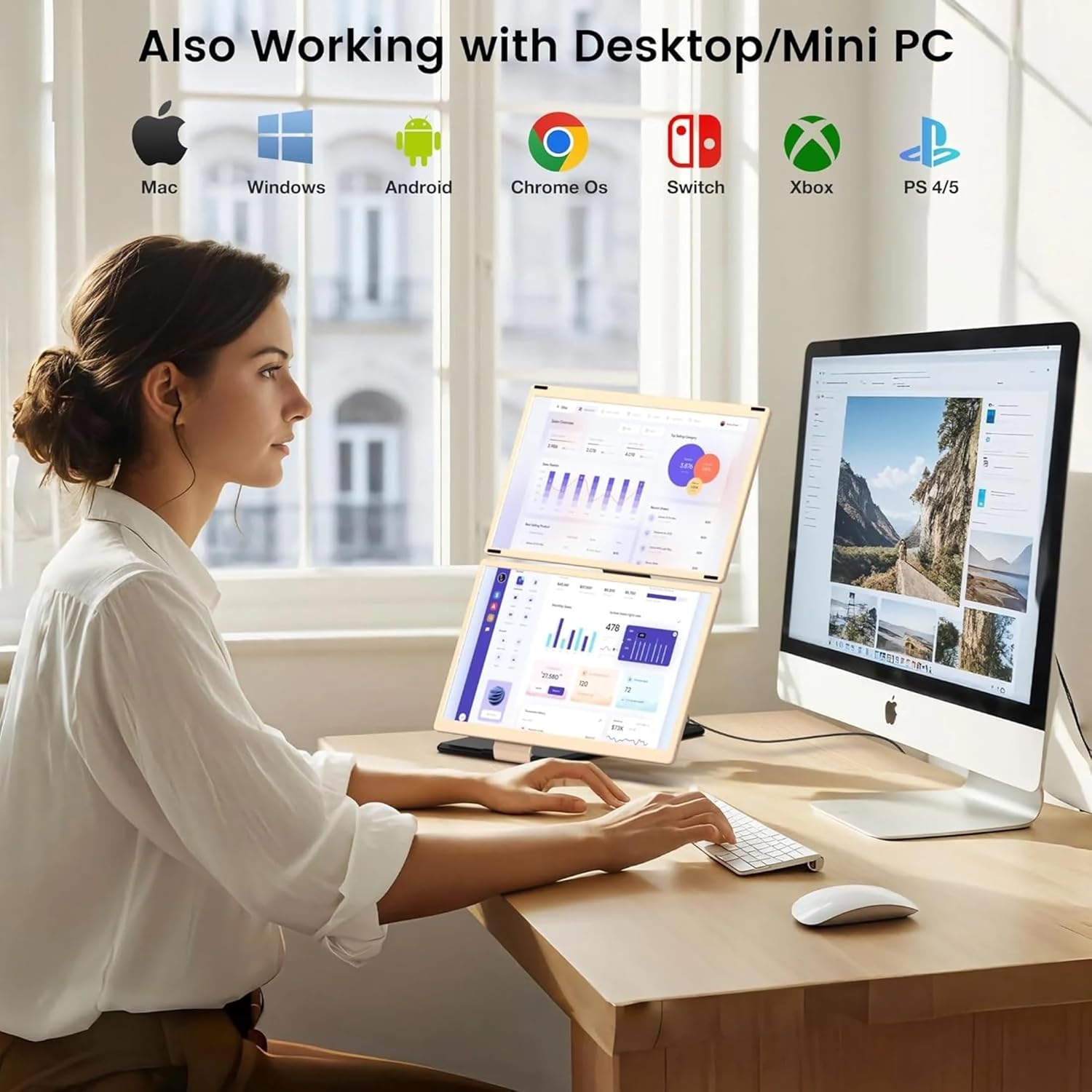
Figure 5: DIY various styles for personalized setup.
Spesifikasi
- Saiz skrin: 15.6 Inci
- Resolusi: FHD 1080p (1920x1080 Pixels)
- Nisbah aspek: 16:9
- Kecerahan: 220 cd/m²
- Kadar Segar Semula: 60 Hz
- Masa Respons: 25 milisaat
- Jenis Paparan: IPS
- Viewsudut: 178 Darjah
- Teknologi Ketersambungan: HDMI, USB-C
- Total Number of HDMI Ports: 1
- warna: Hitam
- Jenis Pemasangan: Pemasangan Meja
- Peranti Serasi: Laptops, Desktops, Gaming Consoles, Multimedia Devices
- Ciri-ciri Utama: Portable design, Glossy screen, Pivot adjustment, Swivel adjustment, Tilt adjustment, Flicker-free technology, Built-in speakers, 16.7 million colors

Figure 6: Key display specifications.
Waranti dan Sokongan
For any technical support inquiries regarding connection or operation, please refer to the dedicated technical support line provided on the product package. Text "Monitor" to the number provided, and a technician will contact you within 90 minutes (text only).