
SSK SD301 PRO
SSK 1TB USB C Thumb Drive SD301 PRO Instruction Manual
Model: SD301 PRO | Brand: SSK
1. Pengenalan
Thank you for choosing the SSK 1TB USB C Thumb Drive, Model SD301 PRO. This portable solid-state drive offers high-speed data transfer and versatile compatibility for various devices. Please read this manual carefully before use to ensure optimal performance and longevity of your device.
Ciri-ciri Utama:
- Dual USB-C and USB-A Interface: Equipped with both USB-C and USB-A 3.2 Gen 2 ports for convenient data transfer between smartphones, tablets, and computers.
- Ultra-Fast Transfer Speed: Achieves up to 1000MB/s read and write speeds, significantly faster than traditional USB 3.0 flash drives.
- Fungsi Palam dan Main: No software installation required for immediate use.
- Reka bentuk tahan lasak: Constructed with a high-grade zinc alloy shell for excellent shock resistance and efficient heat dissipation, featuring a double-head protective cover.
- Keserasian Universal: Works with a wide range of devices including iPhone 15, Android phones, tablets, MacBooks, Windows computers, smart TVs, and car audio systems.
2. Persediaan
Menyambungkan Peranti:
The SSK SD301 PRO features a dual-interface design, allowing connection via either USB-A or USB-C. The USB-C port is protected by a built-in flap, and the USB-A port has a removable cap. Ensure the correct port is exposed and aligned before insertion.
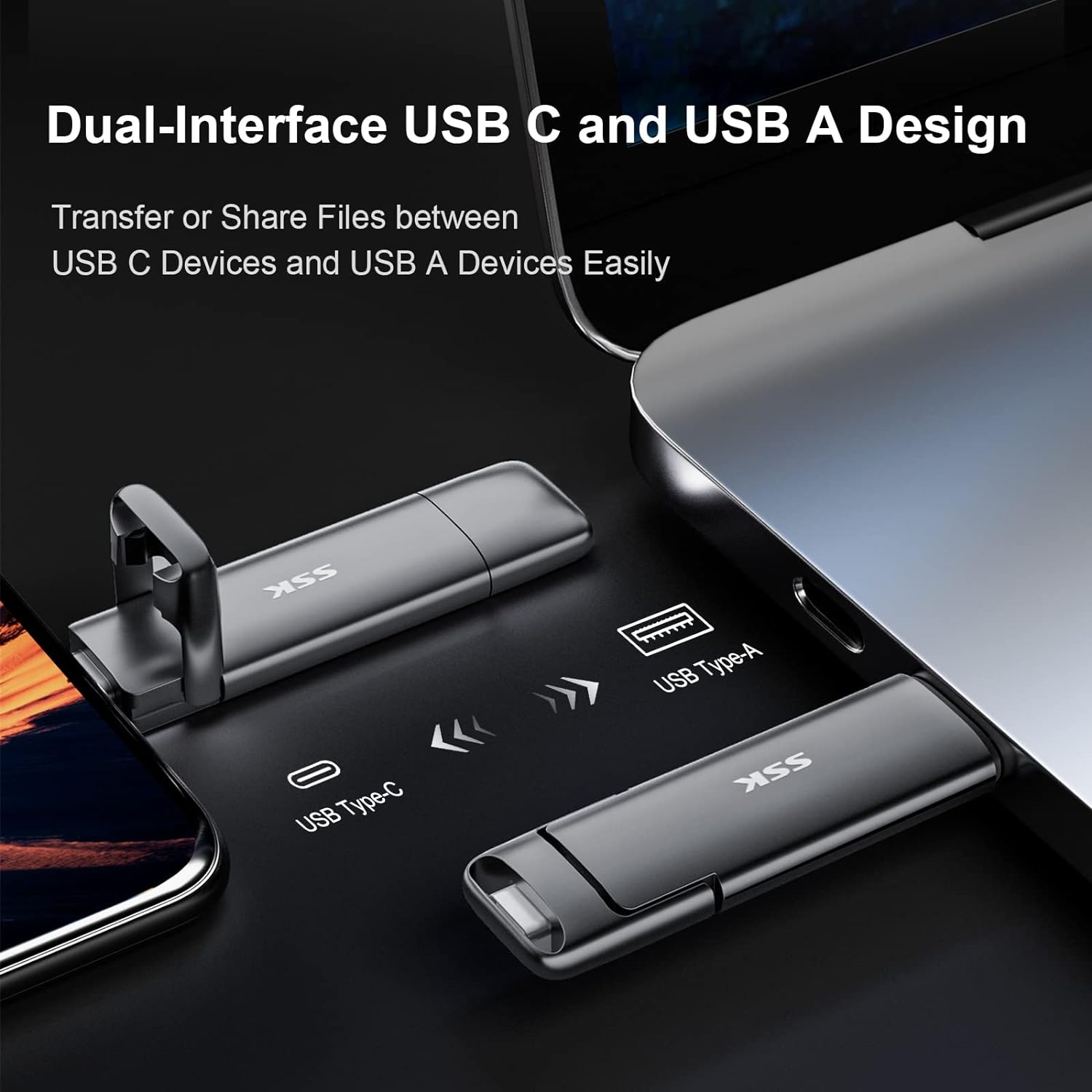
Image: The SSK SD301 PRO features both USB-C and USB-A connectors for broad compatibility.
Simply plug the drive into an available USB-C or USB-A port on your device. The drive is designed for plug-and-play operation, meaning it should be recognized automatically by most operating systems without requiring additional drivers.
Initial Formatting:
The drive comes pre-formatted with the exFAT file system. This format is compatible with both Windows and macOS, allowing for seamless data transfer between different operating systems. No reformatting is typically required for initial use.
3. Arahan Operasi
Pemindahan Data:
Once connected, the SSK SD301 PRO will appear as an external storage device on your computer or mobile device. You can drag and drop files to and from the drive just like any other storage device. The high-speed USB 3.2 Gen 2 interface ensures rapid transfer of large files, foto dan video.
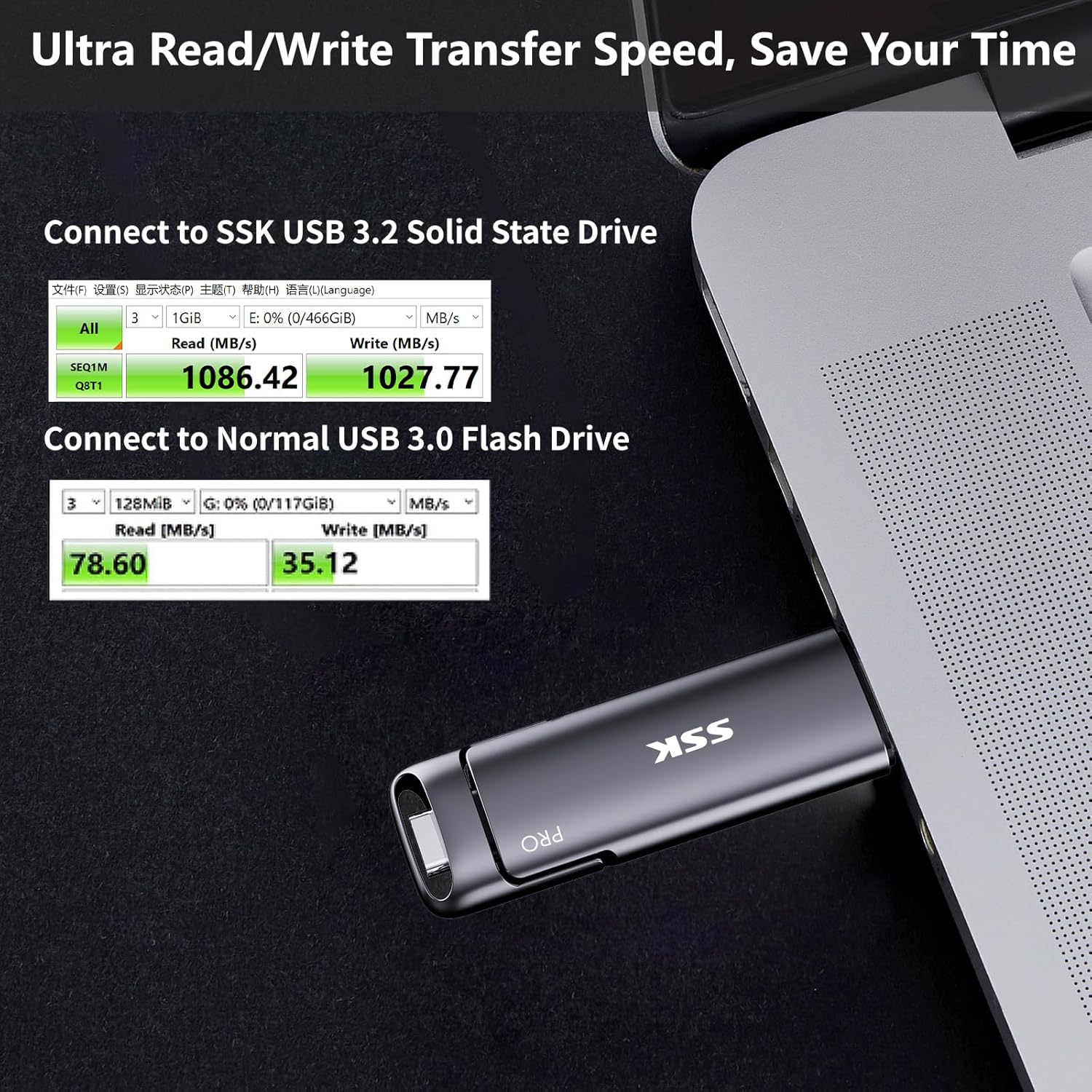
Image: Demonstrates the ultra-fast read/write speeds of the SSK SD301 PRO compared to a standard USB 3.0 flash drive.
Keserasian:
The dual USB-C and USB-A design ensures broad compatibility. It can be used with:
- Smartphones (iPhone 15 series, Android OTG-enabled devices)
- Tablet (iPad, tablet Android)
- Laptops (MacBook, Windows laptops)
- Desktop Computers (Windows, Linux, Mac OS)
- Gaming Consoles (PS4)
- Smart TVs and Car Audio Systems
Note: This device is incompatible with Lightning port devices.
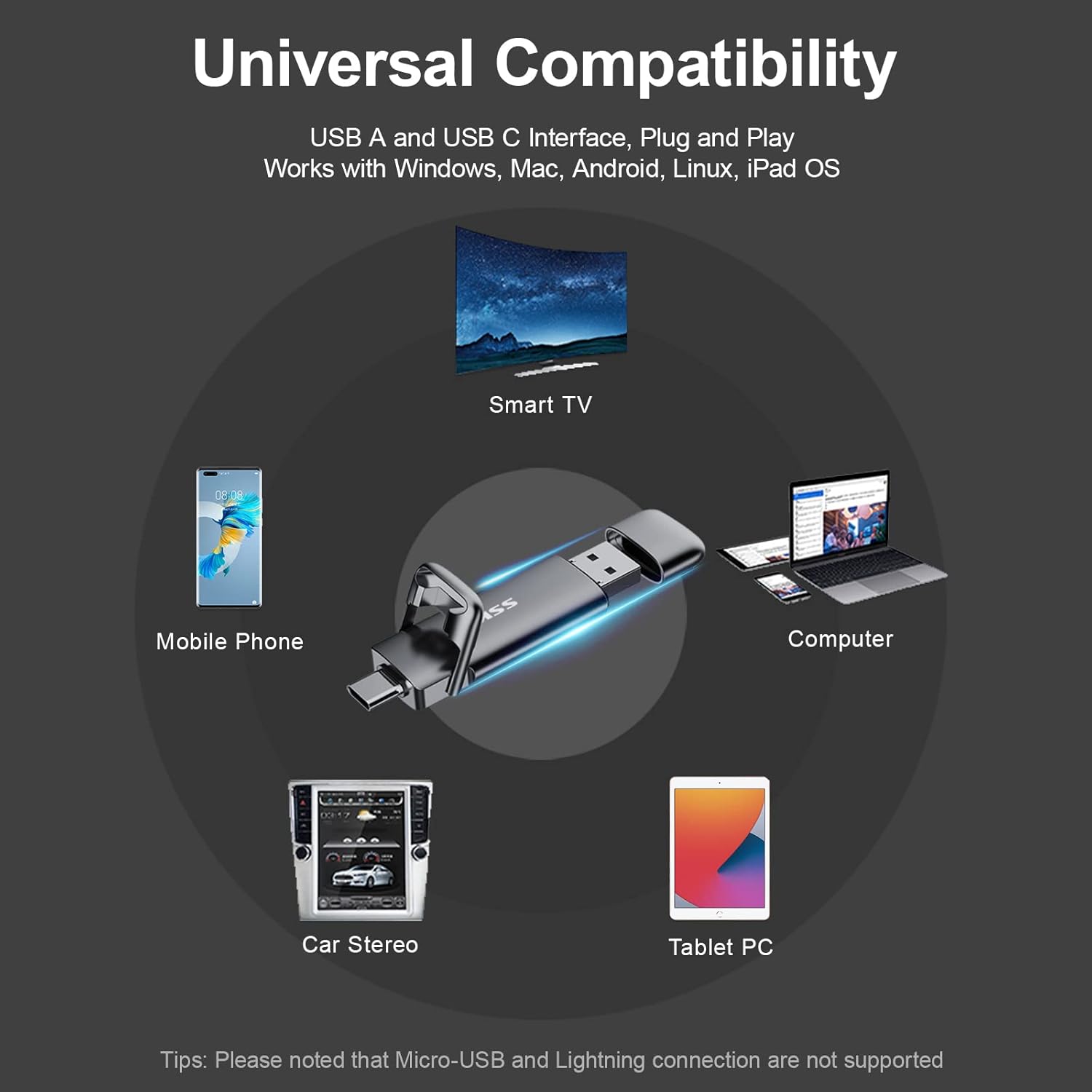
Image: The SSK SD301 PRO offers universal compatibility with a wide range of devices.
Ejecting the Device:
To prevent data corruption, always safely eject the drive before physically removing it from your device.
- Windows: Click the "Safely Remove Hardware and Eject Media" icon in the lower right corner of the taskbar. Select "Eject SSK SSD (H:)" (or similar drive letter). Wait for the prompt confirming it is safe to remove.
- macOS: Drag the drive icon from your desktop to the Trash, or right-click (or two-finger click on trackpad) the drive icon and select "Eject".
Video: This video from the SSK Official US Store demonstrates the SSK 1TB USB C Drive's features, including its dual interface and fast transfer speeds. It highlights its use with various devices and its compact design.
4. Penyelenggaraan dan Penjagaan
Penjagaan Fizikal:
The SSK SD301 PRO is built with a high-grade zinc alloy shell, providing durability and shock resistance. The double-head protective cover helps safeguard both the USB-C and USB-A interfaces when not in use. Keep the drive clean and free from dust and moisture.
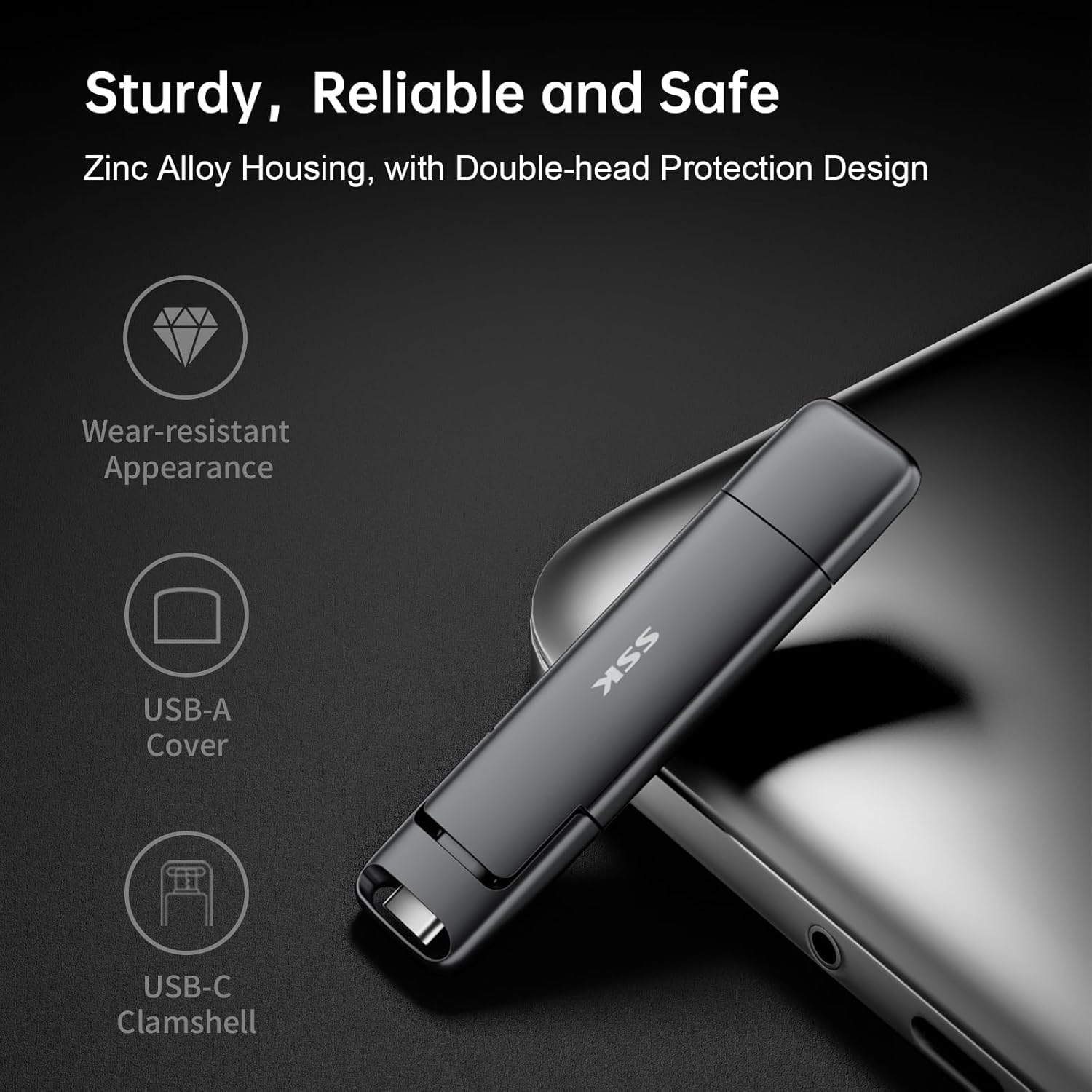
Image: The durable zinc alloy housing and protective covers ensure the longevity of the SSK SD301 PRO.
Pengurusan Haba:
During prolonged high-speed data transfers, it is normal for the drive to generate some heat. The zinc alloy casing is designed to dissipate this heat efficiently. However, avoid continuous heavy usage without breaks to prevent excessive heat buildup. Do not run large installers or applications directly from the drive for extended periods if heat is a concern.
5. Penyelesaian masalah
Pemanduan Tidak Dikenali:
- Pastikan pemacu dimasukkan sepenuhnya ke dalam port USB.
- Cuba port USB lain pada peranti anda.
- Test the drive on another compatible device to rule out device-specific issues.
- For Windows, check Disk Management to see if the drive appears there, even if not assigned a drive letter.
Kelajuan Pemindahan Lambat:
- Ensure your device's USB port supports USB 3.2 Gen 2 for optimal speeds. Older USB 2.0 or 3.0 ports will result in lower speeds.
- Performance can vary based on host equipment, interfaces, and usage conditions.
- Elakkan menjalankan pelbagai aplikasi yang menuntut semasa besar file pemindahan.
Eject Option Missing (Windows):
Unlike traditional flash drives, the SSK SD301 PRO is recognized as a portable SSD, which may not always display a direct
Ask a question about this manual
Ask about setup, troubleshooting, compatibility, parts, safety, or missing instructions. Manuals+ will review the question and use this page’s manual context to help answer it.