
1. Pengenalan
This manual provides detailed instructions for the setup, operation, and maintenance of your BoyKeep 1080P Indoor Security Camera. Designed for indoor use, this camera offers high-definition video, motion detection, two-way audio, and night vision capabilities to help you monitor your home, pets, or baby effectively. Please read this manual thoroughly before using the product to ensure proper functionality and safety.
2. Ciri-ciri Produk
- High-Resolution & Night Vision: Provides 1080P HD resolution for clear and vivid image quality. Features enhanced night vision for continuous monitoring in low-light conditions.
- 2.4G Wi-Fi & Bluetooth Connectivity: Supports both 2.4G Wi-Fi and Bluetooth connections for flexible setup.
- Penjejakan & Amaran Gerakan: Records alert videos and sends notifications to your phone upon detecting motion. Customizable monitoring zones, schedules, and sensitivity settings are available to minimize false alarms. Includes a built-in alarm feature.
- Komunikasi Dua Hala: Equipped with a microphone and speaker, enabling real-time two-way audio communication.
- Pelbagai Peranti Viewing & Sharing: Add multiple cameras to the app and view up to four real-time videos simultaneously. Share access with family members on up to 10 devices.
- Pilihan Rakaman Fleksibel: Supports Micro SD card (up to 128GB, not included) for 24/7 continuous recording or motion video recording. Optional 24/7 cloud storage plan is also available for additional backup.
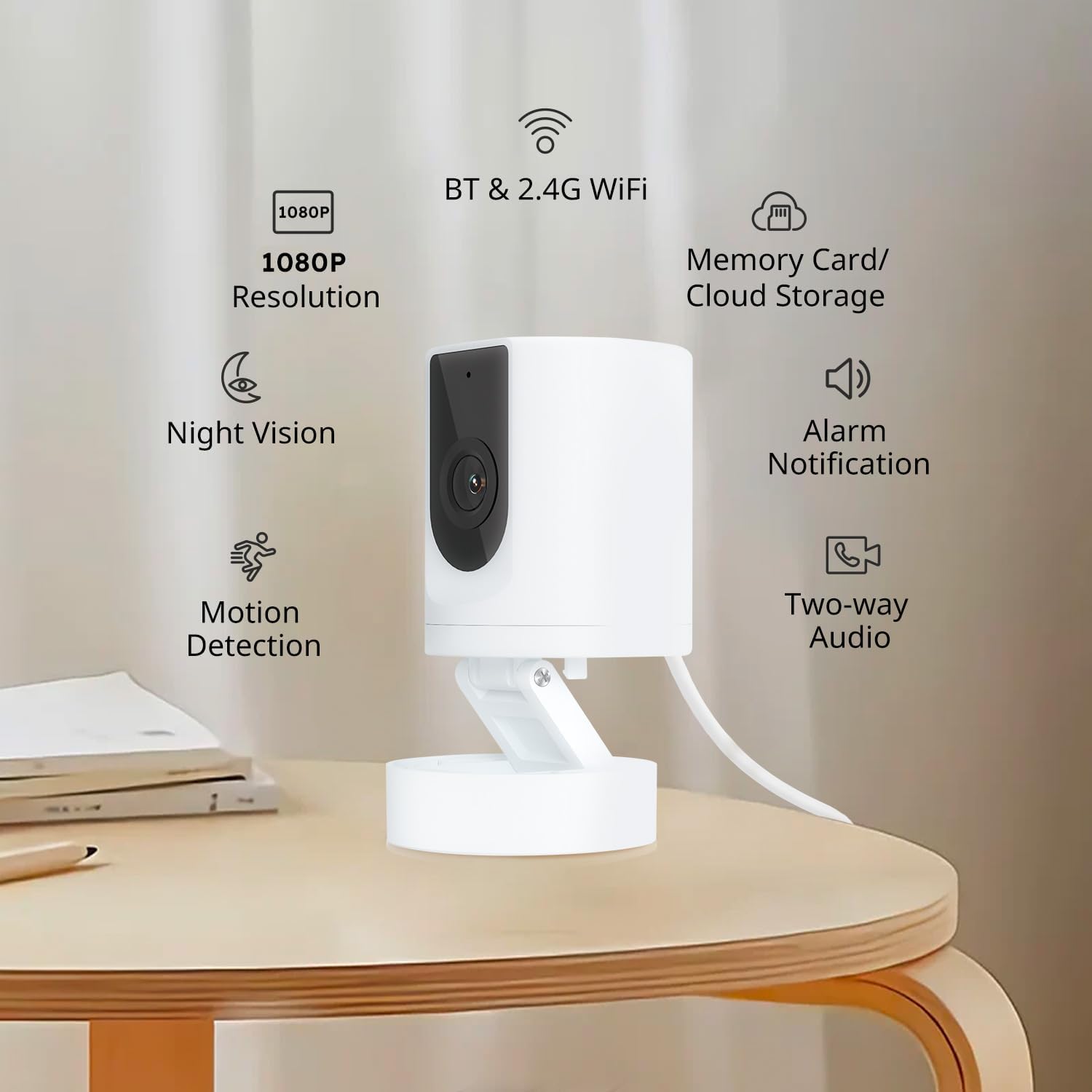
An image highlighting the key features of the BoyKeep 1080P Indoor Security Camera, including 1080P resolution, night vision, motion detection, Bluetooth and 2.4G Wi-Fi connectivity, memory card and cloud storage options, alarm notifications, and two-way audio.
3. Kandungan Pakej
- BoyKeep 1080P Indoor Security Camera
- USB Power Cable (Note: A 5V/1A USB power adapter is required and not included.)
- Mounting Accessories (if applicable, typically screws and wall anchors)
- Manual Pengguna
4. Panduan Persediaan
4.1 Menguasakan Kamera
- Connect the provided USB power cable to the camera's power input port.
- Connect the other end of the USB power cable to a 5V/1A USB power adapter (not included).
- Plug the power adapter into a wall outlet. The camera will power on and indicate its status (e.g., flashing LED).
Nota: This version of the camera does not include a power adapter. You can use any standard 5V/1A USB power adapter.
4.2 Pemasangan dan Sambungan Apl
- Download the "Ease Life" app from your smartphone's app store (iOS or Android).
- Daftar untuk akaun baharu atau log masuk jika anda sudah mempunyai akaun.
- Follow the in-app instructions to add your camera. This typically involves selecting "Add Device," choosing the camera type, and following prompts for Wi-Fi or Bluetooth pairing. Ensure your phone is connected to a 2.4GHz Wi-Fi network.
- Setelah disambungkan, anda boleh menamakan kamera anda dan mula secara langsung viewing.
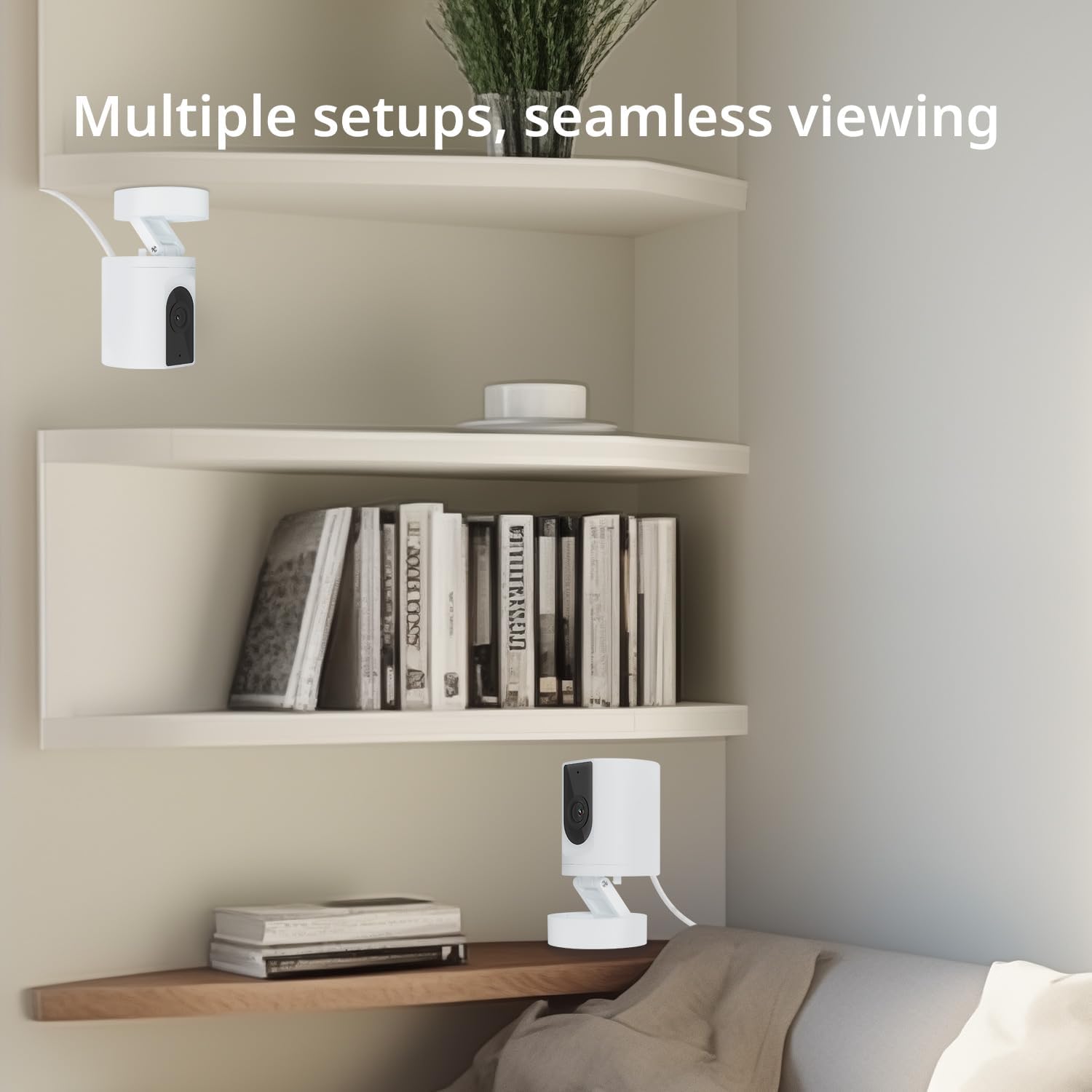
An image showing two BoyKeep Indoor Security Cameras placed on different shelves in a room, highlighting the camera's versatility for multiple setup locations and seamless viewing.
5. Arahan Operasi
5.1 Langsung View dan Audio Dua Hala
- Open the Ease Life app and select your camera to access the live video feed.
- Tap the microphone icon in the app to speak through the camera's speaker. Tap the speaker icon to hear audio from the camera's microphone.

This image illustrates the two-way audio feature of the BoyKeep 1080P Indoor Security Camera, showing a dog with a 'Woof Woof!' speech bubble and a person on a phone saying 'Baby, miss you!', indicating remote communication.
5.2 Pengesanan Gerakan dan Makluman
- In the app settings for your camera, navigate to "Motion Detection" or "Alert Settings."
- Enable motion detection and customize sensitivity levels to suit your environment.
- Set up monitoring zones and schedules to receive alerts only when and where needed.
- Alert notifications will be sent to your smartphone when motion is detected.
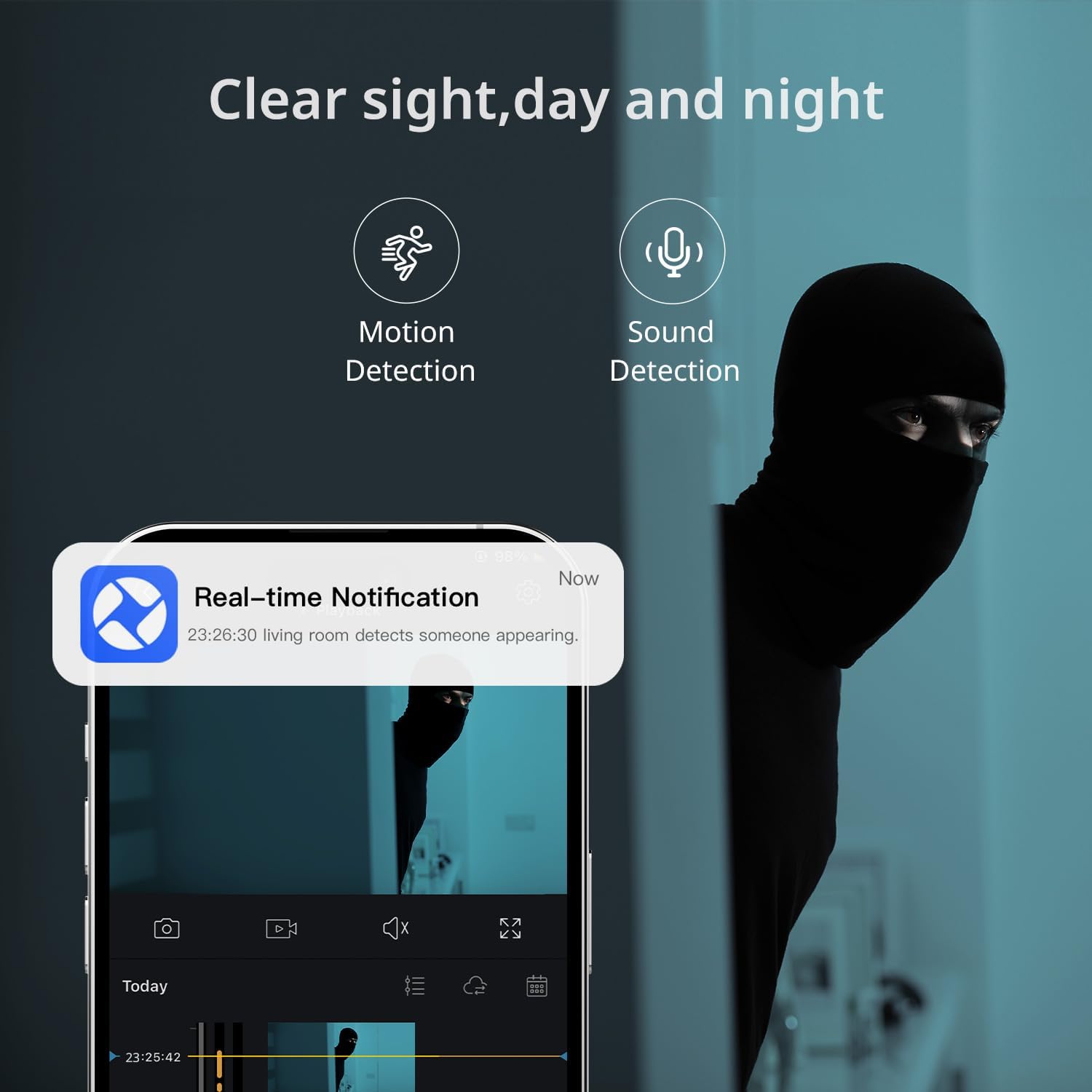
This image depicts the motion and sound detection capabilities of the BoyKeep Indoor Security Camera, with a smartphone displaying a 'Real-time Notification' alert when motion is detected in the living room.
5.3 Penglihatan Malam
- Kamera secara automatik bertukar kepada mod penglihatan malam dalam keadaan cahaya malap.
- Night vision provides clear, grayscale images for continuous monitoring in the dark.

An image illustrating the night vision functionality of the BoyKeep Indoor Security Camera, providing a clear, grayscale view of pets in a dimly lit room, ensuring monitoring even in darkness.
5.4 Pilihan Rakaman
- Rakaman Kad Mikro SD: Insert a Micro SD card (up to 128GB, not included) into the camera's designated slot for local storage. You can configure continuous recording or motion-triggered recording via the app.
- Storan Awan: For additional backup and security, an optional 24/7 cloud storage plan is available through the Ease Life app.

This image showcases the flexible recording options of the BoyKeep Indoor Security Camera, including cloud storage and Micro SD card support, with a filmstrip graphic representing continuous recording of home activities.
6. Penyelenggaraan
- Pembersihan: Gunakan kain lembut dan kering untuk membersihkan kanta dan badan kamera. Elakkan penggunaan bahan kimia yang keras atau bahan yang melelas.
- Kemas kini Firmware: Regularly check the Ease Life app for available firmware updates to ensure optimal performance and security.
- penempatan: Ensure the camera is placed in a stable, dry indoor environment, away from direct sunlight, heat sources, and strong electromagnetic fields.
7. Penyelesaian masalah
| Masalah | Kemungkinan Punca | Penyelesaian |
|---|---|---|
| Kamera gagal bersambung ke Wi-Fi | Incorrect Wi-Fi password; Camera too far from router; Only 5GHz Wi-Fi available. | Verify Wi-Fi password. Move camera closer to router. Ensure your router supports 2.4GHz Wi-Fi, as the camera does not support 5GHz networks. |
| Tiada amaran pengesanan gerakan | Motion detection disabled; Sensitivity too low; Incorrect monitoring zones. | Enable motion detection in the app. Increase sensitivity. Adjust monitoring zones to cover desired areas. Check app notification settings on your phone. |
| Audio dua hala tidak berfungsi | Microphone/speaker permissions denied; Volume too low. | Check app permissions on your phone for microphone and speaker access. Adjust volume settings in the app and on your phone. |
| Kualiti imej yang lemah | Kanta kotor; Pencahayaan tidak mencukupi; Isu lebar jalur rangkaian. | Clean the camera lens. Ensure adequate lighting or verify night vision is active. Check your internet connection speed. |
| App is slow or unresponsive | Outdated app version; Network issues; Phone storage full. | Update the Ease Life app to the latest version. Check your phone's internet connection. Clear phone cache or free up storage. |
8. Spesifikasi
- model: 1080P Indoor Security Camera
- Resolusi: 1080P HD
- Ketersambungan: Wi-Fi 2.4G, Bluetooth
- Sumber Kuasa: Corded Electric (5V/1A USB power adapter required, not included)
- Storan: Micro SD card (up to 128GB, not included), Cloud Storage (optional subscription)
- Ciri Khas: 2-Way Audio, HD Resolution, Night Vision, Motion Detection
- Penggunaan Dalaman/Luar: Dalaman sahaja
- Dimensi: 7.2 x 6.7 x 4.8 cm
- Berat: 90 g
- Bahan: plastik
- warna: putih
9. Waranti dan Sokongan
BoyKeep products are designed for reliability and performance. For warranty information and technical support, please refer to the contact details provided on the product packaging or visit the official BoyKeep webtapak. Simpan resit pembelian anda sebagai bukti pembelian untuk sebarang tuntutan waranti.