
BoyKeep K11
BoyKeep Ease Life K11 Indoor Security Camera User Manual
Model: K11
1. Pengenalan
Thank you for choosing the BoyKeep Ease Life K11 Indoor Security Camera. This manual provides detailed instructions for setting up, operating, and maintaining your camera to ensure optimal performance and security for your home. This camera is designed for indoor use, offering high-resolution video, two-way audio, and smart detection features.

Image: The BoyKeep Ease Life K11 Indoor Security Camera shown next to a smartphone displaying the live feed from the camera, demonstrating its remote monitoring capability.
2. Apa yang ada di dalam Kotak
- BoyKeep Ease Life K11 Indoor Security Camera
- USB to USB-C Cable (approx. 6 feet)
- Manual Arahan
Nota: A power adapter is bukan included with this version of the camera. Please use a 5V/1A USB power adapter (not supplied) to power the device.
3. Ciri-ciri Produk
- High-Resolution & Night Vision: Enjoy clear and vivid 1080P HD resolution. The camera features enhanced night vision for monitoring in low-light conditions.
- Penjejakan & Amaran Gerakan: The camera records alert videos and sends notifications to your phone upon detecting motion or sound. Customizable monitoring zones, schedules, and sensitivity settings help minimize false alarms. An integrated alarm feature can deter intruders.
- Komunikasi Dua Hala: Equipped with a built-in microphone and speaker, the camera enables seamless two-way audio communication, allowing you to hear and speak through the camera via the app.
- Pelbagai Peranti Viewing & Sharing: Add multiple cameras to the Ease Life App and view up to four real-time video feeds simultaneously. Share access with up to 10 family members for collective monitoring.
- Pilihan Rakaman Fleksibel: Supports local storage via a Micro SD card (up to 128GB, not included) for 24/7 continuous or motion-triggered recording. Optional cloud storage plans are available for additional backup and security.
- Ketersambungan: Supports 2.4G Wi-Fi and Bluetooth for easy connection.

Image: A visual comparison demonstrating the superior clarity of 1080P resolution compared to 720P, illustrated with images of cats.
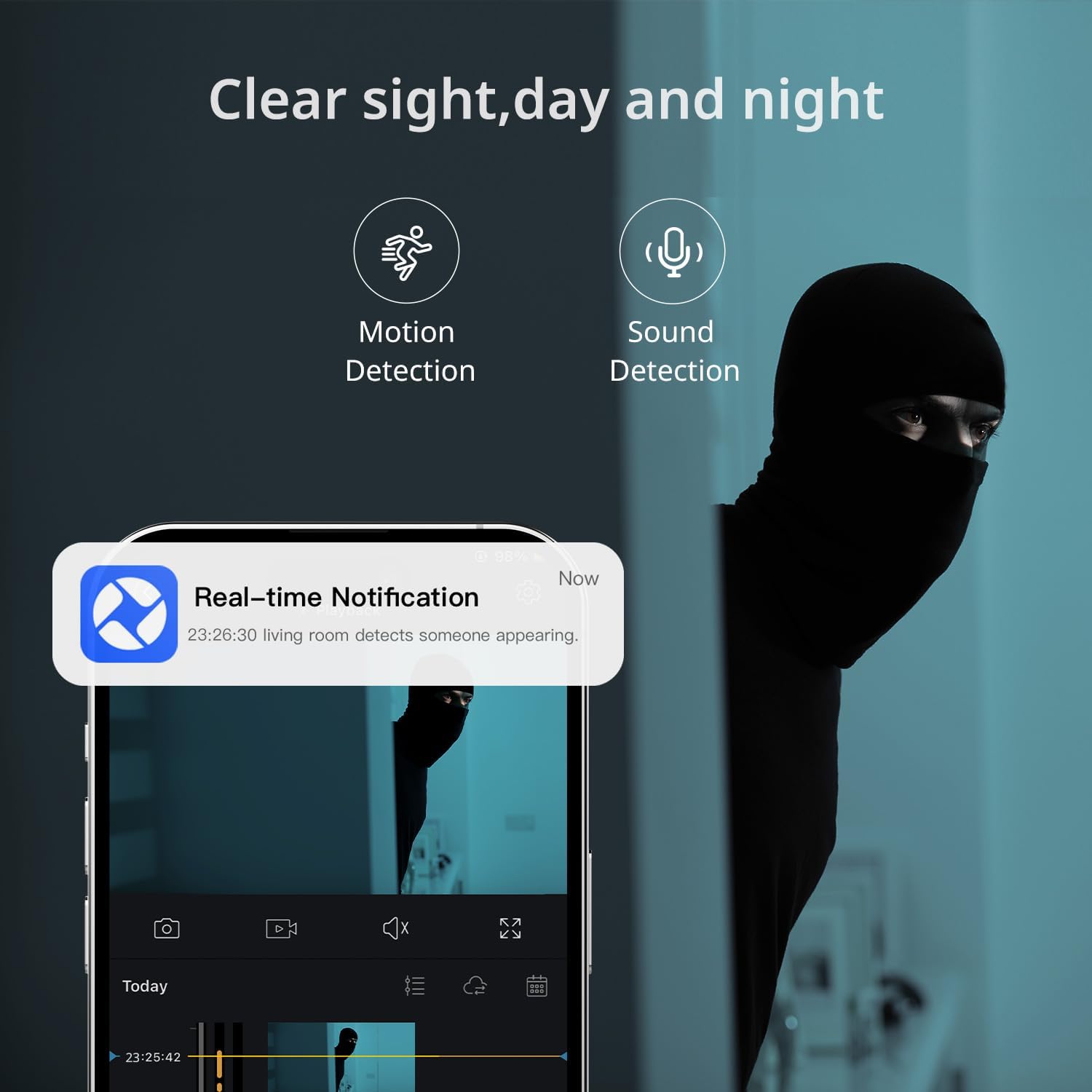
Image: A smartphone displaying a real-time notification for detected motion, illustrating the camera's alert capabilities.

Image: A visual representation of the two-way audio feature, showing a dog and a person communicating through the camera.
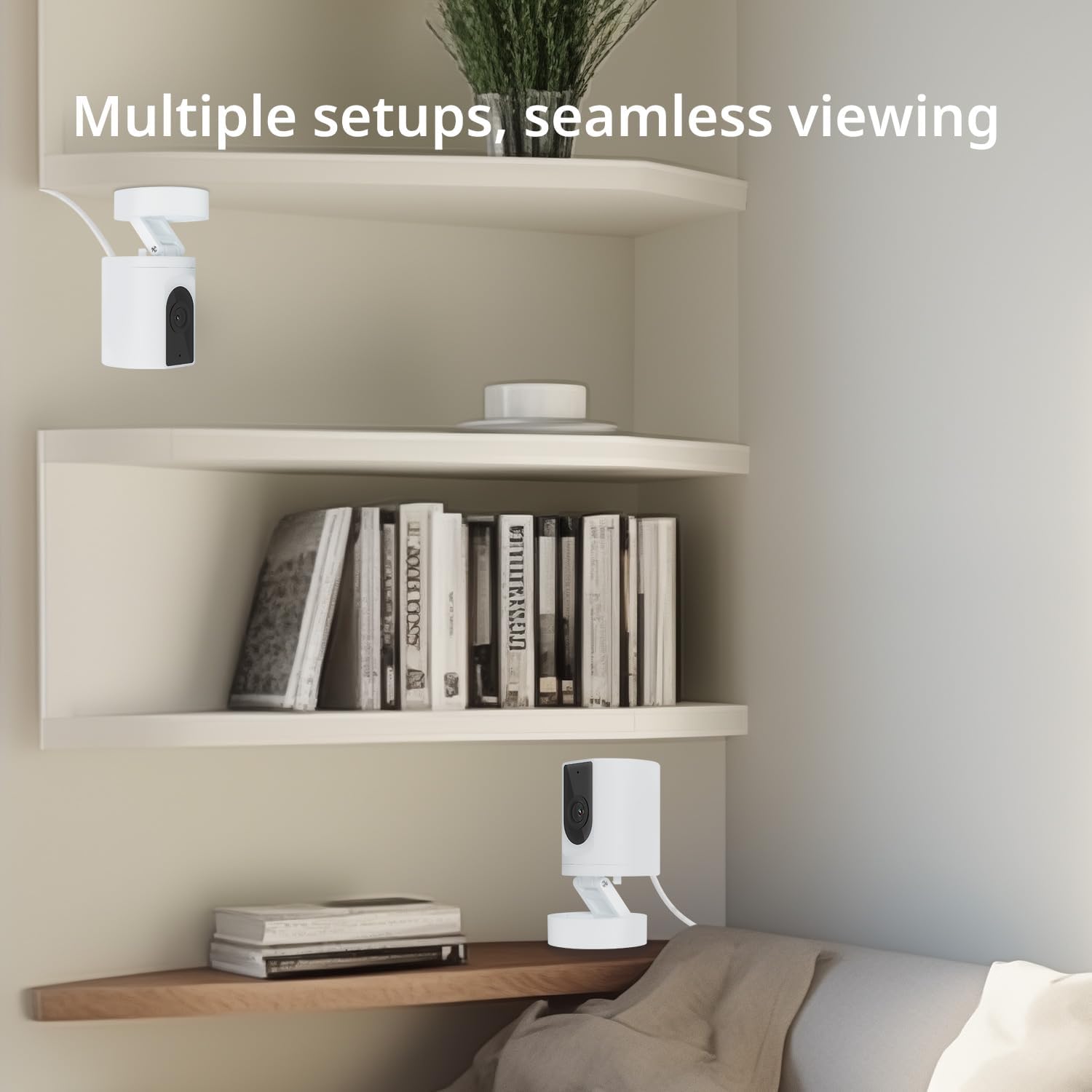
Image: Multiple camera setups in a home environment, showcasing the flexibility for seamless viewdari pelbagai sudut.

Image: A smartphone screen showing a timeline of recorded video, with icons representing cloud storage and memory card options.

Image: The camera's connectivity features highlighted, showing support for 2.4G WiFi and Bluetooth, along with a 130-degree viewsudut ing.
4. Panduan Persediaan
- Hidupkan kuasa: Connect the camera to a 5V/1A USB power adapter (not included) using the provided USB to USB-C cable. The camera will power on and indicate readiness for setup.
- Muat turun Apl: Cari untuk and download the "Ease Life" app from your smartphone's app store (available for Android and iOS).
- Daftar/Log Masuk: Open the Ease Life app and create a new account or log in if you already have one.
- Tambah Peranti: Tap the "+" icon in the app to add a new device. Select your camera model (K11) from the list.
- Sambung ke Wi-Fi: Follow the in-app instructions to connect the camera to your 2.4G Wi-Fi network. Ensure your phone is also connected to the same 2.4G Wi-Fi network during setup. The app may guide you to scan a QR code displayed on your phone with the camera lens.
- Penggandingan Selesai: Once connected, the camera will indicate successful pairing, and you can begin live viewing.
5. Arahan Operasi
- Langsung View: Open the Ease Life app and select your camera to view suapan langsung.
- Audio Dua hala: Pada siaran langsung view screen, tap the microphone icon to speak through the camera. Tap the speaker icon to listen to audio from the camera's location.
- Motion/Sound Detection: Access camera settings in the app to enable or disable motion and sound detection. Adjust sensitivity levels and set specific monitoring zones or schedules as needed.
- Rakaman & Main semula:
- Kad SD mikro: Insert a Micro SD card (not included) into the TF slot on the camera (refer to the bottom of the camera for the slot). The camera will automatically begin recording based on your settings (continuous or motion-triggered). To view recordings, access the playback feature in the app.
- Storan Awan: If you opt for cloud storage, follow the in-app instructions to subscribe and activate the service. Recordings will be securely stored in the cloud.
- Sharing Device: In the app, navigate to the camera settings and find the 'Share Device' option to invite family members to view suapan kamera.
6. Penyelenggaraan
- Pembersihan: Gunakan kain lembut dan kering untuk membersihkan lensa kamera dan badan. Elakkan menggunakan bahan kimia yang keras atau pembersih yang kasar.
- penempatan: Pastikan kamera diletakkan di persekitaran dalaman yang stabil dan kering, jauh daripada cahaya matahari langsung, sumber haba dan kelembapan berlebihan.
- Kemas kini Firmware: Regularly check the Ease Life app for available firmware updates to ensure your camera has the latest features and security enhancements.
7. Penyelesaian masalah
| Masalah | Penyelesaian yang Mungkin |
|---|---|
| Kamera tidak akan bersambung ke Wi-Fi. |
|
| Kualiti gambar yang buruk. |
|
| Two-way audio has static or is unclear. |
|
| Camera is not recording. |
|
8. Spesifikasi
| Ciri | Perincian |
|---|---|
| Nama Model | K11 |
| Penggunaan Dalaman/Luar | Dalaman |
| Resolusi Tangkapan Video | 1080P HD |
| Teknologi Ketersambungan | Wireless (2.4G Wi-Fi, Bluetooth) |
| Sumber Kuasa | Corded Electric (DC 5V/1A, adapter not included) |
| Peranti Serasi | Tablet, Smartphone (Android) |
| Ciri Khas | 2-Way Audio, Motion Detection, Night Vision, Cloud/SD Storage |
| Jenis Pemasangan | Wall Mount (with included base) |
| warna | putih |
| Dimensi Produk | 4.72 x 2.8 x 2.8 inci |
| Berat Barang | 3.84 auns |
9. Maklumat Waranti
BoyKeep products are covered by a limited warranty from the date of purchase. Please retain your proof of purchase for warranty claims. For specific warranty terms and conditions, refer to the warranty card included with your product or visit the official BoyKeep webtapak.
10. Sokongan Pelanggan
If you encounter any issues or have questions regarding your BoyKeep Ease Life K11 Indoor Security Camera, please contact our customer support team:
- e-mel: support@boykeep.com (examp(emel, gantikan dengan yang sebenar jika ada)
- Webtapak: Visit the BoyKeep Store on Amazon
Our support team is available to assist you with technical issues, setup guidance, and general inquiries.
Ask a question about this manual
Ask about setup, troubleshooting, compatibility, parts, safety, or missing instructions. Manuals+ will review the question and use this page’s manual context to help answer it.