
1. Pengenalan
The LOFREE Zero ARTZ Mechanical Keyboard is a 75% layout keyboard designed for versatile use across multiple operating systems. It features a rechargeable battery, hot-swappable switches, and offers three connection types: Bluetooth, 2.4G wireless, and USB-C wired. This manual provides essential information for setting up, operating, and maintaining your keyboard.

Image: The LOFREE Zero ARTZ keyboard, showcasing its unique Terrazzo-inspired design and minimalist aesthetic.
2. Apa yang ada di dalam Kotak
Sila semak kandungan pakej untuk memastikan semua item ada:
- LOFREE Zero ARTZ Mechanical Keyboard
- USB Cable (for charging and wired connection)
- 2.4G Wireless Receiver (typically stored in the keyboard's magnetic silo)
3. Persediaan
3.1 Pengecasan Awal
Before first use, connect the keyboard to a power source using the provided USB-C cable. The keyboard features a long-lasting battery life. An LED indicator will show charging status.
3.2 Pilihan Kesambungan
The LOFREE Zero ARTZ keyboard supports three connection methods:
- Bluetooth: Pair with up to three devices.
- Wayarles 2.4G: Use the included USB receiver for a stable connection.
- Berwayar USB-C: Connect directly via the USB-C cable.
The keyboard is compatible with MacOS, iOS, Windows, and Android operating systems.
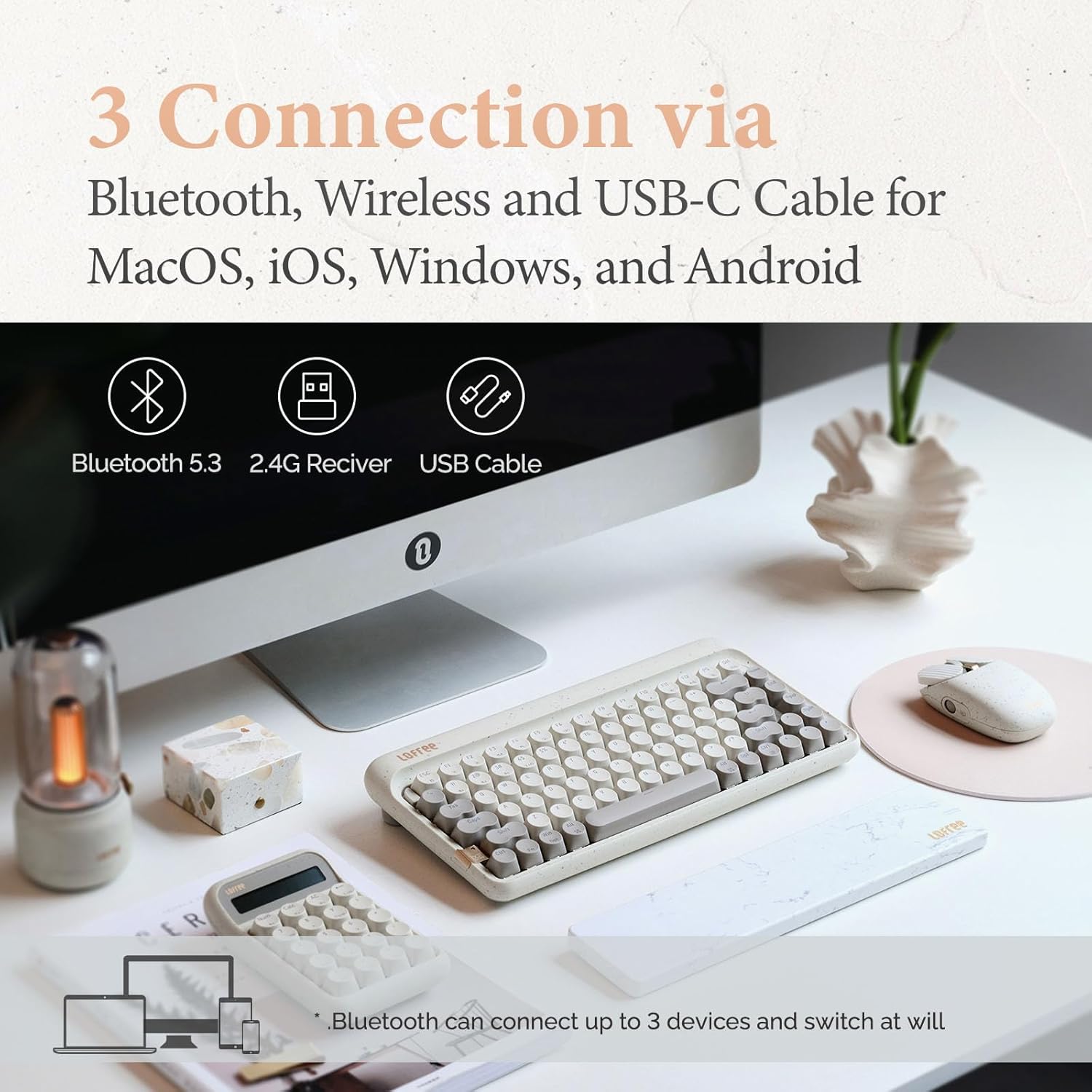
Image: Visual representation of the three connection types: Bluetooth, 2.4G wireless, and USB-C cable, highlighting multi-device compatibility.

Image: The keyboard illustrating efficient switching between various scenarios and devices.
4. Arahan Operasi
4.1 Kegunaan Am
The 75% layout provides a compact yet functional typing experience. The keyboard features dual-color PBT keycaps for durability and aesthetic appeal. Its gasket mount design contributes to a softer typing feel and purer sound.

Imej: Dari dekat view of the keyboard's dual-color PBT keycaps.

Image: An exploded diagram illustrating the gasket mount structure of the keyboard, highlighting its various layers for improved typing experience.
4.2 Kadar Mengundi
The keyboard supports up to a 1000Hz polling rate, ensuring quick and responsive input, particularly beneficial for tasks requiring precision.

Image: The keyboard in use, with a display indicating a 1000Hz polling rate for fast response times.
4.3 Pencahayaan latar
The keyboard features backlighting with 7 distinct lighting effects, 4 brightness levels, and 4 blink frequencies. Adjust these settings to your preference using the designated function keys.
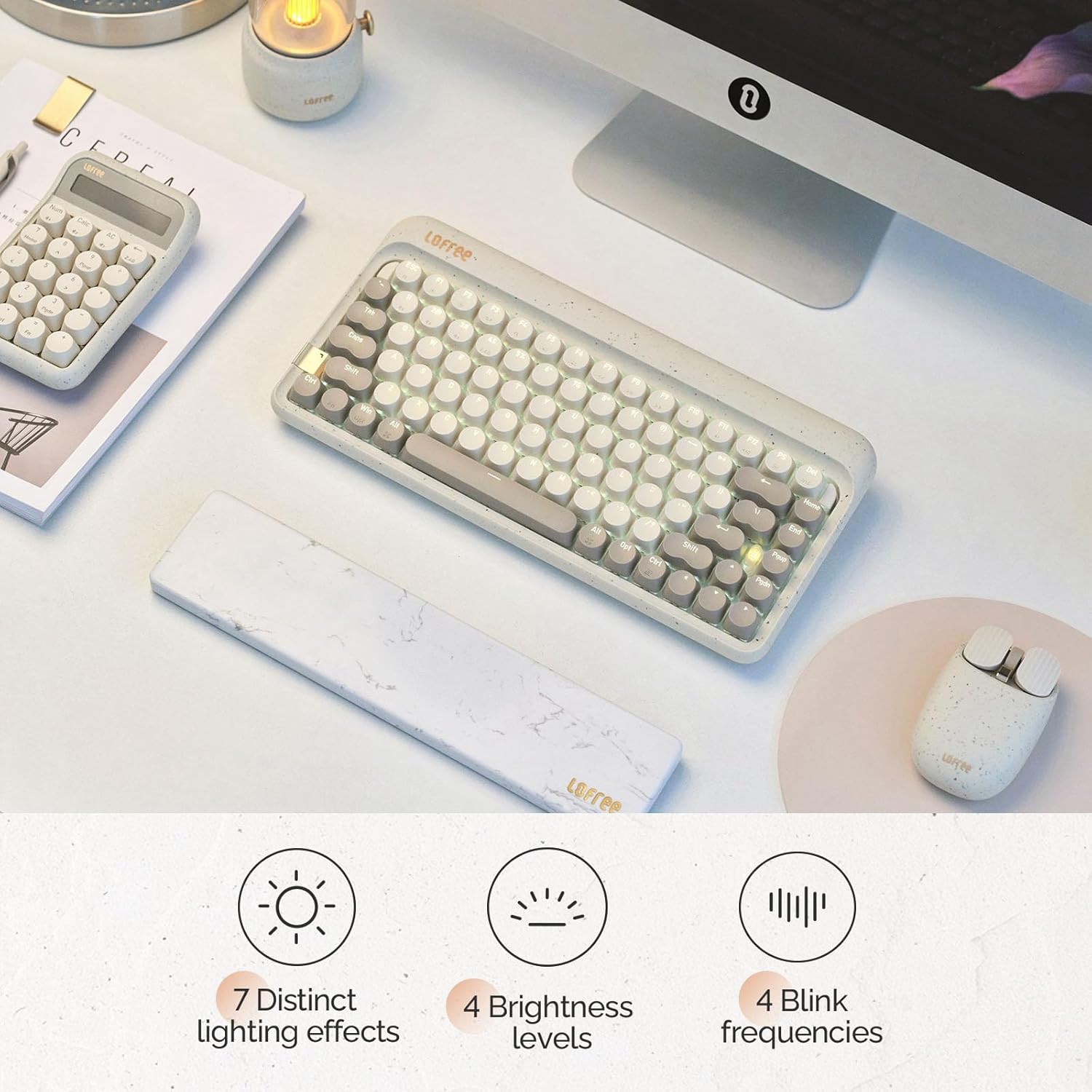
Image: The keyboard illuminated, highlighting its various backlighting features including distinct effects, brightness levels, and blink frequencies.

Image: The keyboard's keys glowing, described as resembling fireflies shining on rocks, emphasizing the aesthetic quality of the backlighting.
4.4 Suis Boleh Tukar Panas
The LOFREE Zero ARTZ keyboard is equipped with full POM hot-swappable switches, allowing users to easily change switches without soldering. This feature enables customization of typing feel and sound.
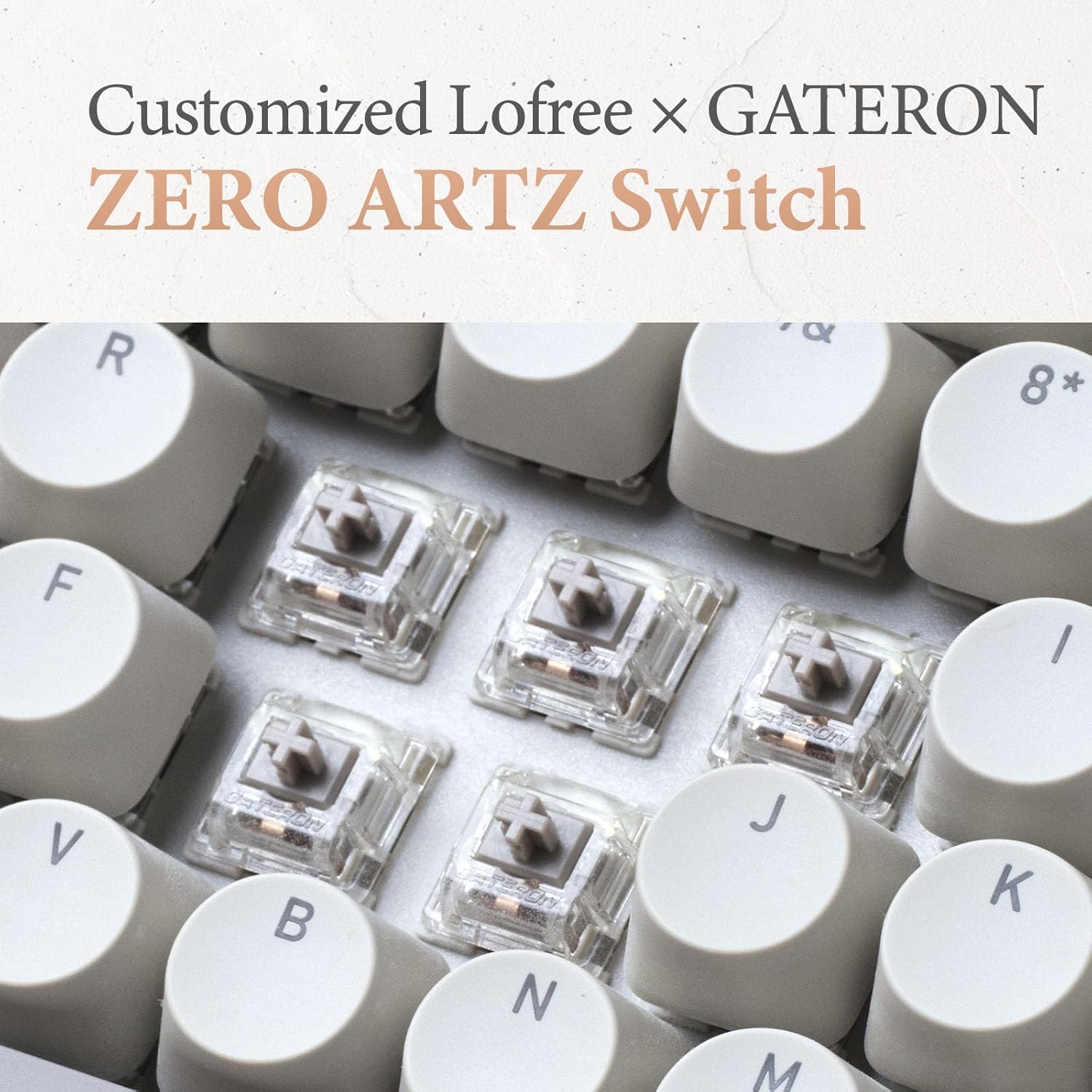
Image: A close-up of the customized LOFREE x GATERON ZERO ARTZ switches, visible beneath the keycaps.

Image: The keyboard highlighting its FULL POM switches and hot-swappable capability.
5. Penyelenggaraan
Untuk memastikan jangka hayat dan prestasi optimum papan kekunci anda:
- Pembersihan: Gunakan kain lembut dan kering untuk mengelap permukaan papan kekunci. Untuk pembersihan yang lebih mendalam, tanggalkan penutup kekunci dan gunakan udara termampat untuk membersihkan serpihan.
- Penjagaan Bateri: Avoid extreme temperatures. For long-term storage, charge the battery to approximately 50% and store in a cool, dry place.
- Storan: Keep the keyboard away from direct sunlight, excessive moisture, and dust.
6. Penyelesaian masalah
If you encounter issues with your LOFREE Zero ARTZ keyboard, consider the following:
- Isu Ketersambungan: Ensure the keyboard is charged. For Bluetooth, re-pair the device. For 2.4G wireless, ensure the receiver is securely plugged in and try a different USB port. For wired, check the USB-C cable connection.
- Kunci Tidak Responsif: If a specific key is not responding, ensure it is properly seated. For hot-swappable switches, try reseating or replacing the switch.
- Lampu latar tidak berfungsi: Check the brightness settings. Ensure the keyboard has sufficient battery charge.
- Lag/Delay: For wireless connections, ensure there are no strong interference sources nearby. For optimal performance, especially in gaming, consider using the wired connection with its 1000Hz polling rate.
7. Spesifikasi
| Ciri | Perincian |
|---|---|
| Dimensi Produk | 12.8 x 6.32 x 1.75 inci (12.8"L x 6.32"W x 1.75"H) |
| Berat Barang | 2.88 paun |
| Pengeluar | LOFREE |
| Nombor Model Item | OE914 |
| Bateri | 1 Bateri Litium Polimer diperlukan (termasuk) |
| Peranti Serasi | Laptop (and other devices supporting Bluetooth/USB-C) |
| Teknologi Ketersambungan | Bluetooth, 2.4G Wireless, USB-C |
| Penerangan Papan Kekunci | mekanikal |
| Penggunaan yang Disyorkan | Business, Everyday Use, Personal |
| Ciri Khas | Backlit, Hot-swappable switches, Gasket mount |
| warna | Terrazzo Grey |
| Sokongan Warna Lampu Latar Papan Kekunci | Warna Tunggal |
| Gaya | Klasik |
8. Produk Lebihview Video
Video: This official LOFREE video provides an overview of the Zero ARTZ Terrazzo Keyboard and Mouse series, showcasing reka bentuk dan ciri-cirinya.
9. Waranti dan Sokongan
Specific warranty details are not provided in the product information. For warranty claims, technical support, or further assistance, please refer to the official LOFREE webtapak atau hubungi perkhidmatan pelanggan mereka secara langsung. Simpan resit pembelian anda sebagai bukti pembelian.