
ELEPHAS 1080P
ELEPHAS Mini Portable Projector User Manual
Model: 1080P | Brand: ELEPHAS
pengenalan
This manual provides comprehensive instructions for the safe and efficient operation of your ELEPHAS 1080P Mini Portable Projector. Please read this manual thoroughly before using the product and retain it for future reference.
Produk Selesaiview
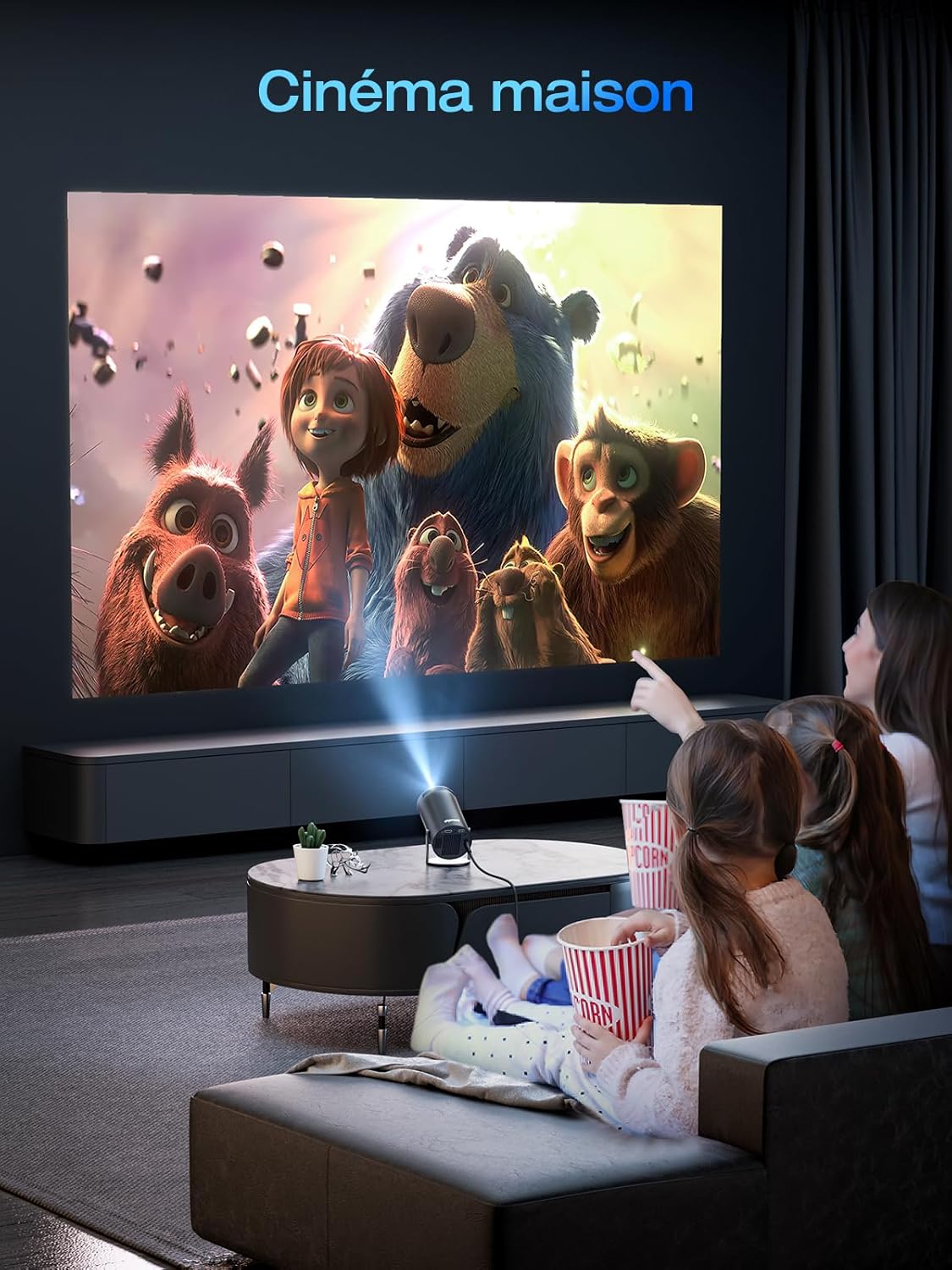
The ELEPHAS Mini Portable Projector is designed to deliver a high-definition viewing experience with advanced features such as 4K video decoding support, automatic keystone correction, 180° rotation, and dual-band Wi-Fi 6 connectivity. It includes a built-in Hi-Fi speaker and Bluetooth 5.2 for enhanced audio.

Rajah 1: Depan view of the ELEPHAS Mini Portable Projector, showcasinreka bentuk silinder dan kantanya yang padat.
Ciri-ciri Utama:
- HD 1080P Resolution & 4K Video Decoding: Supports 1920x1080P resolution and full-format decoding including HEVC/VP9/AVS2/AVC 4K@30fps and AV1/MPEG1/MPEG2 1080p/60fps.
- Pembetulan Keystone Automatik: Features ±45° automatic keystone correction for perfectly aligned images.
- 180° Rotatable Projection: Allows projection onto walls, ceilings, or floors from various angles.
- Bluetooth 5.2 & Hi-Fi Speaker: Integrated 3W Hi-Fi speaker and Bluetooth connectivity for external audio devices.
- Dual-band Wi-Fi 6: Ensures stable and fast streaming with compatibility for 2.4G and 5G networks.
Kandungan Pakej
Selepas membuka pakej, sahkan bahawa semua item yang disenaraikan di bawah ada dan dalam keadaan baik:
- ELEPHAS Mini Portable Projector
- Kabel HDMI
- Penyesuai Kuasa (tidak disenaraikan secara eksplisit tetapi tersirat untuk operasi)
- Remote Control (not explicitly listed but implied for operation)
- Manual Pengguna (dokumen ini)
Nota: Jika terdapat sebarang barang yang hilang atau rosak, sila hubungi khidmat pelanggan.
Persediaan
1. penempatan
Position the projector on a stable, flat surface. Ensure there is adequate ventilation around the device. The 180° rotatable projection allows for flexible placement, including projecting onto ceilings or walls.

Rajah 2: The projector demonstrating its 180-degree rotation capability, projecting images onto both a wall and a ceiling in a bedroom setting.
2. Sambungan Kuasa
- Sambungkan penyesuai kuasa ke port input kuasa projektor.
- Palamkan penyesuai kuasa ke salur keluar elektrik yang sesuai.
3. Kuasa Awal Hidup
Tekan butang kuasa pada projektor atau alat kawalan jauh untuk menghidupkan peranti. Lampu penunjuk akan menyala.
4. Pelarasan Fokus
Adjust the focus ring on the projector lens until the projected image appears clear and sharp. For optimal clarity, ensure the projector is at an appropriate distance from the projection surface.
5. Automatic Keystone Correction
The projector features automatic ±45° keystone correction. This function automatically adjusts the image to be rectangular, even if the projector is placed at an angle. Manual adjustment may be available in the settings if needed.
Rajah 3: Illustration of the automatic keystone correction feature, showing how a distorted image is automatically corrected into a perfect rectangle.
Arahan Operasi
1. Menavigasi Antara Muka
The projector runs on Android 11.0 with a built-in app interface. Use the remote control to navigate through menus, select applications, and adjust settings. The main screen provides access to pre-installed apps like Netflix and YouTube, as well as an AppStore for additional downloads.

Rajah 4: The projector's Android 11.0 interface displaying various application icons such as Netflix, YouTube, and AppStore, indicating built-in smart capabilities.
2. Sambungan Wi-Fi
- Go to "Settings" on the main interface.
- Select "Network & Internet" or "Wi-Fi".
- Hidupkan Wi-Fi dan pilih rangkaian yang anda inginkan daripada senarai.
- Enter the password if prompted and connect. The projector supports dual-band Wi-Fi 6 (2.4G and 5G).
3. Sambungan Bluetooth
The projector features Bluetooth 5.2 for connecting to external audio devices like headphones or speakers. It is important to note that Bluetooth connectivity is for audio output devices only and not for connecting to smartphones as an input source.
- Go to "Settings" and select "Bluetooth".
- Ensure Bluetooth is enabled on both the projector and your audio device.
- Pilih peranti audio anda daripada senarai peranti yang tersedia untuk dipasangkan.

Rajah 5: The projector connected via Bluetooth 5.2 to an external soundbar, illustrating its audio output capabilities. Note: Bluetooth is for audio devices only, not smartphones.
4. Connecting External Devices (HDMI)
Use the provided HDMI cable to connect external devices such as laptops, gaming consoles, or TV sticks to the projector.
- Connect one end of the HDMI cable to the HDMI input port on the projector.
- Connect the other end to the HDMI output port of your external device.
- On the projector's interface, select the HDMI input source.
5. Adjusting Projection Size
The projector can display an image up to 200 inches. The projection size is primarily determined by the distance between the projector and the screen. Move the projector closer to the screen for a smaller image, and further away for a larger image.
Penyelenggaraan
1. Membersihkan Lensa
Gently wipe the projector lens with a soft, lint-free cloth specifically designed for optical surfaces. Avoid using abrasive cleaners or excessive force, which can scratch the lens.
2. Membersihkan Badan Projektor
Gunakan kain lembut dan kering untuk membersihkan bahagian luar projektor. Untuk kesan degil, gunakan sedikit kainamp cloth can be used, followed by a dry cloth. Do not use liquid cleaners directly on the projector.
3. Pengudaraan
Ensure that the ventilation vents on the projector are not blocked. Proper airflow is crucial to prevent overheating and maintain optimal performance and lifespan of the device.
4. Penyimpanan
Apabila tidak digunakan untuk tempoh yang lama, simpan projektor di tempat yang sejuk dan kering, jauh daripada cahaya matahari langsung dan suhu yang melampau. Adalah disyorkan untuk menggunakan pembungkusan asal atau bekas pelindung untuk mengelakkan pengumpulan habuk dan kerosakan fizikal.
Menyelesaikan masalah
| Masalah | Kemungkinan Punca | Penyelesaian |
|---|---|---|
| Tiada imej ditayangkan |
|
|
| Imej kabur |
|
|
| Imej diherotkan (bentuk trapezoid) |
|
|
| Tiada bunyi |
|
|
| Tidak dapat menyambung ke Wi-Fi |
|
|
Spesifikasi
| Ciri | Perincian |
|---|---|
| Jenama | GAJAH |
| Model | 1080P (B0DB1SLFJ4) |
| Resolusi Asli | 1920 x 1080P |
| Resolusi Disokong | Up to 4K video decoding |
| Sistem Operasi | Android 11.0 |
| Pembetulan Batu Kunci | Automatic ±45° |
| Sudut Unjuran | 180° Boleh diputar |
| Ketersambungan | Wi-Fi 6 (2.4G/5G), Bluetooth 5.2, HDMI |
| Audio | Built-in 3W Hi-Fi Speaker |
| Saiz Paparan Maks | 200 inci |
| Dimensi | 22.1 x 15.6 x 11.9 cm |
| Berat badan | 1.03 kg |
| Komponen yang Disertakan | Kabel HDMI |
Waranti dan Sokongan
ELEPHAS products are designed for reliability and performance. For warranty information and technical support, please refer to the warranty card included in your product packaging or visit the official ELEPHAS webtapak. Simpan resit pembelian anda sebagai bukti pembelian untuk tuntutan waranti.
For further assistance, you may contact ELEPHAS customer service through their official channels. Details can typically be found on the manufacturer's webtapak atau pembungkusan produk.
Ask a question about this manual
Ask about setup, troubleshooting, compatibility, parts, safety, or missing instructions. Manuals+ will review the question and use this page’s manual context to help answer it.