
1. Pengenalan
Terima kasih kerana membeliasing the EIMSOAH 16MP 1080P Vintage Video Camera Camcorder. This manual provides essential information for setting up, operating, and maintaining your device. Please read it thoroughly before use to ensure optimal performance and longevity of your camcorder.
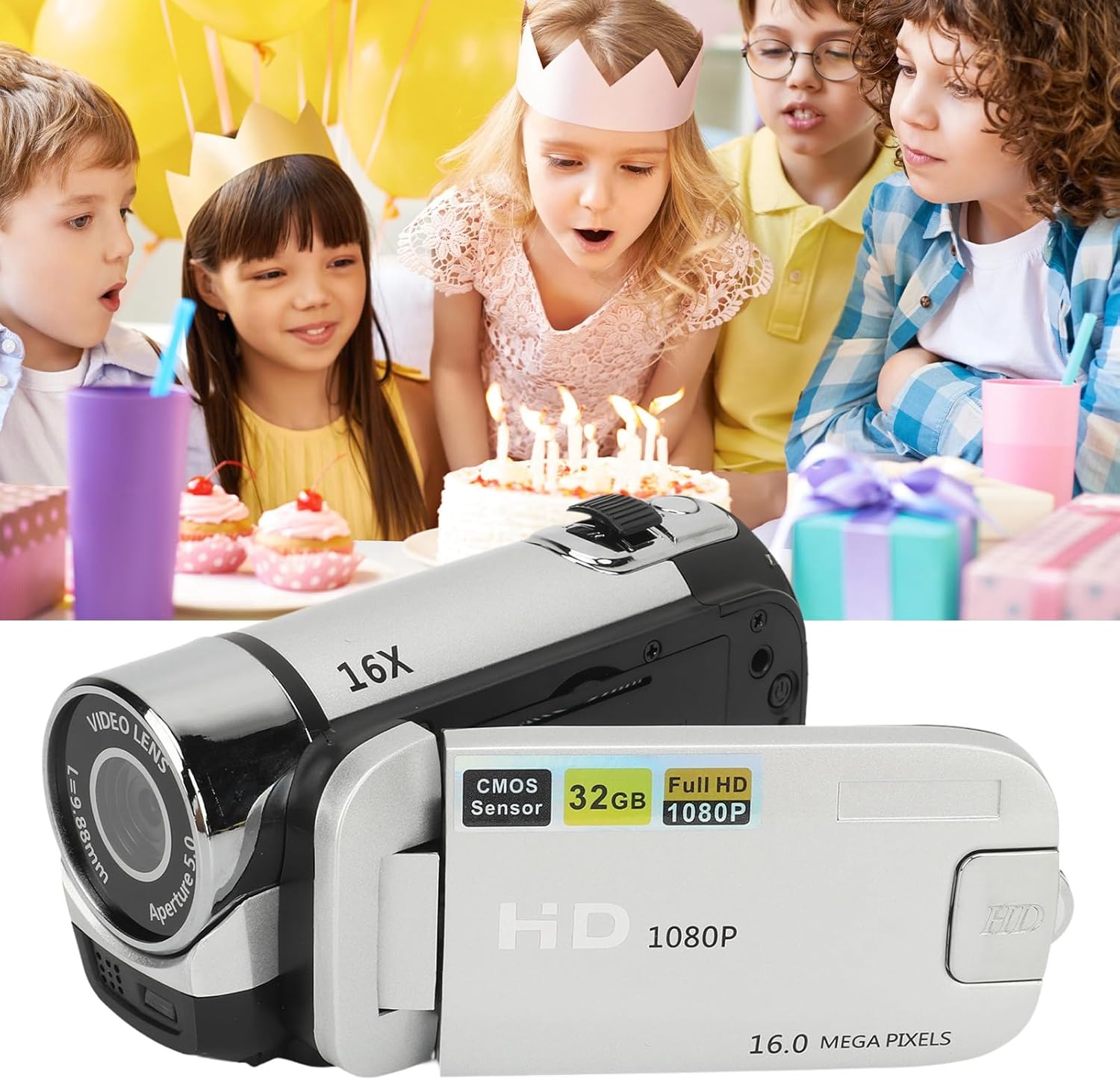
Image 1.1: EIMSOAH 16MP 1080P Vintage Video Camera Camcorder.
2. Produk Lebihview
The EIMSOAH Vintage Video Camera Camcorder is designed for ease of use, offering a blend of classic aesthetics with modern digital recording capabilities. Key features include:
- Rakaman Resolusi Tinggi: Captures 1080P video and 16MP still images.
- Zum Digital 16X: Membolehkan tangkapan gambar subjek yang jauh lebih dekat.
- 2.4-Inch Rotatable Screen: Provides flexibility for various shooting angles, including selfies.
- Integrated Fill Light: Meningkatkan keterlihatan dalam keadaan cahaya malap.
- Fungsi Lanjutan: Supports electronic anti-shake, loop recording, and time watermarking.
- External Microphone Compatibility: For improved audio quality.
- Merakam Semasa Mengecas: Ensures continuous operation.
- Sokongan Kad Memori: Compatible with standard memory cards up to 32GB (not included).
- Kesambungan USB: For easy transfer of photos and videos to a computer.
- Keserasian Tripod: Features a 1/4 inch thread hole for tripod mounting (tripod not included).

Image 2.1: The camcorder is suitable for capturing various events, such as family gatherings.

Image 2.2: The 16X digital zoom feature allows for detailed capture.

Image 2.3: The 2.4-inch rotatable screen facilitates easy framing for various shots, including selfies.
3. Persediaan
3.1. Pemasangan dan Pengecasan Bateri
The camcorder includes a built-in BL-5C Lithium Battery. Ensure the battery is charged before first use.
- Open the battery compartment cover, typically located on the underside or side of the camcorder.
- Masukkan bateri BL-5C, pastikan kekutuban yang betul.
- Tutup penutup petak bateri dengan selamat.
- Connect the camcorder to a power source using the provided USB cable for charging. The charging indicator light will illuminate.
3.2. Pemasangan Kad Memori
A standard memory card (up to 32GB) is required for storing photos and videos. The memory card is not included.
- Locate the memory card slot, usually near the battery compartment or under the rotatable screen.
- Insert the memory card with the metal contacts facing the correct direction (refer to the diagram inside the slot if available) until it clicks into place.
- Untuk mengeluarkannya, tekan kad dengan lembut sehingga ia terkeluar.
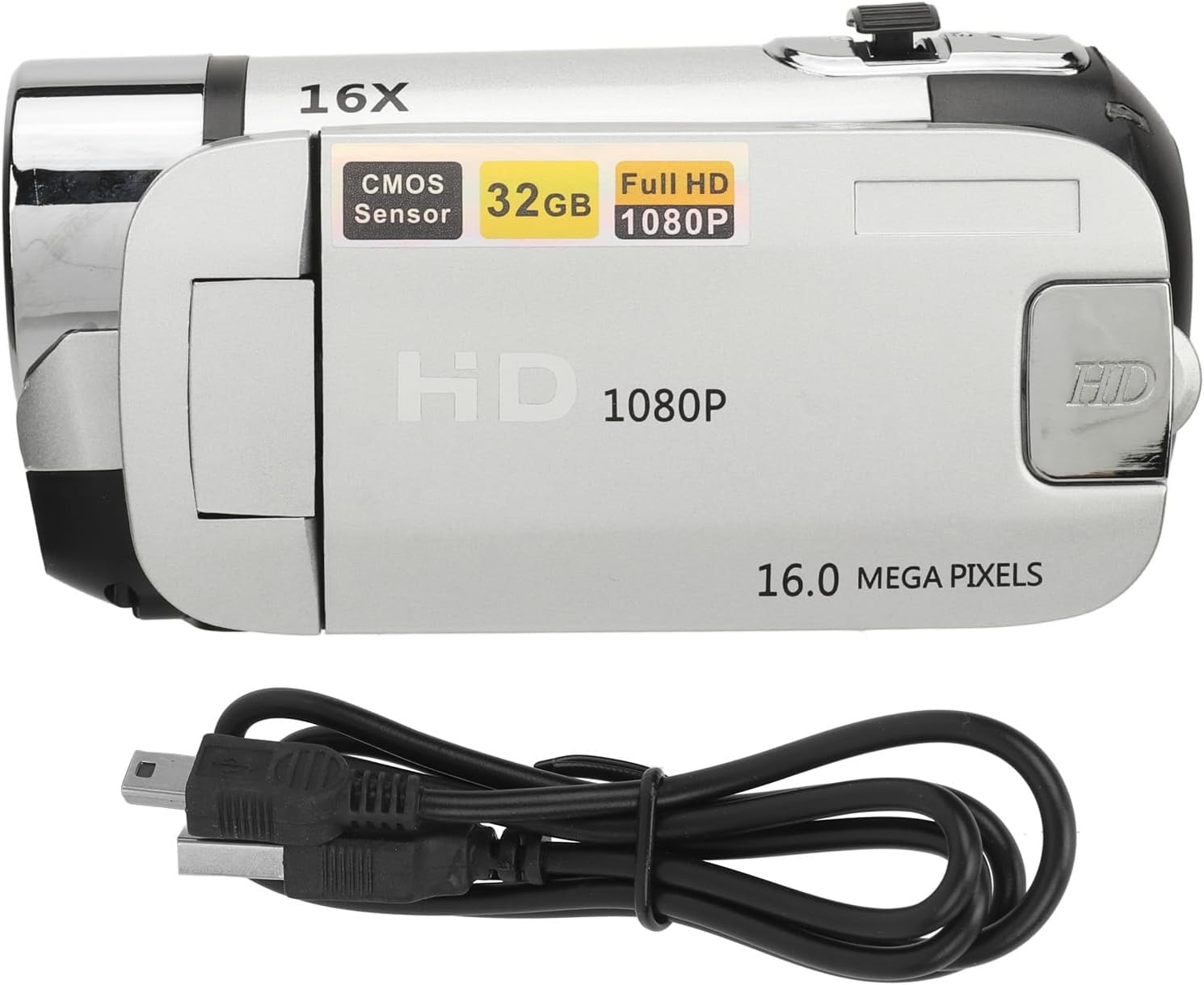
Image 3.1: The camcorder with its USB charging cable.
4. Arahan Operasi
4.1. Hidupkan/Mati Kuasa
To power on the camcorder, open the rotatable screen and press the power button for 2-3 seconds. To power off, press and hold the power button again, or close the screen.
4.2. Using the Rotatable Screen
The 2.4-inch screen can be rotated up to 270 degrees, allowing for flexible viewing angles and self-recording. Simply pivot the screen to your desired position.
4.3. Merakam Video dan Mengambil Foto
- Tukar Mod: Use the 'MODE' button to switch between video recording mode and photo capture mode.
- Mula/Hentikan Rakaman: In video mode, press the 'Record' button (usually a red circle) to start recording. Press it again to stop.
- Ambil Foto: In photo mode, press the 'Shutter' button (often labeled with a camera icon) to take a picture.
4.4. Fungsi Zum
Use the zoom rocker switch, typically located near the top of the camcorder, to zoom in (T) or zoom out (W) digitally up to 16X.
4.5. Using the Fill Light
The integrated fill light can be activated to provide additional illumination in dark environments. Locate the fill light button (often a light bulb icon) and press it to toggle the light on or off.
4.6. Navigasi dan Tetapan Menu
Press the 'MENU' button to access the camcorder's settings. Use the directional buttons to navigate and 'OK' to select. Common settings include:
- Resolusi: Adjust video and photo resolution (e.g., 1080P, 16MP).
- Kualiti gambar: Set quality to Super Fine, Fine, or Normal.
- EV (Nilai Pendedahan): Laraskan kecerahan.
- Penapis: Apply effects like Black & White, Sepia, or Negative Inversion.
- Pemasa Kendiri: Set a delay for photos (e.g., 2s, 10s).
- Label Tarikh: Enable or disable date/time watermarking on recordings.
Video 4.1: Demonstration of camcorder operation, including screen rotation and menu navigation for settings like resolution, image quality, self-timer, and date label.
5. Penyelenggaraan
Proper maintenance ensures the longevity and performance of your camcorder.
- Pembersihan: Use a soft, dry cloth to clean the camera body. For the lens and screen, use a specialized lens cleaning cloth and solution. Avoid abrasive materials.
- Storan: Store the camcorder in a cool, dry place away from direct sunlight and extreme temperatures. Remove the battery if storing for extended periods.
- Penjagaan Bateri: Fully charge the battery before each use. Avoid completely draining the battery frequently.
- Kemas Kini Perisian: Semak pengeluar website periodically for any available firmware updates.
6. Penyelesaian masalah
Jika anda menghadapi masalah dengan camcorder anda, rujuk kepada masalah dan penyelesaian biasa berikut:
| Masalah | Kemungkinan Punca | Penyelesaian |
|---|---|---|
| Camcorder tidak dihidupkan. | Bateri lemah atau habis. | Charge the battery fully. Ensure the battery is correctly inserted. |
| "No card" message displayed. | Memory card not inserted or improperly inserted. | Insert the memory card correctly. Ensure it is a compatible type (standard SD up to 32GB). |
| Kualiti imej/video yang lemah. | Lens is dirty; low light conditions; incorrect settings. | Clean the lens. Use the fill light in low light. Adjust resolution and image quality settings in the menu. |
| Tidak boleh menyambung ke komputer. | Faulty USB cable; incorrect connection mode. | Try a different USB cable. Ensure the camcorder is in the correct USB connection mode (e.g., Mass Storage). |
Jika masalah berterusan selepas mencuba penyelesaian ini, sila hubungi sokongan pelanggan.
7. Spesifikasi
| Ciri | Perincian |
|---|---|
| Jenama | EIMSOAH |
| Nombor Model | EIMSOAH79sxkpvg3r-15 |
| Resolusi Imej | 1MP, 2MP, 3MP, 5MP, 12MP, 16MP |
| Format Imej | JPG |
| Resolusi Video | 1080P (maximum) |
| Format Video | AVI |
| Saiz Skrin | 2.4 Inci |
| Zum Digital | 16X |
| Pengatup | elektronik |
| Penyimpanan | Supports up to 32GB standard memory card (not included) |
| Bateri Kamera | 1 x BL-5C Lithium Battery, 600mAh (built-in) |
| Number of Languages | 17 Bahasa |
| Teknologi Ketersambungan | USB |
| Berat Barang | 7.8 auns |
| Dimensi Pakej | 5.12 x 3.7 x 2.83 inci |
8. Waranti dan Sokongan
For warranty information or technical support, please refer to the documentation included with your purchase or contact EIMSOAH customer service directly. Keep your purchase receipt as proof of purchase for warranty claims.