
pengenalan
Terima kasih kerana membeliasing the MECHEN H16 Portable CD Player. This device offers versatile audio playback options including CD, Bluetooth, TF card, and AUX input, all controlled with ease via the device or its remote. Please read this manual carefully to ensure proper use and optimal performance of your new CD player.
Kandungan Pakej
Pastikan semua item ada dalam pakej:
- 1 x MECHEN H16 Portable CD Player
- 1 x Alat Kawalan Jauh
- 1 x Kabel Pengecas USB
- 1 x Kabel AUX
- 1 x Manual Pengguna
Produk Selesaiview
Familiarize yourself with the components and controls of your MECHEN H16 CD Player.

Rajah 1: Depan View dan Ciri Utama
This image displays the front of the MECHEN H16 Portable CD Player, highlighting its various modes and features including CD playback, Bluetooth 5.3 connectivity, TF card support, AUX input, HiFi audio, LED display, Type-C charging port, and remote control capability.

Figure 2: Ports and Controls
This image shows the top and side views of the MECHEN H16 Portable CD Player, indicating the locations of the AUX port, USB port, TF card slot, power indicator, Play/Pause button, Mode button, Previous/Rewind button, Next/Fast forward button, LED display, and Volume wheel. The speaker is also visible at the bottom front.
Persediaan
1. Mengecas Peranti
The MECHEN H16 is equipped with a 2500mAh rechargeable battery, providing up to 10 hours of continuous playback. Before first use, fully charge the device.
- Connect the provided USB charging cable to the Type-C port on the player.
- Connect the other end of the USB cable to a power source such as a wall charger, power bank, car charger, or computer USB port.
- Paparan LED akan menunjukkan status pengecasan. Pengecasan penuh biasanya mengambil masa beberapa jam.

Rajah 3: Pilihan Pengecasan
This image illustrates the four different ways to charge the MECHEN H16 Portable CD Player: using a wall charger, a power bank, a car charger, or a computer's USB port. The image also highlights the 2500mAh battery capacity.
2. Memasukkan CD
- Gently open the CD compartment cover.
- Place the CD with the label side facing up onto the spindle.
- Press the CD gently until it clicks into place.
- Tutup penutup petak CD dengan kemas.
Arahan Operasi
1. Hidupkan/Mati Kuasa
Tekan dan tahan butang Kuasa untuk menghidupkan atau mematikan peranti.
2. Main semula CD
- Masukkan CD seperti yang diterangkan dalam bahagian Persediaan.
- The player will automatically detect the CD and begin playback. If not, press the Play/Pause button.
- Use the Previous/Rewind and Next/Fast forward buttons to navigate tracks.
- Adjust volume using the Volume wheel or remote control.
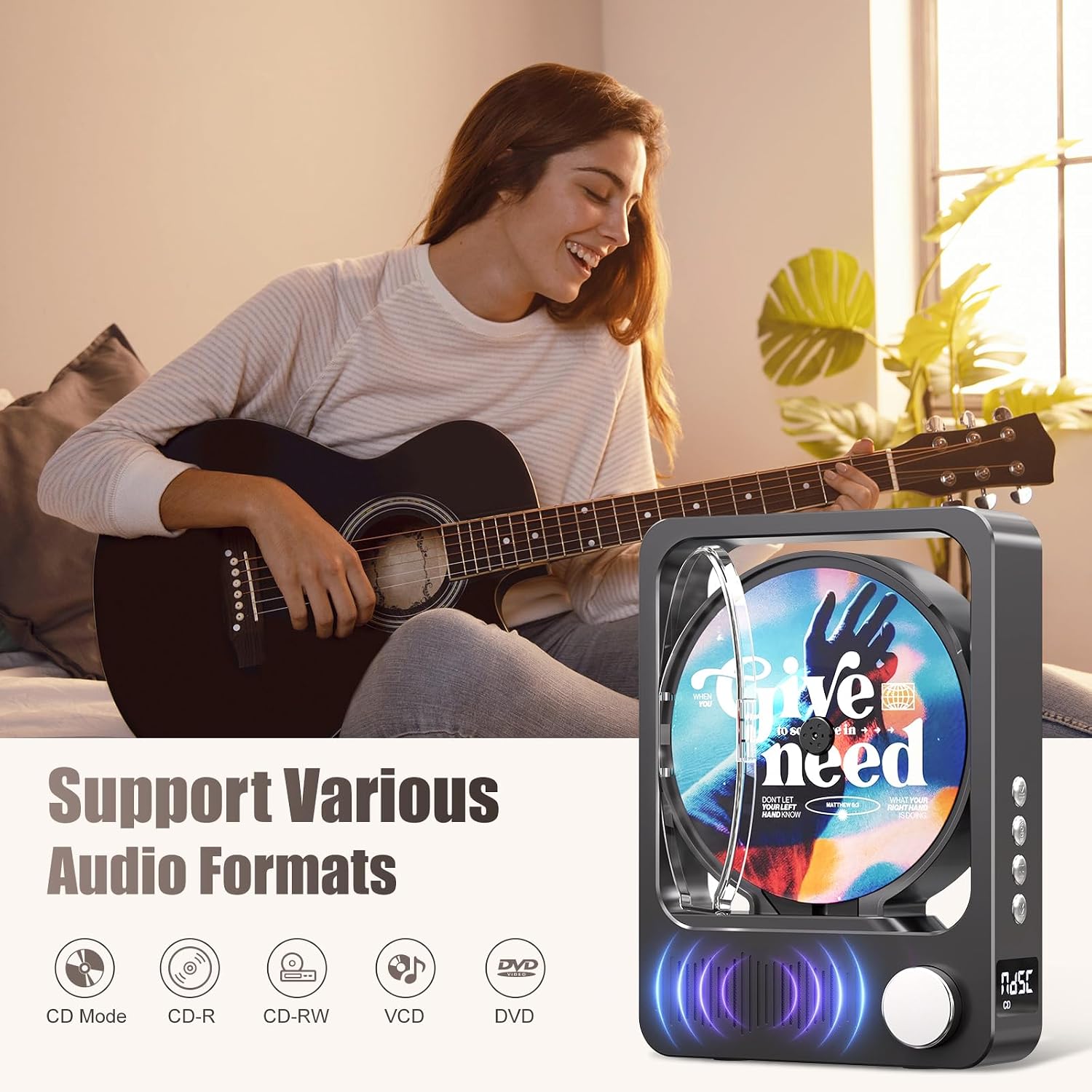
Figure 4: Supported Audio Formats
This image highlights the MECHEN H16's compatibility with various audio formats. The MECHEN H16 supports playback of standard audio CDs, CD-R, CD-RW, MP3, and WMA formats. (Note: Discs are not included).
3. Bluetooth Connectivity (Speaker Mode)
The MECHEN H16 can act as a Bluetooth speaker to play audio from your smartphone, tablet, or computer. Note: This device cannot connect to Bluetooth headphones.
- Press the Mode button until "BLUE" appears on the LED display, indicating Bluetooth mode.
- On your external device (smartphone, tablet, etc.), enable Bluetooth and search for "MECHEN H16".
- Select "MECHEN H16" to pair. Once connected, you can stream audio from your device to the CD player.

Figure 5: Bluetooth Speaker Functionality
This image demonstrates the MECHEN H16 Portable CD Player functioning as a Bluetooth speaker, wirelessly playing music from a connected mobile phone. It also shows compatibility with MP3/MP4 players, tablets, and computers.
4. Main Semula Kad TF
- Insert a TF card (containing MP3/WMA files) into the TF card slot.
- Press the Mode button until "TF" appears on the LED display.
- The player will automatically begin playing audio files daripada kad TF.
5. Input AUX
- Connect an external audio device (e.g., MP3 player, smartphone) to the AUX port using the provided 3.5mm AUX cable.
- Press the Mode button until "LINE" appears on the LED display.
- Audio from the connected device will now play through the CD player's speakers.
6. Menggunakan Alat Kawalan Jauh
Alat kawalan jauh yang disertakan membolehkan operasi mudah dari jauh.

Rajah 6: Fungsi Kawalan Jauh
This image displays the remote control for the MECHEN H16 Portable CD Player, showing buttons for track navigation (Previous, Next), volume adjustment (Volume+, Volume-), Mode selection, and Play/Pause. It allows effortless control of playback functions.
- Butang Kuasa: Menghidupkan/mematikan peranti.
- Main/Jeda: Memulakan atau menjeda main balik.
- Sebelumnya/Putar Balik: Melangkau ke trek sebelumnya atau mengundur trek semasa.
- Seterusnya/Maju Pantas: Skips to the next track or fast forwards the current track.
- VOL + / VOL-: Melaraskan tahap kelantangan.
- Mod: Switches between CD, Bluetooth, TF, and AUX modes.
Penyelenggaraan
- Pembersihan: Use a soft, dry cloth to clean the exterior of the player. Do not use liquid cleaners or aerosols. For the CD lens, use a specialized CD lens cleaner.
- Storan: Simpan pemain di tempat yang sejuk dan kering jauh dari cahaya matahari langsung dan suhu yang melampau.
- Penjagaan Bateri: Untuk memanjangkan hayat bateri, elakkan daripada menyahcas sepenuhnya bateri dengan kerap. Cas peranti dengan kerap, walaupun tidak digunakan untuk tempoh yang lama.
Menyelesaikan masalah
| Masalah | Penyelesaian |
|---|---|
| Pemain tidak dihidupkan. | Ensure the battery is charged. Connect the player to a power source using the USB cable. |
| CD tidak dimainkan atau dilangkau. | Check if the CD is clean and free of scratches. Ensure the CD is inserted correctly. The player supports CD, CD-R, CD-RW, MP3, and WMA formats. |
| Tiada bunyi dari pembesar suara. | Increase the volume. Ensure the correct mode (CD, Bluetooth, TF, AUX) is selected. If using AUX, check the cable connection. |
| Peranti Bluetooth tidak boleh bersambung. | Ensure the player is in Bluetooth mode ("BLUE" on display). Make sure your external device's Bluetooth is enabled and within range. Remember, the player acts as a speaker and cannot connect to Bluetooth headphones. |
| Alat kawalan jauh tidak berfungsi. | Check the remote control battery. Ensure there are no obstructions between the remote and the player. |
Spesifikasi
| Nama Model | H16 |
| Jenama | MECHEN |
| Teknologi Ketersambungan | Bluetooth 5.3, Auxiliary (3.5mm Jack), USB (for charging) |
| Ciri Khas | Bluetooth, CD-R/RW Compatible, Portable, Rechargeable |
| Format Audio yang Disokong | CD, CD-R, CD-RW, MP3, WMA |
| Bateri | 2500mAh Lithium-ion (included) |
| Purata Hayat Bateri | Sehingga 10 jam (main balik) |
| Dimensi (L x W x H) | 21.5 x 16 x 4.3 cm |
| Bilangan Cakera | 1 |
| Peranti Serasi | Headphones (wired), Speakers (wired/Bluetooth) |
Waranti dan Sokongan
Maklumat Waranti
The MECHEN H16 Portable CD Player comes with a Waranti 1 tahun dari tarikh pembelian. Waranti ini meliputi kecacatan pembuatan dan mutu kerja di bawah penggunaan biasa. Ia tidak melindungi kerosakan yang disebabkan oleh penyalahgunaan, kemalangan, pengubahsuaian yang tidak dibenarkan atau haus dan lusuh biasa.
Sokongan Pelanggan
For technical assistance, troubleshooting, or warranty claims, please contact MECHEN customer support. Refer to the contact information provided on the product packaging or the official MECHEN webtapak.
Sila simpan bukti pembelian anda untuk perkhidmatan waranti.