
1. Pengenalan
This manual provides essential information for the safe and effective operation of your HAVIT Smart Life Series PJ211 PRO projector. Please read this manual thoroughly before using the device and retain it for future reference.
The HAVIT PJ211 PRO is a compact smart projector designed for home entertainment, gaming, and presentations. It features a native HD resolution of 1280x720, supporting up to 4K input, and integrates Android TV 9.0 for direct access to streaming services.
2. Kandungan Pakej
Selepas membongkar, sila pastikan semua item ada dan dalam keadaan baik:
- HAVIT Smart Life Series PJ211 PRO Projector
- Kabel Kuasa
- Alat Kawalan Jauh
- Manual Pengguna (dokumen ini)
3. Produk Lebihview
Biasakan diri anda dengan komponen fizikal dan port sambungan projektor.
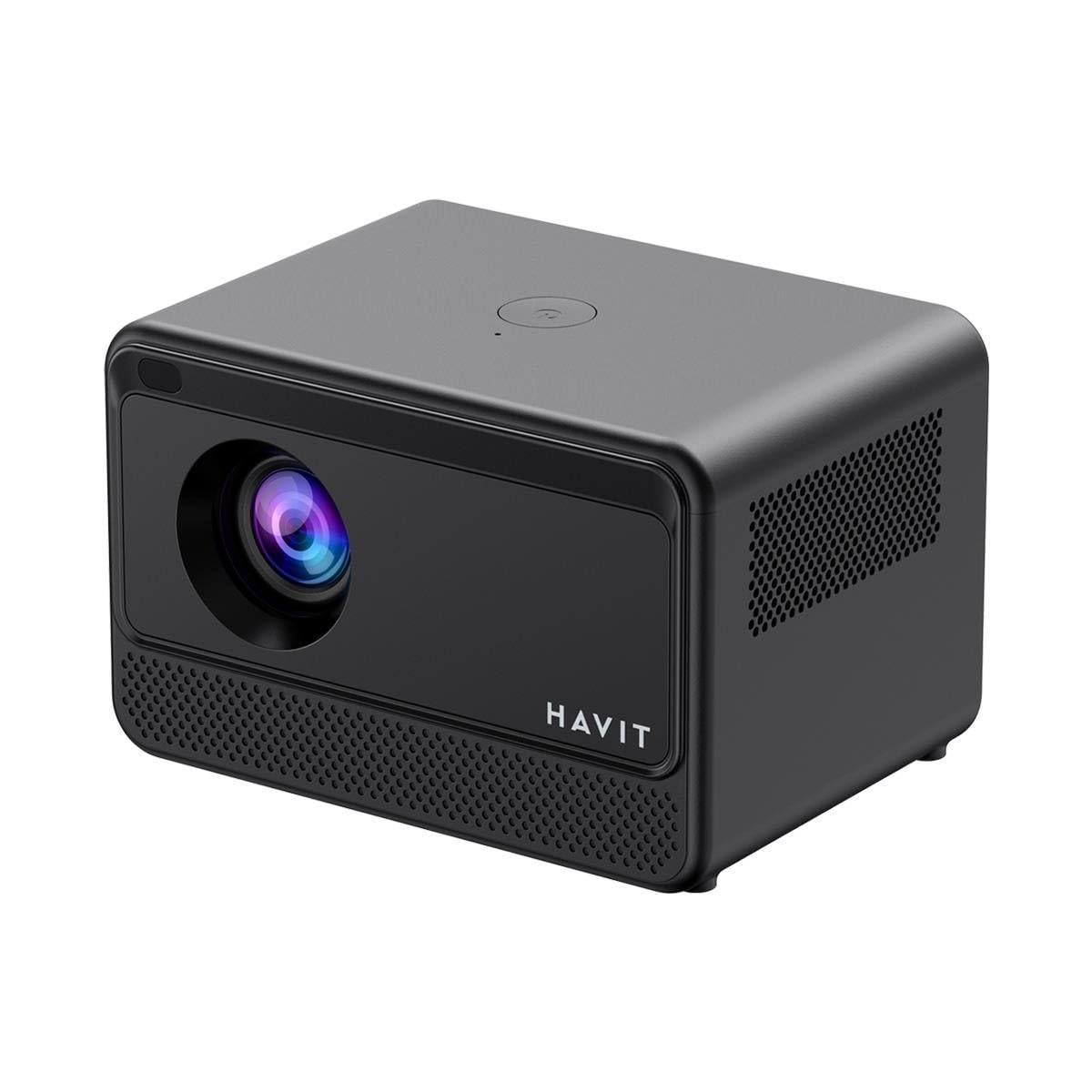
Image: Rear and side view of the HAVIT PJ211 PRO projector, highlighting the power input, HDMI, USB, and audio ports.

Imej: Depan view of the HAVIT PJ211 PRO projector, showing the projection lens and front grille.
Pelabuhan dan Kawalan:
- Input Kuasa: Menyambung kepada penyesuai kuasa.
- Port HDMI: For connecting external video sources such as laptops, gaming consoles, or Blu-ray players.
- Port USB: Untuk menyambungkan peranti storan USB untuk memainkan media files atau sambungkan peranti persisian.
- Input AV: Untuk menyambungkan peranti lama menggunakan kabel AV.
- Bicu Audio 3.5mm: Untuk menyambungkan pembesar suara luaran atau fon kepala.
- Butang Kuasa: Located on the top panel for turning the projector on/off.
4. Persediaan
4.1 Penempatan
Position the projector on a stable, flat surface. Ensure there is adequate ventilation around the device. The optimal projection distance ranges from 1 to 4 meters, yielding a screen size between 32 and 150 inches.
4.2 Sambungan Kuasa
- Sambungkan kabel kuasa ke port input kuasa projektor.
- Palamkan hujung kabel kuasa yang satu lagi ke salur keluar elektrik yang sesuai.
4.3 Kuasa Awal Hidup
Press the power button on the projector or the remote control to turn on the device. The projector will boot up and display the Android TV interface.
4.4 Fokus dan Pembetulan Keystone
The PJ211 PRO features semi-auto focus and semi-auto keystone correction. The projector will attempt to adjust these settings automatically upon startup or movement. Fine-tuning can be done via the on-screen menu if needed.
4.5 Sambungan Rangkaian
To access online content, connect the projector to a Wi-Fi network.

Image: Illustration showing the projector's support for both 2.4G and 5G dual-band Wi-Fi connections, indicating improved transmission rates and smoother online viewing with 5G.
- Navigate to the 'Settings' menu on the Android TV interface.
- Pilih 'Rangkaian & Internet'.
- Pilih rangkaian Wi-Fi yang anda inginkan daripada senarai.
- Enter the password if prompted and confirm the connection. The projector supports 2.4G and 5G dual-band Wi-Fi for stable connectivity.
5. Arahan Operasi
5.1 Antara Muka Android TV 9.0
The projector runs on Android TV 9.0, providing access to various applications and streaming services. Use the remote control to navigate the interface, select apps, and adjust settings.
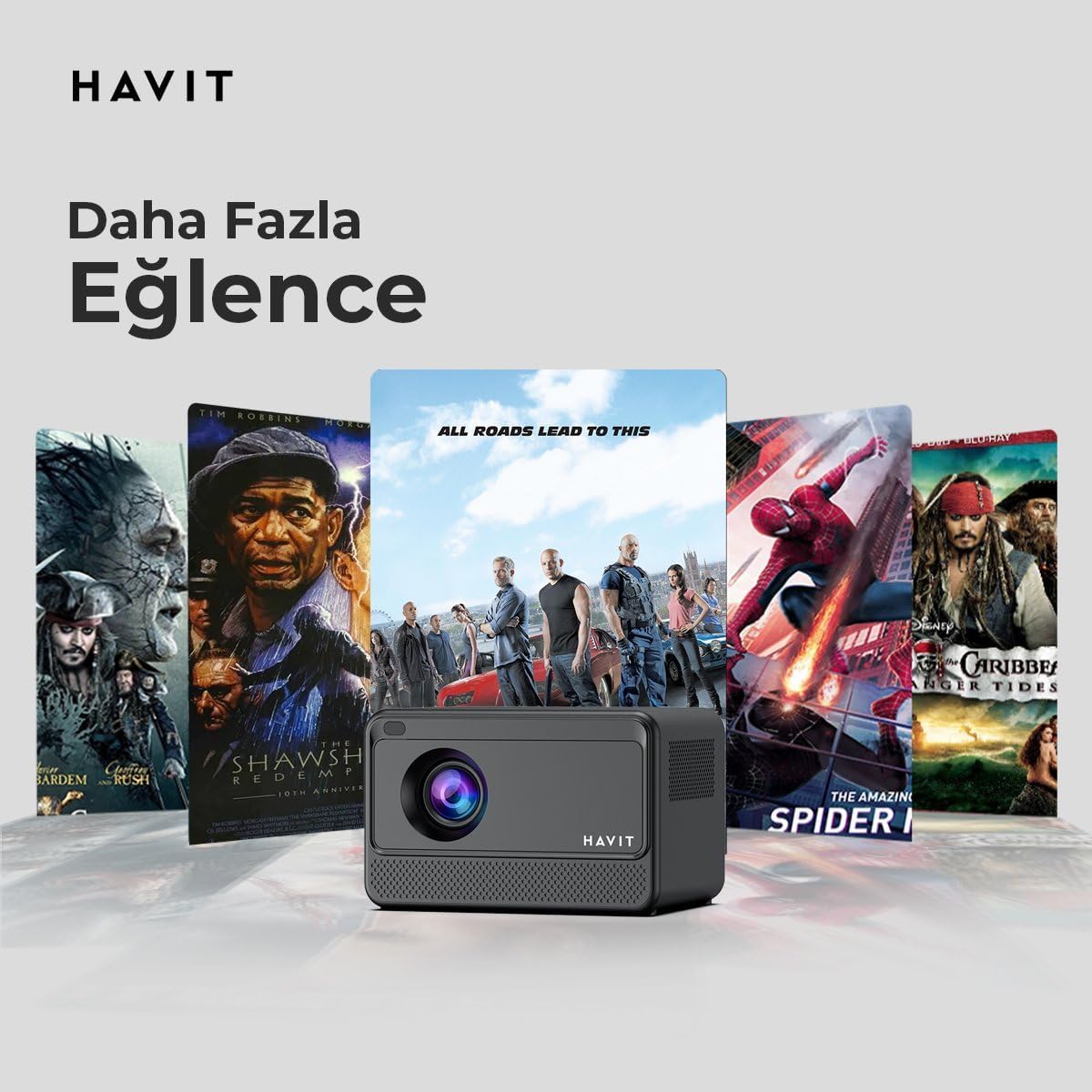
Image: The HAVIT PJ211 PRO projector displaying a selection of popular streaming service icons, illustrating its 'More Entertainment' capability through Android TV.
5.2 Menyambung Peranti Luaran
You can connect various external devices to the projector:
- HDMI: Connect a device (e.g., laptop, game console) using an HDMI cable. Select the HDMI input source from the projector's input menu.
- USB: Insert a USB drive into a USB port. The projector's media player will typically detect the drive, allowing you to browse and play supported media files.
- DARI: Use an AV cable to connect compatible devices. Select the AV input source.
- Audio Keluar (Bicu 3.5mm): Connect external speakers or headphones for enhanced audio. The projector has a built-in 3W speaker for standard audio output.
6. Penyelenggaraan
6.1 Pembersihan
- Kanta: Gunakan kain lembut dan bebas bulu yang direka khas untuk kanta optik. Jangan gunakan pembersih atau kain yang kasar.
- Luaran: Wipe the projector's exterior with a soft, dry cloth. Avoid using liquid cleaners directly on the device.
- Pengudaraan: Pastikan bukaan pengudaraan bersih daripada habuk dan halangan untuk mengelakkan terlalu panas.
6.2 Lamp kehidupan
LED lamp in your PJ211 PRO projector has an estimated life of 30,000 hours, providing long-term reliability under normal usage conditions.
7. Penyelesaian masalah
Jika anda menghadapi masalah dengan projektor anda, rujuk kepada masalah dan penyelesaian biasa berikut:
| Masalah | Kemungkinan Punca | Penyelesaian |
|---|---|---|
| Tiada imej dipaparkan | Kabel kuasa terputus, sumber input salah, penutup kanta terpasang. | Check power connection, select correct input source (HDMI, USB, AV), remove lens cap. |
| Imej kabur | Tidak fokus, jarak unjuran salah. | Adjust focus manually via settings, ensure projector is within 1-4 meters of screen. |
| Tiada bunyi | Volume too low, external speakers not connected properly, audio settings. | Increase volume, check external speaker connection, verify audio output settings. |
| Isu sambungan Wi-Fi | Incorrect password, router issues, signal interference. | Re-enter Wi-Fi password, restart router, ensure projector is within Wi-Fi range. |
8. Spesifikasi
Detailed technical specifications for the HAVIT Smart Life Series PJ211 PRO projector:

Image: A visual representation of the HAVIT PJ211 PRO projector's specifications, including system, resolution, projection distance, brightness, and connectivity.
- Teknologi Paparan: LCD
- Resolusi Asli: 1280 x 720 (HD)
- Resolusi yang Disokong: Sehingga 3840 x 2160 (4K)
- Kecerahan: Over 5000 lumens (180+ ANSI lumens)
- Nisbah Kontras: 1500:1
- Nisbah Aspek: 16:9 / 4:3
- Jarak Unjuran: 1 – 4 meter
- Julat Saiz Skrin: 32 – 150 inci
- Pelarasan Fokus: Semi-Auto Focus
- Pembetulan Keystone: Semi-Auto Keystone
- Pembesar Suara Terbina dalam: 3W
- Sistem pengendalian: Android TV 9.0
- Kesambungan Tanpa Wayar: Wi-Fi (Dwi-Jalur 2.4G/5G)
- Pelabuhan Input: HDMI, USB, AV, 3.5mm audio jack
- Lamp Jenis: LED
- Lamp kehidupan: 30,000 jam
- Penggunaan Kuasa: 65W
- Berat Barang: 2.3 Kilogram
- warna: Hitam
9. Waranti dan Sokongan
9.1 Maklumat Waranti
The HAVIT Smart Life Series PJ211 PRO projector comes with a Waranti 1 Tahun dari tarikh pembelian. Waranti ini meliputi kecacatan pembuatan dan kerosakan dalam penggunaan biasa. Sila simpan bukti pembelian anda untuk tuntutan waranti.
9.2 Sokongan Pelanggan
For technical assistance, troubleshooting beyond this manual, or warranty inquiries, please contact HAVIT customer support through their official website or the retailer where the product was purchased. Please have your model number (PJ211 PRO) and purchase details ready when contacting support.