
1. Pengenalan
This manual provides essential instructions for the safe and efficient operation of your RadioShack IPX6 Waterproof Bluetooth Speaker. Please read this manual thoroughly before using the product and retain it for future reference.
The RadioShack IPX6 Waterproof Bluetooth Speaker is designed for portable audio playback, featuring Bluetooth connectivity, dynamic RGB lighting, and a built-in microphone for hands-free calls. Its IPX6 water-resistant rating makes it suitable for various indoor and outdoor environments.

Imej 1.1: Depan view of the RadioShack IPX6 Waterproof Bluetooth Speaker.
2. Kandungan Pakej
Sahkan bahawa semua item yang disenaraikan di bawah disertakan dalam pakej anda:
- RadioShack IPX6 Waterproof Bluetooth Speaker
- Kabel Pengecas USB
- Kabel Audio AUX
- Manual Pengguna

Image 2.1: Visual representation of key speaker features and specifications.
3. Ciri-ciri Produk
- Bunyi Imersif: Equipped with 8W of audio power and a 3600mAh battery, this speaker delivers clear highs and deep bass for an engaging listening experience.
- Pencahayaan RGB Dinamik: Enhance your audio experience with customizable RGB lighting, suitable for various moods and occasions.
- Reka Bentuk Tahan Cuaca: An IPX6 rating ensures the speaker can withstand splashes and minor water exposure, making it ideal for outdoor use.
- Stereo Tanpa Wayar Sejati (TWS): Connect two identical speakers wirelessly to create a stereo sound system, expanding the audio output and soundstage.
- Mikrofon Terbina Dalam: Facilitates hands-free calling directly through the speaker, allowing you to stay connected while enjoying music.

Image 3.1: The speaker showcasing its customizable RGB lighting feature.
4. Persediaan
4.1 Pengecasan Awal
- Before first use, fully charge the speaker. Connect the provided USB charging cable to the speaker's charging port and a compatible USB power adapter (not included).
- Lampu penunjuk pengecasan akan menyala semasa pengecasan dan padam setelah dicas sepenuhnya.
4.2 Menghidupkan/Mematikan
- To power on, press and hold the Power button until the indicator light illuminates and an audible prompt is heard.
- To power off, press and hold the Power button again until the indicator light turns off and an audible prompt is heard.
4.3 Berpasangan Bluetooth
- Ensure the speaker is powered on and in Bluetooth pairing mode (the Bluetooth indicator light will flash).
- Pada peranti anda (telefon pintar, tablet, dll.), dayakan Bluetooth dan cari peranti yang tersedia.
- Select "RadioShack Speaker" from the list of devices.
- Once paired, the Bluetooth indicator light will become solid, and an audible confirmation will be heard.
4.4 Penggandingan Stereo Tanpa Wayar Sebenar (TWS)
To pair two RadioShack IPX6 Waterproof Bluetooth Speakers for TWS stereo sound:
- Pastikan kedua-dua pembesar suara dihidupkan dan tidak disambungkan ke mana-mana peranti Bluetooth lain.
- On one speaker, press and hold the TWS button (refer to button layout in section 5.1) until an audible prompt indicates TWS pairing mode. This speaker will be the primary unit.
- The second speaker will automatically search for and connect to the primary speaker. An audible prompt will confirm successful TWS pairing.
- Once TWS paired, connect your device to the primary speaker via Bluetooth as described in section 4.3. Audio will now play in stereo through both speakers.
5. Arahan Operasi
5.1 Fungsi Butang
The speaker features a control panel with several buttons:
- Butang Kuasa: Tekan dan tahan untuk menghidupkan/mematikan kuasa.
- Butang Main/Jeda: Tekan untuk memainkan atau menjeda audio.
- Kelantangan Naik (+): Tekan untuk meningkatkan kelantangan. Tekan dan tahan untuk trek seterusnya.
- Perlahankan suara (-): Tekan untuk mengurangkan kelantangan. Tekan dan tahan untuk trek sebelumnya.
- Butang Mod (M): Press to switch between Bluetooth, AUX, and FM Radio modes.
- Butang Lampu RGB: Press to cycle through RGB lighting modes or turn off the lights.
- Butang panggilan: Press to answer/end calls. Press and hold to reject calls.
5.2 Main Balik Audio
- Mod Bluetooth: Selepas pemasangan berjaya, audio daripada peranti anda yang disambungkan akan dimainkan melalui pembesar suara.
- Input AUX: Connect an external audio device using the provided 3.5mm AUX cable. The speaker will automatically switch to AUX mode or can be selected using the Mode button.
- Radio FM: In FM Radio mode, press the Play/Pause button to auto-scan and save available stations. Use the Volume Up/Down buttons (press and hold) to navigate between saved stations.

Image 5.1: The speaker's USB and AUX connectivity ports.
5.3 Panggilan Bebas Tangan
When connected via Bluetooth, incoming calls will pause music playback. Press the Call button to answer, and press again to end the call. Press and hold the Call button to reject an incoming call.
6. Penyelenggaraan
6.1 Pembersihan
Lap pembesar suara dengan lembut, damp cloth. Do not use abrasive cleaners or solvents. Ensure the charging and AUX ports are dry before use or charging.
6.2 Rintangan Air (IPX6)
The speaker is rated IPX6, meaning it is protected against high-pressure water jets from any direction. It is not designed for submersion. Ensure the rubber flap covering the charging and AUX ports is securely closed to maintain water resistance.
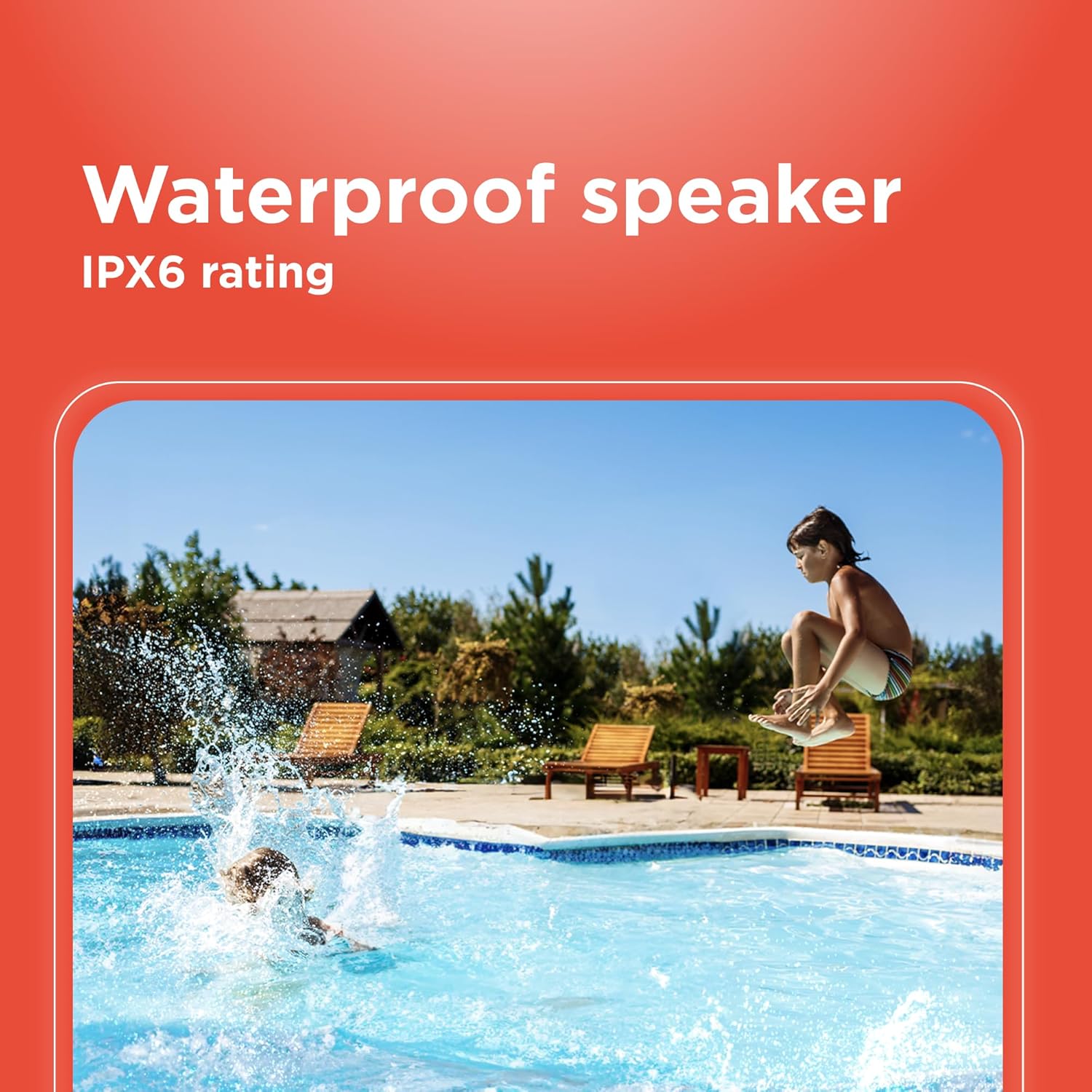
Image 6.1: The speaker's IPX6 water resistance allows for use near water.
6.3 Penjagaan Bateri
To prolong battery life, avoid fully discharging the speaker frequently. Charge the speaker regularly, even if not in use for extended periods.
7. Penyelesaian masalah
- Pembesar suara tidak akan dihidupkan: Pastikan bateri dicas. Sambungkan ke sumber kuasa dan cuba lagi.
- Tidak boleh berpasangan melalui Bluetooth: Ensure the speaker is in pairing mode and within range of your device. Turn off and on both the speaker and your device's Bluetooth. Forget the device on your phone and re-pair.
- Tiada bunyi: Check the volume levels on both the speaker and your connected device. Ensure the correct input mode (Bluetooth, AUX) is selected.
- Kualiti bunyi yang lemah: Move the speaker closer to your Bluetooth device. Ensure there are no obstructions between the speaker and the device.
- Gandingan TWS gagal: Ensure both speakers are identical models and not connected to any other Bluetooth device before initiating TWS pairing.
8. Spesifikasi
| Ciri | Spesifikasi |
|---|---|
| Nama Model | RadioShack Bluetooth Speaker RGB Light 14W |
| Nombor Model Item | 4001763-PRNT |
| Jenama | RadioShack |
| Jenis Pembesar Suara | Mudah alih |
| Teknologi Ketersambungan | Bluetooth |
| Teknologi Komunikasi Tanpa Wayar | Bluetooth |
| Kuasa Output Maksimum Pembesar Suara | 8 Watt |
| Mod Keluaran Audio | Stereo |
| Konfigurasi Saluran Bunyi Sekeliling | 2.0 |
| Sumber Kuasa | Dikuasakan Bateri |
| Jenis Bateri | 1 bateri Lithium Ion (termasuk) |
| Kapasiti Bateri | 3600 Miliamp jam |
| Estimated Playtime | Sehingga 4 jam |
| Adakah Kalis Air | True (IPX6 rating) |
| Kaedah Kawalan | Sentuh |
| bahan | plastik |
| warna | Biru |
| Dimensi Produk | 4.84"D x 11.14"W x 4.96"H |
| Berat Barang | 4.43 paun (70.9 Auns) |
| Pengeluar | RadioShack |
9. Waranti dan Sokongan
This RadioShack product comes with a limited warranty. For detailed warranty information, please refer to the warranty card included in your package or contact RadioShack customer support.
For technical assistance, troubleshooting, or service inquiries, please visit the official RadioShack support webtapak atau hubungi bahagian perkhidmatan pelanggan mereka.