
1. Pengenalan
This manual provides essential information for setting up, operating, and maintaining your DOOGEE N55PLUS Unlocked Cell Phone. Please read it carefully to ensure proper use and to maximize the device's capabilities. The DOOGEE N55PLUS is an Android 14 smartphone featuring a 6.56-inch HD+ 90Hz display, an Octa-Core processor, 20GB RAM (8GB physical + 12GB virtual), 128GB internal storage expandable up to 1TB, a 5150mAh battery, and a 13MP AI main camera.
2. Apa yang ada di dalam Kotak
- 1 x DOOGEE N55PLUS Cell Phone
- 1 x Pengecas
- 1 x Kabel Port Jenis-C
- 1 x Filem Pelindung TP (sudah disapu terlebih dahulu)
- 1 x sarung pelindung TPU
3. Persediaan
3.1 Pemasangan Kad SIM dan Kad TF
- Cari dulang kad SIM di sisi telefon anda.
- Masukkan alat ejektor SIM (jika disediakan) ke dalam lubang kecil di sebelah dulang dan tolak perlahan-lahan sehingga dulang terkeluar.
- Place your Nano-SIM card(s) and/or TF card into the designated slots on the tray. Ensure the gold contacts are facing down. The phone supports dual 4G SIM cards (nano SIM1 + nano SIM2) or one nano SIM and one TF card for storage expansion.
- Masukkan semula dulang dengan berhati-hati ke dalam telefon sehingga ia berbunyi klik pada tempatnya.

3.2 Menghidupkan/Mematikan
- Untuk Menghidupkan: Tekan dan tahan butang Kuasa (terletak di sebelah kanan) sehingga logo DOOGEE muncul.
- Untuk Mematikan: Press and hold the Power button until the power options menu appears. Tap 'Power off' and confirm.
- Untuk Mulakan Semula: Daripada menu pilihan kuasa, ketik 'Mulakan Semula' dan sahkan.
3.3 Persediaan Awal
Upon first power-on, follow the on-screen prompts to complete the initial setup. This includes selecting your language, connecting to Wi-Fi, setting up your Google account, and configuring security features like Face Unlock.
4. Mengendalikan Telefon Anda
4.1 Paparan dan Navigasi
The DOOGEE N55PLUS features a 6.56-inch HD+ Waterdrop screen with a 90Hz refresh rate, providing a smooth visual experience. Navigate the interface using touch gestures: tap to select, swipe to scroll, pinch to zoom.

4.2 Fungsi Kamera
The phone is equipped with a 13MP AI main camera and an 8MP front camera. Open the Camera app to capture photos and videos. Various modes such as Portrait, Pro Mode, Beauty, Night mode, and Panorama are available to enhance your photography.

4.3 Prestasi dan Penyimpanan
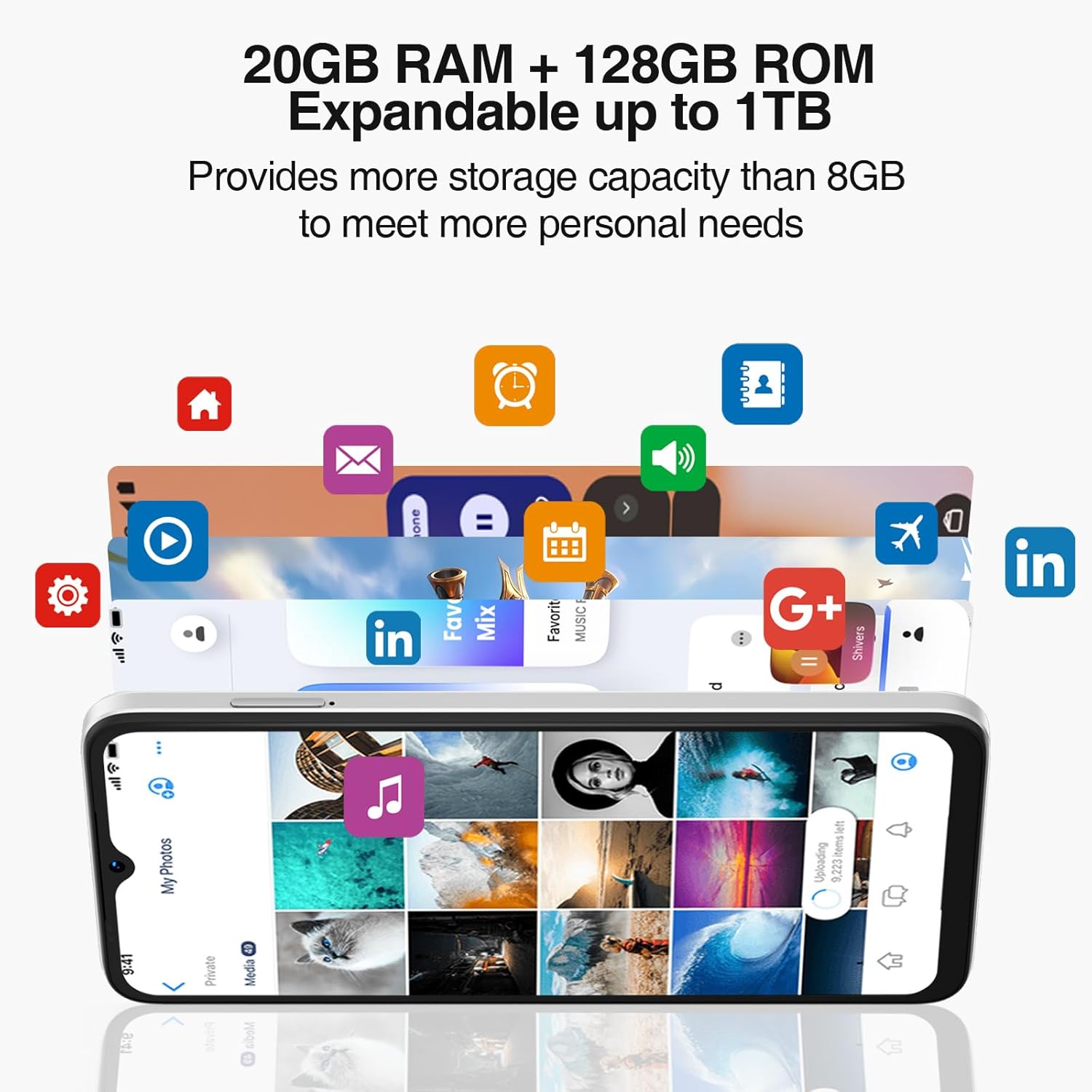
Powered by an Octa-Core processor and 20GB RAM (8GB physical + 12GB virtual), the N55PLUS ensures smooth multitasking and app performance. It comes with 128GB of internal storage, expandable up to 1TB using a TF card, providing ampruang untuk anda files, photos, and applications.
4.4 Pengurusan Bateri
The 5150mAh large battery provides extended usage time. To optimize battery life, manage background app usage, adjust screen brightness, and enable power-saving modes when needed. The phone supports OTG reverse charging, allowing it to charge other devices.

5. Ketersambungan
- Rangkaian: Supports 4G global network bands (GSM, WCDMA, TDD, FDD). Ensure your SIM card is compatible with the phone's supported bands for optimal service.
- Wi-Fi: Sambung ke rangkaian Wi-Fi yang tersedia untuk akses internet.
- Bluetooth: Pair with Bluetooth devices such as headphones, speakers, or car systems.
- GPS: GPS bersepadu, Glonass, Galileo dan Beidou untuk navigasi yang tepat.
- USB Jenis-C: Untuk pengecasan dan pemindahan data.
6. Penyelenggaraan
6.1 Kemas Kini Perisian
Semak dan pasang kemas kini perisian secara berkala untuk memastikan telefon anda mempunyai ciri terkini, tampalan keselamatan dan penambahbaikan prestasi. Pergi ke Tetapan > Sistem > Kemas kini sistem.
6.2 Membersihkan Peranti Anda
Gunakan kain lembut dan tidak berbulu untuk membersihkan skrin dan badan telefon anda. Elakkan menggunakan bahan kimia yang keras atau bahan kasar yang boleh merosakkan peranti.
6.3 Pengurusan Storan
Untuk mengekalkan prestasi optimum, kosongkan yang tidak perlu secara berkala files, nyahpasang aplikasi yang tidak digunakan dan pindahkan media besar files to external storage or cloud services. Go to Tetapan > Storan to manage your device's storage.
7. Penyelesaian masalah
- Telefon tidak dihidupkan: Pastikan bateri telah dicas. Sambungkan telefon ke pengecas dan tunggu beberapa minit sebelum cuba menghidupkannya semula.
- Apl ranap atau beku: Close and restart the app. If the issue persists, clear the app's cache (Settings > Apps > [App Name] > Storage > Clear cache) or uninstall and reinstall the app.
- Isyarat rangkaian yang lemah: Check if your SIM card is properly inserted. Move to an area with better network coverage. Contact your service provider if the issue persists.
- Bateri cepat habis: Reduce screen brightness, disable unused features like Wi-Fi or Bluetooth, and close background apps. Check battery usage in Settings to identify power-hungry apps.
- Buka Kunci Wajah tidak berfungsi: Ensure your face is well-lit and clearly visible to the front camera. Re-register your face data in Settings > Security > Face Unlock.
8. Spesifikasi
| Ciri | Spesifikasi |
|---|---|
| Nama Model | N55 Plus |
| Sistem Operasi | Android 14 |
| Pemproses | Octa-Core (Mediatek Dimensity 1100, 3.2 GHz) |
| RAM | 8 GB (boleh dikembangkan kepada 20 GB dengan RAM maya) |
| Storan Dalaman | 128 GB |
| Storan Boleh Dikembangkan | Sehingga 1 TB melalui kad TF |
| Saiz Skrin | 6.56 Inci |
| Jenis Paparan | Skrin Titisan Air HD+ IPS |
| Resolusi | 1612 x 720 |
| Kadar Segar Semula | 90 Hz |
| Kamera Utama | Kamera AI 13 MP |
| Kamera Depan | 8 MP |
| Kapasiti Bateri | 5150 mAh Litium Ion |
| Ketersambungan | 4G LTE, Wi-Fi, Bluetooth, USB Type-C |
| Navigasi | GPS, Glonass, Galileo, Beidou |
| Ciri Khas | Dual SIM, Expandable Memory, Face Unlock, Widevine L1, OTG |
| Dimensi | 6.45 x 2.98 x 0.34 inches (8.6mm thickness) |
| Berat badan | 6.6 auns (186 Gram) |
9. Waranti dan Sokongan
All DOOGEE unlocked phones purchased from our official channels are covered by a 12-month warranty. If you encounter any issues during use, please contact our customer support for assistance. For further support, visit the official DOOGEE webtapak atau rujuk maklumat hubungan yang diberikan dengan pembelian anda.