
DOOGEE U10
Manual Pengguna Tablet DOOGEE U10 Android 14
Model: U10
1. Pengenalan
Welcome to the user manual for your new DOOGEE U10 Android 14 Tablet. This guide provides detailed instructions on how to set up, operate, maintain, and troubleshoot your device. The DOOGEE U10 is a versatile tablet featuring a 10.1-inch HD IPS display, 9GB RAM (4GB + up to 5GB extended) and 128GB ROM, powered by Android 14, and equipped with an 8MP rear camera and 5MP front camera, a 5060mAh battery, Bluetooth 5.0, and WiFi-6 connectivity.
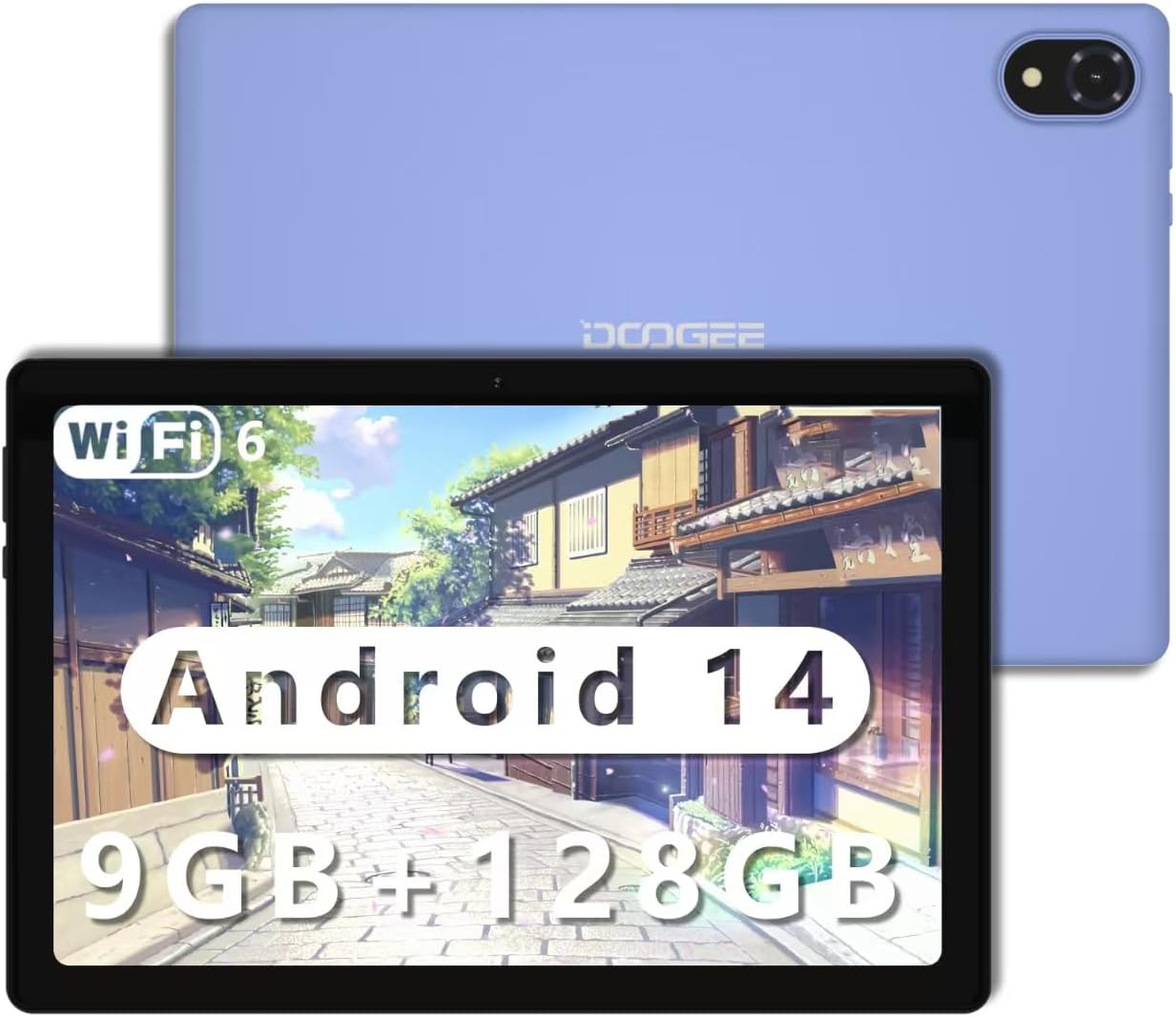
Figure 1.1: The DOOGEE U10 Android 14 Tablet in purple.
2. Bermula
2.1 Apa yang ada di dalam Kotak
- DOOGEE U10 Tablet x1
- Pengecas x1
- Talian data x1
- Manual Pengguna x1
2.2 Mengecas Tablet
Before first use, fully charge your tablet. Connect the provided data line to the tablet's Type-C port and the charger to a power outlet. The battery indicator on the screen will show charging status. A full charge ensures optimal performance and battery longevity.

Figure 2.1: The DOOGEE U10 features a 5060mAh large battery, providing extended usage times for photography, music, and multimedia. It charges via a Type-C port.
2.3 Menghidupkan/Mematikan
- Untuk Menghidupkan: Tekan dan tahan butang Kuasa sehingga logo DOOGEE muncul.
- Untuk Mematikan: Tekan dan tahan butang Kuasa sehingga pilihan kuasa muncul pada skrin, kemudian pilih 'Matikan'.
- Untuk Mulakan Semula: Press and hold the Power button until the power options appear, then select 'Restart'.
3. Using Your DOOGEE U10 Tablet
3.1 Paparan dan Pengalaman Visual
The DOOGEE U10 features a vibrant 10.1-inch IPS HD display with a resolution of 1280 x 800 pixels. It offers a high brightness of 300 cd/m² and supports 16.7 million colors for accurate and vivid reproduction. The tablet also incorporates blue light filtering technology, certified by TÜV SÜD, to reduce eye strain during prolonged use.
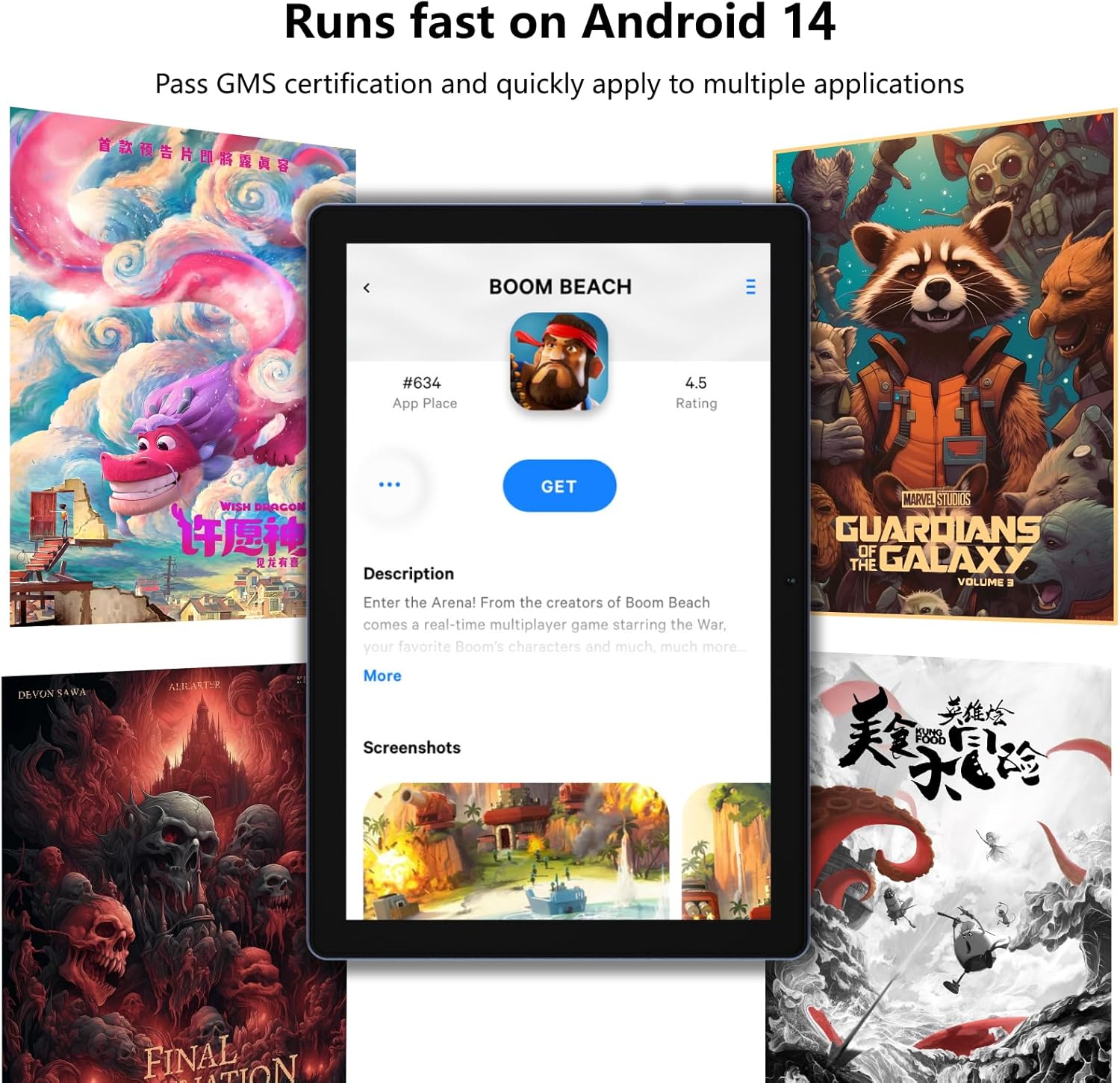
Figure 3.1: The 10.1-inch HD+ IPS display provides clear visuals, while TÜV blue light certification helps protect your eyes.
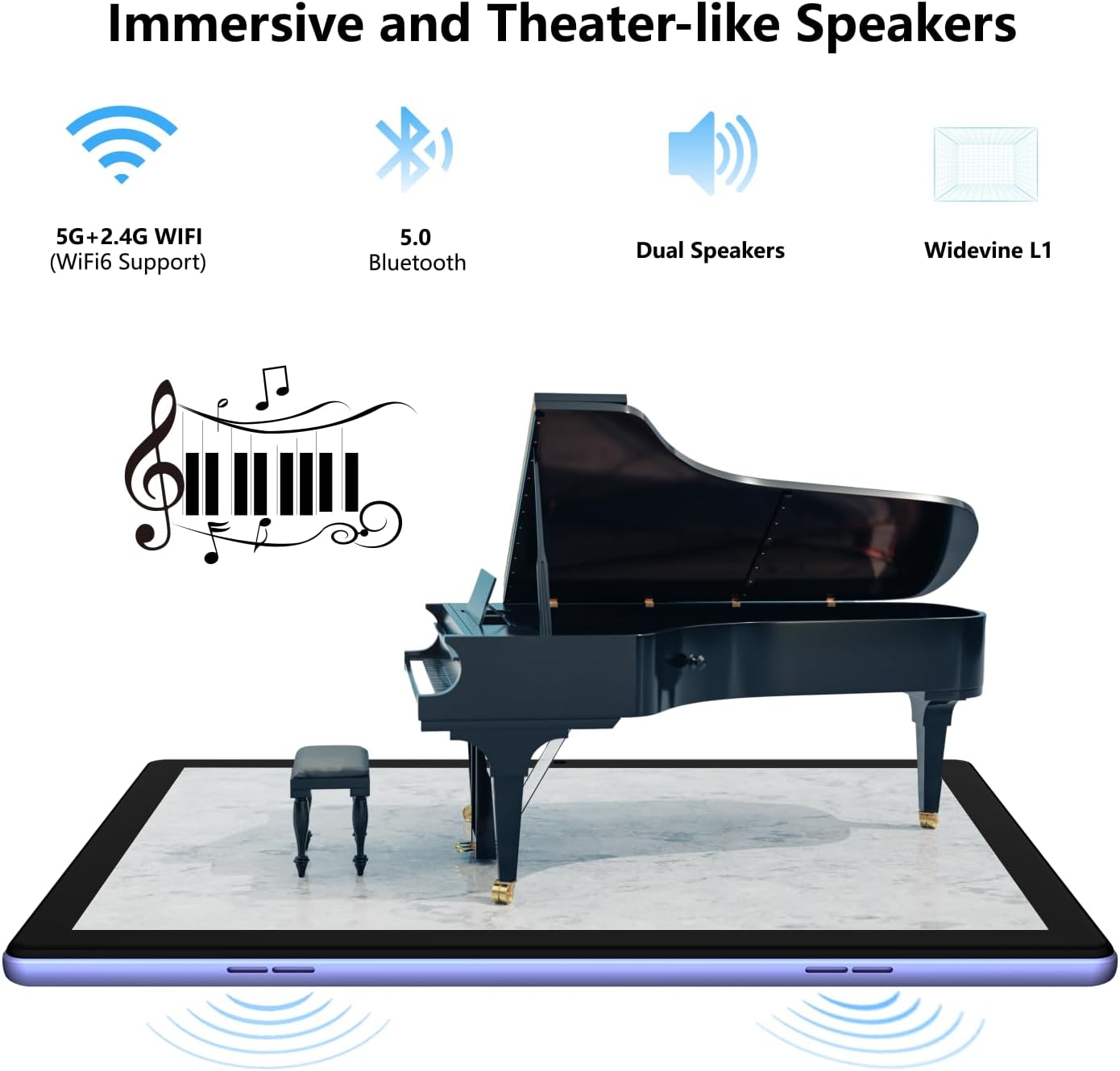
Figure 3.2: The tablet is designed with TÜV Safety Assurance Certification for a satisfying and user-friendly experience, including eye protection.
3.2 Prestasi dan Penyimpanan
Equipped with a stable quad-core RK3562 processor and the latest Android 14 operating system, the DOOGEE U10 ensures smooth performance for various applications. It comes with 9GB of RAM (4GB physical + 5GB virtual RAM) and 128GB of internal storage, expandable up to 1TB via a Micro SD card, providing ampruang untuk semua anda files dan apl.
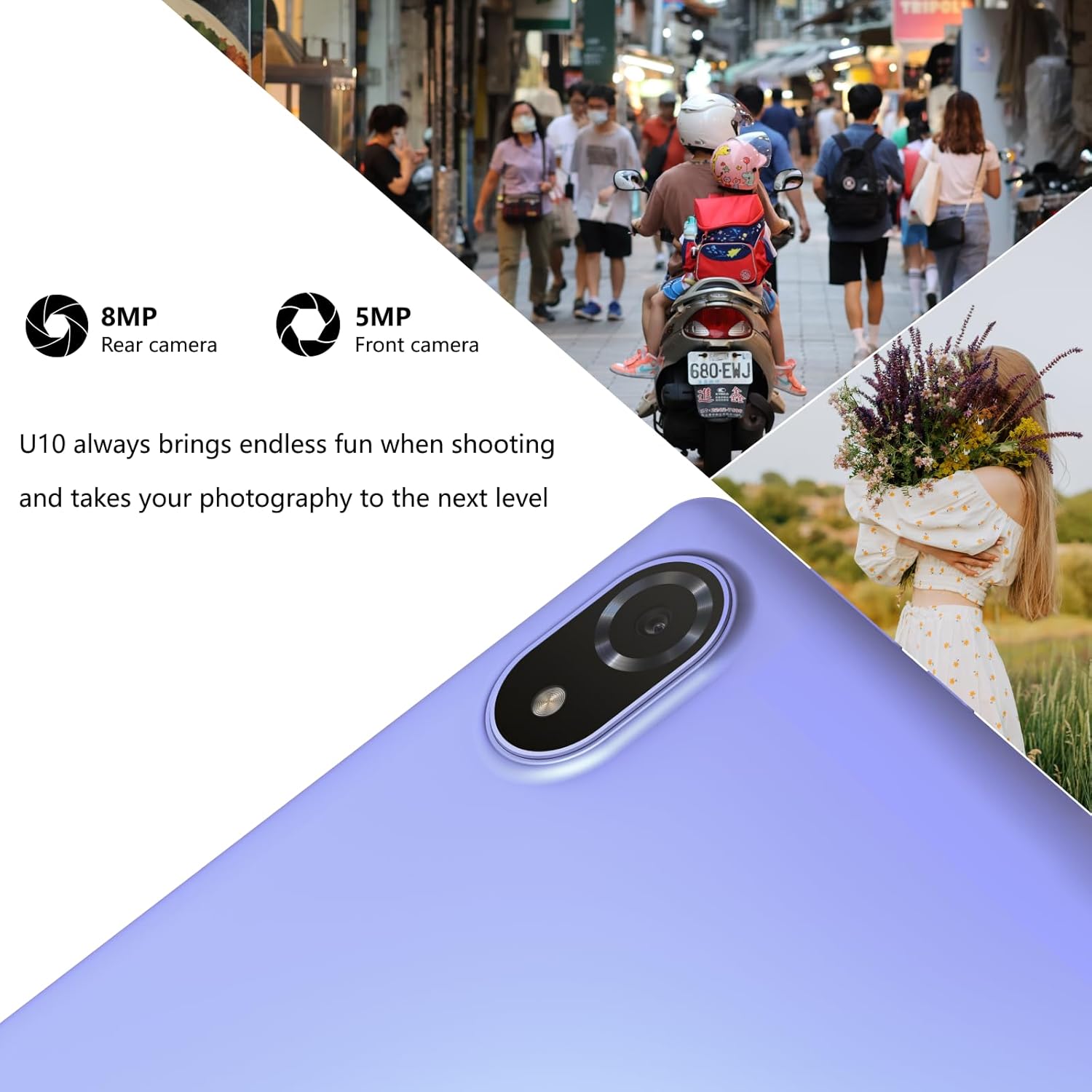
Figure 3.3: The tablet runs fast on Android 14, allowing quick access and smooth operation of multiple applications.

Figure 3.4: Experience faster speeds, greater security, and an easy-to-use interface with the latest Android 14 operating system.

Figure 3.5: With 9GB RAM and 128GB ROM (expandable to 1TB), the DOOGEE U10 offers large storage capacity and ultra-smooth switching between applications.
3.3 Ciri-ciri Kamera
Capture moments with the 8MP rear camera and take clear selfies or video calls with the 5MP front camera. The tablet is designed to enhance your photography experience.

Figure 3.6: The U10 tablet features an 8MP rear camera and a 5MP front camera, perfect for capturing photos and video calls.

Figure 3.7: Utilize the 8MP rear and 5MP front cameras to capture stunning portraits and diverse scenes.
3.4 Pengalaman Audio
Enjoy immersive sound with the DOOGEE U10's dual stereo speakers, enhanced by Dual Smart PA technology, providing a theater-like audio experience for your multimedia content.

Figure 3.8: The tablet offers immersive and theater-like sound quality through its dual speakers.
3.5 Ketersambungan
The tablet supports WiFi-6 (802.11ax) for fast and stable internet connections, along with Bluetooth 5.0 for seamless pairing with wireless accessories.
3.6 Widevine L1 Support
With Widevine L1 support, the DOOGEE U10 allows for secure and high-resolution streaming of premium content from platforms like Hulu, Amazon Prime Video, and HBO Max, ensuring an enhanced entertainment experience.

Figure 3.9: Widevine L1 support ensures safe and immersive playback of premium content, elevating your entertainment experience.
3.7 Stylus and Keyboard Compatibility
The DOOGEE U10 supports a 1024-level capacitive pressure stylus for precise drawing and note-taking, and can be paired with a Bluetooth keyboard for improved productivity.
3.8 Video Produk Rasmi
Video 3.1: Seorang pegawai tamatview tayangan videocasing the key features and usage scenarios of the DOOGEE U10 Android 14 Tablet, including its display, performance, camera, and audio capabilities.
4. Penjagaan dan Penyelenggaraan
- Pembersihan: Gunakan kain lembut dan tidak berbulu untuk membersihkan skrin dan badan. Elakkan pembersih atau pelarut yang kasar.
- Kemas Kini Perisian: Semak dan pasang kemas kini sistem secara kerap untuk memastikan prestasi dan keselamatan yang optimum.
- Penjagaan Bateri: To prolong battery life, avoid extreme temperatures and do not let the battery completely drain frequently.
- Storan: Store the tablet in a cool, dry place away from direct sunlight and moisture.
5. Penyelesaian masalah
5.1 Isu dan Penyelesaian Biasa
| Masalah | Penyelesaian yang Mungkin |
|---|---|
| Tablet tidak dapat dihidupkan | Ensure the tablet is charged. Connect to charger for at least 30 minutes. If still unresponsive, perform a forced restart by holding the power button for 10-15 seconds. |
| Prestasi perlahan | Close unused apps, clear cache, free up storage space, or restart the tablet. |
| Isu sambungan Wi-Fi | Restart the tablet and your Wi-Fi router. Forget and reconnect to the Wi-Fi network. Ensure you are within range. |
| Apl ranap | Update the app to the latest version. Clear the app's cache and data (Settings > Apps). Reinstall the app if necessary. |
| Bateri cepat habis | Reduce screen brightness, disable unused features (Wi-Fi, Bluetooth, GPS), close background apps, or check for rogue apps consuming excessive power. |
6. Spesifikasi Teknikal
| Ciri | Spesifikasi |
|---|---|
| Jenama | DOOGEE |
| Nama Model | U10 |
| Sistem Operasi | Android 14 |
| Saiz Skrin | 10.1 Inci |
| Resolusi Skrin | 1280 x 800 Piksel |
| RAM | 9GB (4GB + Up to 5GB Extended) |
| Storan Dalaman | ROM 128GB |
| Storan Boleh Dikembangkan | Up to 1TB with Micro SD card |
| Kamera Belakang | 8 MP |
| Kamera Depan | 5 MP |
| Kapasiti Bateri | 5060mAh |
| Jenis Wayarles | 802.11n, 802.11b, 802.11ax (WiFi-6), 802.11ac, 802.11g |
| Bluetooth | Bluetooth 5.0 |
| Berat Barang | 1.15 paun |
| Dimensi Produk | 9.65 x 6.43 x 0.39 inci |
| warna | Ungu |
7. Waranti dan Sokongan
DOOGEE offers comprehensive support for your U10 tablet:
- Jaminan Wang Dikembalikan 30 Hari: Jika anda tidak berpuas hati dengan pembelian anda, anda boleh mengembalikannya dalam masa 30 hari untuk bayaran balik penuh.
- Waranti Terhad 2 Tahun: Your DOOGEE U10 tablet is covered by a 2-year limited warranty against manufacturing defects. Please retain your proof of purchase.
- Sokongan Dalam Talian 24/7: For any technical assistance or inquiries, please contact our dedicated customer service team available 24/7.

Figure 7.1: DOOGEE provides worry-free customer service, including a money-back guarantee, limited warranty, and online support.
Ask a question about this manual
Ask about setup, troubleshooting, compatibility, parts, safety, or missing instructions. Manuals+ will review the question and use this page’s manual context to help answer it.