
DOOGEE U10
Manual Pengguna Tablet DOOGEE U10
Model: U10
1. Pengenalan
Welcome to the user manual for your new DOOGEE U10 Tablet. This guide provides detailed instructions to help you get started, operate, maintain, and troubleshoot your device. The DOOGEE U10 is a modern tablet featuring the latest Android 14 system, a vibrant 10.1-inch IPS display, and robust performance capabilities.
Ciri-ciri Utama
- Sistem pengendalian: Android 14 for a smooth and secure experience.
- paparan: 10.1-inch IPS HD (1280x800) with TÜV Low Blue Light Eye Protection.
- Prestasi: Rockchip RK3562 Quad-core Processor, 9GB RAM (4GB + 5GB virtual).
- Storan: 128GB internal storage, expandable up to 1TB via TF card.
- Kamera: 8MP Rear Camera and 5MP Front Camera for clear photos and video calls.
- Bateri: Bateri 5060mAh yang tahan lama.
- Ketersambungan: Ultra-fast WiFi 6, Bluetooth 5.0, and OTG support.
- Penstriman: Widevine L1 support for high-quality streaming on platforms like Amazon Prime Video and Hulu.

Imej: Selesaiview of DOOGEE U10 Tablet's main features including screen size, connectivity, OS, eye protection, memory, battery, and camera specifications.
2. Persediaan
2.1 Apa yang ada di dalam Kotak
Upon unboxing your DOOGEE U10 Tablet, please ensure all the following items are present:
- 1 x DOOGEE U10 Android 14 Tablet
- 1 x Kabel USB Jenis-C
- 1 x Pengecas
- 1 x Manual Pengguna (dokumen ini)
- 1 x Kad Waranti
2.2 Pengecasan Awal
Before first use, it is recommended to fully charge your tablet. Connect the provided Type-C USB cable to the tablet's charging port and the charger to a power outlet. The charging indicator will show the charging status. A full charge typically takes a few hours.

Image: Illustration of the 5060mAh battery capacity and charging port, indicating fast charging capability and a 3.5mm headphone jack.
2.3 Menghidupkan/Mematikan
- Untuk Menghidupkan: Press and hold the Power button (usually located on the side) until the DOOGEE logo appears on the screen.
- Untuk Mematikan: Press and hold the Power button until a power-off menu appears. Select "Power off" and confirm.
- Untuk Mulakan Semula: Daripada menu mati kuasa, pilih "Mulakan Semula".
2.4 Tatarajah Awal
Ikut gesaan pada skrin untuk melengkapkan persediaan awal:
- Pilih bahasa pilihan anda.
- Sambung ke rangkaian Wi-Fi.
- Terima terma dan syarat.
- Log masuk dengan akaun Google anda atau buat yang baharu.
- Sediakan kunci skrin (PIN, corak, kata laluan atau ID Wajah).
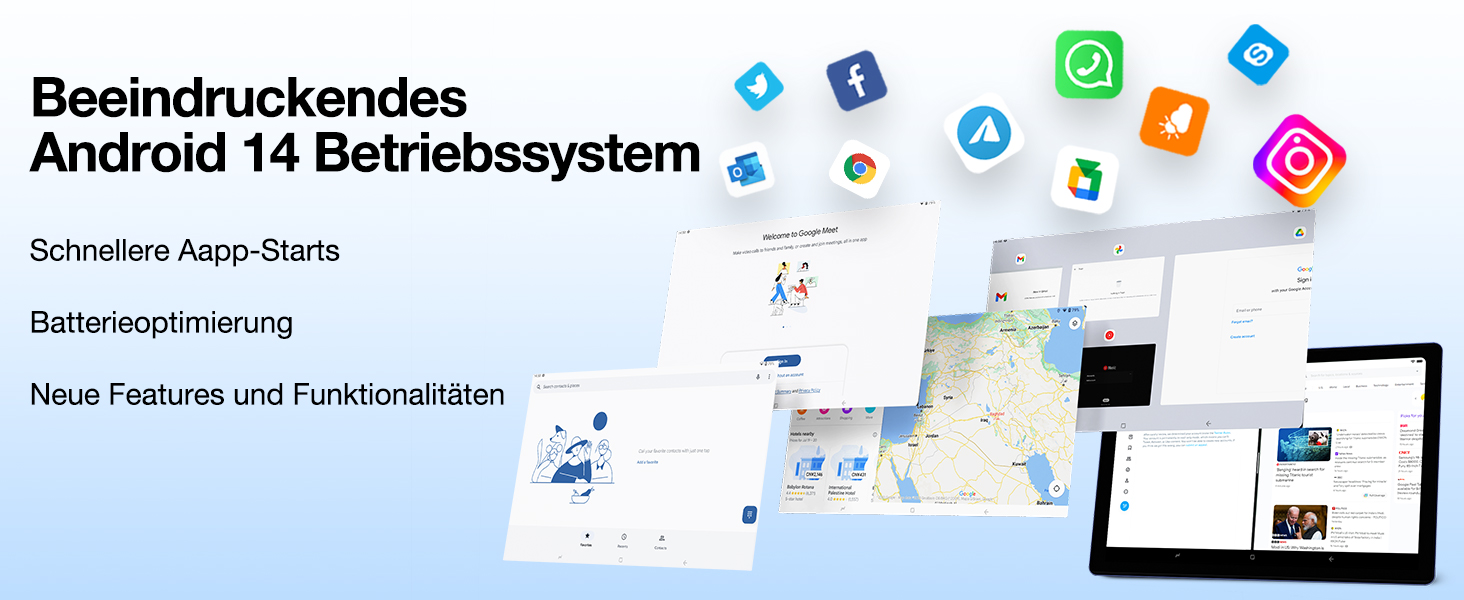
Image: Visual representation of the Android 14 operating system interface, highlighting faster app starts and battery optimization.
3. Mengendalikan Tablet Anda
3.1 Navigasi Asas
The DOOGEE U10 Tablet uses touch gestures for navigation:
- Ketik: Untuk memilih item atau membuka aplikasi.
- Leret: Untuk menatal halaman atau senarai.
- Cubit: Untuk mengezum masuk atau keluar pada imej atau web muka surat.
- Tekan lama: Untuk mengakses menu kontekstual atau mengalihkan ikon.
3.2 Ketersambungan
Your tablet supports advanced connectivity options:
- Wi-Fi 6: For high-speed internet access. Go to Settings > Network & internet > Wi-Fi, then select your network and enter the password.
- Bluetooth 5.0: For connecting wireless headphones, speakers, or other Bluetooth devices. Go to Settings > Connected devices > Bluetooth, turn it on, and pair with your device.
- OTG (Semasa Bergerak): Allows you to connect USB devices like flash drives, keyboards, or mice using a compatible OTG adapter (not included).
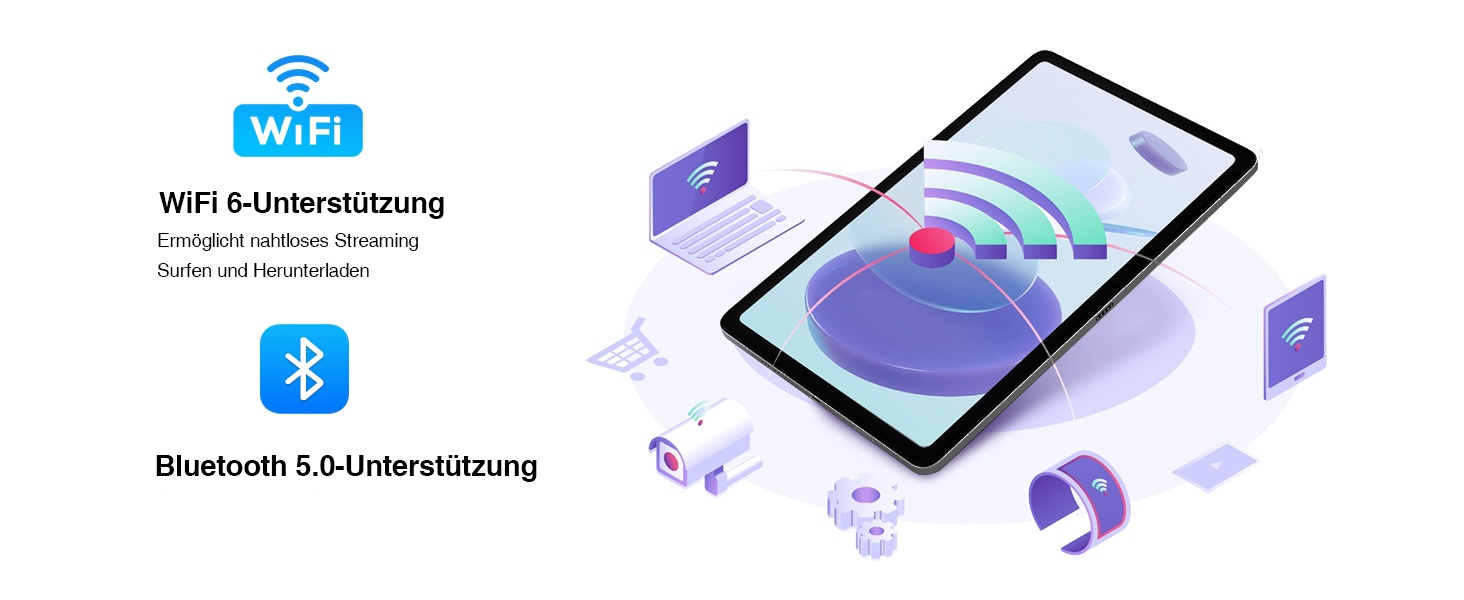
Image: Visual representation of WiFi 6 and Bluetooth 5.0 support, enabling seamless streaming, browsing, and downloading, and connecting to various devices.
3.3 Penggunaan Kamera
The DOOGEE U10 features an 8MP rear camera and a 5MP front camera. Open the Camera app to capture photos and videos. Switch between front and rear cameras using the icon on the screen.

Image: Close-up of the tablet's dual camera system, highlighting the 5MP front and 8MP rear cameras, suitable for photos and video chats.
3.4 Pengurusan Storan
Your tablet comes with 128GB of internal storage. You can expand this up to 1TB using a microSD (TF) card. Insert the TF card into the designated slot. To manage storage, go to Settings > Storage.
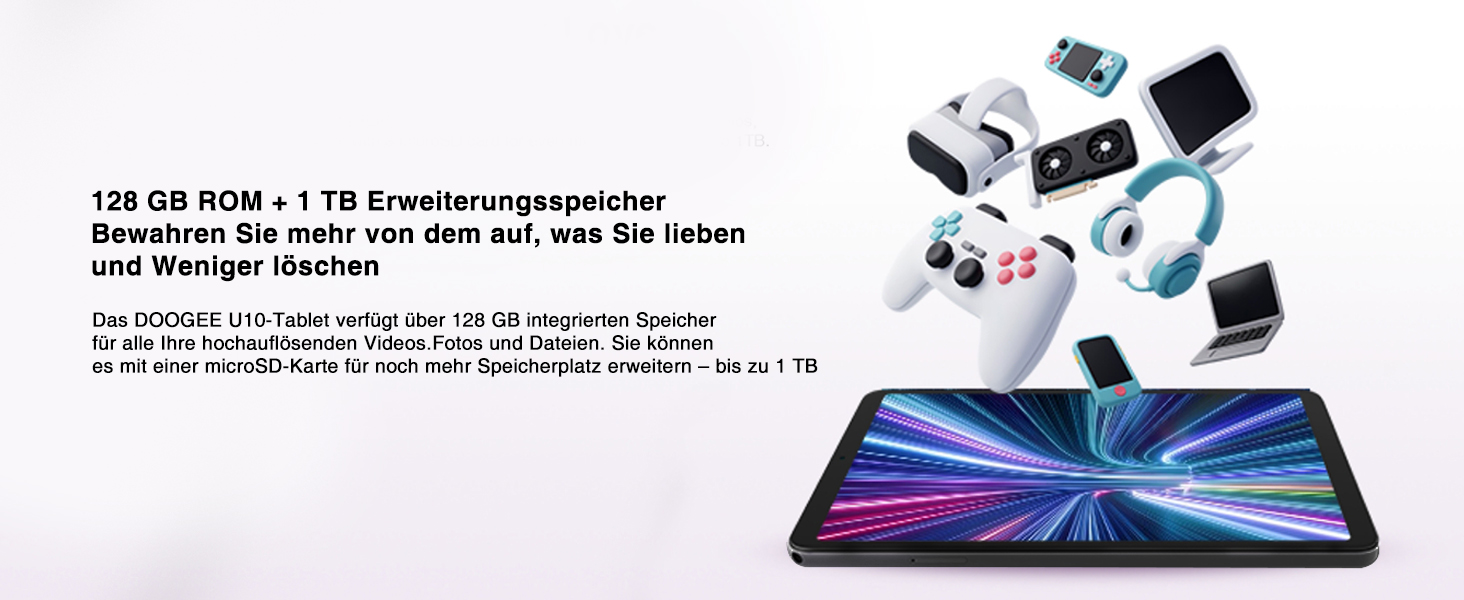
Image: Depiction of the tablet's 128GB ROM and 1TB expandable storage, illustrating ample space for media and files.
3.5 Entertainment Features
- Sokongan L1 Widevine: Enjoy high-definition content from streaming services like Amazon Prime Video, Hulu, and HBO Max.
- Hantaran Skrin: Share your tablet's screen to a larger display, such as a TV, for presentations or family viewing.
- Split-Screen Function: Enhance productivity by running two apps side-by-side, allowing for seamless multitasking.
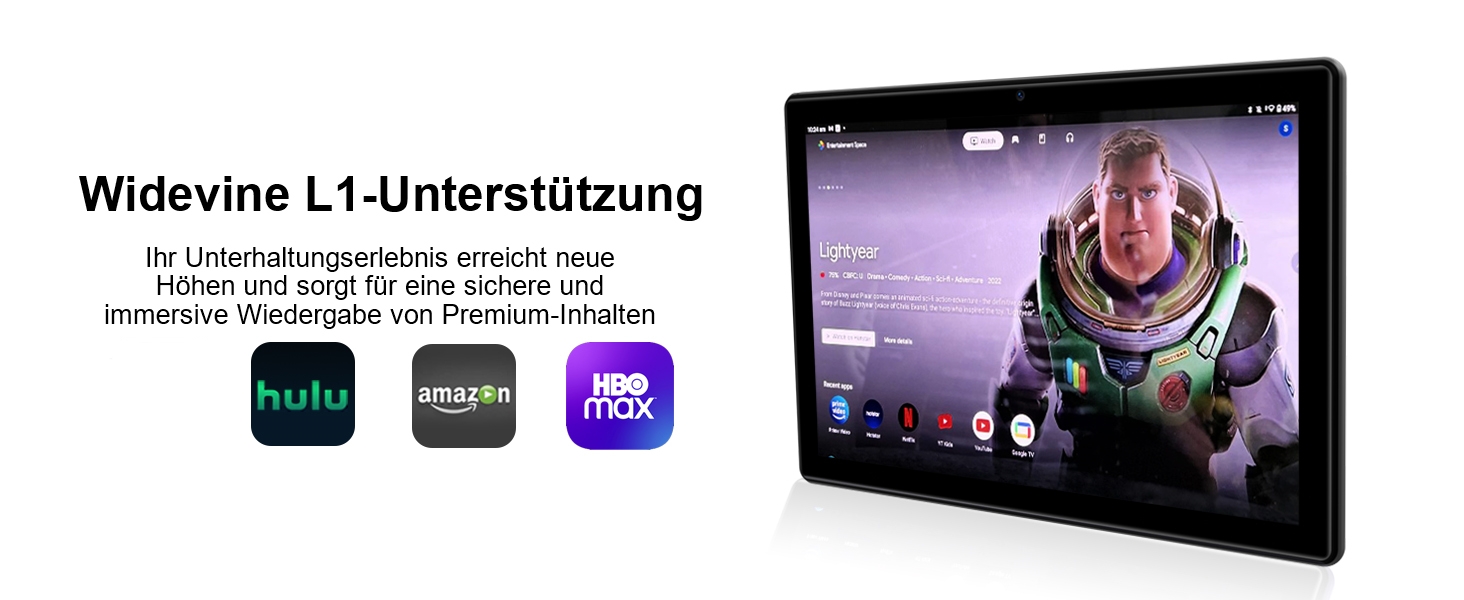
Image: The tablet displaying streaming service logos (Hulu, Amazon, HBO Max) and content, indicating Widevine L1 support for premium content playback.
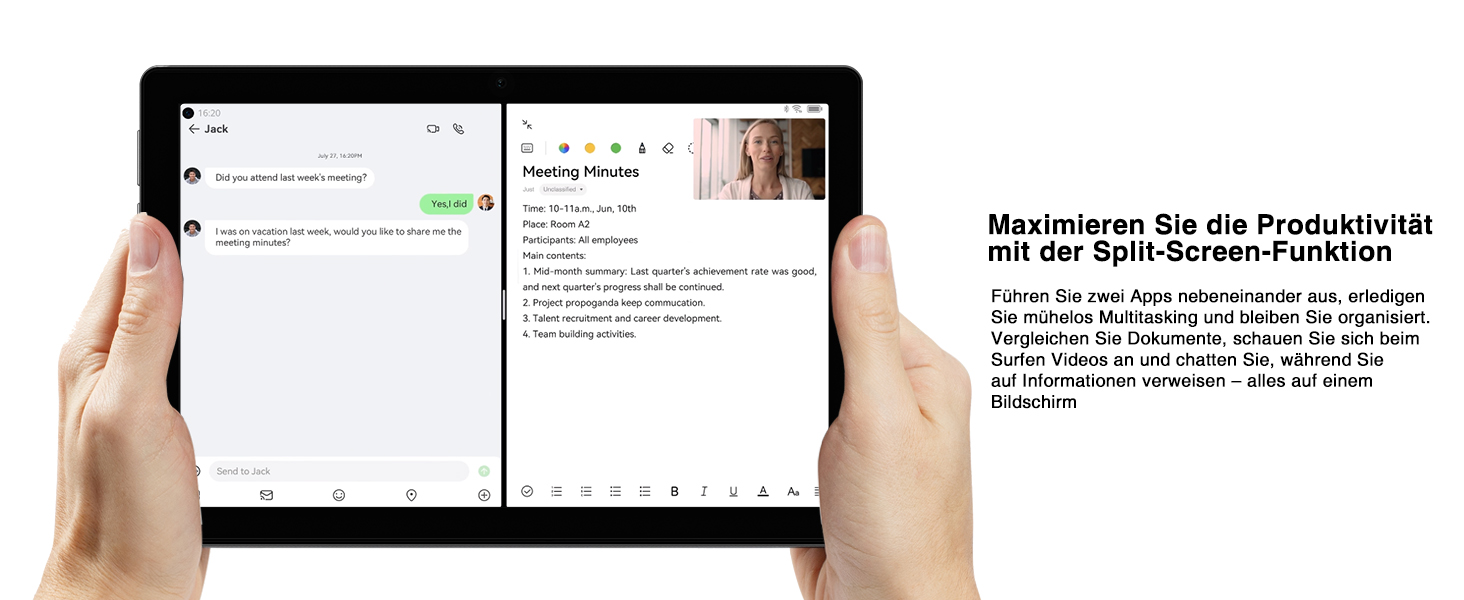
Image: A tablet screen split into two applications, demonstrating the split-screen feature for enhanced productivity and multitasking.
4. Penyelenggaraan
4.1 Penjagaan Bateri
Untuk memaksimumkan jangka hayat bateri 5060mAh anda:
- Elakkan suhu yang melampau.
- Jangan biarkan bateri habis sepenuhnya sebelum mengecas semula dengan kerap.
- Gunakan pengecas yang disediakan untuk pengecasan yang optimum.
- Dayakan mod penjimatan kuasa apabila bateri lemah.
4.2 Membersihkan Tablet Anda
Gunakan kain lembut dan tidak berbulu untuk membersihkan skrin dan badan tablet. Untuk calitan degil, sedikit dampLap kain dengan air atau pembersih skrin. Elakkan menggunakan bahan kimia yang keras atau bahan yang melelas.
4.3 Kemas Kini Perisian
Keep your tablet's software up to date to ensure optimal performance and security. Go to Settings > System > System update to check for and install available updates.
4.4 Pengoptimuman Storan
Kerap semulaview aplikasi yang anda pasang dan files. Uninstall unused apps and delete unnecessary files to free up storage space and improve performance. Consider moving large media files to an external TF card.
5. Penyelesaian masalah
This section addresses common issues you might encounter with your DOOGEE U10 Tablet. If the problem persists, please contact customer support.
| Masalah | Kemungkinan Punca | Penyelesaian |
|---|---|---|
| Tablet does not turn on or charge. | Battery is completely drained; faulty charger/cable; hardware issue. | Ensure the charger and cable are securely connected. Try a different power outlet. Allow the tablet to charge for at least 30 minutes before attempting to power on. If still unresponsive, perform a forced restart by holding the power button for 10-15 seconds. |
| Wi-Fi connection is unstable or not connecting. | Incorrect password; router issue; interference. | Verify the Wi-Fi password. Restart your Wi-Fi router. Move closer to the router. Forget the network on your tablet and reconnect. |
| Tablet is slow or apps are freezing. | Too many apps running; low storage; outdated software. | Close background apps. Clear app caches (Settings > Apps > [App Name] > Storage & cache > Clear cache). Free up internal storage. Check for system updates. Restart the tablet. |
| Kamera tidak berfungsi. | App permissions; software glitch. | Check camera permissions for the Camera app (Settings > Apps > Camera > Permissions). Restart the tablet. Clear the Camera app's cache and data. |
| Screen display issues (e.g., flickering, incorrect colors). | Software glitch; hardware defect. | Restart the tablet. Ensure the TÜV Low Blue Light Eye Protection mode is not causing an unintended effect if you prefer standard display. If the issue persists, it may indicate a hardware problem. |
6. Spesifikasi
| Ciri | Perincian |
|---|---|
| Jenama | DOOGEE |
| Model | U10 (DOOGEE U10 TABLET) |
| Dimensi | 1 x 1 x 1 cm; 509 Gram |
| Saiz Paparan | 10.1 inci |
| Resolusi Paparan | 1280 x 800 Pixels (IPS HD) |
| Pemproses | Rockchip RK3562 Quad-core, 2.0 GHz |
| RAM | 9GB (4GB + 5GB virtual expansion) |
| Storan Dalaman | ROM 128GB |
| Storan Boleh Dikembangkan | Sehingga 1TB (kad TF) |
| Sistem Operasi | Android 14 |
| Kapasiti Bateri | 5060mAh |
| Kamera Belakang | 8MP |
| Kamera Depan | 5MP |
| Jenis Wi-Fi | 802.11ax (WiFi 6) |
| Bluetooth | Bluetooth 5.0 |
| Pelabuhan | Type-C, 3.5mm Headphone Jack |
| Ciri Khas | Widevine L1, TÜV Low Blue Light Eye Protection, OTG, Face ID |

Image: Detailed diagram of the Rockchip RK3562 CPU, highlighting its quad-core processor, 2.0 GHz speed, and memory capabilities (9GB RAM, 128GB ROM, 1TB TF).
7. Waranti dan Sokongan
DOOGEE is committed to providing high-quality products and excellent customer service.
- Jaminan Wang Dikembalikan: Nikmati jaminan wang dikembalikan selama 30 hari dan pemulangan percuma.
- Waranti Terhad: Your DOOGEE U10 Tablet comes with a 2-year limited warranty.
- Sokongan dalam talian: 24/7 online support is available for any queries or assistance you may need.
For further assistance, please refer to the warranty card included in your package or visit the official DOOGEE support webtapak.

Image: Icons representing after-sales support, including a 30-day money-back guarantee, 2-year limited warranty, and 24/7 online support.
Ask a question about this manual
Ask about setup, troubleshooting, compatibility, parts, safety, or missing instructions. Manuals+ will review the question and use this page’s manual context to help answer it.