
Life360 T1801A
Life360 Tile Bluetooth Tracker (Model T1801A) User Manual
Model: T1801A | Brand: Life360
pengenalan
The Life360 Tile is a versatile Bluetooth tracker designed to help you locate important items such as keys, bags, and other personal belongings. It integrates with the Life360 app to provide location tracking, ringing capabilities, and an SOS alert feature for enhanced safety. This manual provides detailed instructions for setting up, operating, and maintaining your Life360 Tile.
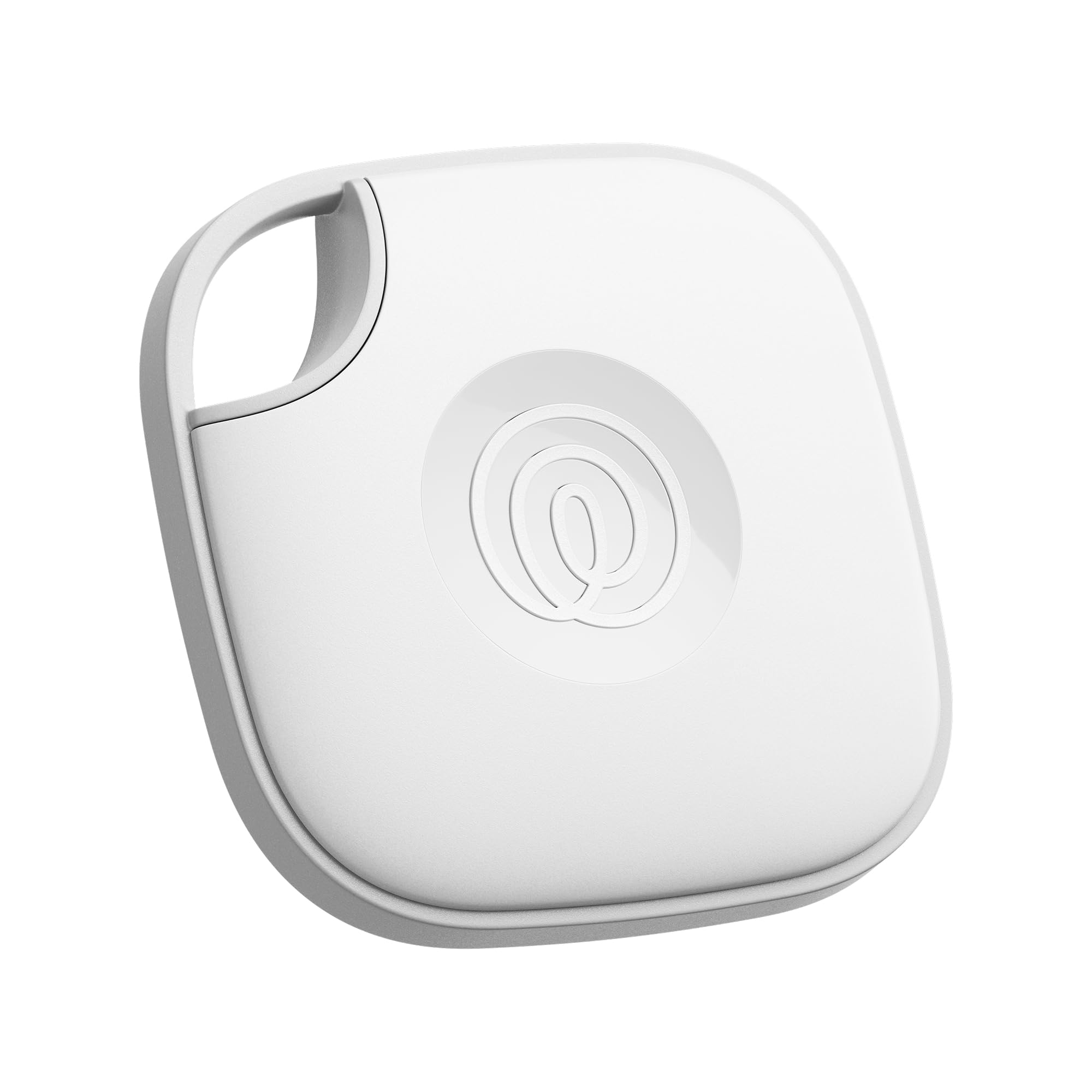
Image: The Life360 Tile, a compact white square device with a central button and a small loop for attaching to items.
Arahan Persediaan
- Muat turun Aplikasi Life360: The Life360 Tile requires the Life360 app for full functionality. Download the free Life360 app from the Apple App Store (for iOS devices) or Google Play Store (for Android devices).
- Create/Log In to Life360 Account: Open the app and either create a new account or log in to an existing one.
- Enable Location Services: Ensure that location services are enabled on your smartphone for the Life360 app to accurately track your Tile.
- Tambah Jubin Anda:
- In the Life360 app, navigate to the section for adding new devices or items.
- Follow the on-screen prompts to pair your Tile. This typically involves pressing the button on your Tile once to begin activation. The Tile will play a tune to confirm activation.
- Hold your Tile device next to your phone during the pairing process.
- Pasang Jubin Anda: Attach the Tile to the item you wish to track (e.g., keys, bag, backpack). The Tile Mate includes a small hole for attaching to keyrings or carabiners.
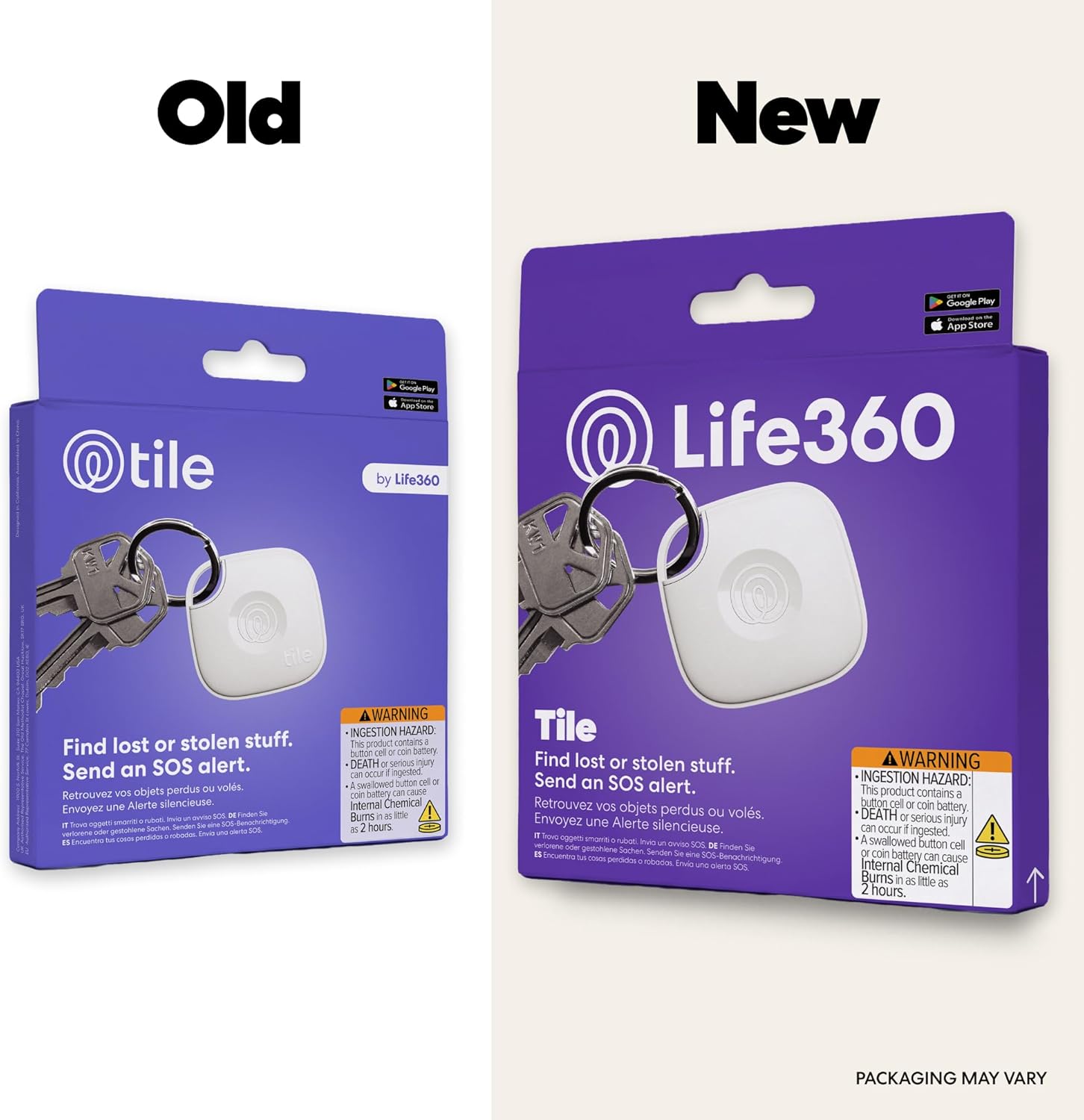
Image: A Life360 Tile attached to a backpack, demonstrating how to secure the device to personal items.
Operating Your Life360 Tile
Video: An official demonstration of the Tile Mate (2024) Bluetooth Tracker, showcasing its use for finding keys, bags, and other items.
Mencari Barangan Anda
To locate an item with your Life360 Tile:
- Buka aplikasi Life360 pada telefon pintar anda.
- Select the Tile associated with the item you wish to find.
- Tap the "Find" button in the app. Your Tile will ring loudly, helping you pinpoint its location.
- If the item is out of Bluetooth range, the app will display its last known location on a map.

Image: A smartphone screen displaying the Life360 app with a map indicating the location of a Tile, along with a prominent 'Find' button.
Mencari Telefon Anda
If you misplace your phone, you can use your Life360 Tile to find it:
- Double-press the button on your Life360 Tile.
- Your phone will ring, even if it is set to silent mode, allowing you to quickly locate it.
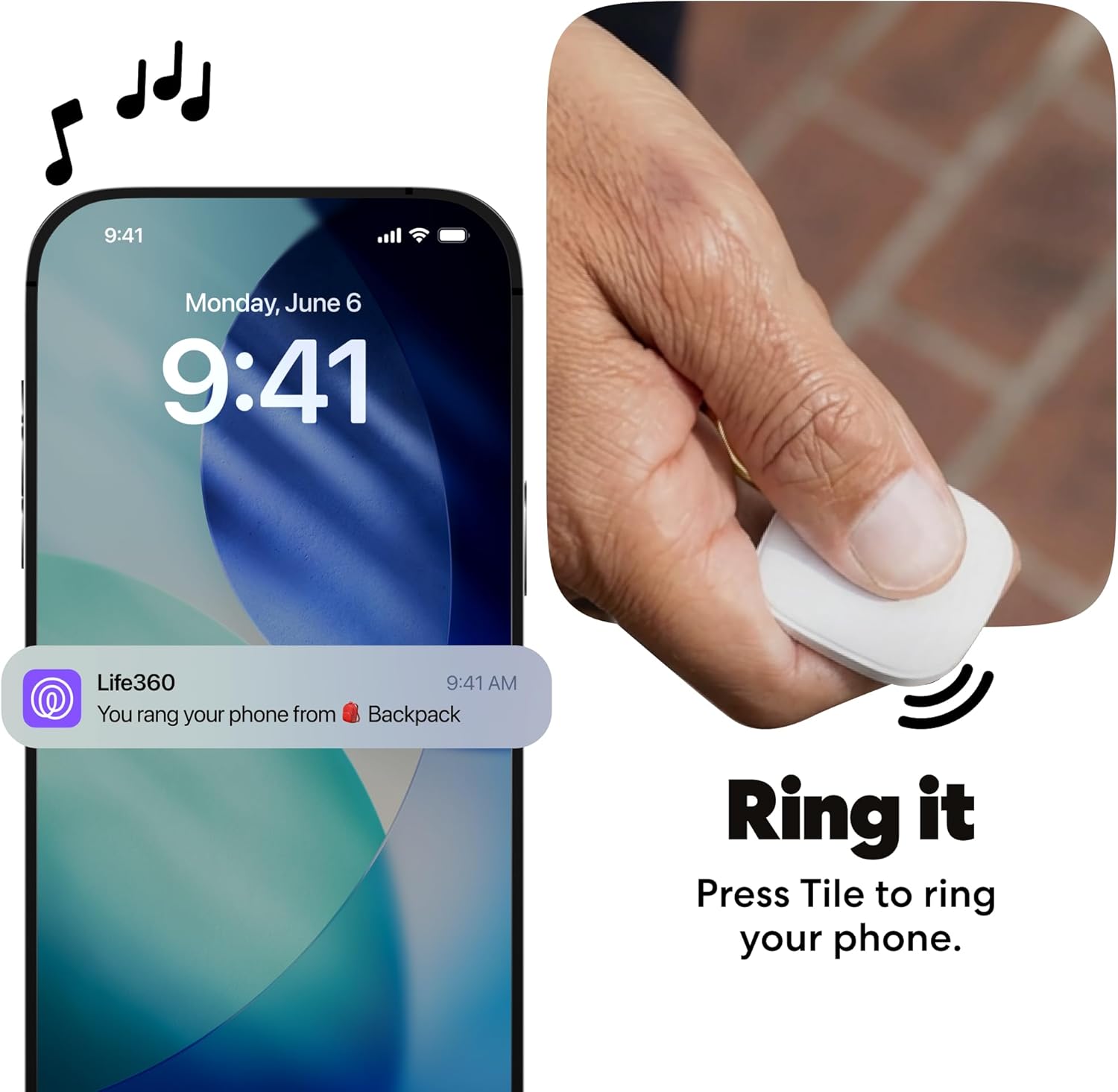
Image: A hand double-pressing the central button on a Life360 Tile, illustrating the feature to make a paired smartphone ring.
SOS Alert Feature
The Life360 Tile can also function as an SOS button:
- In unsafe situations, discreetly trigger an SOS alert to your Life360 Circle.
- This feature requires the Life360 app and Life360 account registration.

Image: A Life360 Tile with red concentric circles emanating from it, symbolizing the activation of an SOS alert.
Tracking on a Map
View the location of your Tile and other members of your Life360 Circle on a unified map within the app.
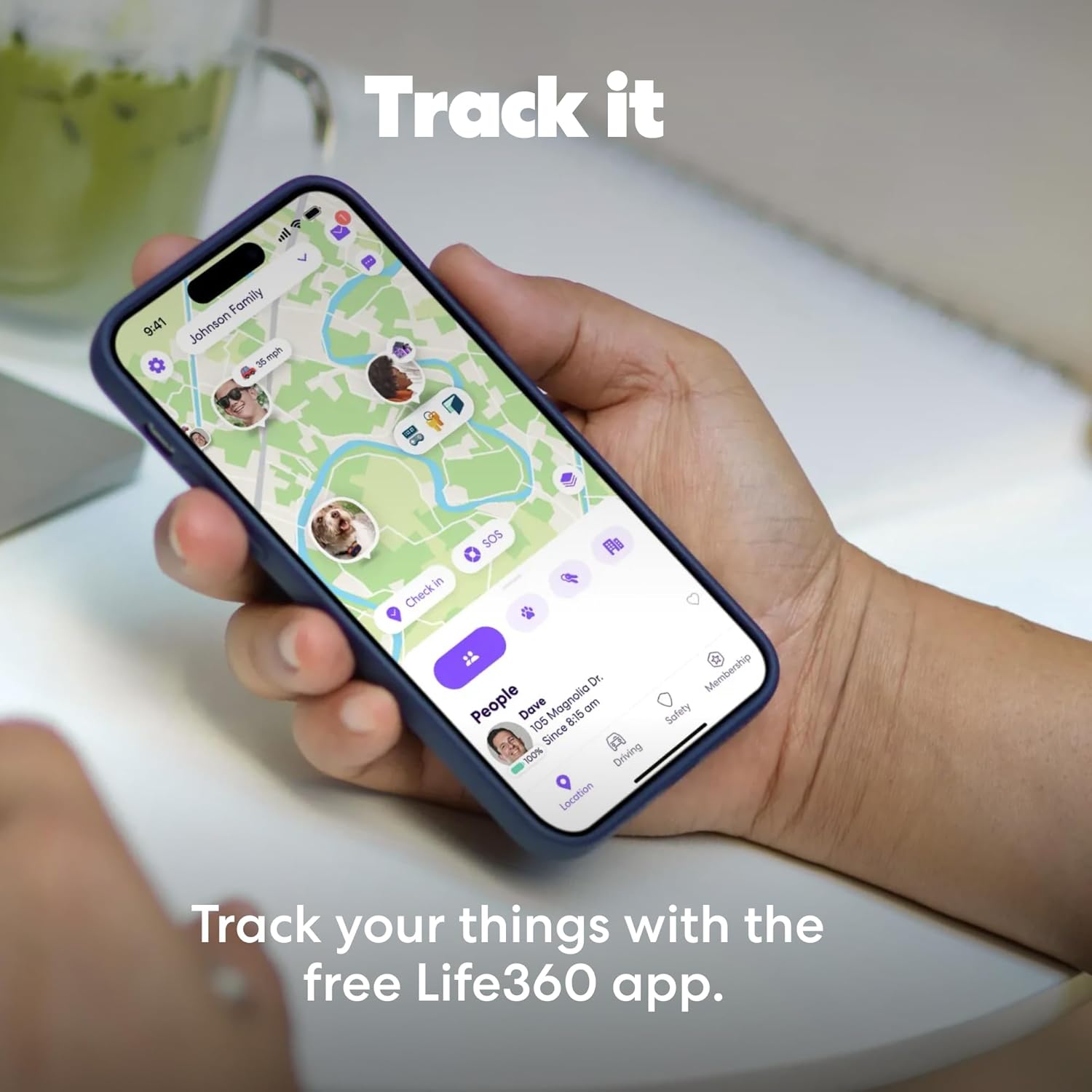
Image: A smartphone displaying the Life360 app interface, showing a map with various tracked items and family members' locations.
Penyelenggaraan
Hayat Bateri
The Life360 Tile features a non-replaceable battery with an average life of up to 3 years. When the battery is depleted, the Tile will need to be replaced.
Tahan Air
The Life360 Tile is water-resistant with an IP68 rating, meaning it can withstand submersion in water up to 1.5 meters for up to 30 minutes. However, it is not recommended for prolonged underwater use.
Pembersihan
To clean your Tile, gently wipe it with a soft, dry cloth. Avoid using harsh chemicals or abrasive materials.
Menyelesaikan masalah
- Jubin Tidak Bersambung:
- Pastikan Bluetooth telefon anda diaktifkan.
- Make sure the Tile is within Bluetooth range (up to 350 feet / 105m).
- Check if the Tile's battery is still active (indicated by a sound when pressed).
- Restart the Life360 app or your smartphone.
- Jubin Tidak Berdering:
- Verify that the volume on your Tile is not muted within the app settings.
- Ensure the Tile is within Bluetooth range.
- Phone Not Ringing When Tile is Pressed:
- Confirm that your phone is within Bluetooth range of the Tile.
- Check the Life360 app settings to ensure the "Find Your Phone" feature is enabled and has necessary permissions.
- Lokasi Tidak Tepat:
- Ensure location services are always enabled for the Life360 app on your phone.
- The accuracy of the last known location depends on the Tile's connection to your phone or other Tile network devices.
Spesifikasi
| Jenama | Kehidupan360 |
| Nombor Model | T1801A (RE-60021) |
| bahan | plastik |
| Dimensi Produk | 1.49" L x 1.49" W x 0.28" Th |
| Berat Barang | 8 Gram |
| Teknologi Ketersambungan | Bluetooth |
| Julat Bluetooth | Up to 350 feet / 105m |
| Jenis Bateri | 1 Lithium Metal battery (included, non-replaceable) |
| Purata Hayat Bateri | Sehingga 3 tahun |
| Tahan Air | Nilai IP68 |
| Peranti Serasi | Telefon Pintar, Tablet (iOS dan Android) |
| Kaedah Kawalan | Apl |
| Keserasian Rumah Pintar | Smart Home Compatible |
| UPC | 819039025027 |
Waranti dan Sokongan
Maklumat Waranti
The Life360 Tile comes with a 1-Year Limited Warranty. For details regarding warranty claims and coverage, please refer to the official Life360 webtapak atau hubungi sokongan pelanggan.
Sokongan Pelanggan
For further assistance, technical support, or to access additional resources, please visit the official Life360 support website or contact their customer service team. You can find more information at tile.com.
Ask a question about this manual
Ask about setup, troubleshooting, compatibility, parts, safety, or missing instructions. Manuals+ will review the question and use this page’s manual context to help answer it.