
Soobest SO800E
Soobest 14.2" Large Display Digital Wall Clock User Manual
Model: SO800E
pengenalan
Thank you for choosing the Soobest 14.2" Large Display Digital Wall Clock. This versatile clock features a large LED screen, 8-in-1 color changing display, date, day of week, temperature, and timer functions. It is designed for easy readability and convenient operation with a remote control, making it ideal for various indoor settings including living rooms, bedrooms, offices, and gyms. This manual provides detailed instructions for setup, operation, and maintenance to ensure optimal performance and longevity of your device.

Image: The Soobest 14.2" Large Display Digital Wall Clock, showcasing its vibrant multi-color display and the included remote control.
Kandungan Pakej
Sila semak bungkusan dengan teliti untuk memastikan semua item ada dan dalam keadaan baik.
- 1 x Soobest 14.2" Large Display Digital Wall Clock
- 1 x Alat Kawalan Jauh
- 1 x Penyesuai Kuasa (Elektrik Bertali)
- 1 x Button Battery (for memory function, pre-installed)
- Mounting Hardware (Nails)
- Manual Pengguna (dokumen ini)

Image: An illustration of all items included in the Soobest Digital Wall Clock package, including the clock, remote, power adapter, and manual.
Persediaan
Sambungan Kuasa
- Unpack the clock and all accessories from the box.
- Connect the power adapter cable to the "power in" port on the back of the clock.
- Pasangkan penyesuai kuasa ke soket elektrik standard. Paparan jam akan menyala.
- The pre-installed button battery serves as a memory function, retaining time and alarm settings during power outages. It does not power the display.
Pilihan Pemasangan
The clock can be mounted on a wall or placed on a tabletop.
- Pemasangan Dinding: Use the provided nails and the mounting holes on the back of the clock to secure it to a wall. Ensure the wall can support the clock's weight (approximately 1.34 pounds).
- Atas meja: The clock can stand freely on a flat surface.

Image: Visual representation of the clock's dimensions and power connection, illustrating its suitability for wall mounting or tabletop use.
Arahan Operasi
Basic Display Information
The large LED display shows the following information at a glance:
- Masa: Large digits for hours and minutes, with smaller seconds display.
- tarikh: Month and Day.
- Hari dalam seminggu: Indicated by illuminated abbreviations (MON, TUE, etc.).
- Suhu Dalaman: Displayed in Fahrenheit (°F).
Menggunakan Alat Kawalan Jauh
All settings and functions are easily controlled via the included remote control.
- Ensure the remote control has a working battery.
- Point the remote control directly at the clock for optimal response.

Image: The clock displaying both time and timer modes, highlighting the seamless transition between them using the remote control.
Menetapkan Masa dan Tarikh
- Tekan ke SET button on the remote control. The hour digits will flash.
- Gunakan ATAS/BAWAH arrows to adjust the hour.
- Tekan SET again to move to minutes, then date, month, and year, adjusting each with the ATAS/BAWAH anak panah.
- Tekan SET one last time to confirm all settings.
Paparan Berubah Warna
The clock offers 8 RGB color modes: 4 fixed pure colors and 4 dynamic RGB color changes.
- Tekan ke WARNA button on the remote control to cycle through the available color modes.
- Choose the color that best suits your environment or mood.

Imej: Cthamples of the clock's diverse color display options, from solid colors to dynamic RGB changes.
Timer Function (Count Up/Count Down)
The clock can function as a timer, useful for kitchen, gym, or study activities.
- Tekan ke MOD PEMASA button on the remote control to switch to timer mode. The display will show "00:00".
- Setting Countdown: Use the number buttons on the remote to input the desired countdown time (e.g., "0500" for 5 minutes). Press MULA/BERHENTI untuk memulakan.
- Setting Count Up: Dalam mod pemasa, tekan MULA/BERHENTI without setting a time to begin counting up from "00:00".
- When a countdown finishes, the clock will emit a crisp beep for 60 seconds.
- Tekan MOD MASA to return to clock display.

Image: The clock functioning as a digital timer, demonstrating its utility in a home gym setting.
Auto Daylight Saving Time (DST)
If your region observes Daylight Saving Time, you can enable the auto DST feature.
- Tekan ke DST button on the remote control to toggle Auto DST ON or OFF.
- When ON, the clock will automatically adjust forward or backward by one hour at the appropriate times of the year.
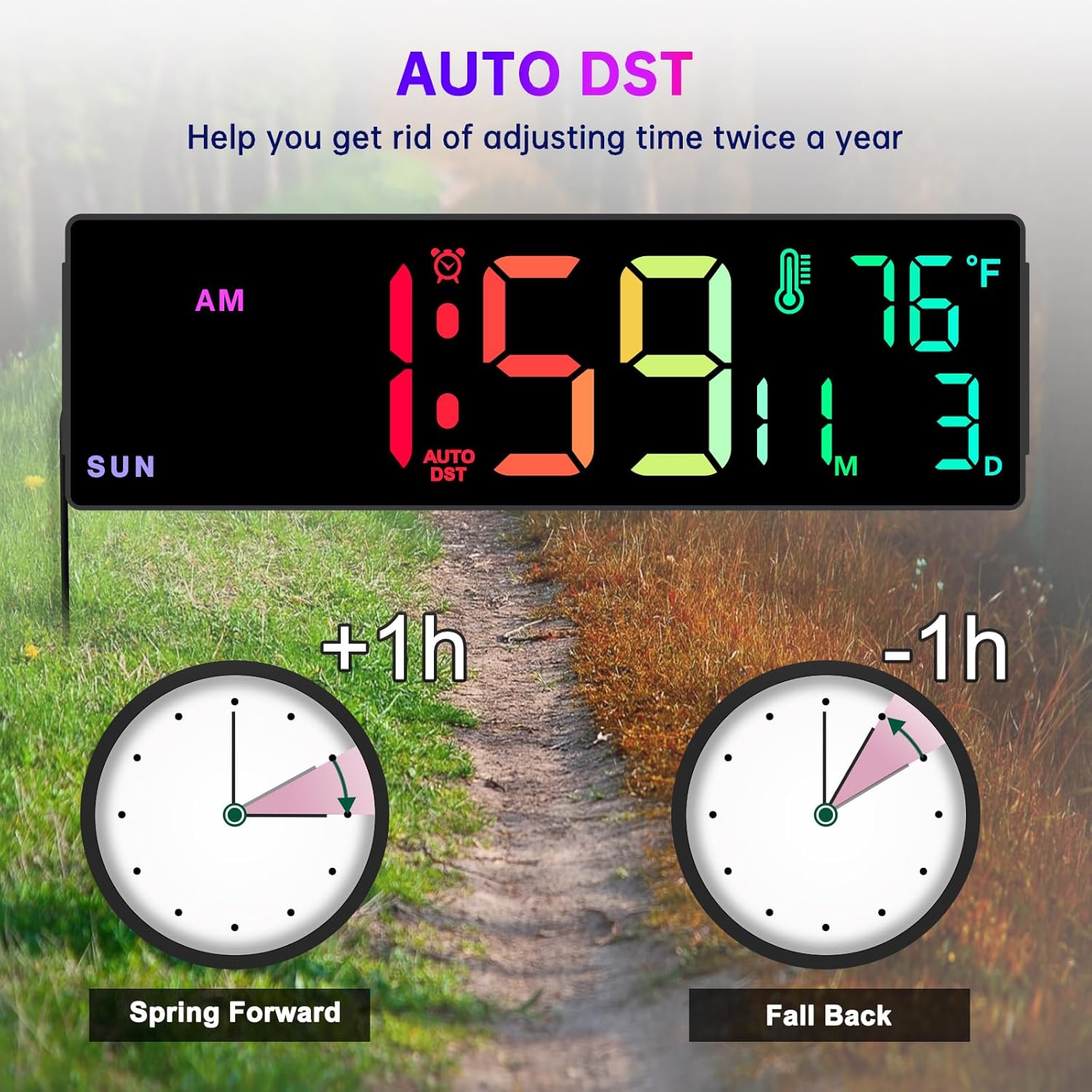
Image: A visual explanation of the Auto DST function, showing how the clock automatically adjusts for Daylight Saving Time.
Fungsi Dimmer
The clock features 5 levels of brightness to suit different lighting conditions and preferences.
- Tekan ke DIMMER button on the remote control to cycle through the 5 brightness levels.
- Adjust the brightness to prevent the display from being too bright, especially in dark rooms or at night.
Time Format Switch (12/24 Hour)
You can switch between 12-hour (AM/PM) and 24-hour (military) time formats.
- Tekan ke 12/24J button on the remote control to toggle between the two formats.
Penyelenggaraan
- Pembersihan: Use a soft, dry cloth to wipe the clock's surface. Do not use abrasive cleaners or solvents, as they may damage the display or casing.
- Kuasa: Always ensure the clock is connected to a stable power source.
- Battery Replacement (Remote Control): If the remote control becomes unresponsive, replace its battery. Refer to the remote control's markings for the correct battery type.
- Bateri Memori: The internal button battery for memory function typically lasts for a long time. If you notice settings are not retained after a power outage, it may need replacement by a qualified technician.
Menyelesaikan masalah
| Masalah | Kemungkinan Punca | Penyelesaian |
|---|---|---|
| Paparan jam dimatikan. | Tiada sambungan kuasa atau kuasa keluartage. | Ensure the power adapter is securely plugged into the clock and a working electrical outlet. Check the power outlet with another device. |
| Alat kawalan jauh tidak berfungsi. | Remote battery is dead or incorrect orientation. Obstruction between remote and clock. | Replace the remote control battery. Ensure there are no obstructions and point the remote directly at the clock. |
| Time/Date/Day is incorrect. | Not set correctly or Auto DST issue. | Follow the "Setting Time and Date" instructions. Verify Auto DST setting is correct for your region. |
| Paparan terlalu terang/malap. | Dimmer setting is not adjusted. | Gunakan DIMMER button on the remote to adjust brightness levels. |
| Bacaan suhu nampaknya tidak tepat. | Clock placed near heat source/vent or in direct sunlight. | Relocate the clock to an area with stable ambient temperature. Note that minor variations compared to other thermometers are normal. |
Spesifikasi
- Jenama: Soobest
- model: SO800E
- Jenis Paparan: LED digital
- Saiz Paparan: 14.2 inci (pepenjuru)
- Tinggi Digit: Approximately 3.1 inches (main time digits)
- Dimensi Produk: 13.1" (W) x 4.1" (H) x 1.1" (D)
- Sumber Kuasa: Corded Electric (AC Adapter included)
- Bateri Sandaran: 1 x Lithium Metal battery (included, for memory function only)
- ciri-ciri: Time, Date, Day of Week, Indoor Temperature, Timer (Count Up/Down), 8 RGB Color Modes, 5-Level Dimmer, Auto DST, 12/24H Format.
- Jenis Pemasangan: Wall Mount / Tabletop
- Bahan: plastik
- Berat Barang: 1.34 paun
Waranti dan Sokongan
The Soobest 14.2" Large Display Digital Wall Clock comes with a Waranti 6 bulan dari tarikh pembelian, meliputi kecacatan pembuatan.
For technical support, warranty claims, or any questions regarding your product, please contact Soobest customer service. Refer to the contact information provided on the product packaging or the official Soobest webtapak.
Sila simpan resit pembelian anda sebagai bukti pembelian untuk tujuan waranti.
Ask a question about this manual
Ask about setup, troubleshooting, compatibility, parts, safety, or missing instructions. Manuals+ will review the question and use this page’s manual context to help answer it.