
1. Pengenalan
This manual provides detailed instructions for the installation, operation, and maintenance of your MAXTO M6S Motorcycle Bluetooth Headset. Please read this manual thoroughly before using the device to ensure proper function and safety.
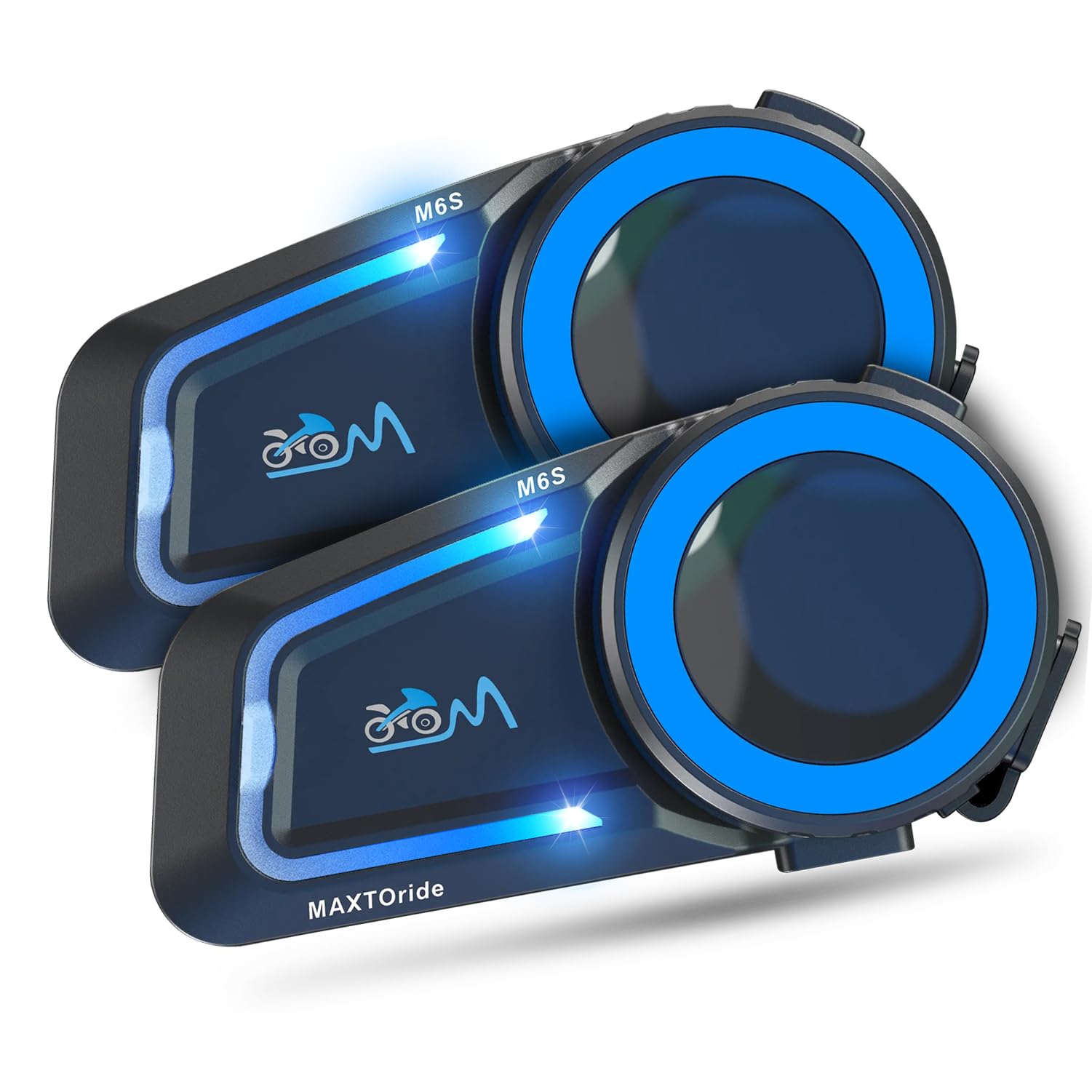
Figure 1: MAXTO M6S Bluetooth Headset main unit.
Ciri-ciri Produk
- Dual Bluetooth Chip Design: Allows simultaneous intercom communication and music listening.
- DSP/CVC Noise Reduction: Provides clear audio quality by reducing environmental and wind noise.
- Interkom Mesh: Supports up to 8 riders within a 1000m range with automatic reconnection.
- Sambungan Satu Sentuhan: Simplifies pairing for multi-person networks.
- Bluetooth 5.0: Ensures stable and fast connections to phones and other devices.
- Menjawab Panggilan Automatik: Komunikasi bebas tangan untuk keselamatan.
- Kawalan Suara: Access digital assistants for convenient operation.
- Perkongsian Muzik: Share audio with another M6S intercom user.
- IP67 Kalis Air: Designed for use in various weather conditions.
2. Kandungan Pakej
Sahkan bahawa semua item yang disenaraikan di bawah disertakan dalam pakej anda. Jika ada item yang hilang atau rosak, sila hubungi sokongan pelanggan.
- MAXTO M6S Main Unit(s)
- Headset with Speakers and Microphones (Boom and Soft Wire Microphones)
- Kabel Pengecas USB
- Helmet Mounting Clips (Adhesive and Clamp jenis)
- Pad Velcro untuk Pembesar Suara dan Mikrofon
- Screwdriver (for clamp mount installation)
- Manual Pengguna
Video 1: This video demonstrates the unboxing and contents of the Motorcycle Bluetooth Headset package, showing the main unit, speakers, microphones, charging cable, and mounting accessories.
3. Persediaan
3.1 Mengecas Peranti
Before first use, fully charge the MAXTO M6S unit. The device has a 10-hour battery life for active use.
- Connect the provided USB charging cable to the charging port on the MAXTO M6S unit.
- Sambungkan hujung kabel USB yang satu lagi ke sumber kuasa USB yang serasi (cth., port USB komputer, penyesuai dinding USB).
- The indicator light will show charging status (refer to the user manual for specific light indicators).
- Masa pengecasan adalah lebih kurang 10 jam untuk pengecasan penuh.
3.2 Pemasangan Topi Keledar
The MAXTO M6S can be installed using either the adhesive mount or the clamp mount, depending on your helmet type and preference.
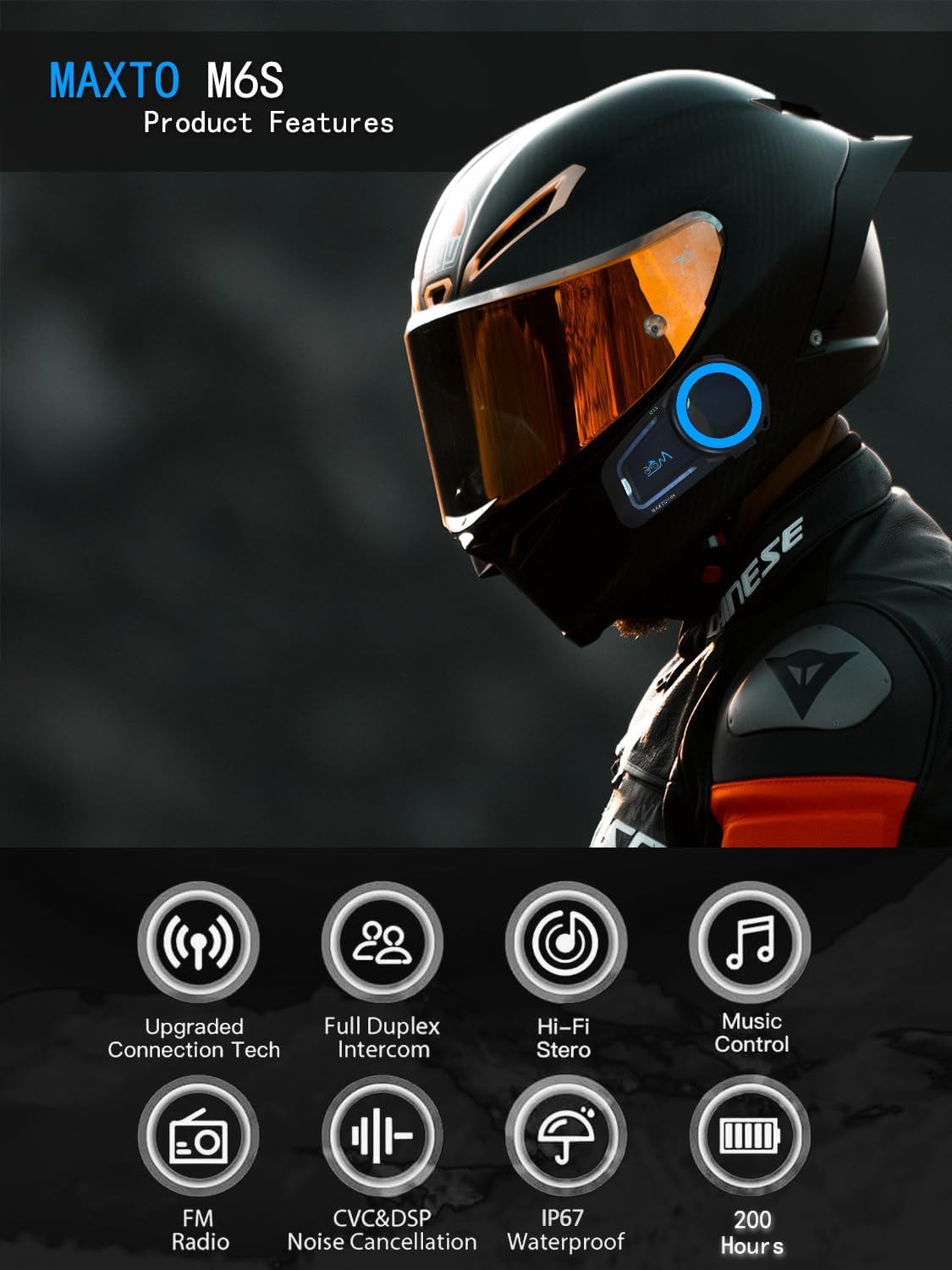
Figure 2: Diagram illustrating various product features and components of the MAXTO M6S.
Speaker and Microphone Placement:
- Remove the helmet's inner padding to access the speaker pockets.
- Attach the Velcro pads to the back of the speakers and inside the helmet's speaker pockets.
- Place the speakers firmly into the pockets.
- Choose either the boom microphone (for open-face helmets) or the soft wire microphone (for full-face helmets).
- Attach the microphone's Velcro pad to a suitable location inside the helmet, ensuring it is close to your mouth for clear audio.
- Route all wires neatly under the helmet padding to avoid discomfort and ensure a secure fit.
Main Unit Mounting:
- Lekapan Pelekat: Clean the desired mounting area on the side of your helmet. Peel off the protective film from the adhesive mount and firmly press it onto the helmet for at least 30 seconds. Allow sufficient time for the adhesive to bond before attaching the main unit.
- Clamp Lekapkan: Longgarkan skru pada clamp mount. Slide the clamp between the helmet shell and the inner padding. Tighten the screws using the provided screwdriver to secure the mount.
- Slide the MAXTO M6S main unit onto the installed mount until it clicks securely into place.
Video 2: Video ini memberikan penerangan terperinciview of the 2024 MaxTo M6S Motorcycle Bluetooth Headset, highlighting its design and features.
3.3 Pairing with Your Phone (Bluetooth)
The MAXTO M6S uses Bluetooth 5.0 for stable connection to your smartphone.
- Ensure your MAXTO M6S unit is powered off.
- On your smartphone, go to Bluetooth settings and enable Bluetooth.
- Press and hold the multi-function button on the M6S unit until the indicator light flashes red and blue, indicating pairing mode.
- On your smartphone, search for available devices and select "M6S" from the list.
- Once connected, the indicator light on the M6S will turn solid blue or flash blue slowly.
3.4 Mesh Intercom Pairing (Multi-Person Communication)
The M6S supports mesh networking for up to 8 riders, allowing for easy group communication.
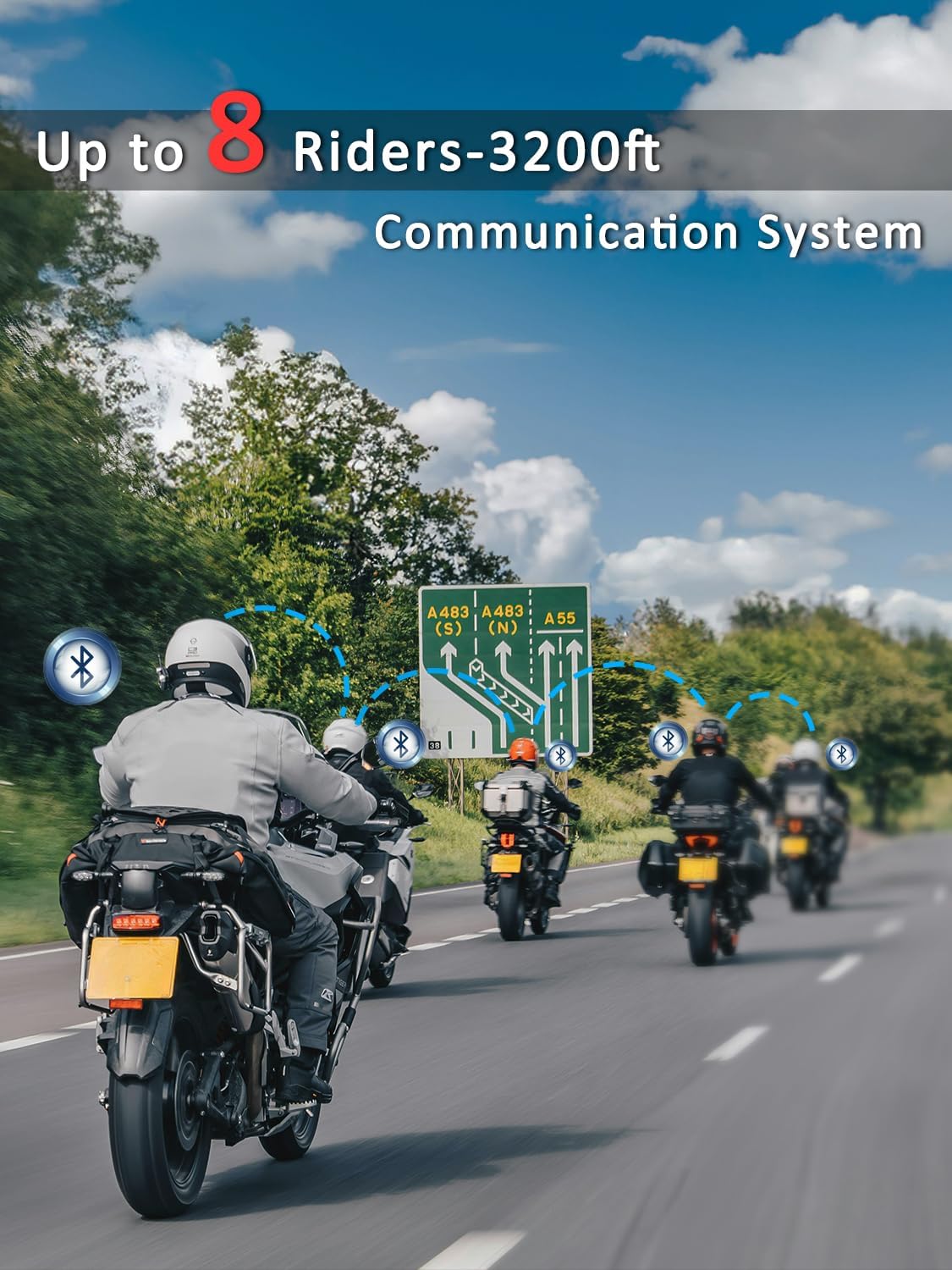
Figure 3: Illustration of multiple riders connected via the MAXTO M6S mesh intercom system.
- Ensure all M6S units are in standby mode.
- On all units, press and hold the intercom button for 3 seconds until the red and blue lights flash simultaneously.
- Press the intercom button on any one unit. All M6S units will automatically pair with each other.
- The system features an "automatic communication return" function, allowing units to reconnect automatically if they re-enter the communication range after a temporary disconnection.
Video 3: This video demonstrates the connection method for the Maxto Helmet Bluetooth Mesh Communication system.
4. Arahan Operasi
4.1 Kawalan Asas
The MAXTO M6S features intuitive controls for easy operation while riding.
- Hidupkan/Mati Kuasa: Tekan lama butang kuasa.
- Kelantangan Naik/Turun: Gunakan butang kelantangan khusus (+/-).
- Main/Jeda Muzik: Tekan sebentar butang berbilang fungsi.
- Trek Seterusnya / Sebelumnya: Long press the volume up/down buttons (refer to manual for exact mapping).
4.2 Main Semula dan Perkongsian Muzik
Enjoy your favorite music and share it with a fellow rider.
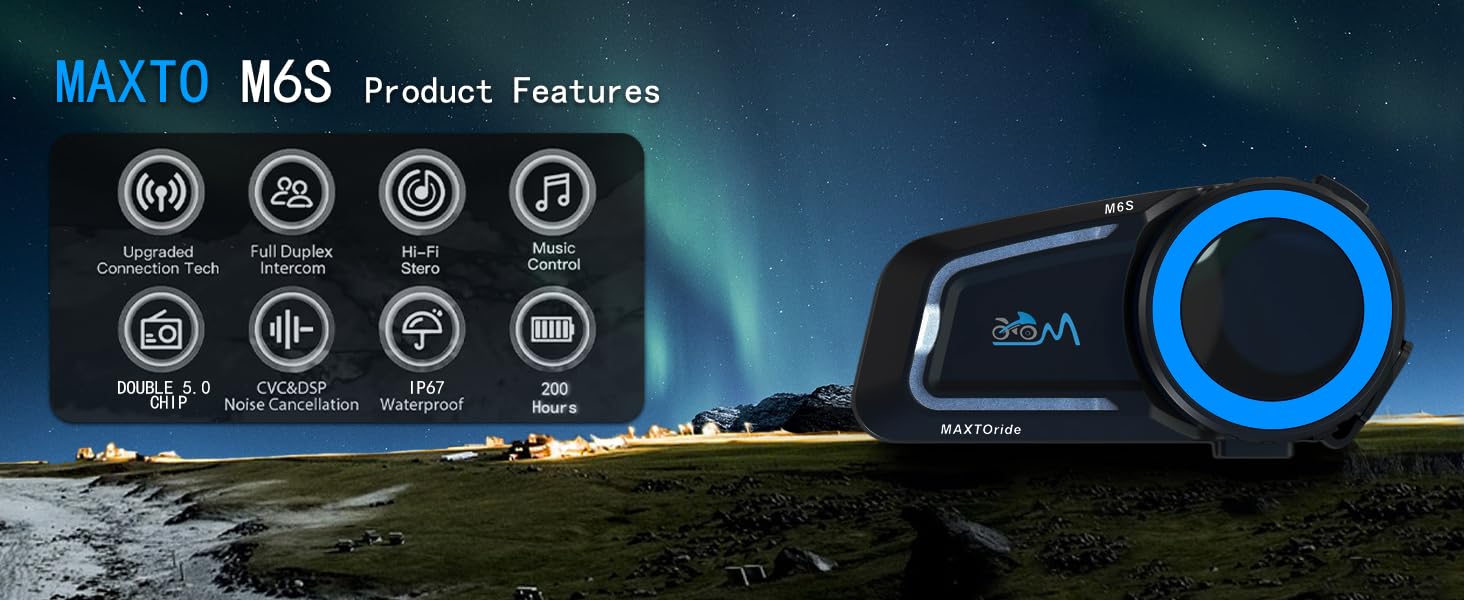
Figure 4: The MAXTO M6S features a dual-core dual system for seamless switching between intercom, music, and calls.
- Ensure your M6S is paired with your smartphone.
- Start music playback on your smartphone.
- To share music with another M6S unit, initiate an intercom connection and then activate the music sharing function (refer to the user manual for specific button presses).
Video 4: This video explains how to use the music sharing feature on the Maxto Helmet Bluetooth Mesh Communication system.
4.3 Komunikasi Interkom
Engage in clear conversations with your riding group using the mesh intercom system.
- After successful mesh pairing, short press the intercom button to initiate or end an intercom conversation.
- The dual Bluetooth chip allows you to maintain intercom calls while listening to music.
4.4 Phone Calls and Voice Control
Manage calls and access your phone's voice assistant hands-free.
- Jawab/Tamatkan Panggilan: The headset will automatically answer incoming calls after 10 seconds. You can also short press the multi-function button to answer or end a call.
- Tolak Panggilan: Tekan lama butang berbilang fungsi untuk menolak panggilan masuk.
- Pembantu Suara: Activate your smartphone's voice assistant (e.g., Siri, Google Assistant) by a specific button press (refer to manual for details) to make calls, get directions, or control music.
4.5 Pembatalan Bunyi
The M6S features advanced DSP/CVC noise reduction technology.

Figure 5: The MAXTO M6S utilizes dual Qualcomm DSP chips for independent audio processing, enhancing sound quality and noise reduction.
- The system intelligently recognizes and filters environmental noise, including wind noise, to ensure clear communication and music enjoyment.
5. Penyelenggaraan
5.1 Tahan Air
The MAXTO M6S is rated IP67 waterproof, providing protection against dust and water immersion up to 1 meter for 30 minutes.

Figure 6: The MAXTO M6S is IP67 waterproof, designed to withstand rain and splashes.
- Ensure all ports (e.g., charging port) are securely closed with their protective covers when not in use to maintain water resistance.
- Avoid prolonged submersion or exposure to high-pressure water jets.
5.2 Penjagaan Am
- Bersihkan unit dengan lembut, damp kain. Jangan gunakan bahan kimia yang keras atau pembersih yang kasar.
- Simpan peranti di tempat yang sejuk dan kering apabila tidak digunakan.
- Elakkan suhu yang melampau.
6. Penyelesaian masalah
6.1 Isu Berpasangan
- Pastikan peranti dicas sepenuhnya.
- Verify that the device is in pairing mode (red and blue flashing lights).
- Turn off and restart both the M6S unit and your smartphone/other intercom units.
- Clear previous Bluetooth connections on your smartphone and attempt pairing again.
6.2 Isu Kualiti Bunyi
- Check speaker placement within the helmet to ensure they are directly over your ears.
- Adjust volume levels on both the M6S and your connected device.
- Pastikan mikrofon diletakkan dengan betul dan tidak terhalang.
- Noise cancellation performance may vary with extreme wind conditions or very high speeds.
6.3 Intercom Disconnection
- Ensure all units are within the 1000m mesh network range.
- Obstacles like buildings can affect connection stability. The automatic communication return feature should re-establish connection when back in range.
- Re-initiate mesh pairing if disconnections are frequent.
7. Spesifikasi
| Nama Model | M6S |
| Jenama | MAXTO |
| Teknologi Ketersambungan | Wayarles (Bluetooth 5.0) |
| Teknologi Komunikasi Tanpa Wayar | Bluetooth |
| Hayat Bateri | 10 Jam |
| Masa Mengecas | 10 Jam |
| Tahap Ketahanan Air | IP67 Kalis Air |
| Kawalan Bunyi | Active Noise Cancellation (CVC+DSP) |
| Kaedah Kawalan | Sentuh, Kawalan Media |
| Berat Barang | 0.72 Kilogram (1.58 paun) |
| Penggunaan yang Disyorkan | Cycling, Skiing |
| Peranti Serasi | Motosikal, Telefon Bimbit |
8. Waranti dan Sokongan
8.1 Maklumat Waranti
For specific warranty details and coverage, please refer to the documentation provided with your purchase or contact the seller directly. Protection plans may be available for extended coverage.
8.2 Sokongan Pelanggan
If you encounter any issues or have questions regarding your MAXTO M6S headset, please contact the seller, USHuiDa, for assistance. For software updates or app-related queries, you may search for "RICAM apk" in Google to download the latest version.