
pengenalan
This manual provides detailed instructions for the proper setup, operation, and maintenance of your WOOPKER AK35 200W Stereo Audio Amplifier. Please read this manual thoroughly before using the product to ensure optimal performance and longevity.
Kandungan Pakej
Sebelum meneruskan dengan persediaan, sila sahkan bahawa semua item yang disenaraikan di bawah disertakan dalam pakej anda:
- 1x WOOPKER AK35 Audio Amplebih hidup
- 1x Kabel Kuasa
- 1x Manual Pengguna (dokumen ini)
- 1x Alat Kawalan Jauh

Image: Contents of the WOOPKER AK35 package, including the amplifier, power cable, remote control, and user manual.
Persediaan
1. Ampliifier Overview
Familiarize yourself with the front and back panels of the AK35 amplifier to understand its various inputs, outputs, and controls.

Image: Front panel of the AK35 amplifier, showing the power switch, bass and treble knobs, audio input, LED display, function buttons, TF/USB port, and master volume control.

Image: Labeled diagram of the front panel, indicating: 1. Power Switch, 2. Bass Knob, 3. Treble Knob, 4. Audio Input, 5. LED Display, 6. Master Volume, 7. Function Buttons, 8. TF/USB Port.

Image: Back panel of the AK35 amplifier, showing RCA audio input, speaker output jacks, DC power input, AC power input, and FM antenna port.

Image: Labeled diagram of the back panel, indicating: 1. Audio Input Jack, 2. Speaker Output Jack, 3. DC 12V/5A Power, 4. AC 110-240V Power, 5. FM Radio Antenna.
2. Sambungan Pembesar Suara
Follow these steps to connect your passive speakers to the AK35 amplebih hidup:
- Identify the positive and negative terminals of your speakers. The positive terminal is typically marked red, and the negative terminal is black.
- Tekan pengapit di bahagian belakang AK35 amplifier's speaker output terminal. Insert the bare speaker wires into the corresponding positive (+) and negative (-) terminals. Ensure a secure connection.
- Elakkan memasang dan mencabut pemacu USB, kad SD, kabel audio RCA atau kabel pembesar suara semasa ampPenghidup dihidupkan untuk mengelakkan kerosakan.

Image: Diagram illustrating how to connect passive speakers to the AK35 amplifier's speaker output terminals using bare wires. Also shows RCA input from a CD or DVD player.
3. Sambungan Kuasa
Connect the provided power cable to the AC power input on the back of the amplifier, then plug it into a standard wall outlet. Alternatively, if using a DC 12V/5A power source, connect it to the DC input jack.
Arahan Operasi
1. Hidupkan/Mati Kuasa
Tekan suis 'POWER' pada panel hadapan untuk menghidupkan amphidup atau mati.
2. Pemilihan Mod Input
Use the 'MODE' button on the front panel or the remote control to cycle through available input modes: Bluetooth (BT), AUX, USB, SD Card, and FM Radio.
3. Kawalan Kelantangan
Adjust the 'VOLUME' knob on the front panel to control the master output volume. The remote control also provides volume adjustment buttons.
4. Kawalan Nada
Use the 'BASS' and 'TREBLE' knobs on the front panel to adjust the low and high frequencies of the audio output, respectively.
5. Berpasangan Bluetooth
- Tukar amplifier to 'BT' mode using the 'MODE' button. The LED display will show 'BT'.
- Pada peranti mudah alih anda, dayakan Bluetooth dan cari peranti yang tersedia.
- Select 'AK35' from the list of devices to pair. A confirmation sound will indicate successful pairing.
- The Bluetooth 5.0 chip ensures a stable connection within approximately 30 feet (10 meters).
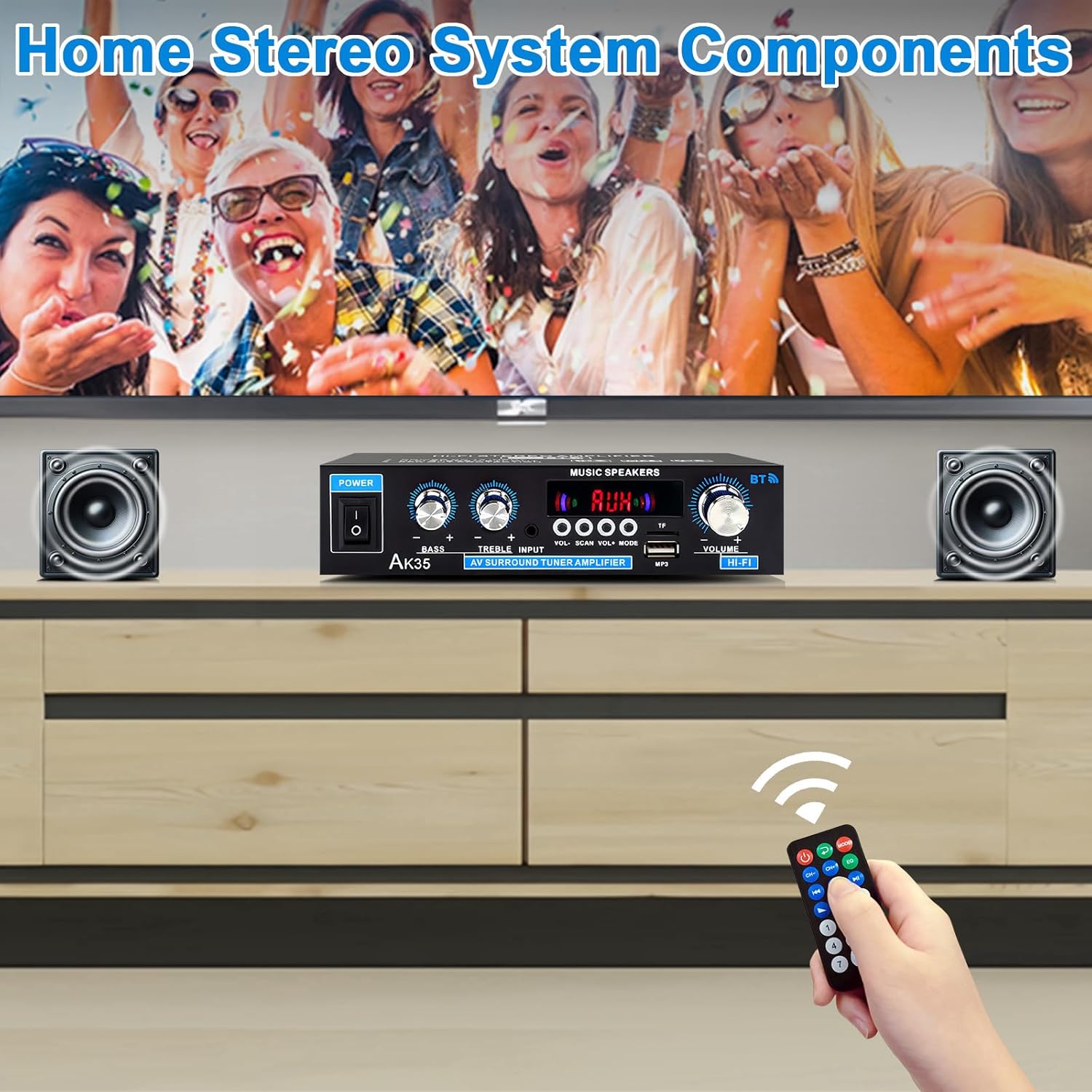
Imej: AK35 amplifier wirelessly streaming music via Bluetooth 5.0 from a smartphone to connected speakers.

Image: A close-up of the AK35 amplifier highlighting the bass and treble control knobs for sound customization.
6. Main semula USB/Kad SD
Insert a USB flash drive or SD card into the designated port on the front panel. The amplifier will automatically switch to USB/SD mode and begin playing compatible audio files. Use the function buttons (play/pause, next/previous track) on the front panel or remote control to manage playback.
7. Operasi Alat Kawalan Jauh
The included remote control allows for convenient adjustment of volume, input mode, track selection, and other functions from a distance.

Image: The remote control for the AK35 amplifier, featuring buttons for power, mode, EQ, volume, track control, and number pad.
8. Demonstrasi Video
Video: A demonstration of the WOOPKER AK35 amplifier in use, showcasing its connection to speakers and a smartphone, and the adjustment of volume and input modes.
Penyelenggaraan
To ensure the longevity and optimal performance of your AK35 amplifier, ikut garis panduan penyelenggaraan ini:
- Simpan amplifier in a dry, well-ventilated area, away from direct sunlight, heat sources, and moisture.
- Bersihkan bahagian luar dengan kain lembut dan kering. Jangan gunakan pembersih cecair atau bahan kasar.
- Ensure proper ventilation by not blocking the vents on the amplebih hidup.
- Putuskan sambungan kabel kuasa dari alur keluar dinding jika unit tidak akan digunakan untuk tempoh yang lama.
Menyelesaikan masalah
If you encounter any issues with your AK35 amplifier, rujuk kepada masalah dan penyelesaian biasa berikut:
| Masalah | Kemungkinan Punca | Penyelesaian |
|---|---|---|
| Tiada keluaran bunyi |
|
|
| Bluetooth tidak bersambung |
|
|
| Kad USB/SD tidak dimainkan |
|
|
| Alat kawalan jauh tidak berfungsi |
|
|
Spesifikasi
The following table outlines the technical specifications for the WOOPKER AK35 Stereo Audio Amplebih hidup:
| Ciri | Spesifikasi |
|---|---|
| Nombor Model | AK35 |
| Output Kuasa Puncak | 100W + 100W |
| Output Kuasa Dinilai (RMS) | 30W x 2 |
| Versi Bluetooth | 5.0 |
| Julat Bluetooth | Sehingga 30 kaki (10 meter) |
| Input | AUX (RCA), USB 2.0, SD Card |
| Kawalan | Bass, Treble, Master Volume, Input Mode |
| Bekalan Kuasa | AC 110-240V (50-60Hz) atau DC 12V/5A |
| Berat Barang | 1.28 paun |
| Dimensi Pakej | 8.03 x 6.93 x 2.13 inci |
Waranti dan Sokongan
WOOPKER products are designed for reliability and performance. This product is covered by a standard manufacturer's warranty against defects in materials and workmanship. For specific warranty details, please refer to the documentation provided at the time of purchase or contact WOOPKER customer support.
If you require technical assistance, have questions about your product, or need to report an issue, please contact WOOPKER customer support through the retailer where the product was purchased or visit the official WOOPKER webtapak untuk maklumat hubungan.