
pengenalan
This manual provides comprehensive instructions for the JBL PartyBox Club 120 portable wireless speaker. It covers essential information regarding product setup, operation, maintenance, and troubleshooting to ensure optimal performance and longevity of your device. Please read this manual thoroughly before using the speaker.
Apa yang ada dalam Kotak
Setelah membuka bungkusan, pastikan semua barang berikut ada:
- 1 x JBL PartyBox 120 Portable Wireless Speaker
- 1 x Kabel Kuasa AC
- 1 x Kabel Tambahan
- 1 x Kain Microfiber

Imej: Depan view of the JBL PartyBox Club 120 speaker, showcasing its grille and illuminated JBL logo.
Persediaan
1. Mengisi Speaker
Before initial use, fully charge the speaker. Connect the provided AC power cord to the speaker's power input and then to a wall outlet. The charging indicator will show the battery status. A full charge provides approximately 12 hours of playtime.
2. Menghidupkan/Mematikan
- To power on: Press the Power button located on the control panel.
- To power off: Press and hold the Power button until the speaker shuts down.
3. Berpasangan Bluetooth
- Pastikan pembesar suara dihidupkan.
- Press the Bluetooth button on the speaker. The Bluetooth indicator will flash, indicating it is in pairing mode.
- On your mobile device (smartphone, tablet, or laptop), enable Bluetooth and search for available devices.
- Select "JBL PartyBox Club 120" from the list of devices.
- Once paired, the Bluetooth indicator will glow solid, and you will hear a confirmation sound.
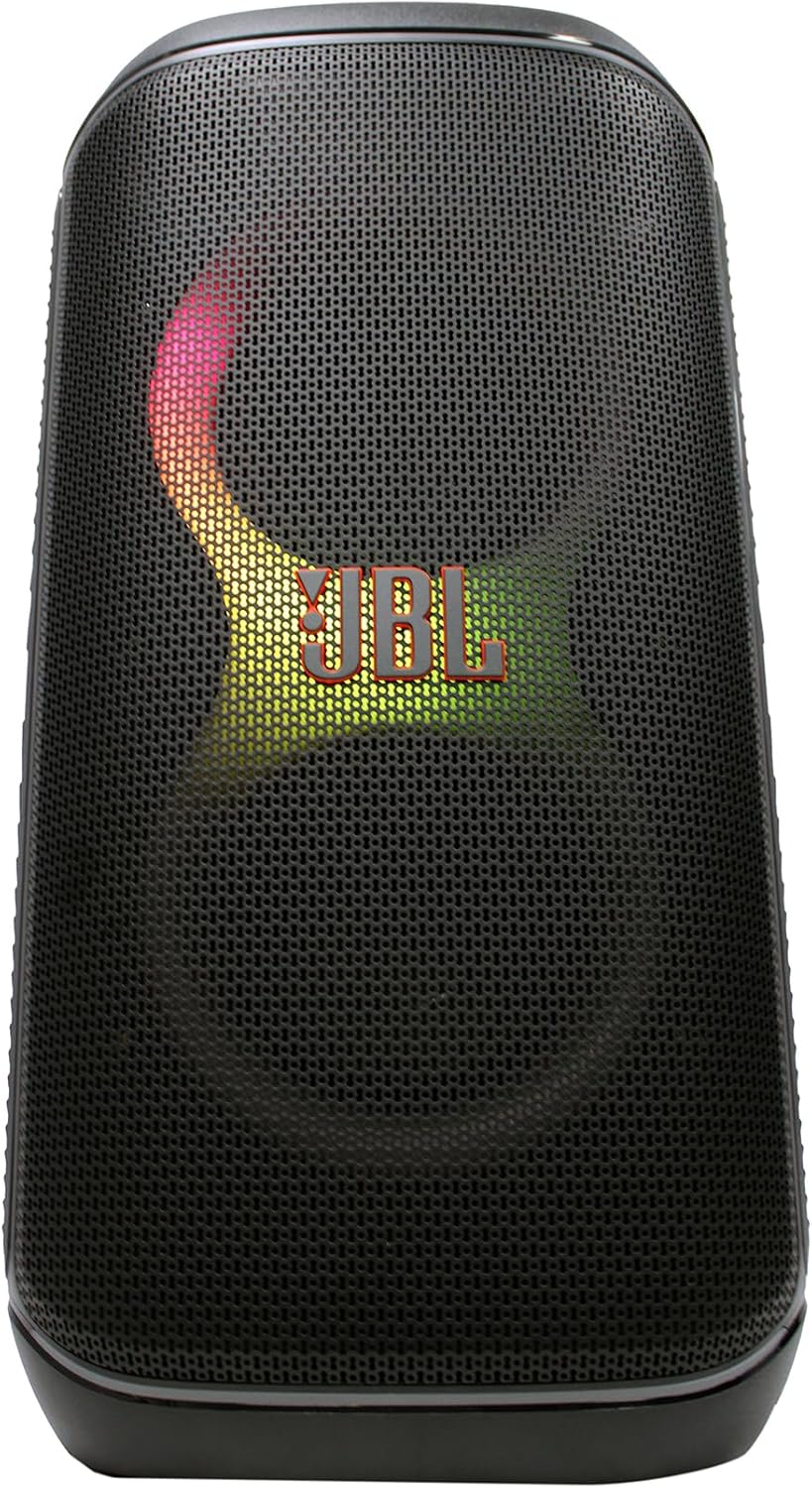
Imej: Depan view of the JBL PartyBox Club 120 speaker, displaying dynamic multi-color lighting effects.
4. Sambungan AUX
Untuk menyambungkan peranti audio melalui input tambahan:
- Connect one end of the provided auxiliary cable to the AUX IN port on the speaker.
- Connect the other end of the auxiliary cable to the headphone jack or audio output of your device.
- The speaker will automatically switch to AUX input mode, or you may need to select it manually using the input source button.
Arahan Operasi
1. Main balik Audio
- Kawalan Kelantangan: Use the volume up (+) and volume down (-) buttons on the speaker or your connected device to adjust the audio level.
- Main/Jeda: Tekan butang Main/Jeda untuk memulakan atau menghentikan main balik audio.
- Navigasi Trek: Use the skip forward and skip backward buttons to change tracks.
2. Ciri-ciri Pertunjukan Cahaya
The JBL PartyBox Club 120 features dynamic LED lighting effects that synchronize with your music. Use the dedicated Light Mode button on the speaker to cycle through different light patterns or turn the lights off.
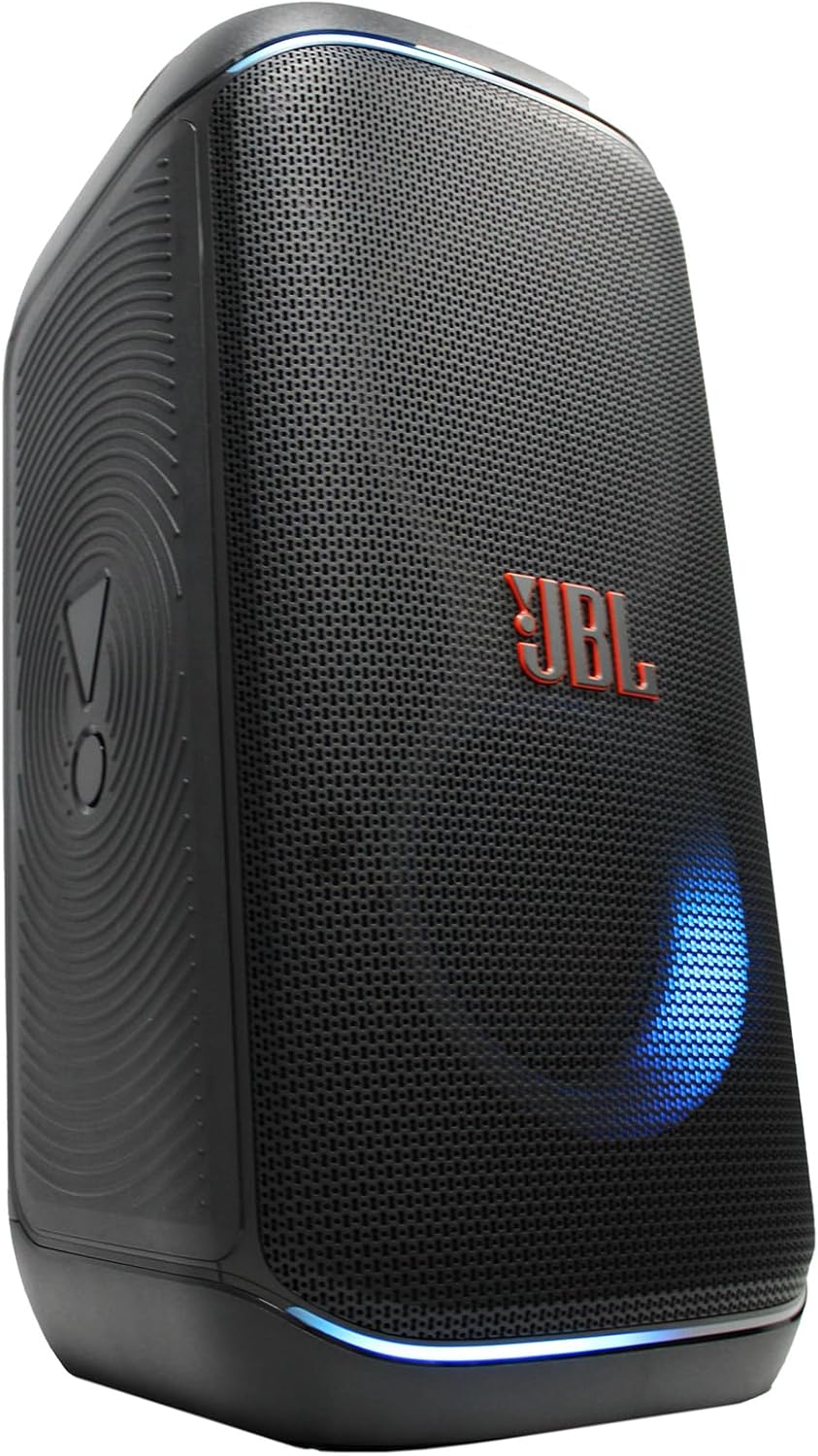
Imej: Sisi view of the JBL PartyBox Club 120 speaker, showing its robust design and a blue light effect.
3. Splash Proof Design
The speaker is designed to be splash-proof, making it suitable for outdoor use and near water. However, it is not fully waterproof and should not be submerged in water. Ensure all port covers are securely closed to maintain splash resistance.
Penyelenggaraan
- Pembersihan: Use the provided microfiber cloth or a soft, damp cloth to clean the speaker's exterior. Avoid using abrasive cleaners or solvents.
- Storan: Simpan pembesar suara di tempat yang sejuk dan kering jauh dari cahaya matahari langsung dan suhu yang melampau.
- Penjagaan Bateri: Untuk memanjangkan hayat bateri, elakkan daripada menyahcas sepenuhnya bateri dengan kerap. Cas pembesar suara dengan kerap, walaupun tidak digunakan untuk tempoh yang lama.
Menyelesaikan masalah
| Masalah | Kemungkinan Punca | Penyelesaian |
|---|---|---|
| Tiada kuasa | Bateri habis; Kord kuasa tidak disambungkan | Charge the speaker; Ensure power cord is securely connected to speaker and outlet |
| Tiada bunyi | Volume too low; Incorrect input source; Device not playing audio | Increase volume on speaker and device; Select correct input source (Bluetooth/AUX); Ensure audio is playing on connected device |
| Bluetooth tidak bersambung | Speaker not in pairing mode; Device Bluetooth off; Too far from speaker | Press Bluetooth button to enter pairing mode; Enable Bluetooth on device; Move device closer to speaker (within 30 feet) |
| Pertunjukan cahaya tidak berfungsi | Light mode off; Speaker malfunction | Press Light Mode button to activate; Contact support if issue persists |
Spesifikasi
| Jenama | JBL |
| Nombor Model | JBLPARTYBOX120AM |
| Output Wattage | 160 Watt |
| Teknologi Ketersambungan | AUX, Bluetooth |
| Sumber Kuasa | Dikuasakan Bateri, Elektrik Bertali |
| Jenis Bateri | Boleh dicas semula |
| Dimensi Item (L x W x H) | 11.6 x 11.8 x 22 inci |
| Berat Barang | 25 paun |
| warna | Hitam |
| bahan | Plastik, Getah |
| Peranti Serasi | Telefon Pintar, Tablet, Komputer riba |
| Jenis Pemasangan | Atas meja |
| UPC | 094148647852 |
Waranti dan Sokongan
For detailed warranty information, please refer to the warranty card included with your product or visit the official JBL website. For technical support, product registration, or service inquiries, please contact JBL customer support through their official channels.
Note: This manual provides general guidance. Specific features and operations may vary. Always refer to the latest information available from the manufacturer.