
1. Pengenalan
This manual provides comprehensive instructions for the safe and efficient use of your NEC VKT16XZG5 laptop. Please read this manual thoroughly before using the product and retain it for future reference. This laptop is equipped with Windows 11, an Intel Core i5-8th Generation processor, and solid-state drive (SSD) storage, designed for general computing tasks.
2. Maklumat Keselamatan
Observe the following safety precautions to prevent damage to the laptop or injury to yourself.
- Jangan dedahkan komputer riba kepada suhu yang melampau, cahaya matahari langsung atau kelembapan yang tinggi.
- Elakkan meletakkan objek berat di atas komputer riba.
- Jauhkan cecair daripada komputer riba untuk mengelakkan kejutan elektrik atau kerosakan.
- Use only the provided AC adapter or a compatible replacement.
- Jangan cuba membuka atau membaiki komputer riba sendiri. Rujuk kepada kakitangan servis yang berkelayakan.
- Pastikan pengudaraan yang betul untuk mengelakkan terlalu panas. Jangan sekat lubang udara.
3. Kandungan Pakej
Sahkan bahawa semua item terdapat dalam pakej:
- NEC VKT16XZG5 Laptop
- Penyesuai AC
- Security Zero License Card
- 64GB USB Recovery Storage
- Digital Recovery Manual (pre-saved on the laptop)

Image: 64GB USB Recovery Storage device. This USB drive contains essential recovery files for your laptop.

Image: ZERO Security software box. A license card for this security software is included.
4. Produk Lebihview
Familiarize yourself with the components of your NEC VKT16XZG5 laptop.
4.1 Atas View (Papan Kekunci dan Pad Sentuh)

Imej: Atas view of the NEC VKT16XZG5 laptop. This image highlights the Japanese keyboard layout and the integrated touchpad for navigation.
- papan kekunci: Standard Japanese layout for text input.
- Pad sentuh: For cursor control and gesture input.
- Butang Kuasa: Located above the keyboard, typically on the right side.
4.2 Exterior Design and Durability
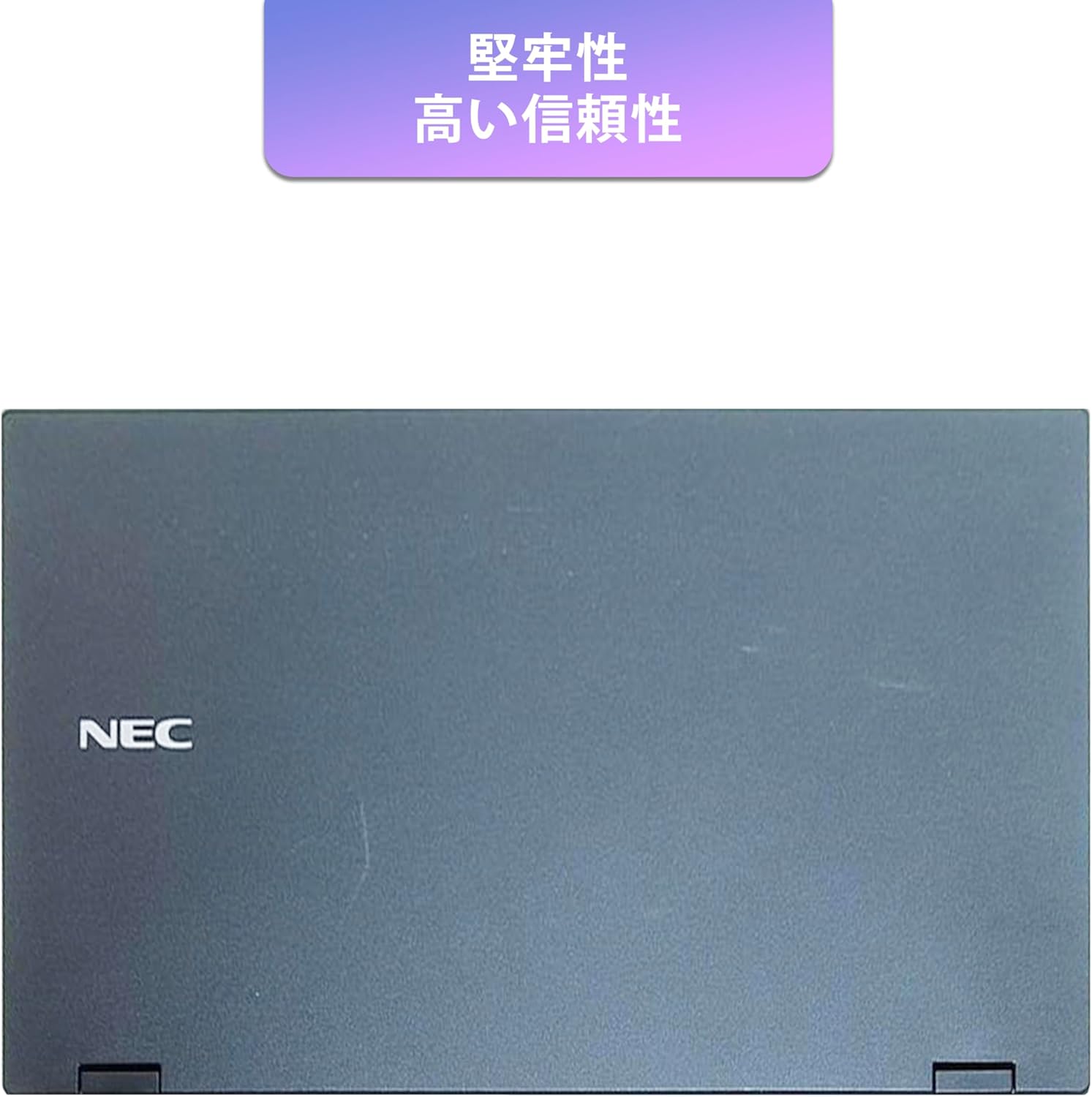
Image: Closed NEC VKT16XZG5 laptop, top casing. The design emphasizes durability and high reliability.
The laptop features a robust casing designed for durability and reliable performance.
4.3 Integrated Camera and Battery Life

Imej: Sisi view of the open NEC VKT16XZG5 laptop. This view indicates the presence of an integrated camera and highlights the laptop's long battery life capability.
- Kamera Bersepadu: Located at the top center of the display for video conferencing and other applications.
- Bateri: Designed for extended usage on a single charge.
4.4 Ciri Prestasi

Imej: Sisi view of the open NEC VKT16XZG5 laptop. This image emphasizes the Intel Core i5-8th Generation processor and the high-speed SSD for enhanced performance.
- CPU: Intel Core i5-8th Generation processor for efficient multitasking.
- SSD: High-speed Solid State Drive for faster boot times and application loading.
5. Persediaan
Follow these steps for initial setup of your laptop:
- Bongkar: Keluarkan komputer riba dan semua aksesori dengan berhati-hati dari pembungkusan.
- Sambungkan Kuasa: Pasangkan penyesuai AC ke port kuasa komputer riba dan kemudian ke soket dinding.
- Kuasa Awal Hidup: Open the laptop lid and press the power button. The laptop will begin the Windows 11 setup process.
- Persediaan Windows: Follow the on-screen prompts to configure Windows 11, including language, region, network connection, and user account creation.
- Pengaktifan Pejabat WPS: Your laptop comes with WPS Office pre-installed. Use the provided license card to activate the software upon first use.
- Security Software Installation: Install the included ZERO Security software using the license card for protection against malware.

Image: Laptop screen displaying information about the WPS Office 2 license card. This indicates that WPS Office is ready for use immediately after activation.
6. Arahan Operasi
This section covers basic operation of your NEC VKT16XZG5 laptop.
6.1 Hidupkan/Mati Kuasa
- Hidupkan kuasa: Tekan butang kuasa.
- Tutup: Klik butang Mula dalam Windows, kemudian pilih Kuasa > Matikan.
- Mulakan semula: Klik butang Mula, kemudian pilih Kuasa > Mulakan Semula.
- tidur: Close the lid or click the Start button, then select Power > Sleep.
6.2 Menggunakan Papan Kekunci dan Pad Sentuh
- papan kekunci: Type text and use function keys (Fn) for special commands (e.g., volume, brightness).
- Pad sentuh: Move your finger across the surface to control the cursor. Tap to click, use two fingers to scroll.
6.3 Menyambung ke Wi-Fi
- Klik ikon Wi-Fi dalam bar tugas.
- Pilih rangkaian yang anda inginkan daripada senarai.
- Masukkan kunci keselamatan rangkaian (kata laluan) jika digesa.
- Klik "Sambung".
6.4 Using the DVD-ROM Drive
- Press the eject button on the drive to open the tray.
- Letakkan DVD atau CD di atas dulang, pastikan ia diletakkan dengan betul.
- Gently push the tray back into the laptop.
- The disc content should appear in File Penjelajah.
7. Penyelenggaraan
Penyelenggaraan yang betul memastikan ketahanan dan prestasi komputer riba anda.
- Pembersihan: Gunakan kain lembut dan tidak berbulu untuk membersihkan skrin dan bahagian luar. Untuk tanda degil, dampLap kain sedikit dengan air atau pembersih skrin. Elakkan bahan kimia yang keras.
- Penjagaan Bateri: To maximize battery life, avoid fully discharging the battery frequently. Store the laptop in a cool, dry place if not used for extended periods.
- Kemas Kini Perisian: Semak dan pasang kemas kini Windows dan kemas kini pemacu secara berkala untuk memastikan kestabilan dan keselamatan sistem.
- Fungsi Pemulihan: Your laptop includes a recovery area and a 64GB USB recovery storage. In case of system issues, refer to the digital recovery manual saved on your laptop for instructions on how to restore the system.

Image: Laptop screen displaying information about the recovery area, large capacity USB storage for recovery, and the performance benefits of the high-speed SSD.
8. Penyelesaian masalah
Bahagian ini menangani isu biasa yang mungkin anda hadapi.
| Masalah | Penyelesaian yang Mungkin |
|---|---|
| Komputer riba tidak dihidupkan. | Ensure the AC adapter is securely connected to both the laptop and a working power outlet. Check if the power outlet is functional. Try charging the battery for a while before attempting to power on again. |
| Tiada sambungan Wi-Fi. | Check if Wi-Fi is enabled in Windows settings. Ensure your router is working correctly. Try restarting the laptop and the router. Verify the Wi-Fi password. |
| Komputer riba berjalan perlahan. | Close unnecessary applications. Check for background processes consuming high resources (Task Manager). Ensure Windows and drivers are up to date. Run a virus scan using the ZERO Security software. |
| Papan kekunci atau pad sentuh tidak bertindak balas. | Restart the laptop. Check for any physical obstructions. Ensure drivers are updated. |
9. Spesifikasi
Detailed technical specifications for the NEC VKT16XZG5 laptop.
| Ciri | Spesifikasi |
|---|---|
| Jenama | NEC |
| Nama Model | VKT16XZG5 |
| Saiz Skrin | 15.6 inci |
| Jenis Paparan | LED |
| Resolusi Paparan Maks | 1366x768 piksel |
| Kapasiti Cakera Keras | 256 GB (SSD) |
| Model CPU | Intel Core i5-8th Generation |
| Kelajuan CPU | 1.6 GHz (Max 3.9 GHz) |
| Kiraan Pemproses | 4 |
| Saiz Memori RAM yang Dipasang | 8 GB / 16 GB |
| Teknologi Memori RAM | DDR4 |
| Sistem Operasi | Windows 11 |
| Pemproses bersama Grafik | Grafik Intel UHD 620 |
| Optical Storage Device | DVD-ROM |
| Jenis Wayarles | Bluetooth, Wireless LAN |
| Antaramuka Komunikasi | USB |
| Dimensi Item (LxWxH) | 37.6 x 25.4 x 2.5 cm |
| Penerangan Papan Kekunci | JP (Japanese) |
| Komponen yang Disertakan | AC Adapter, Security Zero License Card, 64GB USB Recovery Storage |
| Jenis Bateri | Litium Ion |
| Jam Watt Bateri | Jam 45 Watt |
| Release Year/Model Year | 2019 |
10. Waranti dan Sokongan
Your NEC VKT16XZG5 laptop comes with a warranty to ensure your peace of mind.
- Tempoh Waranti: 6 months of free repair service from the date of purchase.
- Dasar Penggantian: If a repair is not possible, the product will be replaced with an equivalent item.
- For technical support or warranty claims, please refer to the contact information provided at the point of purchase or on the official NEC support webtapak.