
AWEI A300BL
AWEI A300BL Bluetooth Headphones
Manual Pengguna
pengenalan
Thank you for choosing the AWEI A300BL Bluetooth Headphones. These over-ear headphones are designed to provide a high-quality audio experience with comfortable wear and convenient wireless connectivity. This manual will guide you through the setup, operation, and maintenance of your new headphones.
Ciri-ciri Utama:
- Bunyi Stereo: Delivers immersive audio for various music genres.
- Bluetooth 5.3: Ensures fast, stable, and wide-range wireless connection up to 33ft.
- Masa Main Lama: Up to 12 hours of music playback on a single charge with a 400mAh battery.
- Reka bentuk yang selesa: Features super-soft, pressure-relieving ear pads and a lightweight build for extended wear.
- Pemacu 40mm: Reproduce a full range of frequencies for deep, powerful sound.
- Cool Ambient Lights: Changeable 7-color ambient lighting for an enhanced experience.
Kandungan Pakej
Sila semak pakej dengan teliti untuk memastikan semua item ada:
- 1 x AWEI A300BL Over-Ear Wireless Headphones
- 1 x Kabel Pengecas Jenis-C
- 1 x Manual Pengguna (dokumen ini)
Produk Selesaiview
Familiarize yourself with the various parts and controls of your AWEI A300BL headphones.
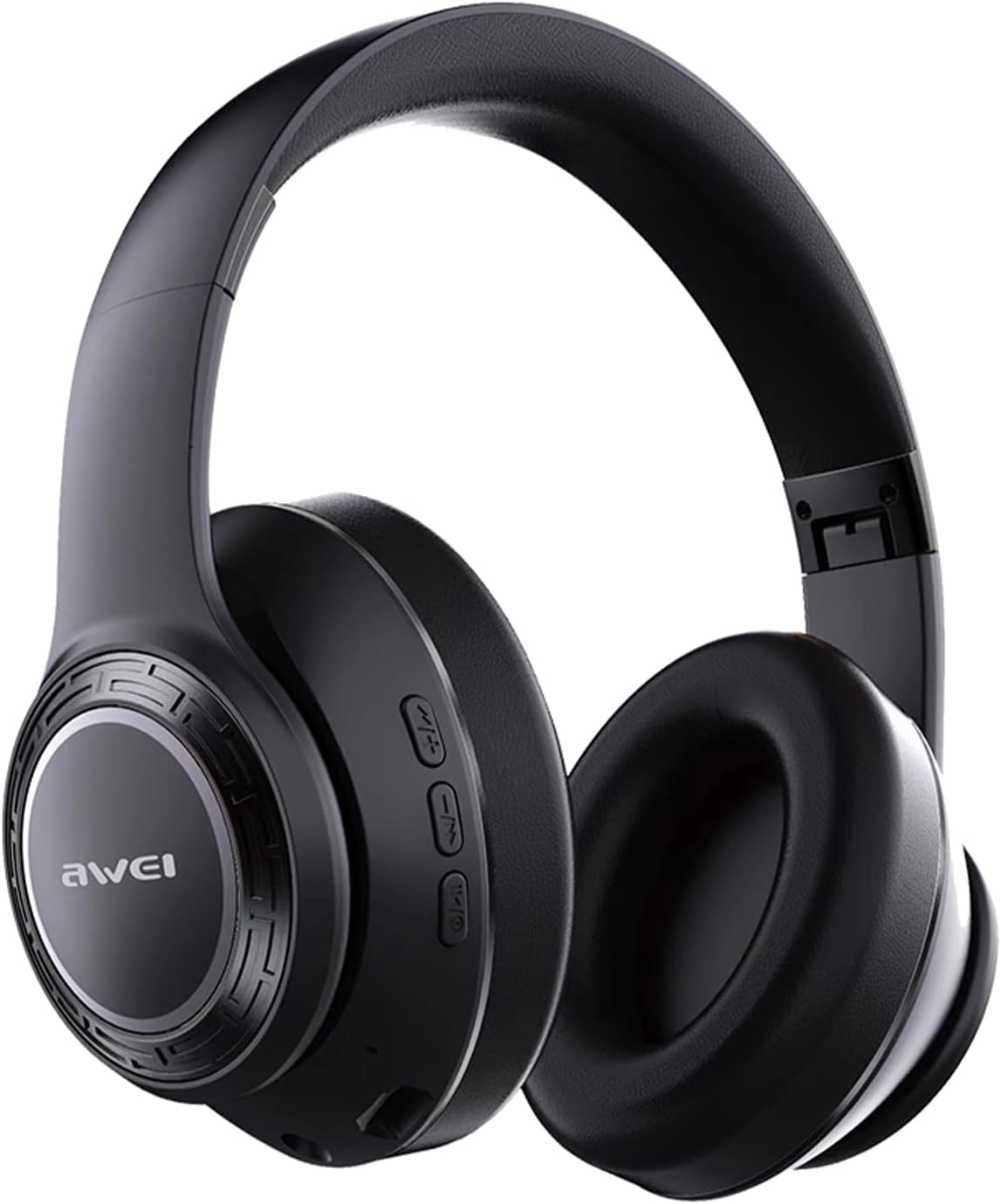
Imej: Depan view of the AWEI A300BL Bluetooth Headphones, showcasing cup telinga dan ikat kepala.

Imej: Sisi view of the AWEI A300BL Bluetooth Headphones, highlighting the control buttons and the AWEI logo on the earcup, with text indicating Bluetooth 5.3 stable connection.
Kawalan dan Pelabuhan:
- Butang Kuasa: Tekan dan tahan untuk menghidupkan/mematikan kuasa.
- Jilid Naik / Laluan Seterusnya: Tekan pendek untuk kelantangan, tekan lama untuk trek seterusnya.
- Turunkan Volume / Lagu Sebelumnya: Tekan pendek untuk kelantangan turun, tekan lama untuk trek sebelumnya.
- Butang berbilang fungsi (MFB): Main/jeda, jawab/tamatkan panggilan.
- Port Pengecasan Jenis-C: Untuk mengecas fon kepala.
- Penunjuk LED: Menunjukkan kuasa, berpasangan dan status pengecasan.
Persediaan
Mengecas Fon Kepala:
- Sambungkan kabel pengecas Jenis-C yang disediakan ke port pengecasan pada fon kepala.
- Sambungkan hujung kabel yang satu lagi ke penyesuai kuasa USB (tidak disertakan) atau port USB komputer.
- Penunjuk LED akan menunjukkan status pengecasan (cth., merah semasa mengecas, mati atau biru apabila dicas penuh).
- Pengecasan penuh mengambil masa kira-kira 2.5 jam.
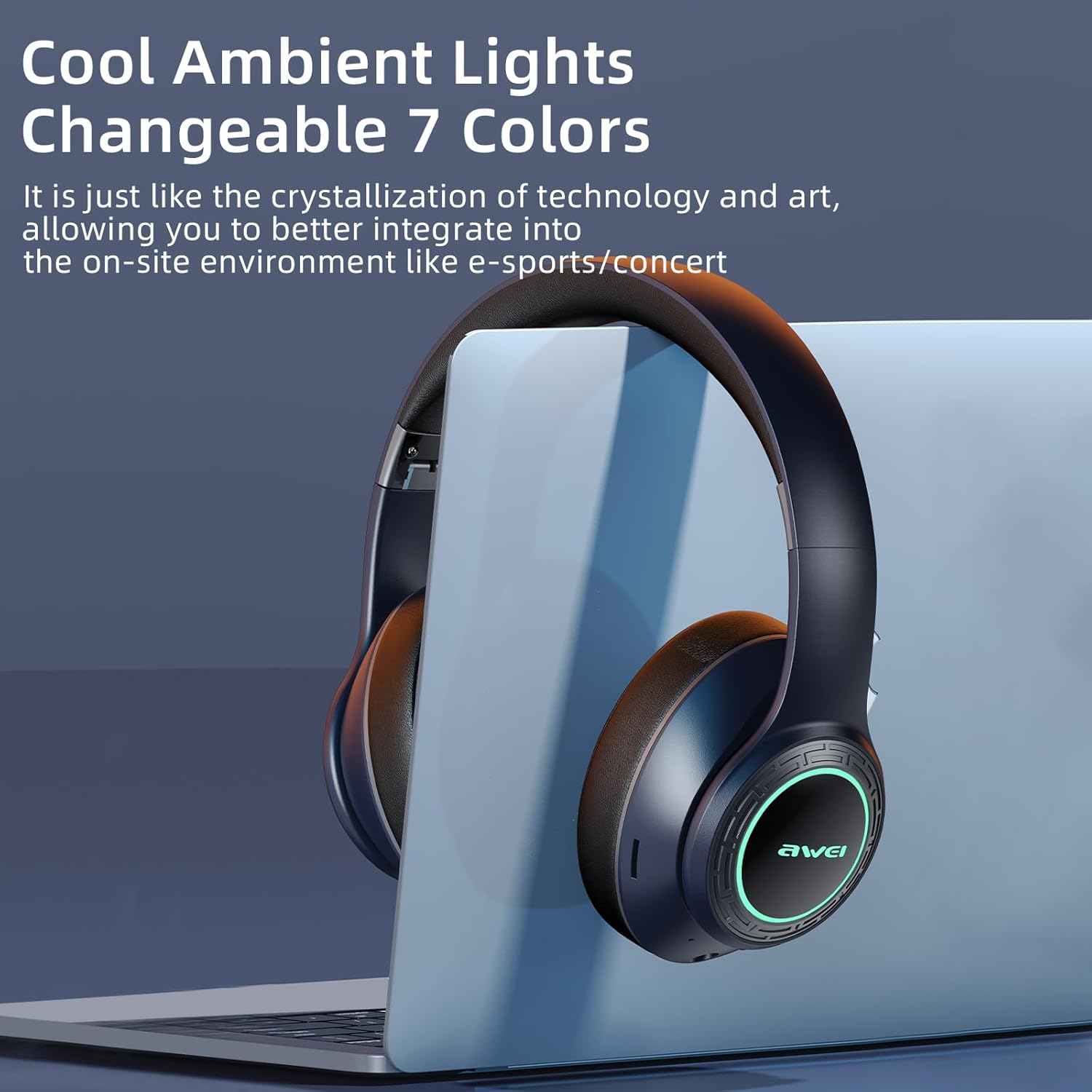
Image: AWEI A300BL headphones illustrating battery capacity (400mAh), standby time (300h), and play time (12h).
Berpasangan dengan Peranti Bluetooth:
- Pastikan fon kepala dicas sepenuhnya.
- With the headphones powered off, press and hold the Power button until the LED indicator flashes blue and red alternately, indicating pairing mode.
- On your device (smartphone, tablet, PC), enable Bluetooth and search for new devices.
- Select "AWEI A300BL" from the list of available devices.
- Setelah disambungkan, penunjuk LED akan berkelip biru perlahan-lahan atau bertukar menjadi biru padu.
- The headphones will automatically reconnect to the last paired device when powered on, if the device's Bluetooth is enabled and within range.
Arahan Operasi
Fungsi Asas:
| Tindakan | Butang/Kawalan | Penerangan |
|---|---|---|
| Hidupkan/Mati Kuasa | Butang Kuasa | Tekan dan tahan selama 3 saat. |
| Main/Jeda | MFB | Tekan pendek. |
| Kelantangan Naik | Kelantangan Naik (+) | Tekan pendek. |
| Kelantangan Kurang | Perlahankan suara (-) | Tekan pendek. |
| Trek Seterusnya | Kelantangan Naik (+) | Tekan lama. |
| Trek Sebelumnya | Perlahankan suara (-) | Tekan lama. |
| Jawab/Tamatkan Panggilan | MFB | Tekan pendek. |
| Tolak Panggilan | MFB | Tekan lama. |
| Aktifkan Pembantu Suara | MFB | Double press (if supported by device). |
Ambient Lights:
The AWEI A300BL headphones feature changeable 7-color ambient lights on the earcups. These lights automatically cycle through colors when the headphones are powered on. There is no specific button to control the light mode; they are designed to enhance the listening experience.
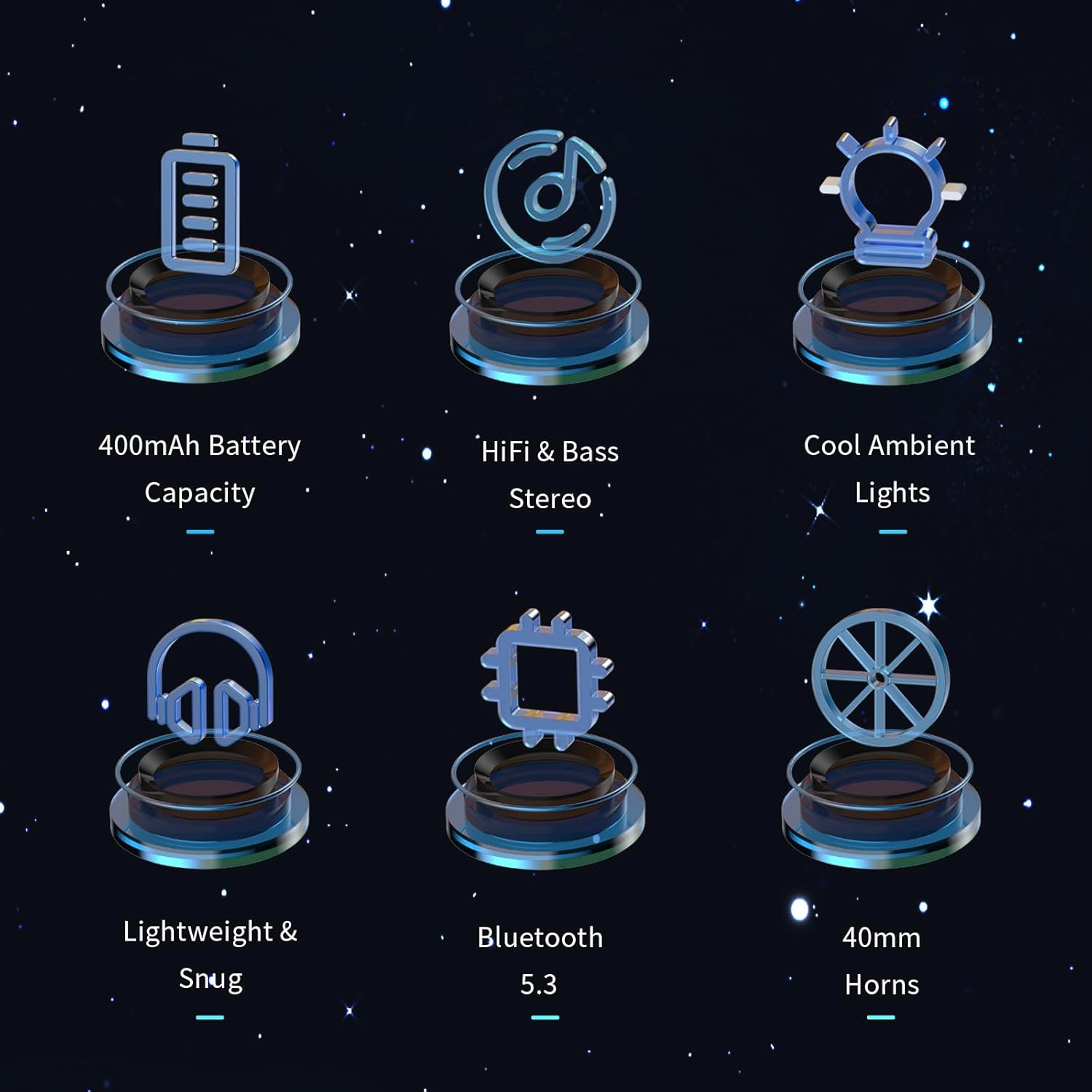
Image: AWEI A300BL headphones showcasing the cool ambient lights feature, with text indicating "Changeable 7 Colors".
Penyelenggaraan dan Penjagaan
- Pembersihan: Gunakan kain lembut dan kering untuk mengelap fon kepala. Jangan gunakan pembersih atau pelarut yang melelas.
- Storan: Simpan fon kepala di tempat yang sejuk dan kering jauh dari cahaya matahari langsung dan suhu yang melampau.
- Penjagaan Bateri: To prolong battery life, charge the headphones regularly, even if not in frequent use. Avoid fully discharging the battery for extended periods.
- Tahan Air: Fon kepala ini tidak kalis air. Elakkan pendedahan kepada air atau kelembapan berlebihan.
Menyelesaikan masalah
| Masalah | Penyelesaian yang Mungkin |
|---|---|
| Fon kepala tidak dihidupkan. | Pastikan fon kepala dicas sepenuhnya. Sambungkan ke sumber kuasa dan cuba lagi. |
| Tidak boleh berpasangan dengan peranti. | 1. Ensure headphones are in pairing mode (LED flashing blue/red). 2. Pastikan Bluetooth didayakan pada peranti anda. 3. Move headphones closer to the device. 4. Forget "AWEI A300BL" from your device's Bluetooth list and try pairing again. |
| Tiada bunyi atau kelantangan rendah. | 1. Check volume levels on both headphones and your connected device. 2. Ensure headphones are properly connected to the device. 3. Try playing different audio sources. |
| Pemutusan bunyi masuk/keluar. | 1. Move closer to your device to reduce interference. 2. Avoid obstacles between headphones and device. 3. Ensure no other strong wireless signals are interfering. |
Spesifikasi
| Ciri | Perincian |
|---|---|
| Model | A300BL |
| Teknologi Ketersambungan | Bluetooth 5.3 |
| Julat Tanpa Wayar | Sehingga 33 kaki (10 meter) |
| Kapasiti Bateri | 400mAh |
| Masa Main | 7-12 jam |
| Masa Mengecas | lebih kurang 2.5 jam |
| Saiz Pemandu | 40mm |
| Penempatan Telinga | Atas Telinga |
| bahan | plastik |
| Jenis Kawalan | Kawalan Butang |
Waranti dan Sokongan
Your AWEI A300BL Bluetooth Headphones come with a Polisi pemulangan 30 hari dan a Waranti 12 bulan from the date of purchase. This warranty covers manufacturing defects and workmanship.
For any questions, technical support, or warranty claims, please contact AWEI Direct customer service. We are committed to providing lifetime worry-free user support and will respond to your inquiries within 12 hours.
Sila simpan bukti pembelian anda untuk tujuan waranti.
Ask a question about this manual
Ask about setup, troubleshooting, compatibility, parts, safety, or missing instructions. Manuals+ will review the question and use this page’s manual context to help answer it.