
kaysunlink A18
Kaysunlink A18 Mini Body Camera User Manual
Model: A18
pengenalan
The Kaysunlink A18 Mini Body Camera is a portable, wearable device designed for capturing high-definition video and audio. Its compact size and versatile clip allow for easy attachment to clothing or bags, making it ideal for various personal and professional recording needs. This manual provides comprehensive instructions for setting up, operating, maintaining, and troubleshooting your A18 body camera.

Image: Kaysunlink Mini Body Camera banner, showcasing the compact design of the camera.
Apa yang ada dalam Kotak
Sila sahkan bahawa semua item yang disenaraikan di bawah disertakan dalam pakej anda:
- Kaysunlink A18 Mini Body Camera (with 64GB memory card pre-installed)
- Kabel Pengecas USB
- Pembaca Kad USB
- Manual Pengguna
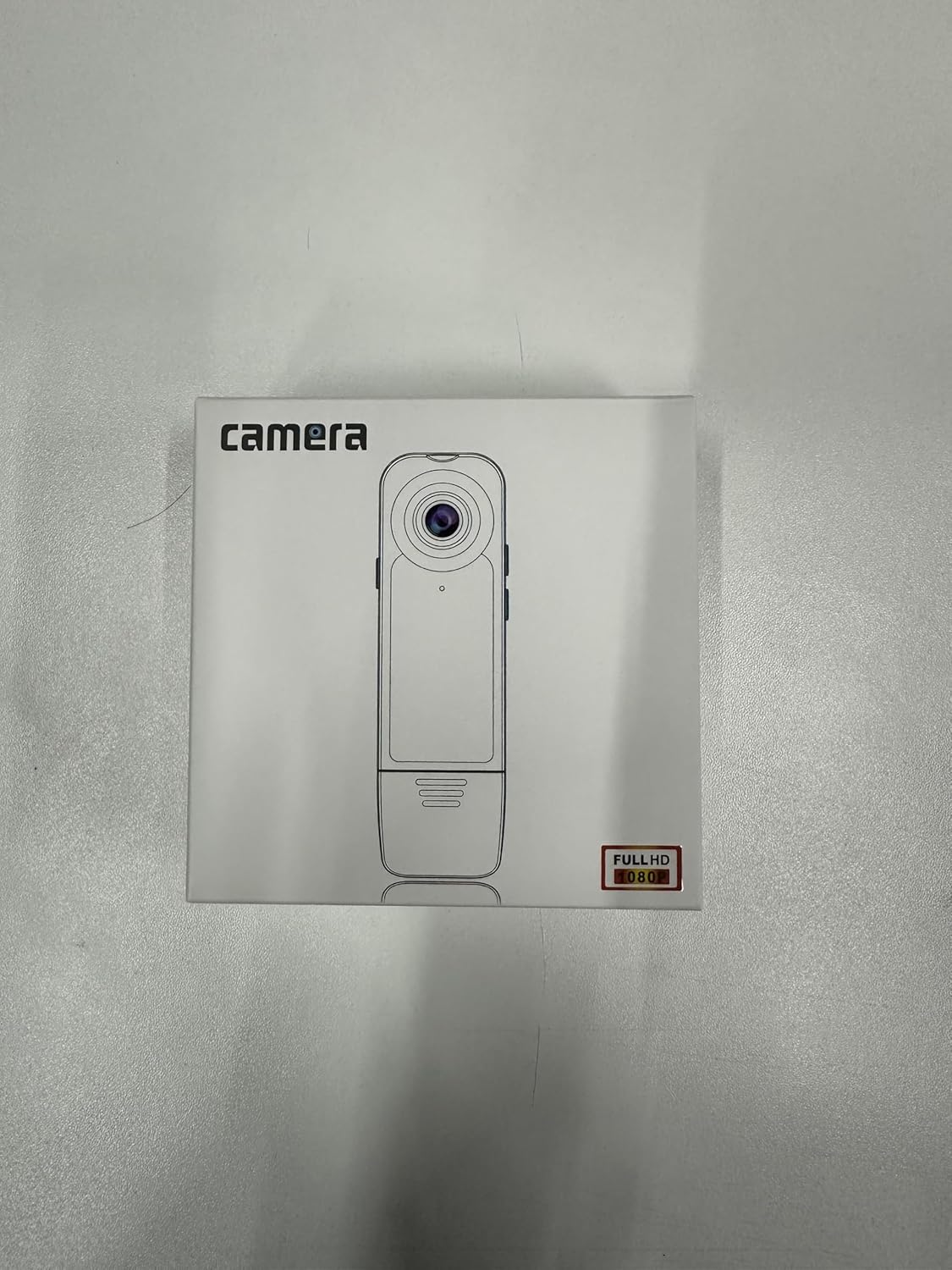
Image: The retail packaging of the Kaysunlink A18 Mini Body Camera, showing the camera and included accessories.
Produk Selesaiview
The A18 Mini Body Camera is designed for ease of use and portability. It features a durable casing and a convenient clip for secure attachment.
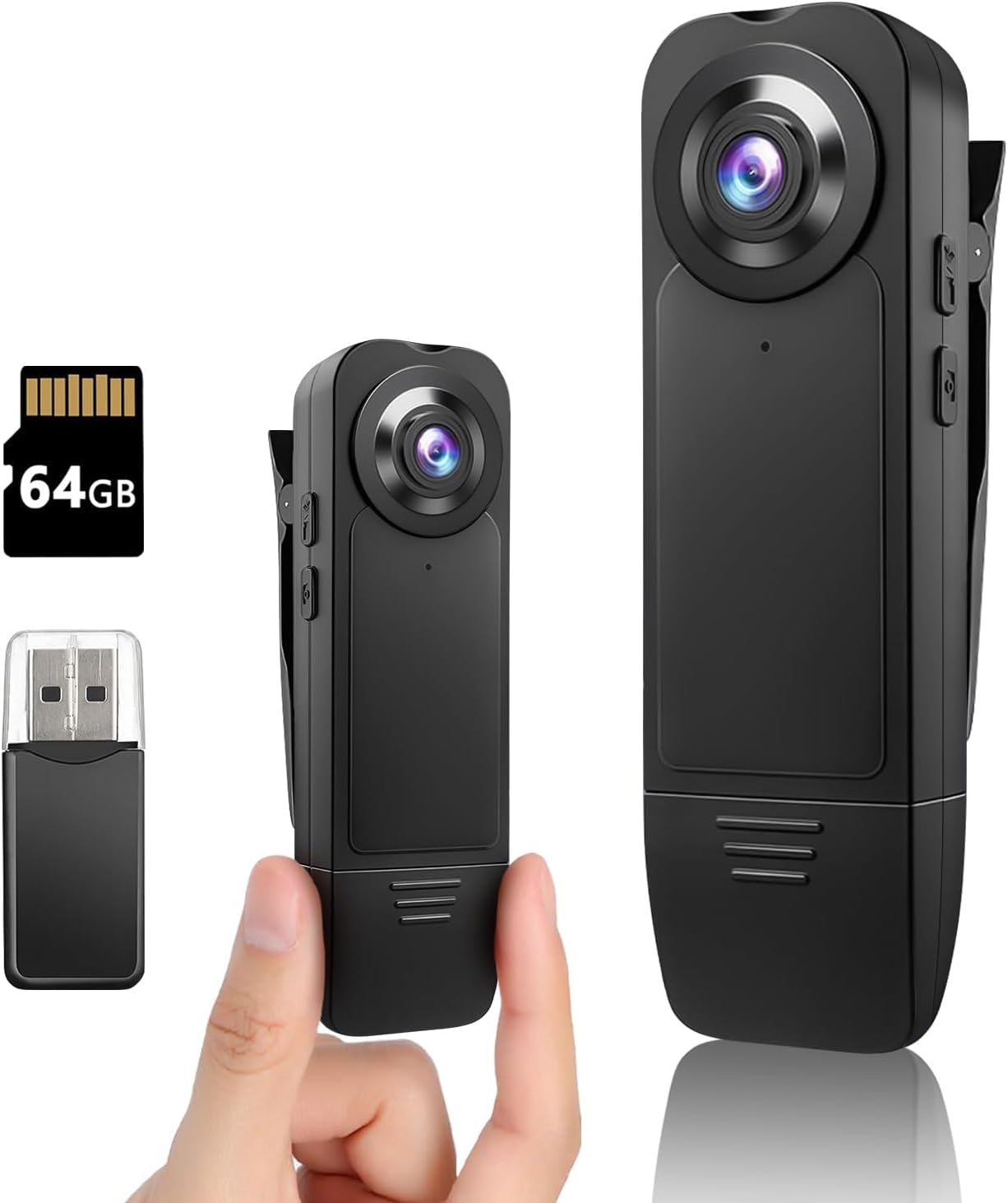
Imej: Depan view of the Kaysunlink A18 Mini Body Camera, alongside a 64GB microSD card and a USB card reader, highlighting its compact size.
Komponen Utama:
- Kanta Kamera: Captures 1080P FHD video and photos.
- Klip: Allows for easy attachment to clothing, bags, or other surfaces.
- Butang Kuasa: Used to turn the device on/off and initiate recording/photo capture.
- Lampu inframerah: Enable night vision recording in low-light conditions.
- mikrofon: Records audio during video capture.
- Port USB: Untuk pengecasan dan pemindahan data.
- Slot Kad MicroSD: Houses the pre-installed 64GB memory card for storage.

Image: Two Kaysunlink A18 Mini Body Cameras, one being held to illustrate its small and portable design.
Persediaan
1. Mengecas Bateri:
Before first use, fully charge the camera. Connect the provided USB charging cable to the camera's USB port and the other end to a USB power adapter (not included) or a computer's USB port. The indicator light will show charging status and turn off when fully charged. A full charge provides 4-6 hours of recording time.
2. Kad Memori:
The A18 camera comes with a pre-installed 64GB high-speed memory card. Ensure it is properly seated in the MicroSD card slot before operation. This card can store approximately 10 hours of video files.
Arahan Operasi
1. Hidupkan/Mati Kuasa:
- Kepada Hidupkan kuasa: Press and hold the Power button until the indicator light illuminates.
- Kepada Matikan Kuasa: Press and hold the Power button until the indicator light turns off.
2. Rakaman Video:
Once powered on, press the Power button once to start video recording. The indicator light will flash to indicate recording is in progress. Press the Power button again to stop recording. The camera supports 1080P FHD resolution.

Image: A visual representation of the camera's video recording capability, emphasizing 1080 HD resolution and 64GB storage.
3. Tangkapan Foto:
While the camera is on, press the dedicated Photo button (if available, otherwise a quick double-press of the Power button might be used, refer to specific button layout on device) to capture a still image. The indicator light will flash once to confirm a photo has been taken.
4. Penglihatan Malam:
To activate night vision, locate the dedicated button for infrared lights (refer to device diagram). Press this button to turn on the infrared lights for recording in low-light or dark environments. Press again to turn off.

Image: The camera highlighting its motion detection, long endurance, and night vision features, with an illustration of motion detection in action.
5. Loop and Motion Record:
- Rakaman Gelung: Kamera menyokong rakaman gelung, menulis ganti secara automatik yang tertua files when the memory card is full. This ensures continuous recording without manual intervention.
- Pengesanan Pergerakan: The A18 features motion detection mode, which starts recording automatically when movement is detected. This is useful for capturing incidents while the camera is stationary.

Image: Various application scenarios for the camera, including fishing, law enforcement, meetings, and hiking, demonstrating its versatility.
Viewing Files
There are two primary methods to view video dan foto yang dirakam:
1. Via Memory Card Reader:
Carefully remove the memory card from the camera. Insert the memory card into the provided USB card reader, then connect the card reader to your computer or compatible phone. You can then access and transfer the files.
2. Via USB Cable:
Connect the camera directly to your computer using the provided USB cable. The camera will appear as a removable disk drive, allowing you to browse and transfer files.

Image: A visual guide demonstrating how to view direkodkan files, either by using a card reader or by connecting the camera directly via USB cable.
Penyelenggaraan
- Keep the camera clean and free from dust and debris. Use a soft, dry cloth for cleaning.
- Elakkan mendedahkan kamera kepada suhu yang melampau, cahaya matahari langsung atau kelembapan.
- Do not attempt to disassemble the camera, as this will void the warranty.
- Buat sandaran rekod anda secara berkala files untuk mengelakkan kehilangan data.
- Format the memory card periodically (e.g., once a month) to maintain optimal performance.
Menyelesaikan masalah
| Masalah | Penyelesaian |
|---|---|
| Kamera tidak dihidupkan. | Pastikan bateri dicas. Sambungkan ke sumber kuasa dan cuba lagi. |
| Tidak boleh merakam video/mengambil gambar. | Check if the memory card is inserted correctly and has sufficient free space. Format the card if necessary. |
| Kualiti video yang teruk. | Ensure the lens is clean. Check lighting conditions; activate night vision if in low light. |
| Computer not recognizing the camera. | Try a different USB port or cable. Ensure the camera is powered on when connected. Use the card reader as an alternative. |
Spesifikasi
| Ciri | Perincian |
|---|---|
| Jenama | Kaysunlink |
| Nombor Model | A18 |
| Resolusi Video | 1080p FHD |
| Teknologi Penderia Foto | CMOS |
| Jenis Memori Denyar | Micro SD (64GB included) |
| Kapasiti Bateri | 1000 mAh |
| Hayat Bateri | 4-6 hours (recording) |
| Teknologi Ketersambungan | Berwayar (USB) |
| Ciri Khas | Body camera, Motion Detection, Night Vision |
| Berat Barang | 3.52 auns |
| Dimensi Produk | 0.04 x 0.04 x 0.39 inci |

Image: The back of the product box, displaying key parameters and specifications of the camera.
Waranti dan Sokongan
Kaysunlink offers a 30-day free return and replacement policy. For any product inquiries, technical support, or warranty claims, please contact Kaysunlink customer service.
E-mel Perkhidmatan Pelanggan: kksupport@163.com
Kaysunlink is committed to providing intuitive features and personal security protection products, ensuring customer satisfaction.

Image: Icons representing Kaysunlink's after-sales support, including 24-hour online service, no worries after-sale, adequate stock, safety material, and 30-day free return/replacement.