
pengenalan
Thank you for choosing the Gree 4-in-1 Air Cooler and Purifier. This appliance is designed to provide a comfortable indoor environment by offering cooling, heating, humidifying, and air purifying functions. Please read this manual thoroughly before operation to ensure proper use, maintenance, and safety.
Arahan Keselamatan
- Sentiasa sambungkan unit ke soket kuasa yang dibumikan dengan volum yang betultage (220-240V, 60Hz).
- Do not operate the unit with a damaged power cord or plug. Contact qualified service personnel for repairs.
- Keep the unit away from water and other liquids to prevent electric shock.
- Pastikan unit diletakkan di atas permukaan yang stabil dan rata untuk mengelakkannya daripada terbalik.
- Jangan masukkan objek ke dalam lubang udara.
- Unplug the unit before cleaning, refilling water, or performing any maintenance.
- Perkakas ini tidak dimaksudkan untuk digunakan oleh orang yang kurang keupayaan fizikal, deria atau mental, atau kurang pengalaman dan pengetahuan, melainkan mereka telah diberi pengawasan atau arahan.
- Jauhkan kanak-kanak dan haiwan peliharaan dari unit semasa operasi.
Kandungan Pakej
Sahkan bahawa semua item terdapat dalam pakej:
- Gree 4-in-1 Air Cooler and Purifier Unit (Model KSWD-04S66RDG)
- Alat Kawalan Jauh
- Manual Arahan
Produk Selesaiview
Familiarize yourself with the components of your Gree 4-in-1 Air Cooler and Purifier.
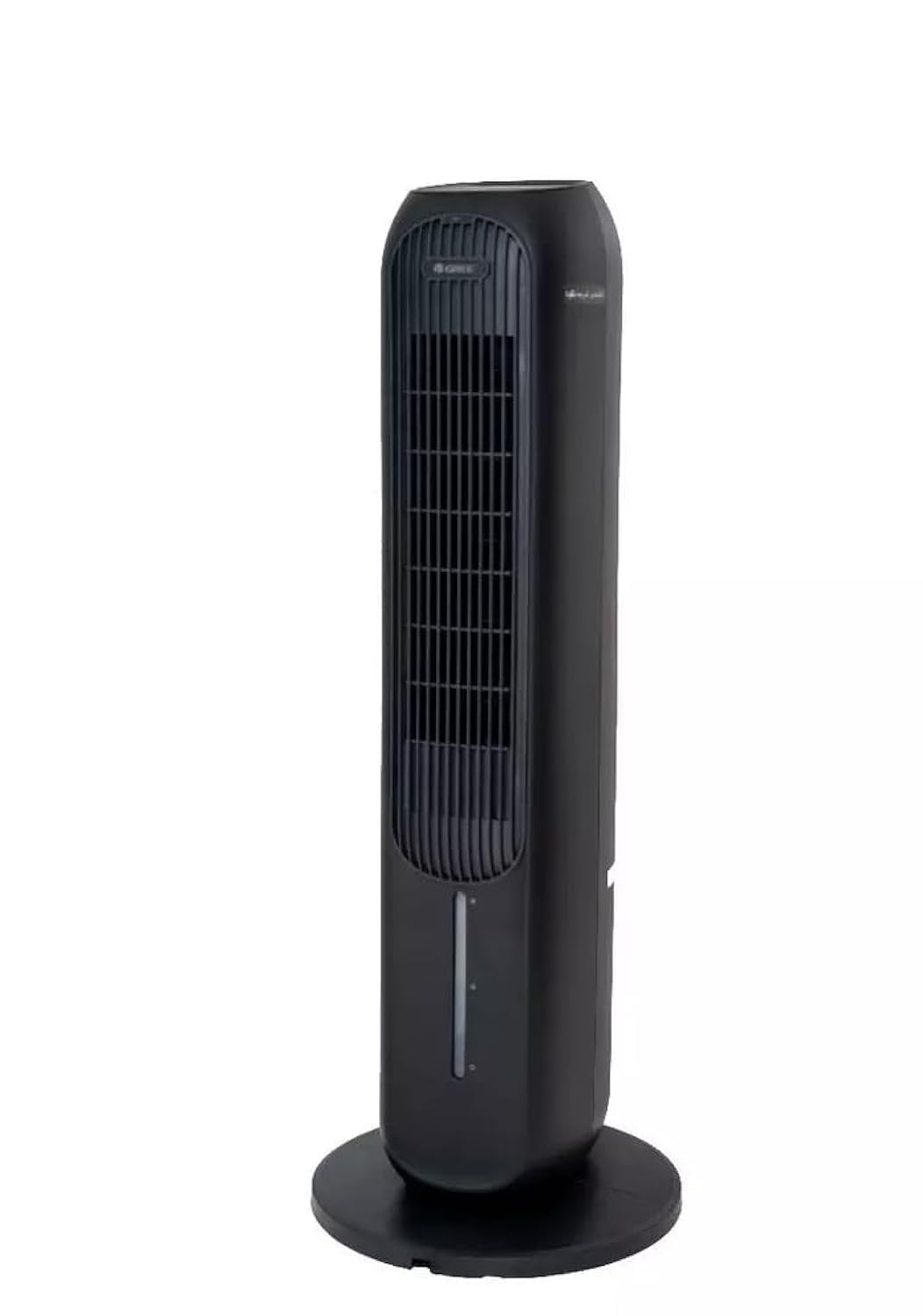
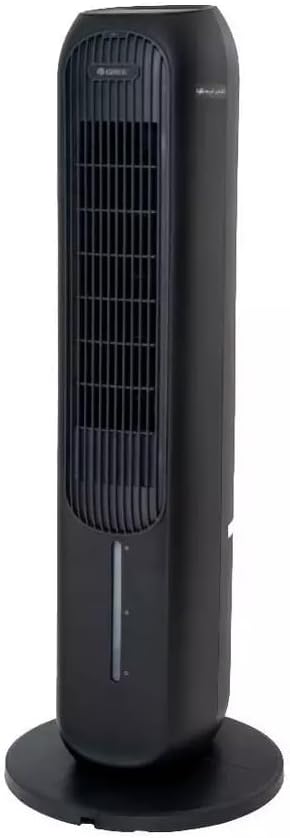
Komponen Utama:
- Panel Kawalan: Terletak di bahagian atas unit untuk operasi manual.
- Saluran Udara: Where treated air is discharged.
- Tangki Air: Removable tank for filling water for cooling and humidifying functions.
- Penapis Habuk: Located at the rear, designed to filter airborne particles.
- Penerima Kawalan Jauh: For operating the unit with the remote.
- Kord Kuasa: Untuk menyambung ke salur keluar elektrik.
Persediaan
- Membongkar: Keluarkan unit daripada pembungkusannya dengan berhati-hati. Simpan bahan pembungkusan untuk penyimpanan atau pengangkutan pada masa hadapan.
- penempatan: Place the air cooler on a firm, level surface. Ensure there is at least 20 cm of clear space around the unit for proper airflow. Do not block the air inlet or outlet.
- Water Tank Filling (for Cooling/Humidifying):
- Tarik keluar tangki air dari bahagian bawah belakang unit.
- Fill the tank with clean tap water. Do not exceed the 'MAX' fill line.
- For enhanced cooling, you may add ice packs (not included) to the water tank.
- Berhati-hati luncurkan tangki air kembali ke dalam unit sehingga ia berbunyi pada tempatnya.
- Sambungan Kuasa: Plug the power cord into a suitable 220-240V, 60Hz electrical outlet.
Arahan Operasi
The unit can be operated using the control panel on top or the remote control.
Panel Kawalan / Fungsi Kawalan Jauh:
- Butang Kuasa: Tekan untuk menghidupkan atau MATI unit.
- Butang Kelajuan: Berkitar melalui 3 kelajuan kipas: Rendah, Sederhana, Tinggi.
- Butang Mod: Selects operating modes: Cooling, Heating, Humidifying, Purifying.
- Butang Ayun: Mengaktifkan atau menyahaktifkan fungsi ayunan untuk pengagihan udara yang lebih luas.
- Butang Pemasa: Menetapkan pemasa operasi (cth., 1-12 jam).
- Anion/Purify Button: Activates the air purifying function (if applicable).
Mod Pengendalian:
- Mod Penyejukan: Uses water evaporation to cool the air. Ensure the water tank is filled.
- Mod Pemanasan: Provides warm air. Do not block the air outlet during heating.
- Mod Melembapkan: Adds moisture to the air. Ensure the water tank is filled.
- Purifying Mode: Activates the air filter and anion function to clean the air.
Penyelenggaraan
Penyelenggaraan tetap memastikan prestasi optimum dan memanjangkan jangka hayat unit anda.
Membersihkan Penapis Habuk:
- Cabut palam unit daripada salur keluar kuasa.
- Locate the dust filter cover at the rear of the unit and remove it.
- Gently remove the dust filter.
- Clean the filter with a soft brush or vacuum cleaner. For heavy dust, rinse with water and mild detergent. Ensure it is completely dry before reinserting.
- Reinstall the dust filter and secure the cover.
Membersihkan Tangki Air:
- Cabut palam unit.
- Keluarkan tangki air dan kosongkan sebarang air yang tinggal.
- Clean the tank with a soft cloth and mild detergent. Rinse thoroughly to remove all soap residue.
- Benarkan tangki kering sepenuhnya sebelum dimasukkan semula.
Pembersihan Luaran:
- Lap bahagian luar unit dengan lembut, damp kain.
- Jangan gunakan pembersih atau pelarut yang melelas.
Storan:
- If storing the unit for an extended period, ensure the water tank is empty and clean, and the dust filter is clean and dry.
- Simpan unit di tempat yang sejuk dan kering, sebaik-baiknya dalam pembungkusan asalnya.
Menyelesaikan masalah
Sebelum menghubungi sokongan pelanggan, sila rujuk panduan penyelesaian masalah berikut untuk isu biasa.
| Masalah | Kemungkinan Punca | Penyelesaian |
|---|---|---|
| Unit tidak dihidupkan | No power supply; Power cord not properly plugged in; Power outlet malfunction. | Check power cord connection; Try a different outlet; Check circuit breaker. |
| Aliran udara yang lemah | Dust filter clogged; Air inlet/outlet blocked. | Clean the dust filter; Ensure no obstructions around the unit. |
| No cooling/humidifying effect | Water tank empty; Cooling/Humidifying mode not selected. | Fill the water tank; Select the appropriate mode. |
| Bunyi yang tidak biasa | Unit bukan pada permukaan yang rata; Objek asing di dalam. | Place on a stable, level surface; Unplug and check for obstructions. |
Spesifikasi
| Ciri | Perincian |
|---|---|
| Nombor Model | KSWD-04S66RDG |
| Fungsi | Cooling, Heating, Humidifying, Purifying |
| warna | Hitam |
| Jenis Kawalan | Alat Kawalan Jauh |
| Kelajuan Kipas | 3 |
| Bekalan Kuasa | 220-240V, 60Hz |
| Wattage | 45 Watt |
| Dimensi (D x W x H) | 29 x 29 x 103 cm |
| Berat Barang | 30 kg |
| bahan | plastik |
| Ciri Khas | Penapis Habuk |
| Jenis Pemasangan | Freestanding |
| Mod Pengendalian | Automatik |
Waranti dan Sokongan
This Gree 4-in-1 Air Cooler and Purifier (Model KSWD-04S66RDG) comes with a two-year agent warranty covering manufacturing defects and malfunctions under normal use. Please retain your purchase receipt as proof of purchase for warranty claims.
For Technical Support or Warranty Claims:
Please contact your local authorized Gree service center or the retailer from whom you purchased the product. Refer to your warranty card or the retailer's information for specific contact details.