pengenalan
This manual provides essential instructions for the safe and efficient use of your Generic K12 Wireless Karaoke Speaker with Microphone. Please read this guide thoroughly before operating the device and retain it for future reference.
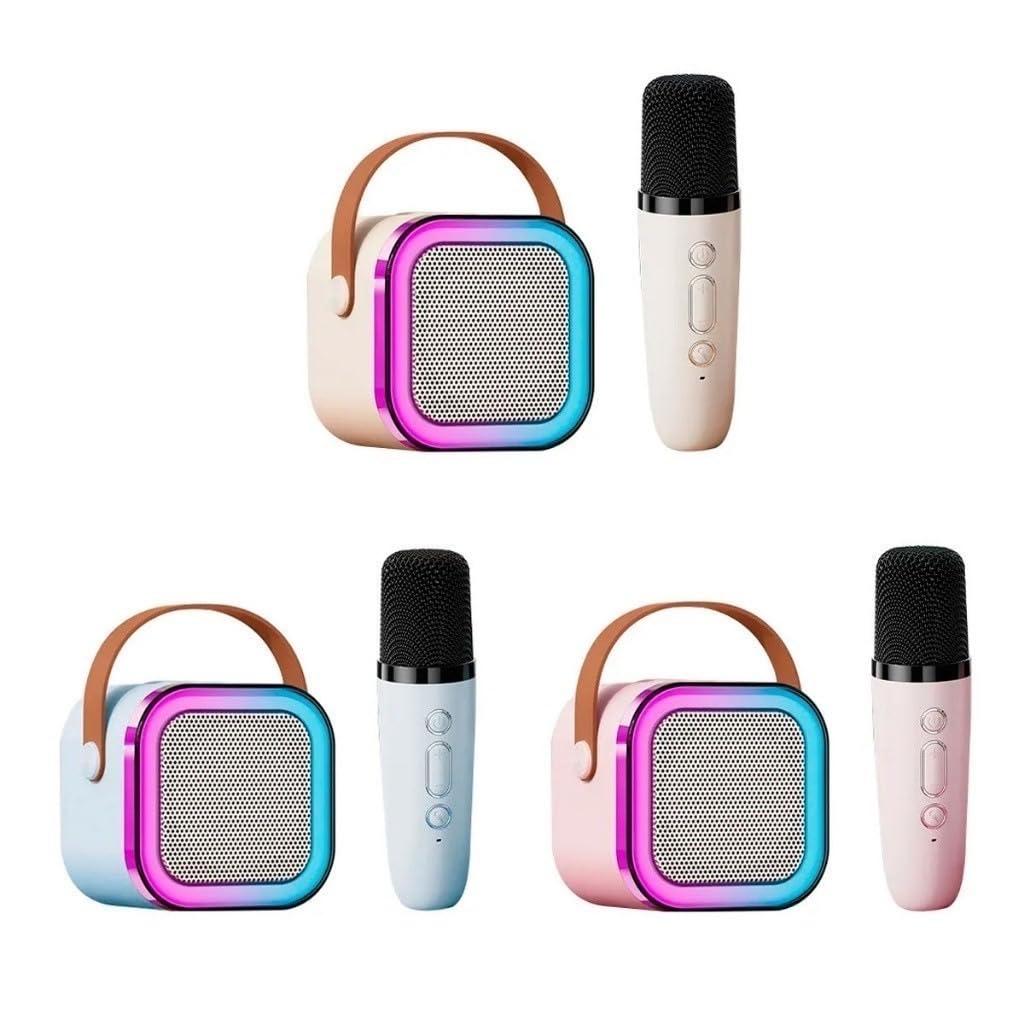
Image: The K12 Wireless Karaoke Speaker and its accompanying microphone, both in a pink finish, displayed on a wooden surface.
Produk Selesaiview
Komponen
- 1 x K12 Wireless Karaoke Speaker
- 1 x Wireless Microphone (Pink)
- 1 x Kabel Pengecas USB
Ciri-ciri Utama
- Reka bentuk mudah alih dan padat
- Kesambungan Bluetooth untuk penstriman audio wayarles
- Integrated microphone for karaoke functions
- Multiple playback modes: Bluetooth, TF Card, USB, AUX
- Voice changing effects on microphone
- Sound elimination mode for vocals
- LED lights for enhanced ambiance

Image: The K12 Wireless Karaoke Speaker and microphone with text overlays indicating features like 'Can listen and sing', 'Wireless karaoke speaker suit', 'One-click sound elimination', 'Long Endurance', 'wireless singing', 'Shock loudspeaker', and 'TF/Bluetooth'.
Video: A demonstration of the K12 Wireless Karaoke Speaker and Microphone, showcasing its design, features, and ease of use in various colors.
Persediaan
1. Mengecas Peranti
Before first use, fully charge the speaker and microphone. Connect the provided USB charging cable to the Type-C port on the speaker and a compatible USB power adapter (not included). The microphone also charges via a USB port.
2. Menghidupkan/Mematikan
Press and hold the power button on both the speaker and the microphone to turn them on or off. An indicator light will confirm the power status.
3. Berpasangan Bluetooth
- Pastikan pembesar suara dihidupkan dan dalam mod pasangan Bluetooth (biasanya ditunjukkan oleh LED berkelip).
- Pada peranti mudah alih anda, dayakan Bluetooth dan cari peranti yang tersedia.
- Select "K12" from the list to pair. A confirmation sound will indicate successful pairing.

Image: The rear panel of the K12 speaker, illustrating its various connection options including Bluetooth, TF Card slot, USB port, and AUX input.
Arahan Operasi
1. Melaraskan Kelantangan
Use the volume buttons on the speaker or microphone to adjust the audio output. The microphone has separate volume controls for its output.
2. Mod Main Semula
The K12 speaker supports multiple playback options:
- Bluetooth: Stream audio wirelessly from your paired device.
- Kad TF: Insert a TF (MicroSD) card into the designated slot to play stored music.
- USB: Connect a USB drive to the USB port to play music files.
- AUX: Use an AUX cable (not included) to connect external audio sources.
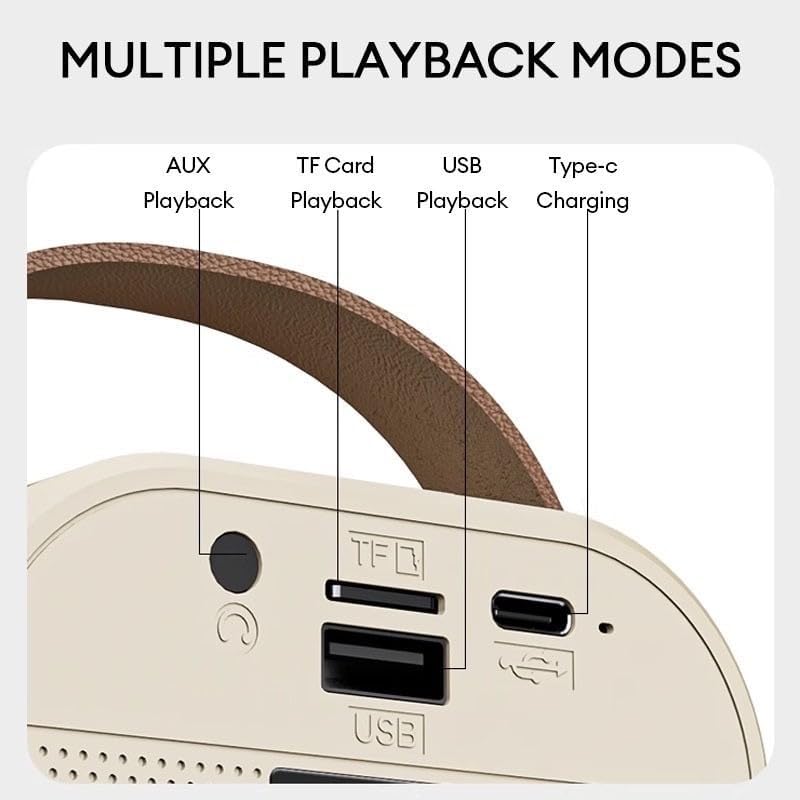
Image: A close-up of the K12 speaker's side panel, clearly labeling the AUX, TF Card, USB playback modes, and the Type-C charging port.
3. Microphone Functions
- Kuasa/Volume: Use the dedicated buttons on the microphone for power and volume adjustments.
- Perubahan Suara: Press the voice change button to cycle through various voice effects (e.g., female, male, doll sound, KTV).
- Sound Elimination: Activate the one-click sound elimination mode to reduce or remove vocals from a song, allowing you to sing along.
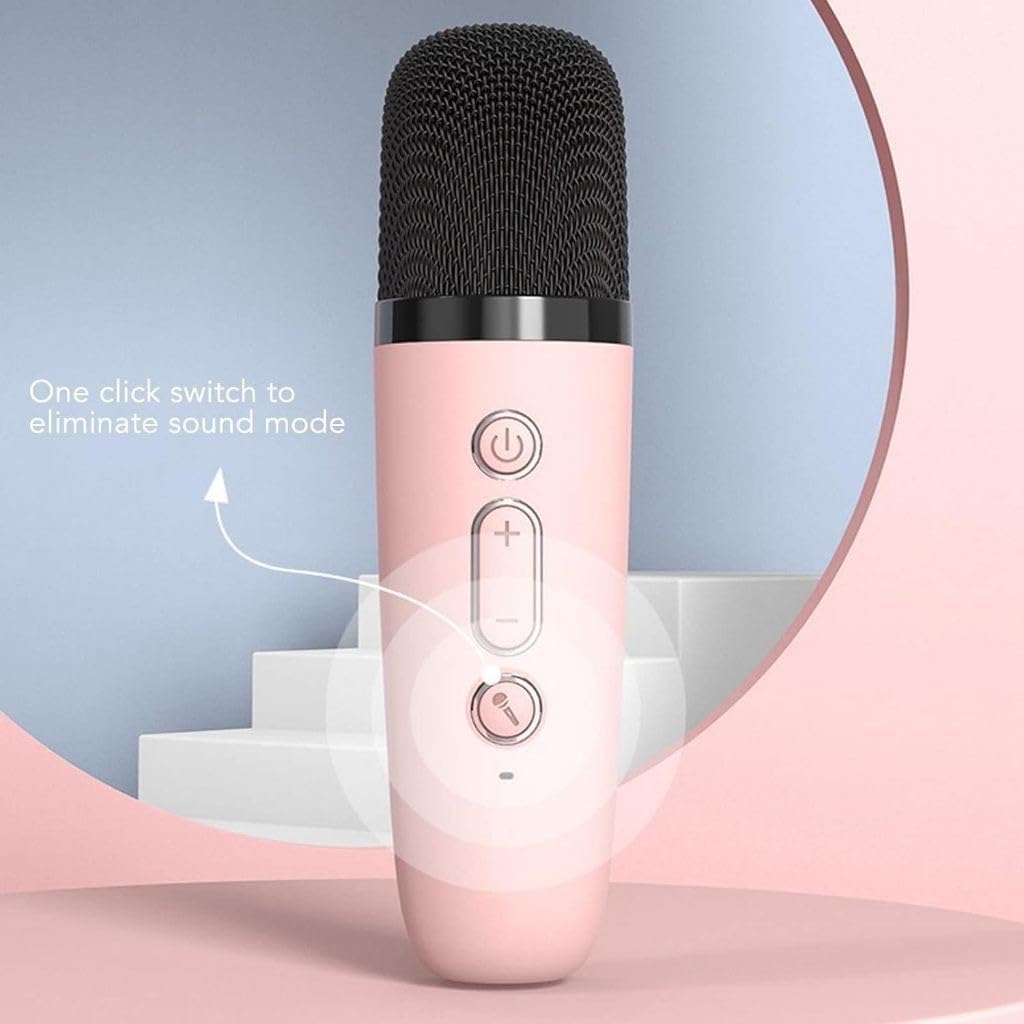
Image: A close-up of the K12 microphone, highlighting the 'One click switch to eliminate sound mode' button and other controls.
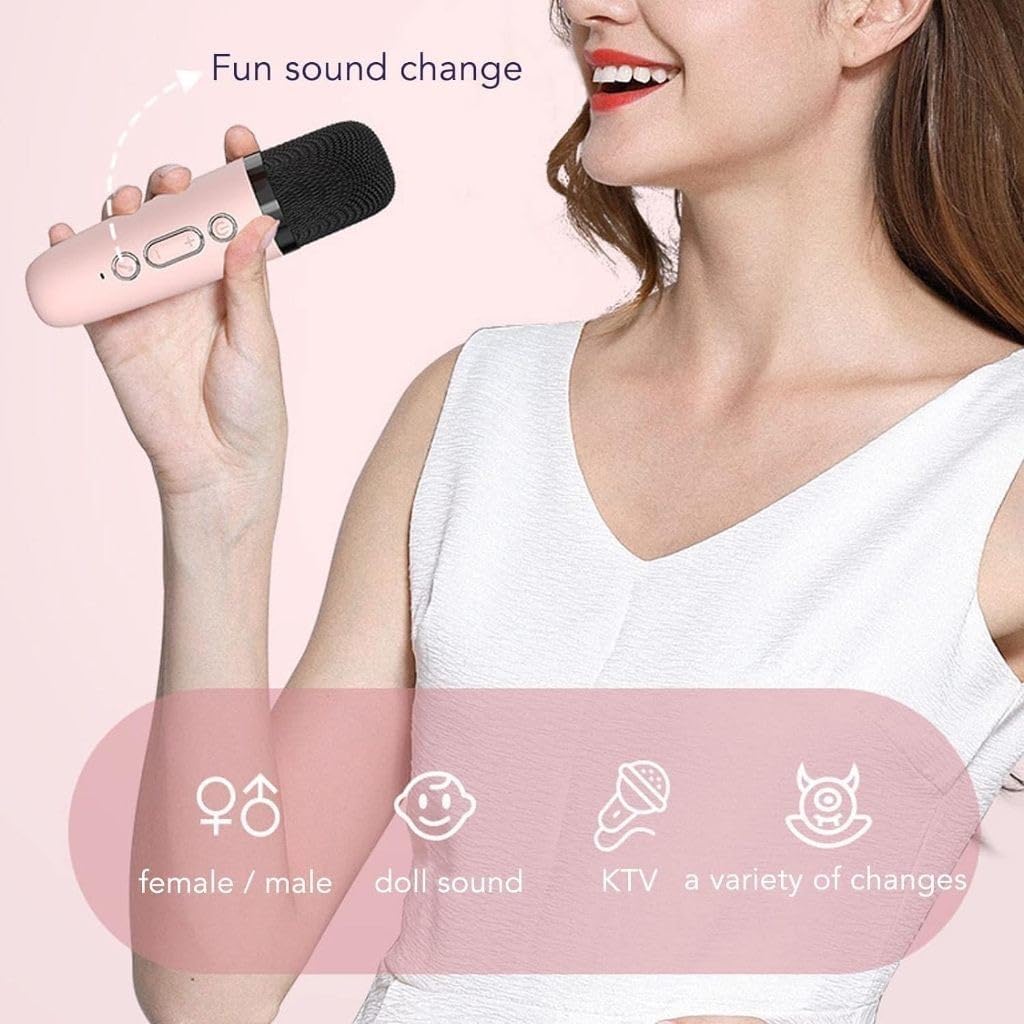
Image: A user holding the K12 microphone, with graphics illustrating the 'Fun sound change' feature, including options for female/male, doll sound, and KTV voice effects.
4. Lampu LED
The speaker features colorful LED lights that can be controlled via a dedicated button on the speaker. Press the button to cycle through different light modes or turn them off.
Penyelenggaraan
- Pembersihan: Use a soft, dry cloth to clean the speaker and microphone. Do not use abrasive cleaners or solvents.
- Storan: Simpan peranti di tempat yang sejuk dan kering jauh dari cahaya matahari langsung dan suhu yang melampau.
- Penjagaan Bateri: Untuk memanjangkan hayat bateri, elakkan daripada kerap mencas sepenuhnya peranti. Caskannya secara berkala, walaupun tidak digunakan untuk tempoh yang lama.
Menyelesaikan masalah
Tiada Kuasa
- Pastikan peranti dicas sepenuhnya.
- Check if the power button is pressed and held correctly.
Tiada Bunyi
- Verify that the volume on both the speaker and your connected device is turned up.
- Ensure the device is correctly paired via Bluetooth or the correct input mode (TF, USB, AUX) is selected.
- Check if the microphone is powered on and its volume is adjusted.
Bluetooth Disconnection/Failure to Pair
- Make sure the speaker and your device are within the effective Bluetooth range (typically 10 meters).
- Turn off and restart both the speaker and your Bluetooth device.
- Forget the device from your phone's Bluetooth settings and attempt to re-pair.
Spesifikasi
| Ciri | Perincian |
|---|---|
| Jenama | Generik |
| Model | K12 |
| warna | Merah jambu |
| Teknologi Ketersambungan | Bluetooth |
| Peranti Serasi | Peranti Bluetooth |
| Sumber Kuasa | Bateri Boleh Dicas Semula Bersepadu |
| Berat Produk | 490 g |
| Dimensi Pakej | 16.1 x 15.4 x 8.1 cm |
Waranti dan Sokongan
For warranty information or technical support, please refer to the retailer where the product was purchased or contact the manufacturer directly. Keep your proof of purchase for any warranty claims.


