
pengenalan
This manual provides essential information for the safe and effective use of your Lovskoo Mini Projector. Please read it thoroughly before operating the device and retain it for future reference. The projector is designed for home cinema and educational purposes, offering a portable solution for displaying content on a large screen.
Apa yang ada dalam Kotak
Selepas membongkar, sila sahkan bahawa semua item berikut disertakan:
- 1x Portable Projector
- 1x Penyesuai Kuasa
- 1x kabel AV
- 1x Alat Kawalan Jauh
- 1x Bracket (Mini Tripod)
- 1x Manual Book

Figure 1: Lovskoo Mini Projector and included accessories.
Produk Selesaiview
The Lovskoo Mini Projector is a compact and portable device designed for versatile media projection. Key features include:
- Bright & Vibrant Display: Offers 600 lumens brightness and an 800:1 contrast ratio.
- Padat & Mudah Alih: Measures approximately 5.2 x 3.4 x 2.3 inches and weighs 1.33 pounds.
- Panjang Lamp kehidupan: Features a light source lamp bead with up to 30,000 hours of life.
- Audio Bersepadu: Includes a built-in speaker; external speakers can also be connected.
- Pelbagai Pilihan Kesambungan: Supports HDMI, USB, AV cord, and 3.5mm audio connections.

Rajah 2: Atas-bawah view of the Lovskoo Mini Projector.

Figure 3: The compact size of the projector, held in a hand.

Figure 4: Projector dimensions for reference.

Figure 5: Projector with mini tripod for multi-angle adjustment.
Video 1: This video demonstrates the compact size and portability of the Lovskoo Mini Projector, showing it projecting various content in different home environments.
Persediaan
- penempatan: Position the projector on a stable, flat surface. Ensure there is adequate ventilation around the device. For optimal viewing, place the projector perpendicular to the projection surface.
- Sambungan Kuasa: Connect the power adapter to the projector's DC IN port and then plug it into a power outlet.
- Sambungan Sumber Input:
- HDMI: Connect an HDMI cable from your source device (e.g., laptop, game console) to the projector's HDMI port.
- USB: Insert a USB drive into the USB port for direct media playback.
- DARI: Use the provided AV cable to connect to devices with AV output.
- Keluar Audio: For external speakers, connect a 3.5mm audio cable to the projector's audio output jack.
- Hidupkan kuasa: Tekan butang kuasa pada projektor atau alat kawalan jauh untuk menghidupkan peranti.
- Pelarasan Fokus: Putar gelang fokus berhampiran kanta sehingga imej yang diunjurkan jelas dan tajam.
- Pembetulan Keystone: If the image appears trapezoidal, use the keystone correction feature (if available, typically a manual slider or digital adjustment in settings) to square the image.
Arahan Operasi
- Memilih Sumber Input: Use the 'Source' button on the remote or projector to cycle through available input options (HDMI, USB, AV).
- Navigasi: Use the arrow keys on the remote or projector to navigate menus and select options. The 'OK' button confirms selections.
- Kawalan Kelantangan: Laraskan kelantangan menggunakan butang kelantangan khusus pada alat kawalan jauh.
- Tetapan Menu: Access the projector's settings menu to adjust picture mode, aspect ratio, sound settings, and other preferences.
- Matikan: Press the power button once to initiate shutdown. Confirm shutdown if prompted.
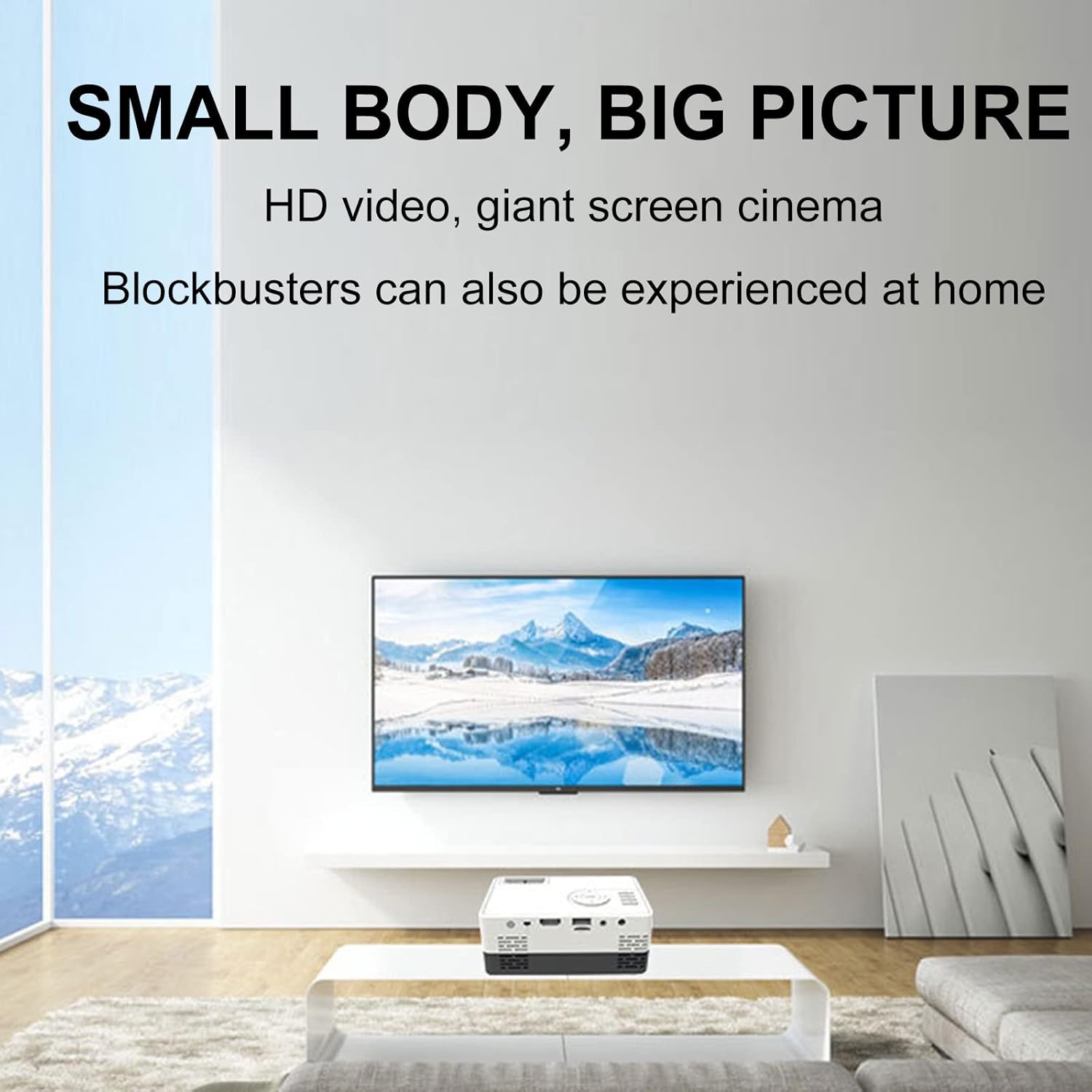
Gambar 6: Cthample of the projector displaying a large image in a home environment.
Penyelenggaraan
- Pembersihan Kanta: Gunakan kain lembut dan bebas lin yang direka khusus untuk kanta optik untuk mengelap kanta projektor dengan perlahan. Elakkan bahan yang melelas atau bahan kimia yang keras.
- Pengudaraan: Ensure the projector's ventilation ports are clear of dust and obstructions to prevent overheating. Periodically clean vents with compressed air.
- Storan: Apabila tidak digunakan, simpan projektor di tempat yang sejuk dan kering, jauh dari cahaya matahari langsung dan suhu yang melampau.

Figure 7: Illustration of the projector's internal cooling system.
Menyelesaikan masalah
| Masalah | Kemungkinan Punca | Penyelesaian |
|---|---|---|
| Tiada imej ditayangkan | Power not connected; incorrect input source; lens cap on. | Check power connection; select correct input source; remove lens cap. |
| Imej kabur | Out of focus; incorrect projection distance. | Adjust the focus ring; ensure projector is within optimal projection distance (0.8-2M). |
| Tiada bunyi | Volume too low; external speakers not connected properly; audio source issue. | Increase volume; check external speaker connection; verify audio output from source device. |
| Imej adalah trapezoid | Projektor tidak berserenjang dengan skrin. | Adjust keystone correction or reposition the projector. |
Spesifikasi
- Jenama: Lovskoo
- Nombor Model: mini projector hdmi
- Berat Barang: 1.33 paun
- Dimensi Produk: 5.2 x 3.4 x 2.3 inci
- Resolusi Paparan: 1920 x 1080 (HD Penuh)
- Kecerahan: 600 lumen
- Nisbah Kontras: 800:1
- Jarak Unjuran: 0.8-2 meters (optimal performance)
- Lamp kehidupan: 30,000 jam
- Teknologi Ketersambungan: HDMI, USB, AV
- Ciri Khas: Built-in Speaker, HDMI Interface
- Penggunaan yang Disyorkan: Education, Home Cinema
Waranti dan Sokongan
For warranty information and customer support, please refer to the documentation included with your purchase or contact the retailer. Specific warranty terms may vary.