
1. Produk Lebihview
The Awei T25 Wireless Earphones are designed for an immersive audio experience, featuring Bluetooth 5.3 connectivity, touch controls, and a comfortable in-ear design. These earbuds are suitable for various activities, including sports, and offer noise reduction capabilities.

The Awei T25 wireless earbuds are shown in their translucent pink charging case. The earbuds are also pink with the 'awei' logo visible.
2. Kandungan Pakej
- Awei T25 Wireless Earphones (Left and Right)
- Kes Pengecasan
- Kabel Pengecasan USB Jenis-C
- Petua Telinga (saiz S/M/L)
- Manual Pengguna
3. Persediaan dan Penggunaan Pertama
3.1 Mengecas Fon Telinga dan Sarung
- Connect the provided USB Type-C cable to the charging port on the case.
- Sambungkan hujung kabel yang satu lagi ke sumber kuasa USB (cth, penyesuai dinding, port USB komputer).
- The indicator lights on the charging case will show the charging status. Ensure the earphones are placed inside the case for them to charge.
A full charge provides approximately 4 hours of earbud usage, with the charging case extending total battery life up to 20 hours.
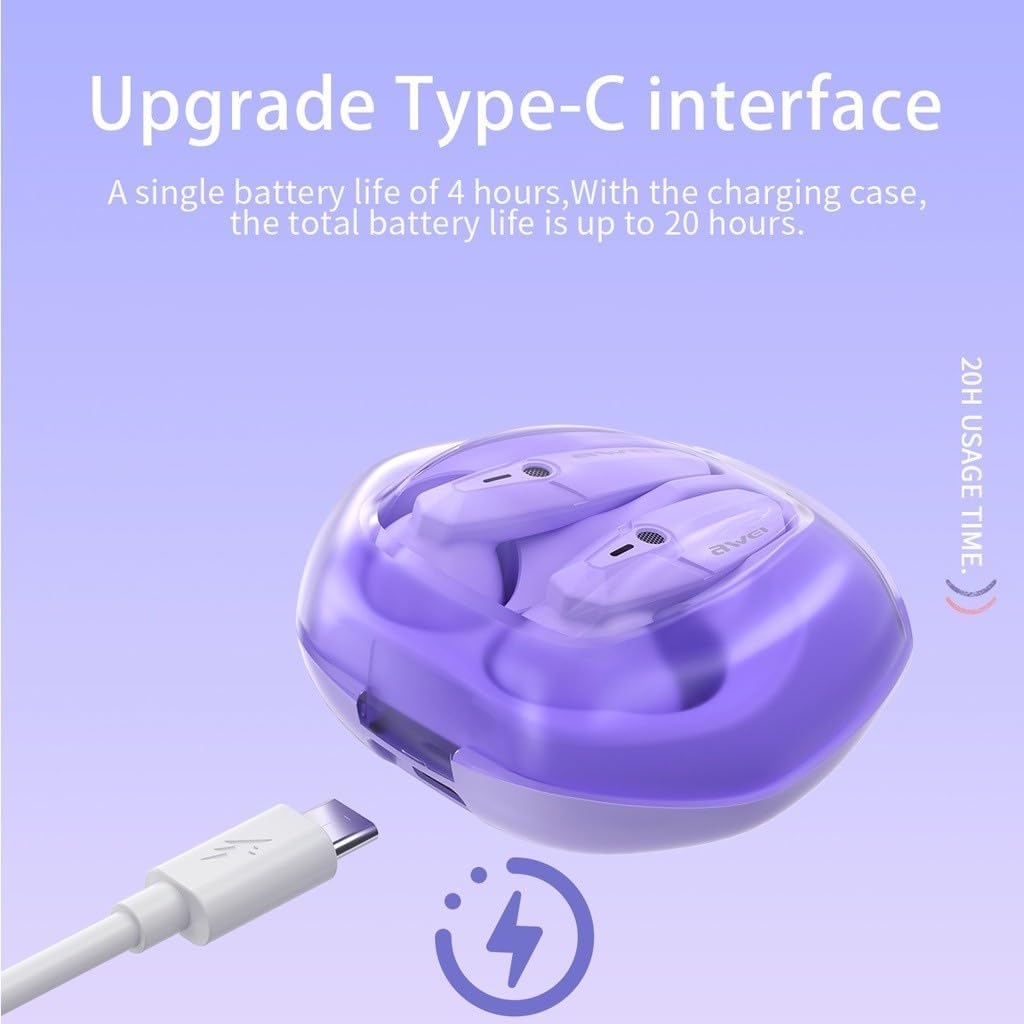
The Awei T25 charging case is shown with its Type-C charging port, indicating a single earbud battery life of 4 hours and a total battery life of up to 20 hours with the charging case.
3.2 Berpasangan dengan Peranti
- Pastikan fon telinga dicas.
- Buka penutup bekas pengecas. Fon telinga akan dihidupkan secara automatik dan memasuki mod berpasangan.
- Pada peranti anda (telefon pintar, tablet, dll.), dayakan Bluetooth dan cari peranti yang tersedia.
- Select "Awei T25" from the list of found devices to connect.
- Once successfully paired, the earphones will automatically connect to your device when the case lid is opened for subsequent uses.
3.3 Memilih Hujung Telinga
The Awei T25 earphones come with three sizes of ear tips (S/M/L). Choose the size that provides a secure and comfortable fit for optimal sound quality and noise isolation.
4. Mengendalikan Fon Telinga
4.1 Kawalan Sentuhan
The Awei T25 earphones feature intuitive touch controls located on the side of each earbud. Specific functions may vary slightly depending on your device and application.
- Main/Jeda: Ketik sekali pada salah satu fon telinga.
- Lagu Seterusnya: Ketik dua kali pada fon telinga kanan.
- Trek Sebelumnya: Ketik dua kali pada fon telinga kiri.
- Jawab/Tamatkan Panggilan: Ketik sekali pada salah satu fon telinga semasa panggilan masuk.
- Tolak Panggilan: Tekan dan tahan salah satu fon telinga selama 2 saat semasa panggilan masuk.
- Aktifkan Pembantu Suara: Ketik tiga kali pada salah satu fon telinga.

The Awei T25 earbuds are presented within a frosted transparent charging case, illustrating features like stereo sound, auto-connect functionality, touch control, and Bluetooth 5.3.
4.2 Sound Experience and EQ Modes
The earphones are equipped with 13mm large moving coil drivers for a rich audio experience. They also feature an in-ear design with 3 EQ switch options:
- Lalai: Bunyi seimbang profile.
- Bes: Enhanced low frequencies.
- Vokal: Dioptimumkan untuk vokal yang jelas.
Refer to the detailed instructions for switching between EQ modes, typically involving a specific touch gesture.
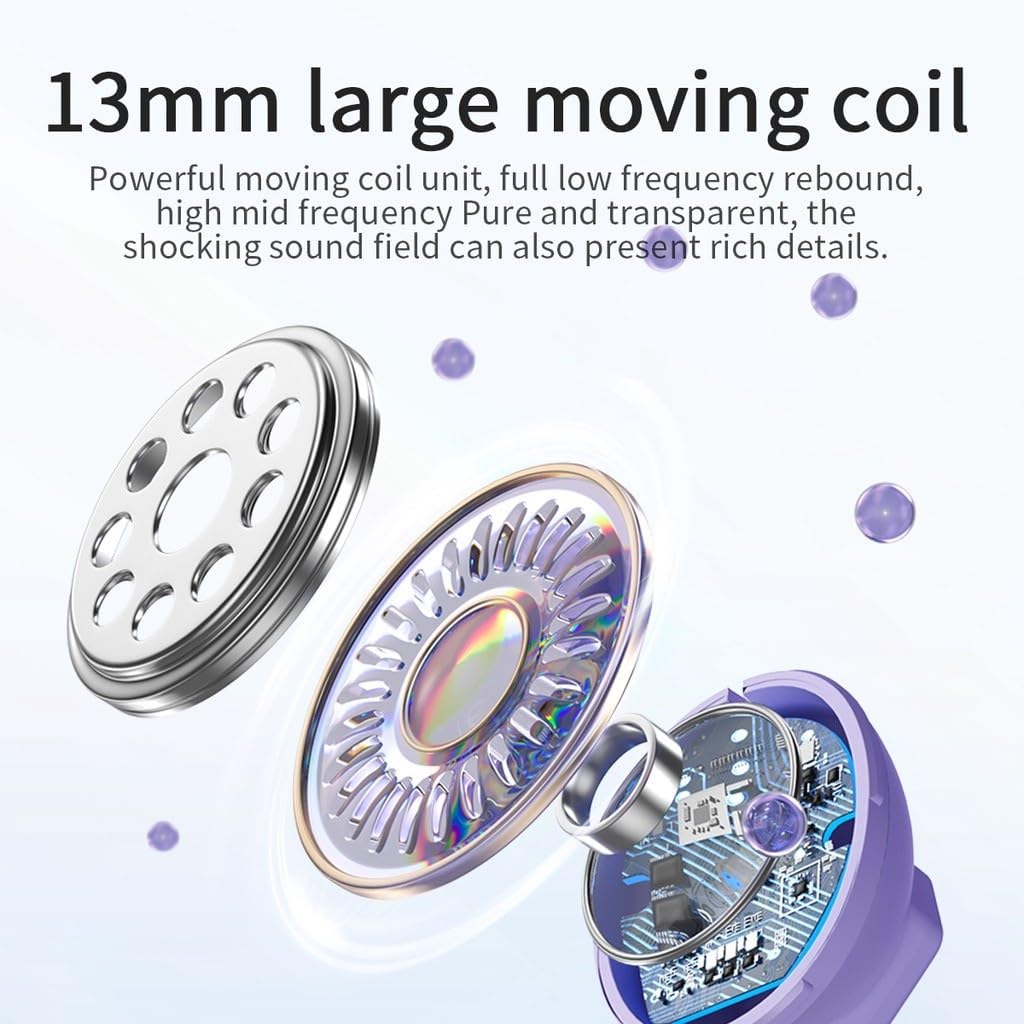
Sebuah meletup view diagram highlights the 13mm large moving coil unit, responsible for sound production, emphasizing its role in delivering powerful low frequencies and clear mid-high frequencies.
4.3 RGB Breathing Lights
The earphones feature colorful breathing lights that display the Awei logo, adding a visual element to your listening experience.

This image highlights additional features of the Awei T25 earbuds, including colorful breathing lights, an ergonomic in-ear design with 3 EQ switch options (default, bass, vocal), and the convenience of charging by simply placing them in the compartment.
5. Penyelenggaraan dan Penjagaan
- Pembersihan: Bersihkan fon telinga dan bekas pengecas secara berkala dengan kain lembut dan kering. Elakkan menggunakan bahan yang kasar atau bahan kimia yang keras.
- Tahan Air: The earphones are IPX5 waterproof, meaning they are resistant to splashes and sweat. They are not designed for submersion in water. Dry them thoroughly if they get wet.
- Storan: Apabila tidak digunakan, simpan fon telinga di dalam bekas pengecas untuk melindunginya dan memastikan ia sentiasa dicas.
- Suhu: Avoid exposing the earphones to extreme temperatures (hot or cold) or direct sunlight for extended periods.
6. Penyelesaian masalah
- Fon telinga tidak berpasangan: Ensure both earbuds are charged and placed in the case. Open the case lid to initiate pairing mode. If issues persist, try forgetting the device from your phone's Bluetooth settings and re-pairing.
- Tiada bunyi dari satu fon telinga: Check if both earbuds are charged. Try placing them back in the case, closing the lid, and then reopening it.
- Isu pengecasan: Verify the charging cable and adapter are working correctly. Ensure the charging contacts on the earbuds and inside the case are clean and free of debris.
- Kualiti bunyi yang lemah: Ensure the ear tips provide a good seal in your ear canal. Try different sized ear tips. Check your device's volume settings and the earbud's EQ mode.
- Kawalan sentuh tidak bertindak balas: Ensure your fingers are clean and dry. A single tap should be quick and precise.
7. Spesifikasi
| Model | T25 |
| Jenama | Awei |
| Ketersambungan | Bluetooth 5.3 |
| Tahan Air | IPX5 |
| Hayat Bateri Earbud | lebih kurang 4 jam |
| Jumlah Hayat Bateri (dengan sarung) | lebih kurang 20 jam |
| Kaedah Kawalan | Sentuh |
| Penempatan Telinga | Dalam Telinga |
| bahan | plastik |
| Saiz Pemandu | 13mm |
| Komponen yang Disertakan | User Manual, USB Type-C Cable, Ear Tips |
8. Waranti dan Sokongan
Specific warranty information for the Awei T25 Wireless Earphones is not provided in the available product data. Please refer to the warranty card included with your purchase or contact the retailer/manufacturer directly for details regarding warranty coverage and customer support.