
1. Pengenalan
The YESIDO TV10 4G HD Wireless Screen Display Receiver is designed to wirelessly mirror content from your smartphone, tablet, or laptop to a larger display such as a TV or projector. It supports 4K resolution and is compatible with various operating systems, including iOS, Android, and Windows, utilizing technologies like Miracast and AirPlay.
2. Maklumat Keselamatan
- Jauhkan peranti daripada air dan persekitaran kelembapan tinggi.
- Jangan dedahkan peranti kepada suhu yang melampau.
- Elakkan daripada menjatuhkan atau meletakkan peranti kepada kesan yang kuat.
- Use only the provided power cable or a certified 5V/1A USB power adapter.
- Jangan cuba membuka atau membaiki peranti sendiri. Hubungi kakitangan perkhidmatan yang berkelayakan.
3. Kandungan Pakej
- YESIDO TV10 4G Wireless Screen Display Receiver
- USB Power Cable with Wi-Fi Antenna
- Manual Pengguna
4. Produk Lebihview
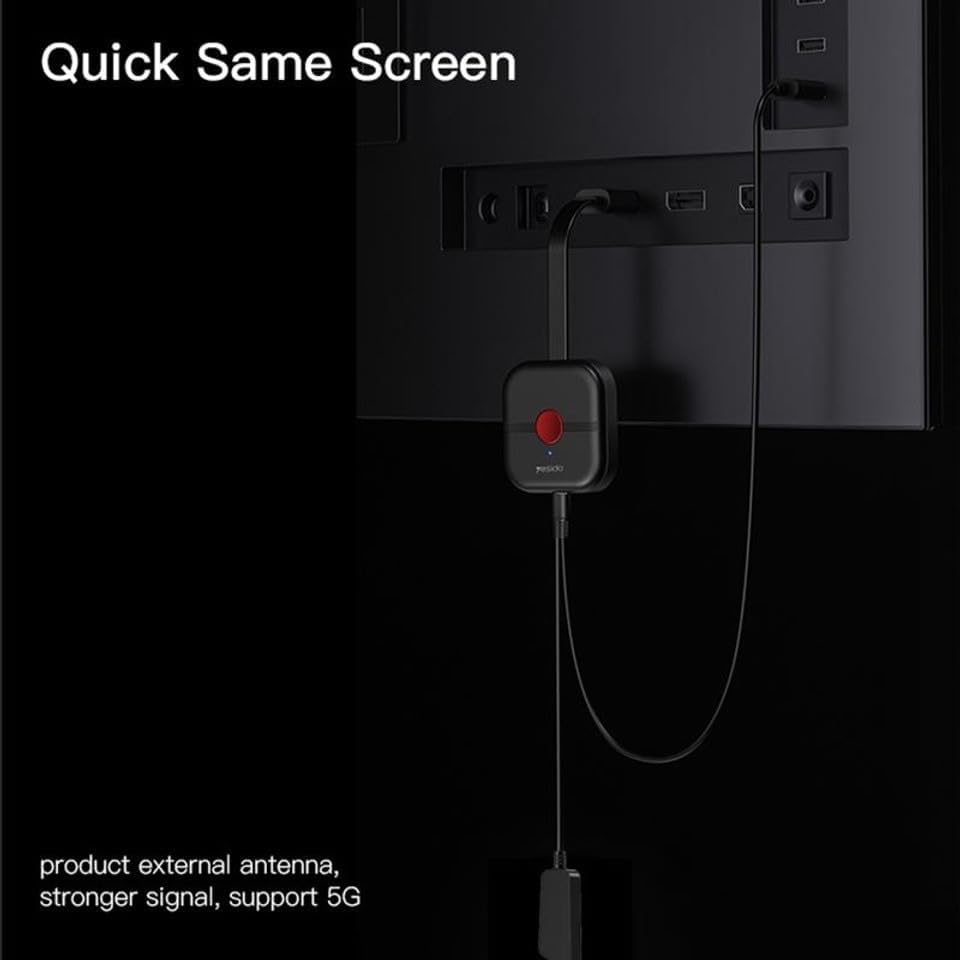
The YESIDO TV10 4G features a compact design with an integrated HDMI connector and a USB port for power and the external Wi-Fi antenna. It is designed for easy portability and discreet installation behind your display.
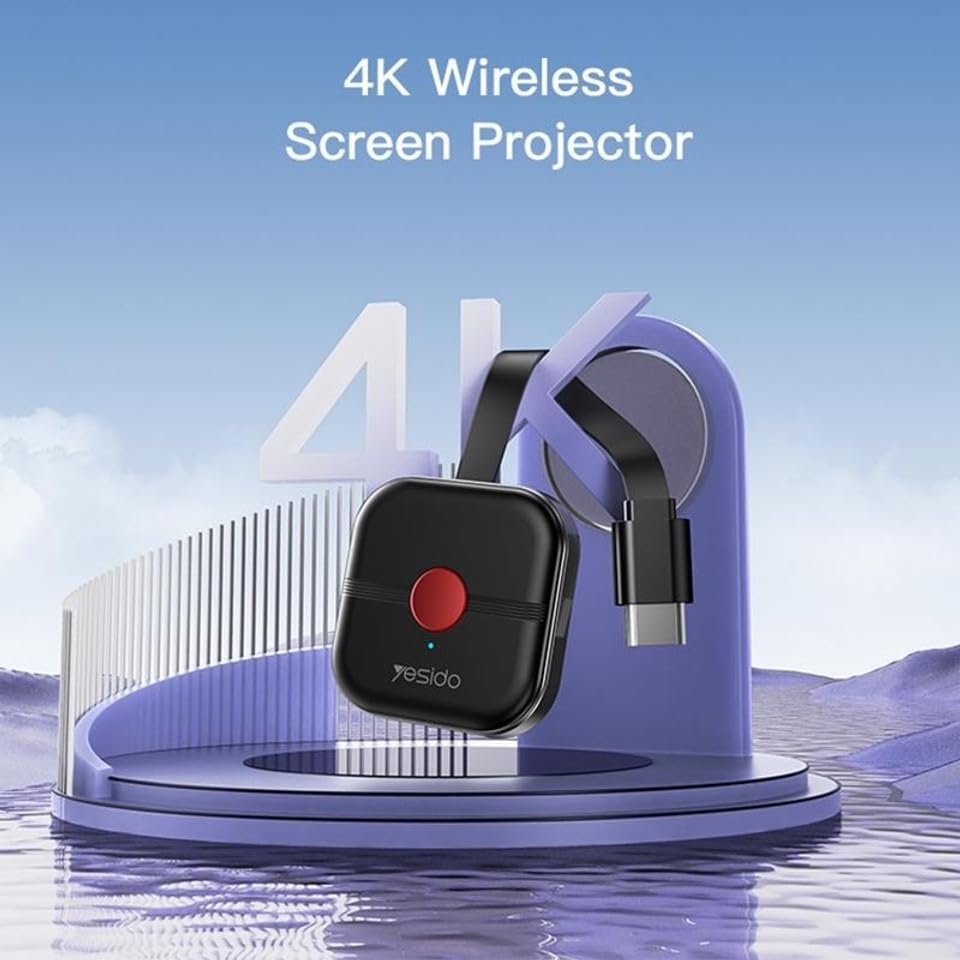
Image: The YESIDO TV10 4G dongle connected to an HDMI port on the back of a television, with its USB power cable and external antenna visible. This illustrates the compact setup.
Imej: Gambar rajah ilustrasi menunjukkanasing the high-performance main control chip, emphasizing its efficiency and stability for reliable wireless display.
5. Persediaan
5.1 Menyambung Peranti
- Plug the YESIDO TV10 4G into an available HDMI port on your TV or projector.
- Connect the USB power cable to the micro-USB port on the dongle.
- Plug the other end of the USB power cable into a USB power adapter (5V/1A recommended) or a USB port on your TV that provides sufficient power.
- Ensure the external Wi-Fi antenna is positioned for optimal signal reception.
- Switch your TV/projector's input source to the corresponding HDMI port. You should see the YESIDO TV10 4G startup screen.
5.2 Menyambung ke Wi-Fi
- On the TV screen, locate the Wi-Fi network name (SSID) and password displayed by the YESIDO TV10 4G.
- On your smartphone, tablet, or laptop, go to Wi-Fi settings and connect to the YESIDO TV10 4G's Wi-Fi network.
- Buka a web browser on your device and enter the IP address displayed on the TV screen (e.g., 192.168.x.x) to access the dongle's settings page.
- From the settings page, select 'Internet' or 'Wi-Fi Setup' and connect the dongle to your home Wi-Fi network. This allows the dongle to access the internet and for your device to maintain internet connectivity while mirroring.
6. Arahan Operasi
6.1 Screen Mirroring (iOS/Android/Windows)
Once the YESIDO TV10 4G is connected to your home Wi-Fi network, you can initiate screen mirroring from your compatible device:
- Untuk Peranti iOS (AirPlay): Swipe down from the top-right corner (or up from the bottom for older models) to open Control Center. Tap 'Screen Mirroring' or 'AirPlay Mirroring' and select the YESIDO TV10 4G from the list.
- Untuk Peranti Android (Miracast/Smart View/Screen Cast): Go to your device's settings and look for 'Smart View', 'Screen Cast', 'Wireless Display', 'MirrorShare', or similar options. Select the YESIDO TV10 4G from the detected devices.
- For Windows Devices (Project to a wireless display): Tekan Kekunci Windows + P, then select 'Connect to a wireless display'. Choose the YESIDO TV10 4G from the list.
6.2 Kualiti Gambar
The YESIDO TV10 4G supports up to 4K HD picture quality, providing clear and detailed visuals for your mirrored content.
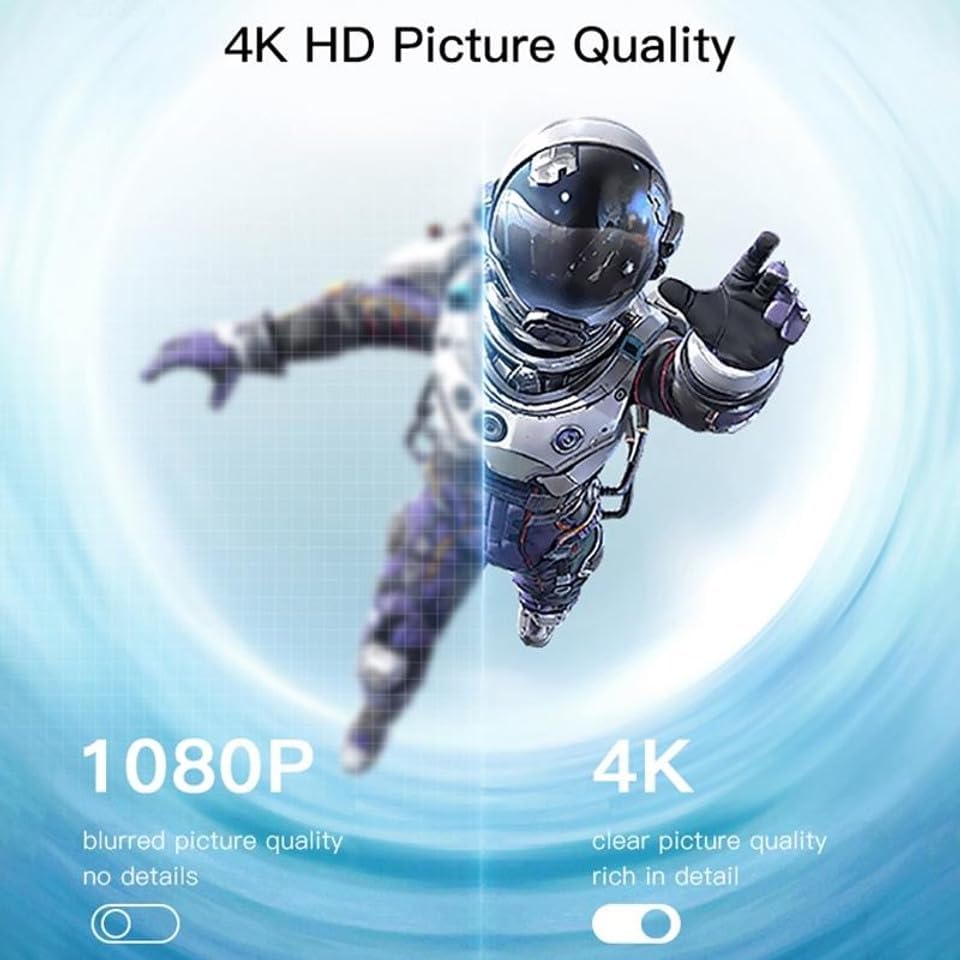
Image: A visual comparison demonstrating the difference between 1080P (blurred, no details) and 4K (clear, rich in detail) picture quality, highlighting the enhanced clarity offered by 4K resolution.
6.3 Horizontal and Vertical Screen Switching
The device supports flexible screen orientation, allowing you to switch between horizontal and vertical display modes freely, depending on your content and viewkeutamaan.

Image: Two display setups, one showing content in a standard horizontal landscape mode and the other in a vertical portrait mode, illustrating the device's ability to switch screen orientation.
7. Penyelenggaraan
- Bersihkan peranti dengan kain lembut dan kering. Jangan gunakan pembersih cecair atau aerosol.
- Pastikan peranti dicabut plag sebelum dibersihkan.
- Simpan peranti di tempat yang sejuk dan kering apabila tidak digunakan.
8. Penyelesaian masalah
- Tiada paparan di TV: Ensure the dongle is properly plugged into the HDMI port and receiving power. Check that the TV input source is set to the correct HDMI port.
- Sambungan/lag tidak stabil: Ensure the dongle's Wi-Fi antenna is positioned optimally. Reduce distance between the dongle and your Wi-Fi router/mirroring device. Check for interference from other wireless devices.
- Tidak dapat menyambung ke Wi-Fi: Double-check the Wi-Fi password. Ensure the dongle is within range of your router. Try restarting the dongle and your router.
- Tiada audio: Check the audio settings on your mirroring device and your TV. Ensure the TV's volume is not muted.
- Device not found for mirroring: Ensure your mirroring device's Wi-Fi is on and it's connected to the same network as the dongle (if applicable). Restart both devices.
9. Spesifikasi
| Ciri | Spesifikasi |
|---|---|
| Jenama | YESIDO |
| Model | TV10 4G |
| Jenis Penyambung | HDMI |
| warna | Hitam |
| Dimensi Item (L x W x H) | 50 x 30 x 40 mm |
| UPC | 723326980084 |
| Kesambungan Wayarles | WiFi 2.4G |
| Resolusi Maks | 4K HD |
10. Waranti dan Sokongan
Untuk maklumat jaminan dan sokongan teknikal, sila rujuk dokumentasi yang disediakan semasa pembelian atau hubungi peruncit anda. Simpan bukti pembelian anda untuk sebarang tuntutan jaminan.