
pengenalan
This manual provides detailed instructions for the installation, operation, and maintenance of your LongPlus 2K Battery Powered WiFi Security Camera. Please read this manual thoroughly before using the product to ensure proper functionality and safety. This camera is designed for both indoor and outdoor home security, offering high-quality video surveillance with advanced features.
Apa yang ada dalam Kotak
Sahkan bahawa semua komponen terdapat dalam pakej:
- Security Camera with Bracket
- Pek Skru
- Tetapkan Semula Jarum
- Kabel USB
- Panduan Mula Pantas
Ciri-ciri Utama
The LongPlus Security Camera is equipped with several advanced features to enhance your home security:
- 2K QHD Resolution and Color Night Vision: Captures high-quality 2K video and images, offering 50% higher definition than 1080P. Provides both full-color and infrared night vision up to 33ft.
- Rechargeable and IP65 Waterproof: 100% wireless design with a rechargeable battery providing 1 to 5 months of use per charge. IP65 waterproof rating ensures operation in various weather conditions.
- PIR Motion Detection with AI Analysis: Advanced AI motion detection intelligently recognizes people, vehicles, pets, and packages, sending real-time notifications to your phone.
- Two-Way Talk & Smart Instant Siren: Features a built-in microphone and speaker for real-time communication. Includes a siren and flashing white light for deterrence.
- Cloud/SD Storage Options: Supports local storage via Micro SD card (up to 128GB, not included) and complimentary 3-day rolling cloud storage.
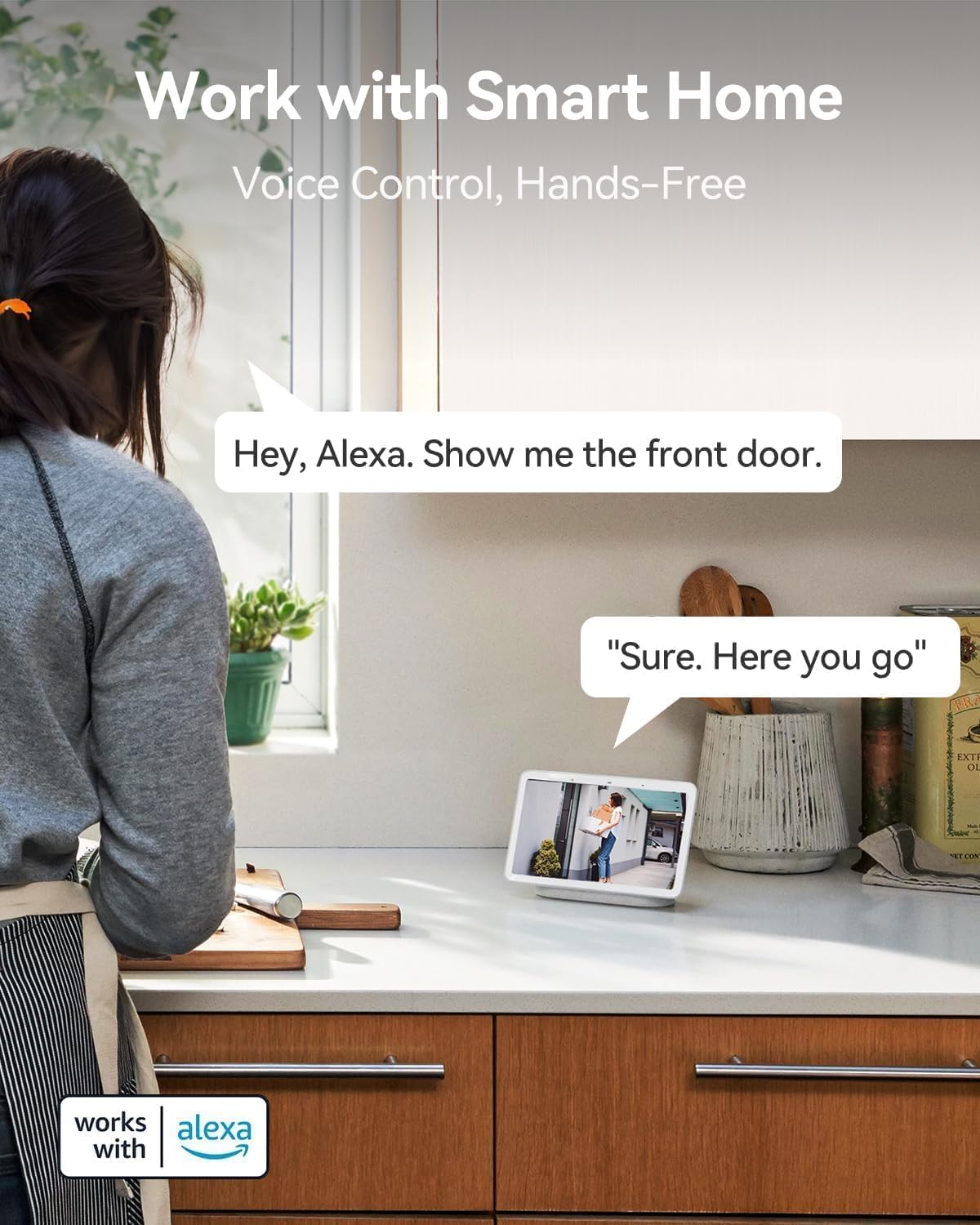
- Bekerja dengan Alexa: Seamless integration with Amazon Alexa for voice control and hands-free monitoring.


Panduan Persediaan
Follow these steps to set up your LongPlus Security Camera:
- Cas Kamera: Before first use, fully charge the camera using the provided USB cable. The charging indicator will show its status.
- Muat turun Apl: Cari untuk "Vicohome" in your smartphone's app store (iOS or Android) and download the application.
- Buat Akaun: Open the Vicohome app and follow the on-screen instructions to create a new user account.
- Tambah Peranti: In the app, tap the "+" icon to add a new device. Select your camera model from the list.
- Sambung ke Wi-Fi: Follow the app's instructions to connect the camera to your 2.4GHz Wi-Fi network. Note: This camera exclusively supports 2.4GHz Wi-Fi.
- Lekapkan Kamera: Choose a suitable location for installation. Use the provided bracket and screws to securely mount the camera. Ensure the camera has a clear field of view dan berada dalam julat Wi-Fi.
- Insert SD Card (Optional): If you wish to use local storage, insert a Micro SD card (up to 128GB) into the designated slot on the camera. Format the SD card through the app settings.
Arahan Operasi
Once set up, you can utilize the camera's features through the Vicohome app:
Langsung View
Open the Vicohome app and select your camera from the device list to access the live video feed. You can view foo masa nyatatage from anywhere, at any time.
Audio Dua Hala
Semasa dalam live view, tap the microphone icon in the app to enable two-way talk. You can speak through your phone, and your voice will be projected through the camera's speaker. Listen to audio from the camera through your phone's speaker.
Pengesanan Pergerakan dan Makluman
The camera's PIR sensor detects motion. When motion is detected, the camera will record an event and send a notification to your phone. You can customize motion detection sensitivity and alert zones within the app settings.
Mod Penglihatan Malam
The camera supports both full-color night vision and infrared night vision. You can switch between these modes in the app settings based on your preference and lighting conditions.
Pengurusan Storan
Recorded events are stored either on the inserted Micro SD card or in the cloud. You can access and review dirakam footage through the "Library" section of the Vicohome app. The free 3-day rolling cloud storage automatically overwrites older footage.
Integrasi Rumah Pintar
The camera works with Amazon Alexa. To enable this feature, link your Vicohome account with your Alexa app. You can then use voice commands like "Alexa, show me the front door" to view the camera feed on compatible Alexa devices.
Penyelenggaraan
Penyelenggaraan berkala memastikan prestasi optimum dan jangka hayat kamera anda:
- Pengecasan Bateri: Monitor the battery level in the Vicohome app. Recharge the camera promptly when the battery is low to avoid interruptions in surveillance.
- Pembersihan: Bersihkan kanta dan perumah kamera secara berkala dengan lembut, damp kain untuk menghilangkan habuk, kotoran atau comot yang boleh menjejaskan kualiti imej. Jangan gunakan bahan kimia yang keras.
- Kemas kini Firmware: Check the Vicohome app regularly for available firmware updates. Install updates to ensure your camera has the latest features, security patches, and performance improvements.
- Pengurusan Kad SD: If using an SD card, periodically check its status in the app. Consider backing up important footage before the card fills up or if you plan to replace it.
Menyelesaikan masalah
If you encounter issues with your LongPlus Security Camera, refer to the following common problems and solutions:
| Masalah | Kemungkinan Punca | Penyelesaian |
|---|---|---|
| Kamera tidak bersambung ke Wi-Fi | Incorrect Wi-Fi password; Camera too far from router; Only 5GHz Wi-Fi available. | Ensure correct 2.4GHz Wi-Fi password. Move camera closer to router. Verify your router supports 2.4GHz Wi-Fi. |
| Kualiti imej yang lemah | Kanta kotor; Keadaan cahaya malap; Isu lebar jalur rangkaian. | Clean the camera lens. Ensure adequate lighting or enable night vision. Check your Wi-Fi signal strength. |
| Pengesanan gerakan tidak berfungsi atau terlalu sensitif | Incorrect sensitivity settings; Obstructions in detection zone; Environmental factors. | Adjust motion detection sensitivity in the app. Clear any obstructions. Define specific alert zones to reduce false alarms. |
| Hayat bateri pendek | Frequent motion events; Live view usage; Cold weather. | Reduce motion detection sensitivity or frequency. Limit live view access. Battery performance can be affected by extreme cold. |
| tidak boleh view dirakam footage | SD card not inserted/formatted; Cloud storage expired; Network issues. | Ensure SD card is correctly inserted and formatted. Check cloud storage subscription status. Verify stable internet connection. |
| Audio dua hala tidak berfungsi | Microphone/speaker disabled in app; Volume too low; Network delay. | Check app settings to ensure microphone and speaker are enabled. Adjust volume levels. Ensure strong Wi-Fi signal. |
If the problem persists, please contact LongPlus customer support for further assistance.
Spesifikasi
Detailed technical specifications for the LongPlus Security Camera (Model X84):
| Ciri | Spesifikasi |
|---|---|
| Nombor Model | X84 |
| Resolusi | 2K QHD (1440p), 3 MP Effective Still Resolution |
| Ketersambungan | Tanpa Wayar (Wi-Fi 2.4GHz sahaja) |
| Sumber Kuasa | Dikuasakan Bateri (termasuk 1 bateri Lithium Ion) |
| Penggunaan Dalaman/Luar | Dalaman, Luaran |
| Penilaian Kalis Air | IP65 |
| Julat Penglihatan Malam | Sehingga 33 kaki |
| Viewsudut | 130 Darjah |
| Pilihan Storan | Mikro SD (sehingga 128GB), Storan Awan |
| Audio Dua Hala | ya |
| Pengesanan Pergerakan | PIR with AI Analysis (People, Vehicles, Pets, Packages) |
| Peranti Serasi | Smartphone (Vicohome App), Amazon Alexa |
| Dimensi (L x W x H) | 4 x 2 x 5 inci |
| Berat Barang | 12.6 auns |
| Kadar Bingkai | 15 bingkai sesaat |
| Voltage | 5 Volt |
| Wattage | 1 watt |
Waranti dan Sokongan
LongPlus provides a Waranti 2 tahun for this product, ensuring peace of mind regarding manufacturing defects and performance issues. Additionally, sokongan teknikal seumur hidup is available for all customers. If you have any inquiries, require assistance with setup, operation, or troubleshooting, or need to claim warranty service, please do not hesitate to contact LongPlus customer support. Refer to the Quick Start Guide or the Vicohome app for specific contact information.