
1. Pengenalan
Welcome to your new Fire-Boltt Maverick Smartwatch. This manual provides essential information for setting up, operating, and maintaining your device. Please read it carefully to ensure optimal performance and longevity of your smartwatch.
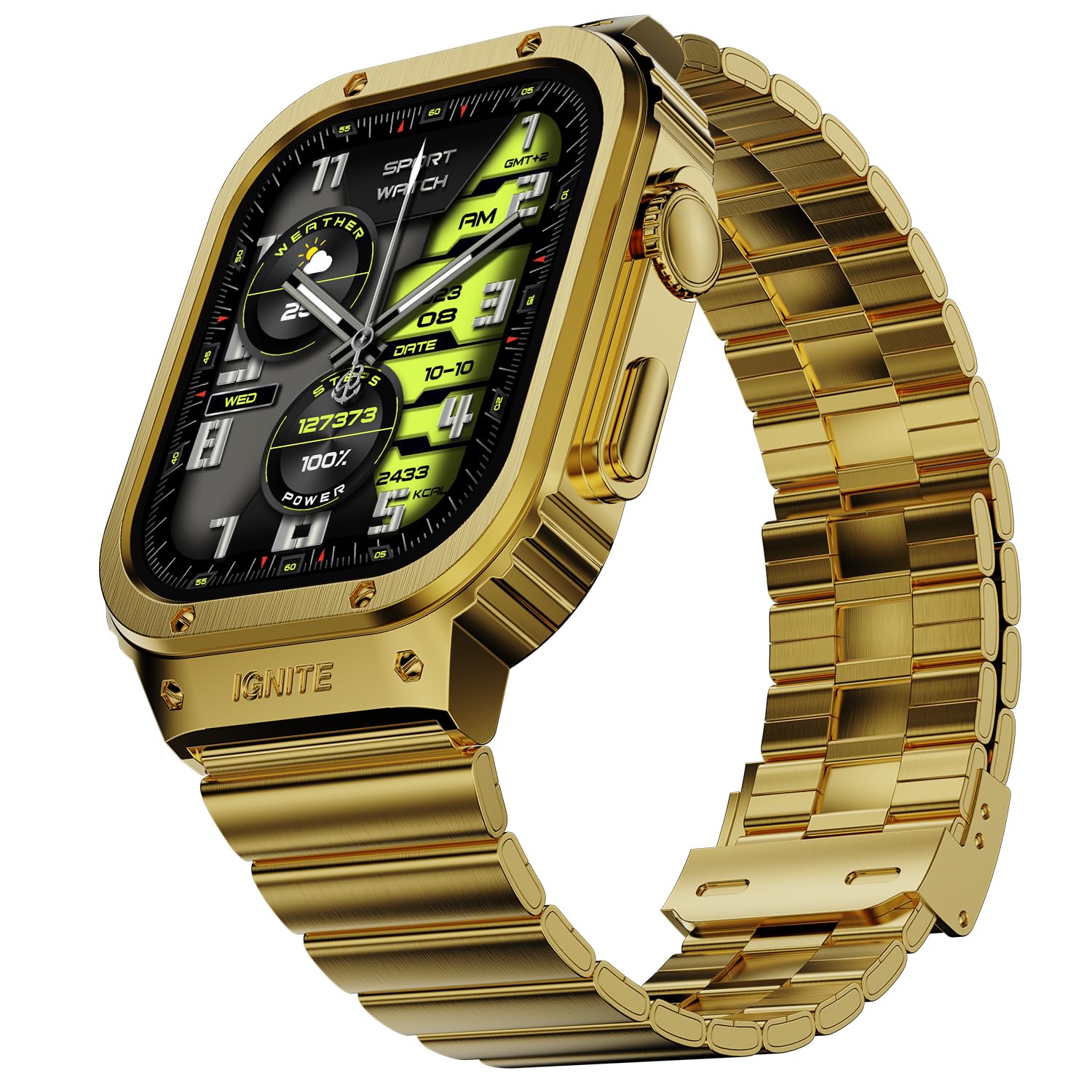
Image 1: Fire-Boltt Maverick Smartwatch, Gold variant.
2. Apa yang ada di dalam Kotak
Upon unboxing your Fire-Boltt Maverick Smartwatch, verify that all the following items are included:
- Fire-Boltt Maverick Smartwatch
- Kabel Pengecasan
- Kad Waranti
- Manual Pengguna (dokumen ini)

Image 2: Contents of the Fire-Boltt Maverick Smartwatch packaging.
3. Bermula
3.1. Mengecas Peranti
Before initial use, fully charge your smartwatch. Connect the provided charging cable to the charging port on the back of the watch and to a 3.7V to 5V adapter or a laptop USB port. A full charge takes approximately 3 hours. For a minimum 20% charge, charge for 30-40 minutes.
3.2. Berpasangan dengan Telefon Pintar Anda
To unlock the full functionality of your Fire-Boltt Maverick Smartwatch, pair it with your smartphone via the dedicated companion application. The application name can typically be found in the quick start guide or by scanning a QR code on the watch or packaging.
- Download and install the companion app on your Android smartphone.
- Pastikan Bluetooth didayakan pada telefon pintar anda.
- Open the app and follow the on-screen instructions to search for and connect to your Fire-Boltt Maverick Smartwatch.
- Sahkan permintaan pasangan pada telefon dan jam tangan pintar anda.
4. Mengendalikan Jam Pintar Anda
4.1. Paparan dan Navigasi
The Fire-Boltt Maverick features a 2.02-inch IPS display with 320x385 pixel resolution and up to 700 Nits brightness for clear visuals. Navigate through menus and features using touch gestures and the physical buttons, including a rotating crown.

Imej 3: Terperinci view of the smartwatch display specifications.
4.2. Ciri-ciri Komunikasi
- Panggilan Bluetooth: Make and receive calls directly from your wrist using the built-in microphone and speaker. Access recent calls, a dial pad, and sync contacts through the watch interface.
- Pembantu Suara: Interact with your smartwatch using voice commands. The watch supports voice assistance for various tasks.
- Pemberitahuan Pintar: Terima makluman untuk panggilan, mesej dan pemberitahuan aplikasi terus pada pergelangan tangan anda.

Image 4: Bluetooth Calling interface on the smartwatch.

Image 5: Smart Notifications and Voice Assistant features.
4.3. Pemantauan Kesihatan
The Fire-Boltt Health Suite provides comprehensive health tracking features:
- Penjejakan Kadar Jantung: Pantau kadar denyutan jantung anda sepanjang hari.
- Pemantauan SpO2: Ukur tahap oksigen darah anda.
- Pemantauan Tidur: Pantau corak dan kualiti tidur anda.
- Langkah & Kalori: Count your steps and estimate calories burned.
- Tekanan darah: Pantau tekanan darah anda.
- Female Health Care: Ciri penjejakan khusus untuk kesihatan wanita.
- Peringatan Sedentari: Dapatkan makluman untuk bergerak selepas tempoh tidak aktif.
- Peringatan Air Minum: Receive reminders to stay hydrated.
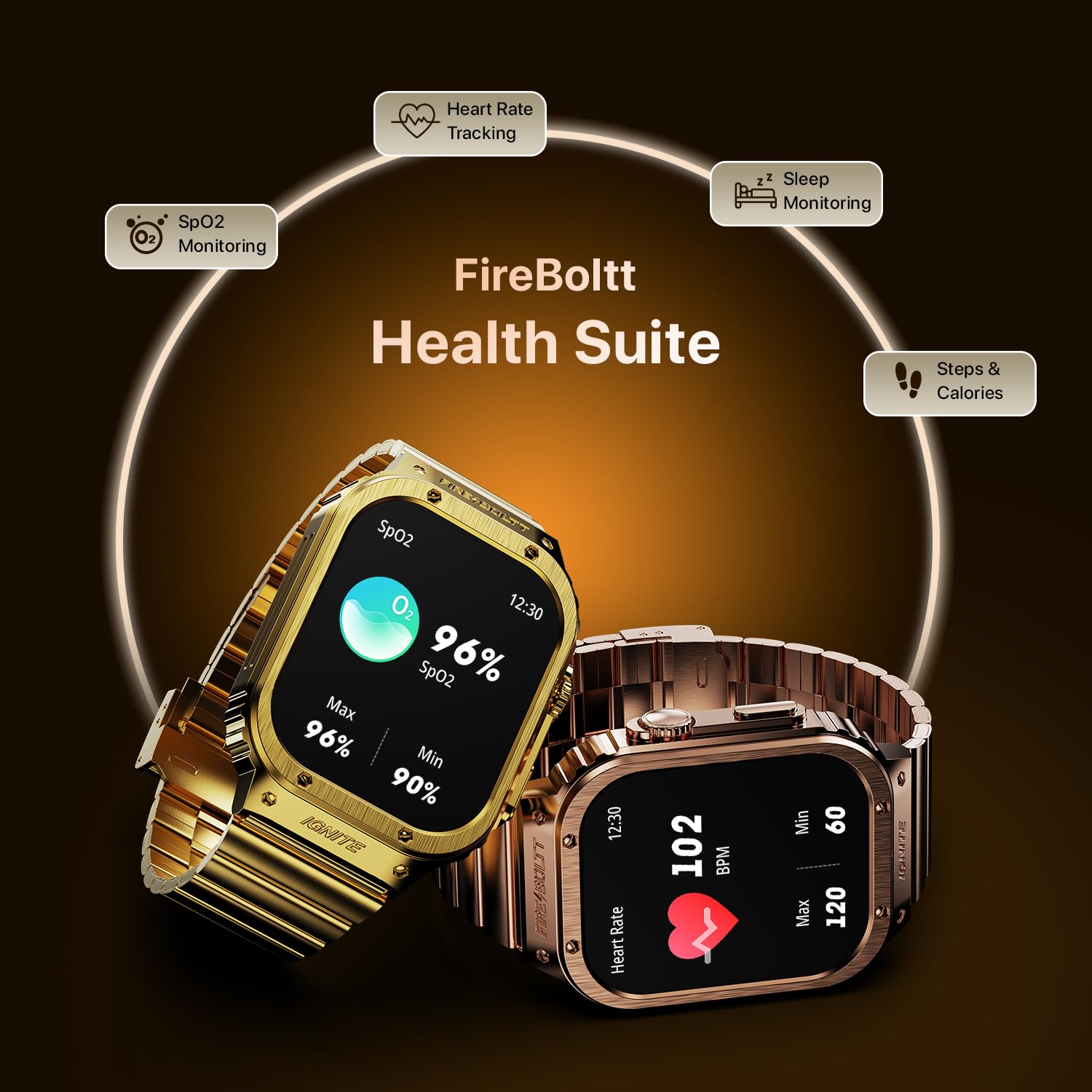
Image 6: Health monitoring features including SpO2 and Heart Rate.
4.4. Penjejakan Kecergasan
The smartwatch supports 128 sports modes to track various physical activities, helping you monitor and optimize your workouts.
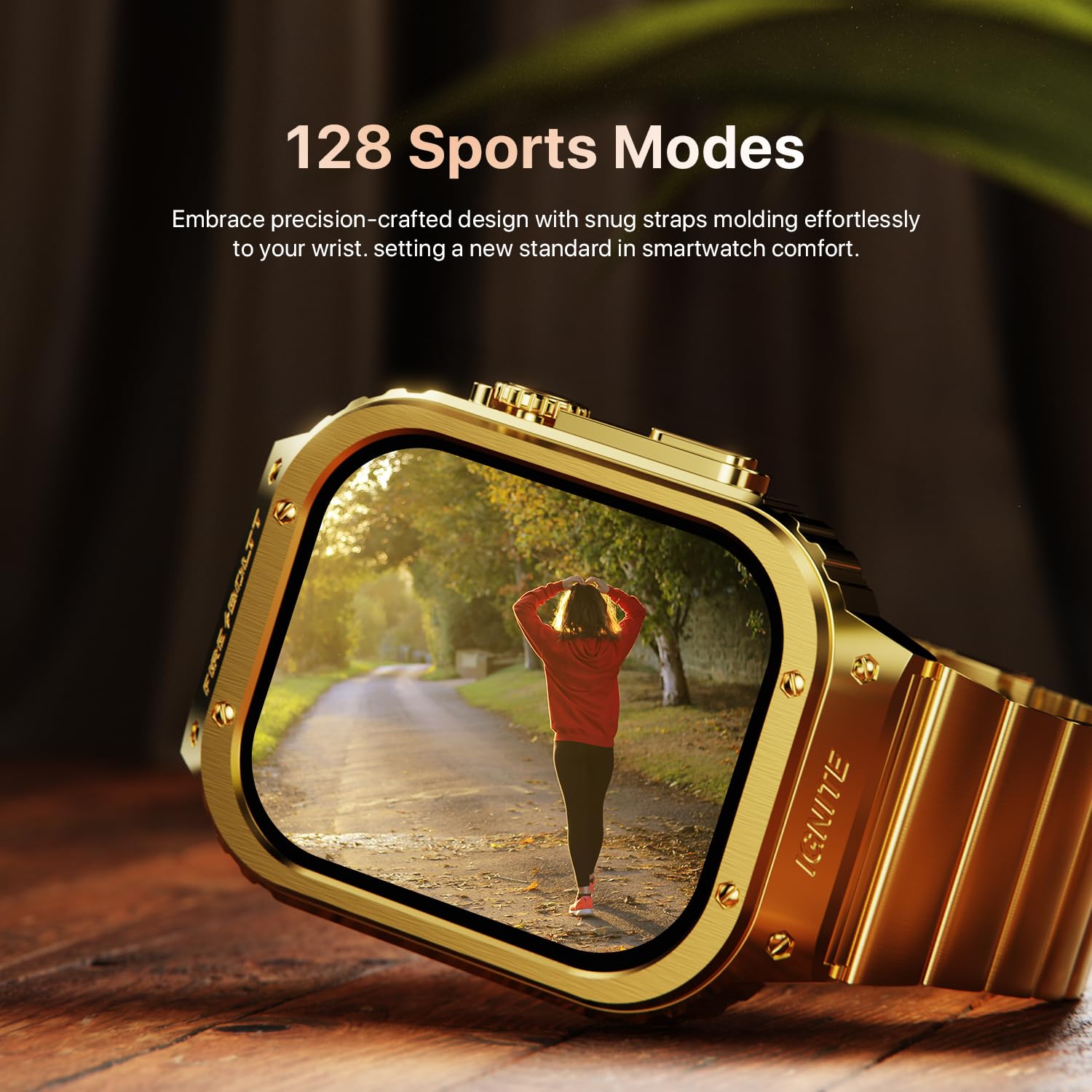
Image 7: Smartwatch interface showing various sports modes.
4.5. Ciri-ciri Tambahan
- Kemas Kini Cuaca: Dapatkan ramalan cuaca masa nyata.
- Kalkulator: Lakukan pengiraan asas pada pergelangan tangan anda.
- Permainan Terbina: Enjoy pre-installed games.
- Kawalan Kamera: Kawal kamera telefon pintar anda dari jauh.
- Penggera, Jam randik, Pemasa: Alat pengurusan masa yang penting.
- Multiple Watch Faces: Customize your watch's appearance with various watch faces.
- Cari Telefon: Cari telefon pintar berpasangan anda.

Imej 8: Selesaiview of additional smart features.
5. Maklumat Bateri
The Fire-Boltt Maverick Smartwatch is equipped with a 300mAh Lithium-Ion battery. It offers an average battery life of 5 days with typical usage and up to 30 days on standby. Charging from 0% to 100% takes approximately 3 hours.

Image 9: Smartwatch build quality and battery details.
6. Penjagaan dan Penyelenggaraan
The Fire-Boltt Maverick Smartwatch has an IP67 rating, making it water-resistant. This means it can withstand splashes, rain, and brief immersion in water up to 1 meter. However, it is not recommended for swimming or showering. To maintain your device:
- Wipe the watch regularly with a soft, dry cloth.
- Elakkan mendedahkan jam tangan kepada suhu yang melampau atau bahan kimia yang keras.
- Pastikan port pengecasan kering sebelum mengecas.
7. Penyelesaian masalah
If you encounter issues with your smartwatch, try the following:
- Tonton tidak dihidupkan: Pastikan jam tangan dicas sepenuhnya.
- Tidak boleh berpasangan dengan telefon: Check if Bluetooth is enabled on your phone and the watch is within range. Restart both devices and try pairing again.
- Data kesihatan tidak tepat: Ensure the watch is worn snugly on your wrist and the sensors are clean.
- Pemberitahuan tidak muncul: Check app permissions on your phone and ensure notifications are enabled in the companion app.
8. Spesifikasi
Key technical specifications for the Fire-Boltt Maverick Smartwatch:
| Ciri | Spesifikasi |
|---|---|
| Nama Model | Maverick |
| Nombor Model | BSW177 |
| Saiz Paparan | 2.02 inci (51.3mm) |
| Jenis Paparan | IPS LCD |
| Resolusi | 320 x 385 piksel |
| Max Display Brightness | 700 Nit |
| Ketersambungan | Bluetooth |
| Kapasiti Bateri | 300 mAh Litium-Ion |
| Hayat Bateri (Purata) | 5 Hari |
| Hayat Bateri (Bersedia) | 30 Hari |
| Masa Mengecas | 3 Jam |
| Tahan Air | Nilai IP67 |
| Bahan Kes | Aloi Zink |
| Bahan Band | Keluli Tahan Karat |
| Dimensi Jam Tangan | 56.7mm x 41.9mm |
| Lebar Jalur | 22mm |
| Panjang Jalur | 275mm |
| Berat badan | 250 Gram |
| Peranti Serasi | Telefon Pintar Android |
| Metrik Diukur | Heart Rate, SpO2, Blood Pressure, Sleep, Steps, Calories, Distance, Breath Rate |

Image 10: Smartwatch size chart and dimensions.
9. Waranti dan Sokongan
Your Fire-Boltt Maverick Smartwatch comes with a 1-year limited brand warranty. For warranty registration and support, please visit the official Fire-Boltt warranty registration portal:
For further assistance, refer to the contact information provided on your warranty card or the official Fire-Boltt webtapak.