
1. Pengenalan
Thank you for choosing the Zeblaze Crystal 3 Smartwatch. This manual provides essential information for setting up, operating, maintaining, and troubleshooting your device. Please read it carefully to ensure proper use and optimal performance.
2. Produk Lebihview
The Zeblaze Crystal 3 is a versatile smartwatch designed for fitness tracking and daily use. It features a vibrant HD color display and high-precision sensors to monitor various health metrics.
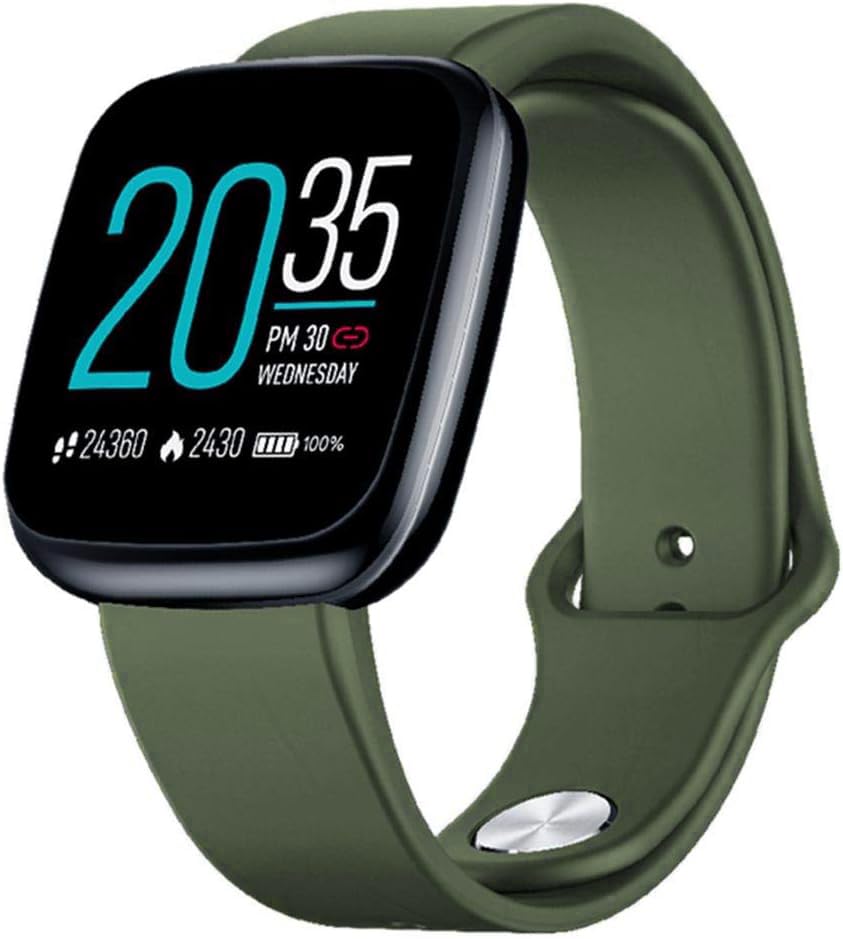
Image: Zeblaze Crystal 3 Smartwatch, showing the main display and green strap.
Ciri-ciri Utama:
- Skrin Warna HD 1.3 inci: A vibrant IPS display with 240x240 pixel resolution for clear visuals.
- Penderia Ketepatan Tinggi: Equipped with a heart rate sensor, proximity sensor, and accelerometer for accurate data collection.
- Tahan Air IP67: Designed to withstand daily water exposure, such as splashes and rain.
- Hayat Bateri yang Panjang: Up to 7 days of use on a single 2-hour charge, thanks to its 200 mAh battery.
- Penjejakan Aktiviti: Monitors steps, distance, calories burned, and supports various sports modes.
- Pemantauan Kesihatan: Includes heart rate and sleep tracking.
- Keserasian Telefon Pintar: Works with Android 4.4 or newer and iOS 8.0 or newer devices.
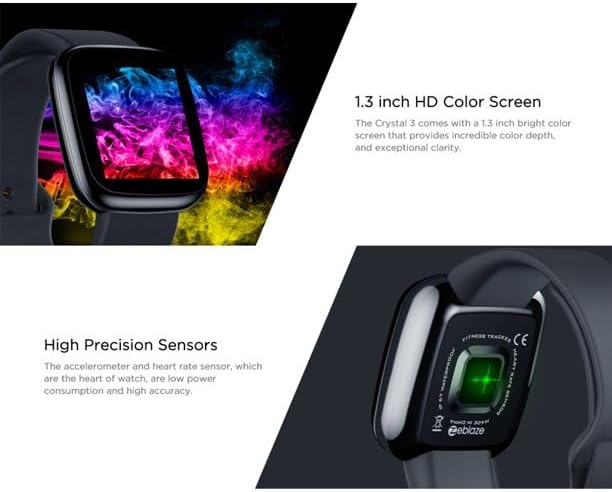
Image: Close-up of the 1.3-inch HD color screen and the high-precision heart rate sensor on the back of the watch.
3. Persediaan
3.1 Mengecas Jam Pintar
Before first use, fully charge your Zeblaze Crystal 3. Connect the charging cable to the watch's charging port and a USB power source (e.g., computer USB port or a 5V/1A USB adapter). A full charge typically takes about 2 hours.
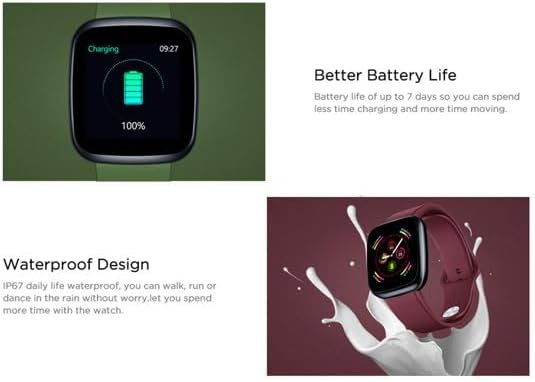
Image: Illustration showing how to connect the smartwatch to a USB port for charging.
3.2 Pemasangan Apl dan Berpasangan
- Muat turun Apl: Cari untuk the official Zeblaze companion app on your smartphone's app store (Google Play Store for Android or Apple App Store for iOS).
- Buat Akaun: Buka apl dan ikut arahan pada skrin untuk membuat akaun atau log masuk.
- Pasangkan Peranti: Ensure Bluetooth is enabled on your smartphone. In the app, navigate to the device pairing section and select "Zeblaze Crystal 3" from the list of available devices. Confirm the pairing request on both your phone and the smartwatch.
- Profile Persediaan: Lengkapkan pro peribadi andafile within the app to ensure accurate tracking of health and fitness data.
4. Arahan Operasi
4.1 Navigasi Asas
- Skrin Bangun: Angkat pergelangan tangan anda atau tekan butang sisi untuk membangunkan skrin.
- Leret ke atas/bawah: Access notifications or quick settings.
- Leret Kiri/Kanan: Navigate through different functions and widgets (e.g., heart rate, activity data, weather).
- Ketik: Pilih item atau sahkan tindakan.
- Tekan lama: On the main watch face, long press to change watch faces.
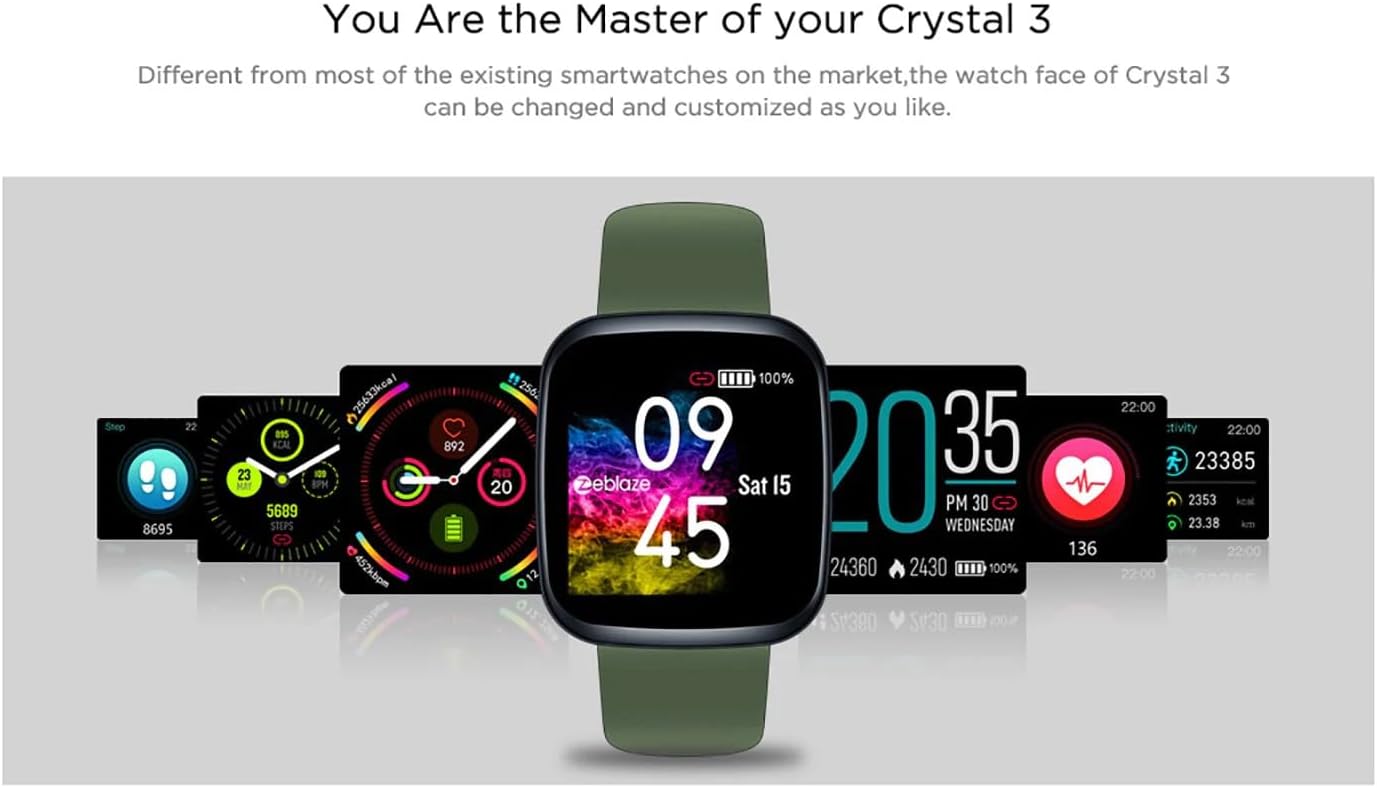
Image: The Zeblaze Crystal 3 displaying different customizable watch faces and data screens.
4.2 Pengesanan Aktiviti
The smartwatch automatically tracks your daily steps, distance, and calories burned. You can view this data directly on the watch or in more detail within the companion app.
4.3 Pemantauan Kadar Jantung
The built-in heart rate sensor continuously monitors your heart rate. Ensure the watch is worn snugly on your wrist for accurate readings. View your current and historical heart rate data in the app.
4.4 Pemantauan Tidur
Wear the smartwatch to bed to track your sleep patterns. The device records sleep duration and quality, which can be reviewed in the app to help you understand and improve your sleep habits.
5. Penyelenggaraan
5.1 Membersihkan Peranti
Regularly clean your smartwatch and strap to prevent skin irritation and maintain functionality. Use a soft, damp kain untuk mengelap skrin dan tali. Elakkan penggunaan bahan kimia yang keras atau bahan yang kasar.
5.2 Rintangan Air (IP67)
The Zeblaze Crystal 3 is IP67 water-resistant, meaning it is protected against dust and can withstand immersion in water up to 1 meter for up to 30 minutes. It is suitable for daily use, such as washing hands, rain, or light splashes. It is not recommended for swimming, showering with hot water, or diving.

Image: Illustration highlighting the waterproof design of the Zeblaze Crystal 3 Smartwatch.
5.3 Penjagaan Bateri
- Elakkan suhu yang melampau, yang boleh merendahkan hayat bateri.
- Jangan biarkan peranti dalam keadaan nyahcas sepenuhnya untuk tempoh yang lama.
- Gunakan hanya kabel pengecasan yang disediakan atau setara yang diperakui.
6. Penyelesaian masalah
6.1 Peranti Tidak Dihidupkan
- Pastikan peranti dicas sepenuhnya. Sambungkannya ke pengecas selama sekurang-kurangnya 30 minit.
- Try pressing and holding the side button for 10-15 seconds to force a restart.
6.2 Tidak Dapat Dipasangkan dengan Telefon Pintar
- Make sure Bluetooth is enabled on your phone and the smartwatch is within range.
- Mulakan semula telefon pintar dan jam tangan pintar anda.
- Semak sama ada apl dikemas kini kepada versi terkini.
- Forget the device from your phone's Bluetooth settings and try pairing again through the app.
6.3 Inaccurate Heart Rate/Activity Data
- Pastikan jam tangan dipakai dengan kemas di pergelangan tangan anda, tidak terlalu ketat atau terlalu longgar.
- Bersihkan penderia di belakang jam tangan.
- Update the smartwatch firmware via the companion app if an update is available.
7. Spesifikasi
| Ciri | Perincian |
|---|---|
| Jenama | Zeblaze |
| Nama Model | Kristal 3 |
| Paparan | Skrin Warna IPS 1.3 inci |
| Resolusi | 240*240 piksel |
| Penderia | Heart Rate Sensor, Proximity Sensor, Accelerometer |
| Tahan Air | IP67 |
| Kapasiti Bateri | 200 mAh |
| Masa Mengecas | lebih kurang 2 jam |
| Hayat Bateri | Sehingga 7 hari |
| Keserasian | Android 4.4+ / iOS 8.0+ |
| Dimensi | 4.05 x 3.55 x 1.2 cm (1.59 x 1.39 x 0.47 inci) |
| Berat badan | 27 gram (0.95 auns) |
| Ketersambungan | Bluetooth (for app pairing), USB (for charging) |
| Ciri Khas | Activity Tracker, Heart Rate Monitor, Sleep Monitor |
8. Waranti dan Sokongan
For warranty information and customer support, please refer to the documentation included with your purchase or visit the official Zeblaze website. If you encounter any issues not covered in this manual, please contact Zeblaze customer service for assistance.