
1. Pengenalan
The PNI PMR R70 PRO is a portable PMR446 radio designed for reliable communication. This device operates on the 446 MHz frequency band, offering 16 channels and 99 PC programmable channels. It features 50 CTCSS tones and 166 DCS tones for enhanced privacy and interference reduction. With an IP67 rating, the radio is protected against dust and water immersion, making it suitable for various environments. No license is required for operation in most European Union countries.
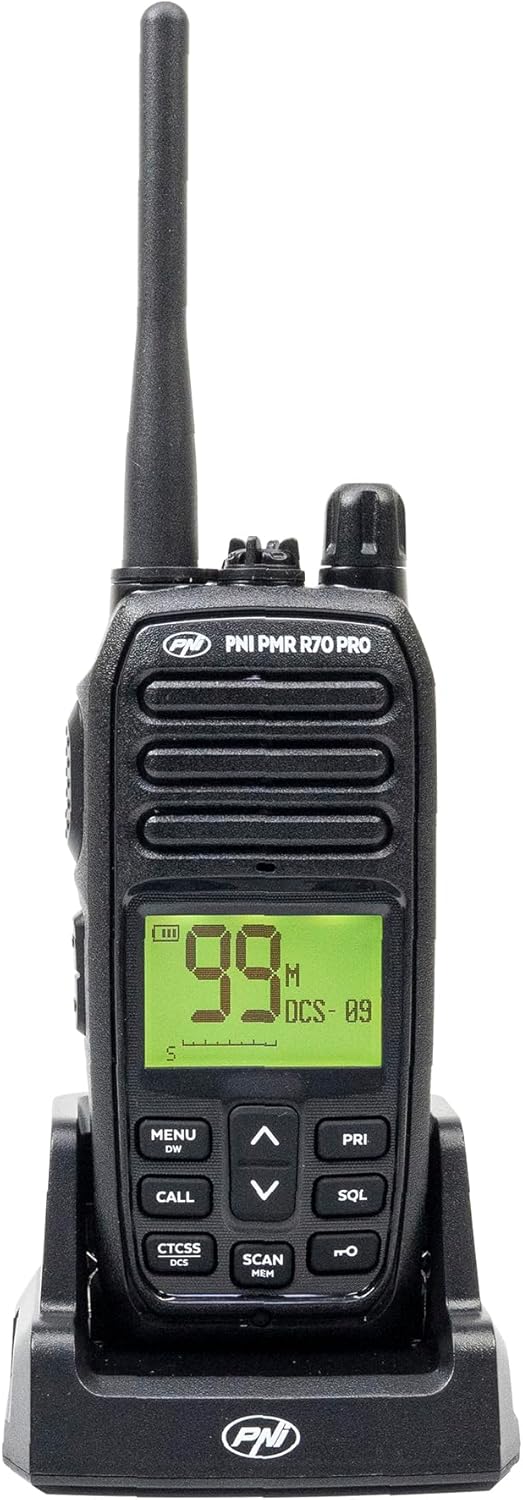
Imej 1.1: Depan view of the PNI PMR R70 PRO portable radio, showing the display and control buttons.
2. Kandungan Pakej
Sahkan bahawa semua item yang disenaraikan di bawah disertakan dalam pakej anda:
- PNI PMR R70 PRO Radio Unit
- Antena
- Bateri 1800 mAh
- Pengecas Desktop
- Klip Tali Pinggang
- Panduan Pengguna
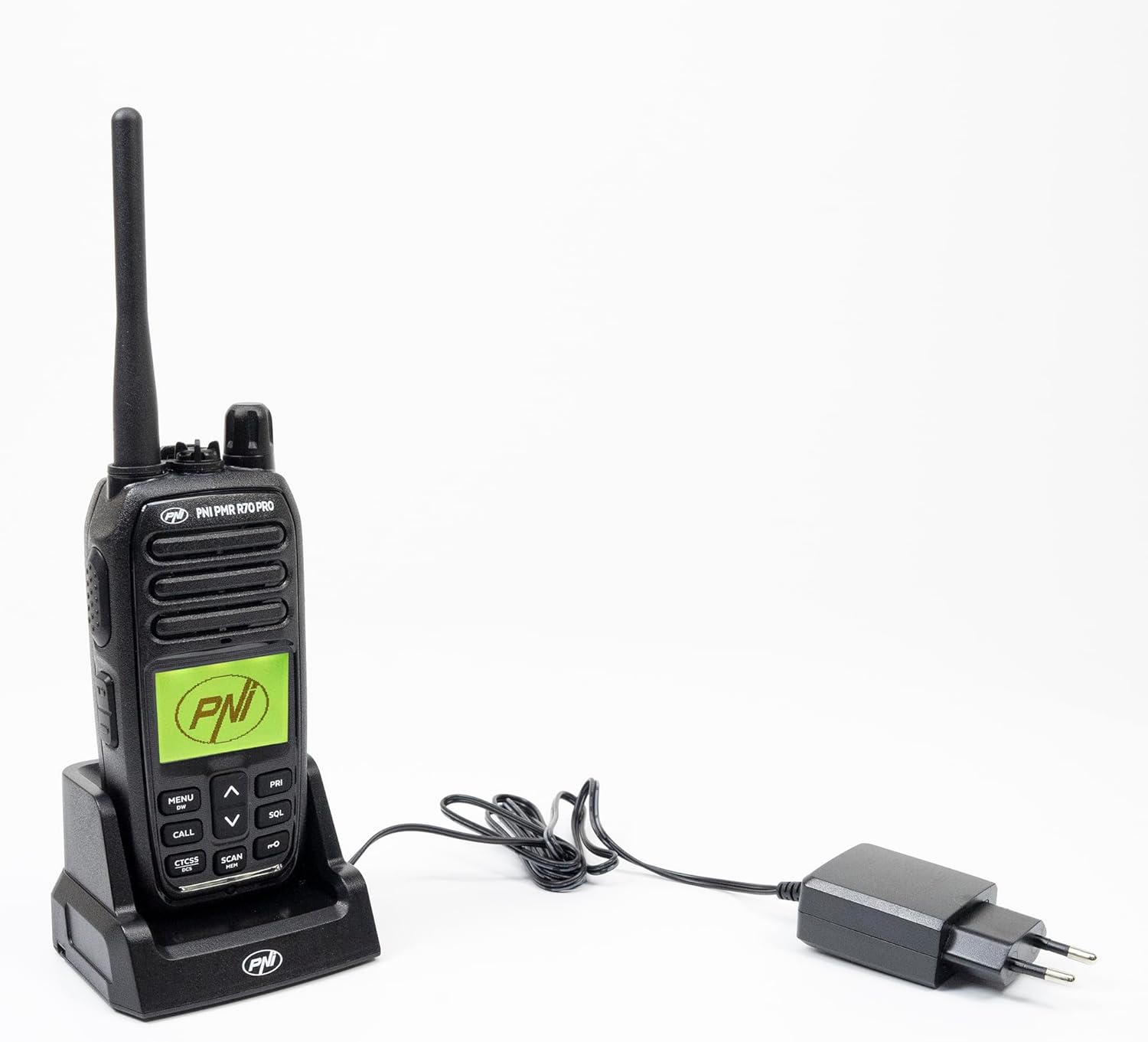
Image 2.1: All components included in the PNI PMR R70 PRO package: radio, antenna, battery, desktop charger, and belt clip.
3. Persediaan
3.1 Pemasangan Bateri
- Pastikan radio dimatikan.
- Cari penutup petak bateri di belakang radio.
- Unscrew the retaining screw and carefully remove the cover.
- Insert the 1800 mAh battery into the compartment, ensuring the contacts align correctly.
- Gantikan penutup petak bateri dan kencangkannya dengan skru.

Imej 3.1: Belakang view of the PNI PMR R70 PRO radio with the battery compartment open, showing the battery and its connection.
3.2 Mengecas Bateri
- Sambungkan pengecas desktop ke soket kuasa.
- Place the radio unit into the charging cradle. Ensure the charging contacts on the radio align with those on the charger.
- The charging indicator light on the charger will illuminate, typically red for charging and green for fully charged.
- Pengecasan penuh biasanya mengambil masa beberapa jam. Jangan cas bateri secara berlebihan.
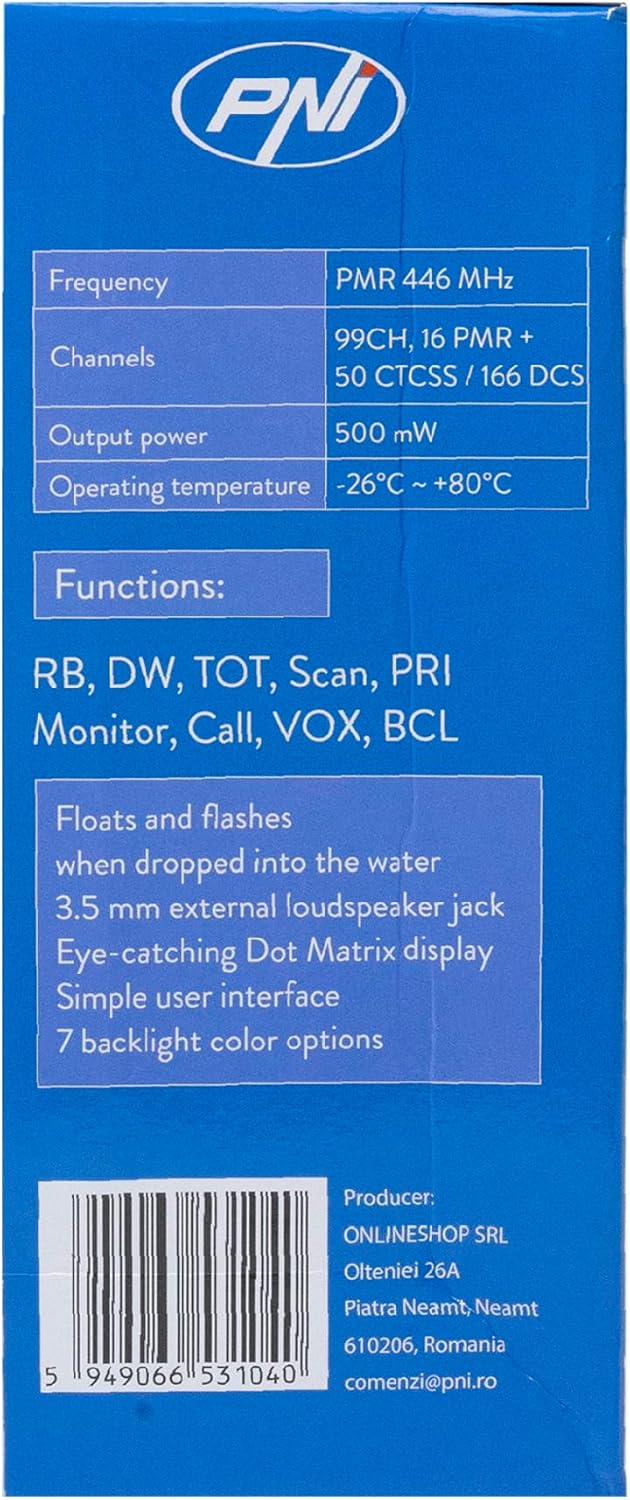
Image 3.2: The PNI PMR R70 PRO radio placed in its desktop charging cradle, connected to a power adapter.
4. Arahan Operasi
4.1 Hidupkan/Mati Kuasa
Untuk menghidupkan radio, putar tombol kuasa/kelantangan mengikut arah jam sehingga anda mendengar bunyi klik. Untuk mematikan radio, putar tombol lawan arah jam sehingga ia berbunyi klik.
4.2 Pelarasan Kelantangan
Putar tombol kuasa/isipadu mengikut arah jam untuk meningkatkan kelantangan dan lawan arah jam untuk mengurangkannya.
4.3 Pemilihan Saluran
Gunakan UP (^) dan BAWAH (v) arrow buttons on the front panel to select one of the 16 available channels. The selected channel number will be displayed on the screen.
4.4 Menghantar dan Menerima
- Untuk Menghantar: Press and hold the Push-To-Talk (PTT) button located on the side of the radio. Speak clearly into the microphone. Release the PTT button to stop transmitting.
- Untuk Menerima: Pastikan butang PTT tidak ditekan. Radio akan menerima isyarat secara automatik pada saluran yang dipilih.
4.5 Ciri Istimewa
- Nada CTCSS/DCS: The radio supports 50 CTCSS (Continuous Tone-Coded Squelch System) and 166 DCS (Digitally Coded Squelch) tones. These tones help filter out unwanted conversations on the same channel. Refer to the full user guide for programming instructions.
- Fungsi Imbasan: Activate the scan function to monitor all active channels. The radio will stop on an active channel until the transmission ends.
- Jam Tangan Berganda (DW): This feature allows the radio to monitor two channels simultaneously.
- Bunyi Roger: An audible tone emitted when the PTT button is released, signaling the end of your transmission.
- Kunci Pad Kekunci: Menghalang perubahan tidak sengaja pada tetapan.
- PC Programmable Channels: The radio supports 99 PC programmable channels. This requires a specific programming cable (PNI - PSR70) and software.

Image 4.1: The PNI PMR R70 PRO radio connected to a laptop via a programming cable for channel and feature customization.
5. Penyelenggaraan
5.1 Pembersihan
Lap radio dengan lembut, damp kain. Jangan gunakan bahan kimia yang keras atau pembersih yang kasar. Pastikan radio kering sebelum digunakan atau dicas.
5.2 Rintangan Air (IP67)
The PNI PMR R70 PRO is rated IP67, meaning it is fully protected against dust ingress and can withstand immersion in water up to 1 meter for 30 minutes. While robust, avoid unnecessary exposure to water and ensure all covers (e.g., battery cover, accessory port cover) are securely closed before exposing the radio to water.

Image 5.1: The PNI PMR R70 PRO radio with water droplets, illustrating its IP67 water resistance feature.
6. Penyelesaian masalah
If you encounter issues with your PNI PMR R70 PRO radio, consider the following common troubleshooting steps:
- Tiada Kuasa: Pastikan bateri dipasang dengan betul dan dicas sepenuhnya. Pastikan tombol kuasa/kelantangan dihidupkan.
- Tidak Boleh Menghantar atau Menerima: Verify that you are on the correct channel. Check if the PTT button is functioning. Ensure the antenna is securely attached.
- Kualiti Audio Lemah: Adjust the volume. Ensure the microphone and speaker are not obstructed. Move to an area with fewer obstructions for better signal.
- Julat Pendek: Obstacles like buildings and terrain can significantly reduce range. Operate in open areas for maximum range. Ensure the battery is fully charged.
- Pad kekunci Tidak Responsif: Check if the keypad lock feature is activated. Deactivate it if necessary.
For persistent issues, consult the comprehensive user guide or contact customer support.
7. Spesifikasi
| Ciri | Spesifikasi |
|---|---|
| Jenama | PNI |
| Nombor Model | PNI-R70-PRO |
| Julat Kekerapan | 446.00625 ~ 446.19375 MHz |
| Bilangan Saluran | 16 (PMR), 99 PC Programmable |
| Kuasa Keluaran | 0.5 W |
| Nada CTCSS | 50 |
| DCS Tones | 166 |
| Penilaian Perlindungan Antarabangsa | IP67 (Dustproof, Submersible up to 1m for 30 min) |
| Bateri | 1800 mAh (included) |
| Purata Hayat Bateri | 18 jam |
| Voltage | 7.4 Volt (DC) |
| Julat Maksimum | Up to 10 Kilometers (open space) |
| Suhu Operasi | -26°C ~ +80°C |
| Dimensi Produk (D x W x H) | 6P x 13l x 4H sentimeter |
| Berat Barang | 225 Gram |
| Ciri Khas | Digital Display, Rechargeable, Roger Beep, Submersible, Keypad Lock |
8. Waranti dan Sokongan
8.1 Maklumat Waranti
The PNI PMR R70 PRO radio comes with a Waranti 2 tahun dari tarikh pembelian. Waranti ini meliputi kecacatan pembuatan di bawah penggunaan biasa. Sila simpan bukti pembelian anda untuk tuntutan waranti.
8.2 Sokongan Pelanggan
For technical assistance, troubleshooting, or warranty service, please contact your retailer or the manufacturer's customer support. Refer to the contact information provided in your purchase documentation.