
T800
T800 Ultra Smartwatch User Manual
Model: T800
1. Pengenalan
Welcome to the T800 Ultra Smartwatch user manual. This guide provides comprehensive instructions for setting up, operating, and maintaining your new smartwatch. The T800 Ultra seamlessly blends advanced technology with a timeless design, offering a sophisticated and functional experience. It features a larger, brighter display, deep water resistance, video control assistant, fast wireless charging, Bluetooth connectivity, and NFC capabilities.
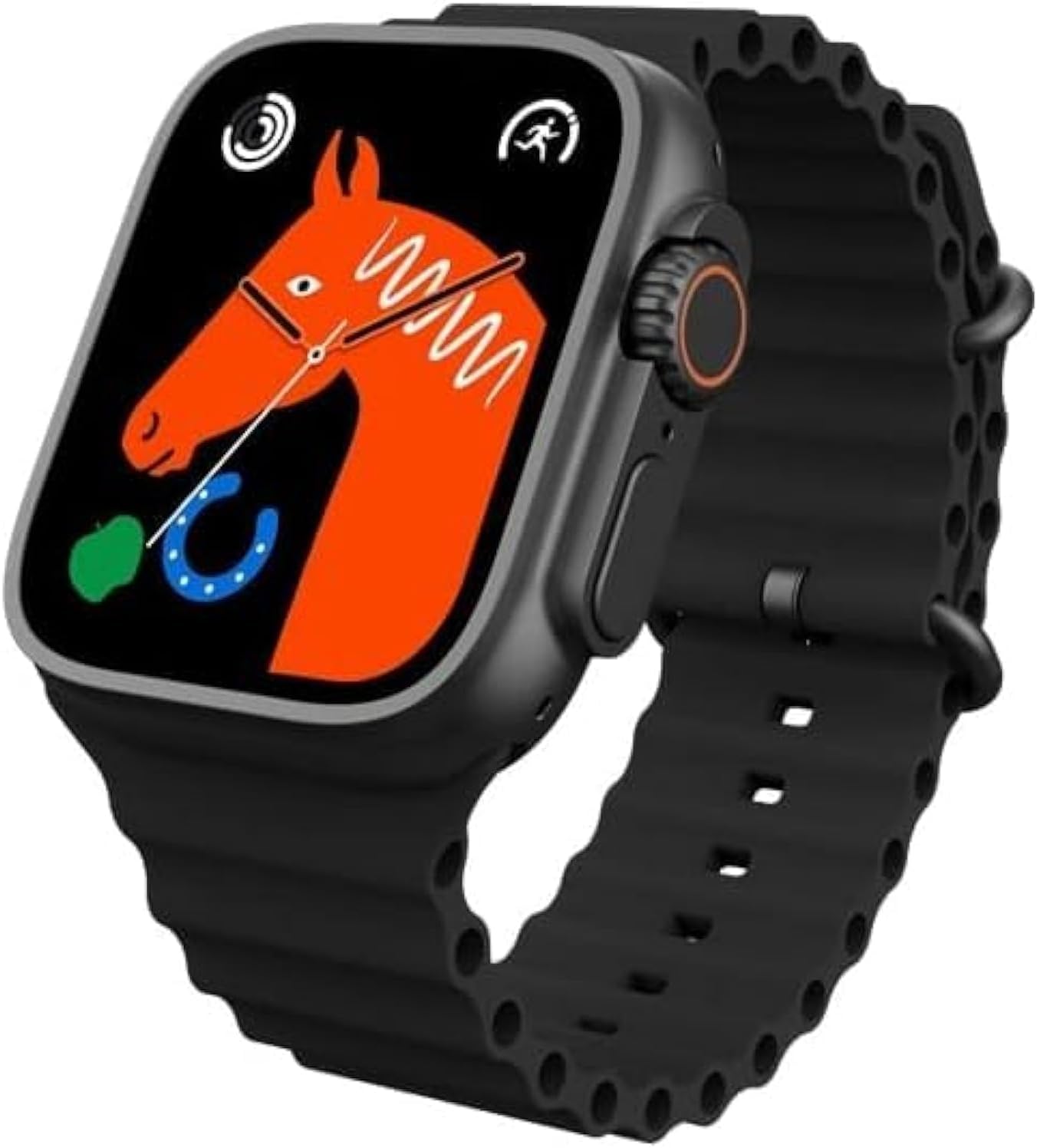
Figure 1: T800 Ultra Smartwatch, front view dengan paparan.
2. Maklumat Keselamatan
- Jangan dedahkan peranti kepada suhu yang melampau atau cahaya matahari langsung untuk tempoh yang lama.
- Elakkan daripada menjatuhkan atau menyebabkan peranti ini mengalami hentaman yang teruk.
- Jauhkan peranti daripada medan magnet yang kuat.
- Gunakan hanya kabel pengecas dan penyesuai yang disediakan untuk mengelakkan kerosakan.
- While water-resistant, avoid prolonged submersion or use in hot water (e.g., hot showers, saunas).
- Jangan cuba membuka atau membaiki peranti sendiri. Hubungi sokongan pelanggan untuk mendapatkan bantuan.
3. Produk Lebihview
The T800 Ultra Smartwatch features a sleek design with a responsive touch screen and physical buttons for easy navigation. Key components include:
- paparan: Large, bright, and customizable digital screen.
- Crown/Button: Untuk navigasi dan pemilihan.
- Butang Sisi: For quick access to functions.
- Penderia Kadar Jantung: Terletak di bahagian belakang untuk pemantauan kesihatan.
- Mengecas Kenalan: For wireless charging.
4. Persediaan
4.1. Mengecas Peranti
Before first use, fully charge your T800 Ultra Smartwatch. The device supports fast wireless charging.
- Place the smartwatch on the wireless charging pad.
- Ensure the charging contacts on the watch align with the charging area on the pad.
- Paparan jam tangan akan menunjukkan status pengecasan. Cas penuh biasanya mengambil masa kira-kira 2 jam.
4.2. Hidupkan/Mati Kuasa
- Untuk Menghidupkan: Tekan dan tahan butang sisi sehingga skrin menyala.
- Untuk Mematikan: Tekan dan tahan butang sisi, kemudian pilih "Matikan Kuasa" pada skrin.
4.3. Berpasangan dengan Telefon Pintar Anda
To unlock the full potential of your T800 Ultra, pair it with your smartphone via Bluetooth.
- Download the companion app (check the watch manual or packaging for app name, typically found via QR code on the watch or in the box) from your smartphone's app store.
- Dayakan Bluetooth pada telefon pintar anda.
- Open the companion app and follow the on-screen instructions to add your device.
- On your T800 Ultra, navigate to the Bluetooth settings and ensure it is discoverable.
- Select your T800 Ultra from the list of available devices in the app to complete pairing.
5. Arahan Operasi
5.1. Menavigasi Antara Muka
The T800 Ultra features an intuitive touch interface and physical buttons for seamless interaction.
- Leret ke atas/bawah: Tatal melalui menu dan pemberitahuan.
- Leret Kiri/Kanan: Akses widget atau tetapan pantas yang berbeza.
- Ketik: Pilih item atau buka aplikasi.
- Press Crown: Return to the home screen or access the app list.
- Tekan Butang Sisi: Typically for power options or a customizable shortcut.
5.2. Menyesuaikan Muka Jam
Personalize your T800 Ultra with a variety of dynamic watch faces to match your style and mood.
- From the home screen, press and hold the watch face.
- Swipe left or right to browse available watch faces.
- Tap on a watch face to select it. Some watch faces may offer further customization options (e.g., complications, colors) which can be adjusted by tapping the 'Edit' icon.

Gambar 2: Cthamples of customizable watch faces on the T800 Ultra.
5.3. Panggilan Bluetooth
With Bluetooth calling, you can manage calls directly from your wrist.
- Ensure your watch is paired with your smartphone.
- When an incoming call arrives, you can answer or reject it directly on the watch screen.
- You can also dial numbers or access your phone's contact list from the watch to initiate calls.

Figure 3: Bluetooth calling interface on the T800 Ultra.
5.4. Penjejakan Kesihatan dan Kecergasan
The T800 Ultra is equipped with advanced sensors to monitor your health and fitness metrics.
- Pemantauan Denyut Jantung: The watch continuously monitors your heart rate. Access the Heart Rate app on the watch to view data masa nyata dan trend sejarah.
- Penjejakan Langkah: The built-in pedometer tracks your daily steps, distance, and calories burned.
- Pemantauan Tidur: Wear the watch to bed to track your sleep patterns, including deep sleep, light sleep, and wakefulness. View detailed analysis in the companion app.
- Mod Berbilang Sukan: Select from various sports modes (e.g., running, cycling, basketball) to track specific workouts with detailed metrics.
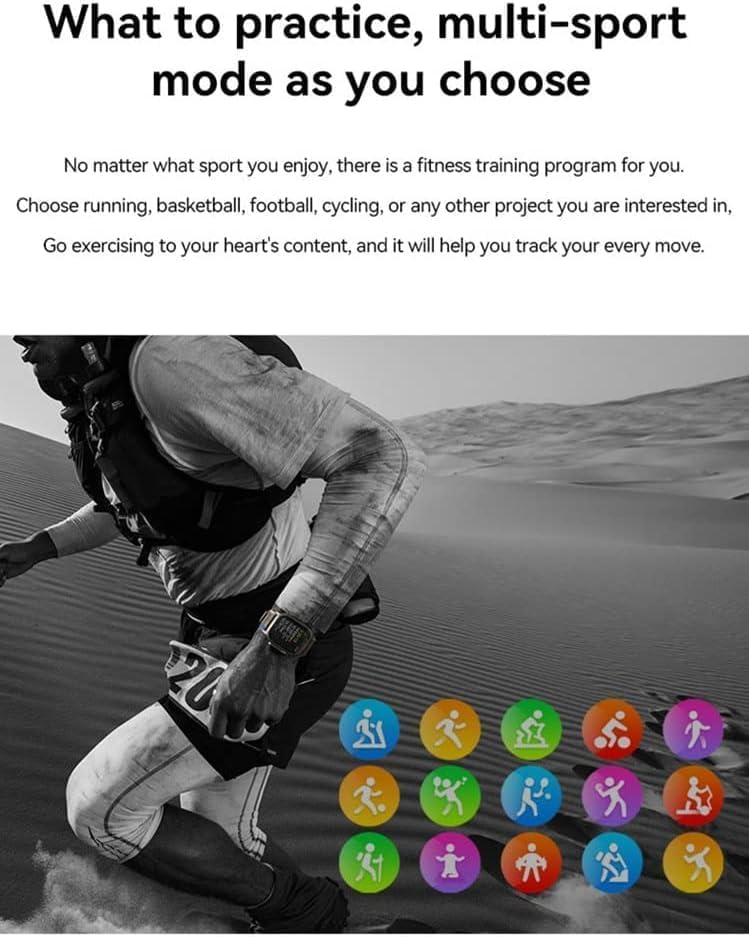
Figure 4: Heart rate and sleep tracking features.
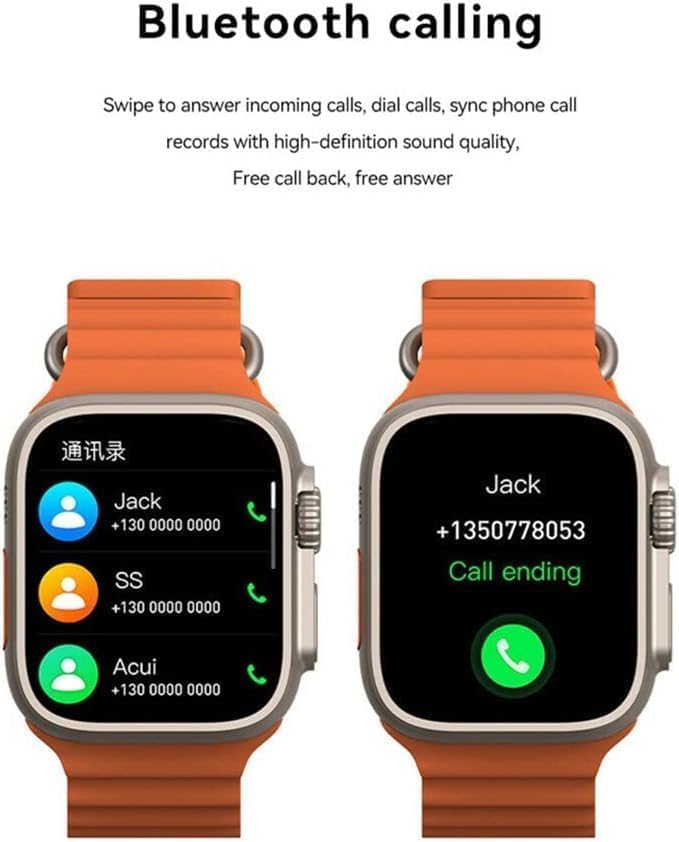
Figure 5: Multi-sport mode selection.
5.5. Fungsi NFC
The T800 Ultra supports NFC for convenient access control and other compatible functions.
- The NFC feature allows for simulation of company/community access cards.
- To use, simply lift your wrist with the watch near a compatible NFC reader.
- Refer to the companion app for setup and management of NFC functions.
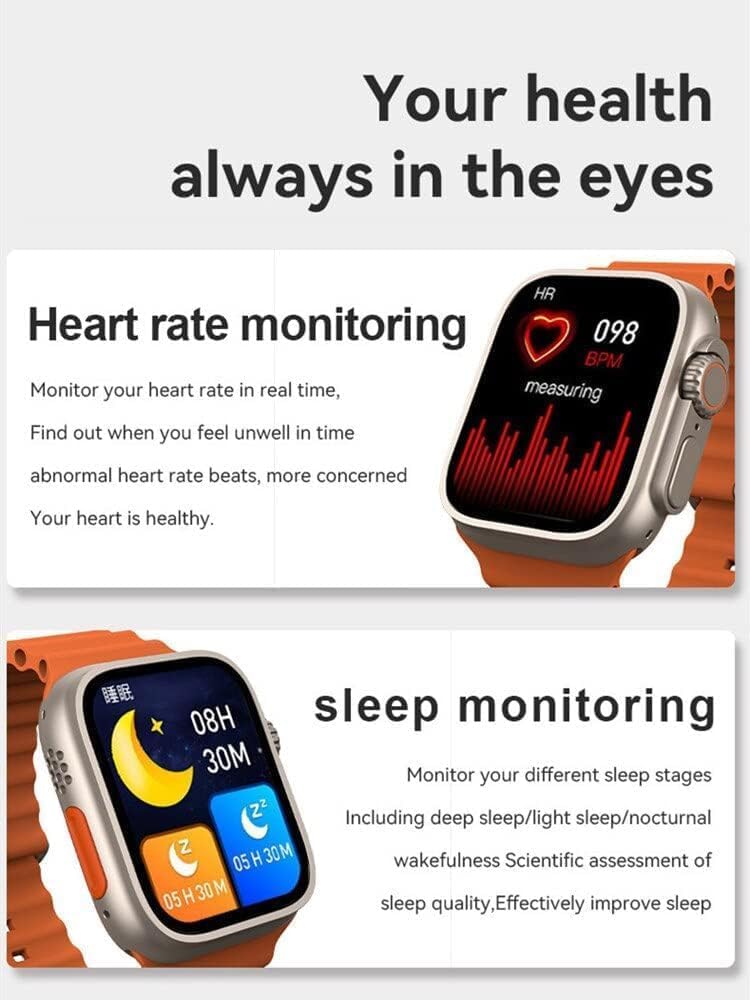
Figure 6: NFC functionality for access control.
6. Penyelenggaraan
- Pembersihan: Lap jam tangan dan tali dengan kerap dengan lembut, damp kain. Elakkan menggunakan bahan kimia yang keras atau bahan yang melelas.
- Tahan Air: The T800 Ultra is water-resistant. However, it is not suitable for diving or high-pressure water activities. Dry the watch thoroughly after exposure to water.
- Storan: Apabila tidak digunakan untuk tempoh yang lama, simpan jam tangan di tempat yang sejuk dan kering.
7. Penyelesaian masalah
| Masalah | Kemungkinan Punca / Penyelesaian |
|---|---|
| Jam tangan tidak boleh dihidupkan. | Battery might be depleted. Charge the watch for at least 30 minutes. If still unresponsive, perform a hard reset (refer to specific device instructions or contact support). |
| Tidak boleh berpasangan dengan telefon pintar. | Ensure Bluetooth is enabled on both devices. Make sure the watch is in pairing mode. Restart both the watch and smartphone. Check the companion app for specific pairing steps. |
| Hayat bateri pendek. | High screen brightness, frequent notifications, continuous heart rate monitoring, or GPS usage can drain the battery faster. Adjust settings to optimize battery life. Ensure the watch is fully charged. |
| Screen is scratched or damaged. | While the watch features a scratch-resistant sapphire crystal bezel, extreme impacts can still cause damage. This is typically not covered under standard warranty. |
| Watch is unresponsive or frozen. | Try restarting the watch by pressing and holding the side button. If that doesn't work, perform a forced restart (consult the companion app or manufacturer's weblaman web untuk arahan khusus). |
8. Spesifikasi
| Ciri | Perincian |
|---|---|
| Nama Model | T800 Ultra |
| Jenama | Generik |
| Sistem Operasi | Android |
| Teknologi Ketersambungan | Bluetooth |
| Standard Komunikasi Tanpa Wayar | Bluetooth |
| Ciri Khas | Activity Tracker, GPS, NFC |
| Komposisi Sel Bateri | Litium Ion |
| Bentuk Barang | Bulat |
| Dimensi Item (LxWxH) | 22.2 x 8 x 4.2 cm |
| Berat Barang | 150 gram |
| Bateri Diperlukan | 1 Unknown (Included) |
9. Waranti dan Sokongan
This product comes with a standard manufacturer's warranty. Please refer to the warranty card included in your product packaging for specific terms and conditions.
For technical support, troubleshooting assistance, or warranty claims, please contact the retailer or manufacturer directly. Contact details can usually be found on the product packaging or the manufacturer's official webtapak.
For further assistance, you may also visit the product's Amazon page: Halaman Produk Amazon
Ask a question about this manual
Ask about setup, troubleshooting, compatibility, parts, safety, or missing instructions. Manuals+ will review the question and use this page’s manual context to help answer it.