
1. Pengenalan
The Segway Lumina 500 Portable Power Station is a versatile and reliable power solution designed for various applications, from outdoor adventures to emergency backup. Featuring a robust LiFePO4 battery, it provides stable and efficient power for your electronic devices and small appliances. This manual provides essential information for safe and effective use of your Lumina 500.
Ciri-ciri Utama:
- 512Wh capacity with 600W continuous AC output (1200W peak).
- Durable LiFePO4 battery with 3000+ lifecycles for long-lasting performance.
- Multiple charging options: wall, solar, and car.
- 9 output ports, including dual 100W USB-C PD ports.
- Advanced Battery Management System (BMS) for enhanced safety.
- Lightweight and portable design (15.9 lbs).
2. Apa yang ada di dalam Kotak
Sila semak kandungan pakej anda untuk memastikan semua item ada:
- Segway Lumina 500 Portable Power Station (LM-500) x 1
- Kabel Pengecas AC x 1
- Kabel Pengecas Kereta x 1
- Manual Pengguna x 1
- Warranty Policy x 1
3. Persediaan
Before first use, ensure your Lumina 500 is fully charged. Place the unit on a stable, flat surface in a well-ventilated area, away from direct sunlight or heat sources.

Rajah 3.1: Depan view of the Segway Lumina 500, highlighting the display and various output ports.
4. Arahan Operasi
To power on the unit, press and hold the main power button until the display illuminates. The LCD display will show the current battery level, input/output wattage, dan anggaran baki masa jalan.
To activate AC output, press the 'AC OUT' button. To activate DC output, press the 'DC OUT' button. Ensure the output is enabled before connecting devices.
When not in use, press and hold the main power button to turn off the unit to conserve battery life.
5. Charging the Lumina 500
The Lumina 500 offers flexible charging options to suit your needs:
5.1. Wall Charging
Connect the provided AC charging cable to the AC Fastcharge input port on the back of the unit and plug it into a standard wall outlet. The unit can fully recharge in approximately 1.2 hours.

Figure 5.1: Charging the Lumina 500 using the included AC wall charger.
5.2. Pengecasan Suria
Connect compatible solar panels (sold separately) to the Solar/Car Input port. The unit can be recharged in approximately 3 hours with optimal sunlight conditions.
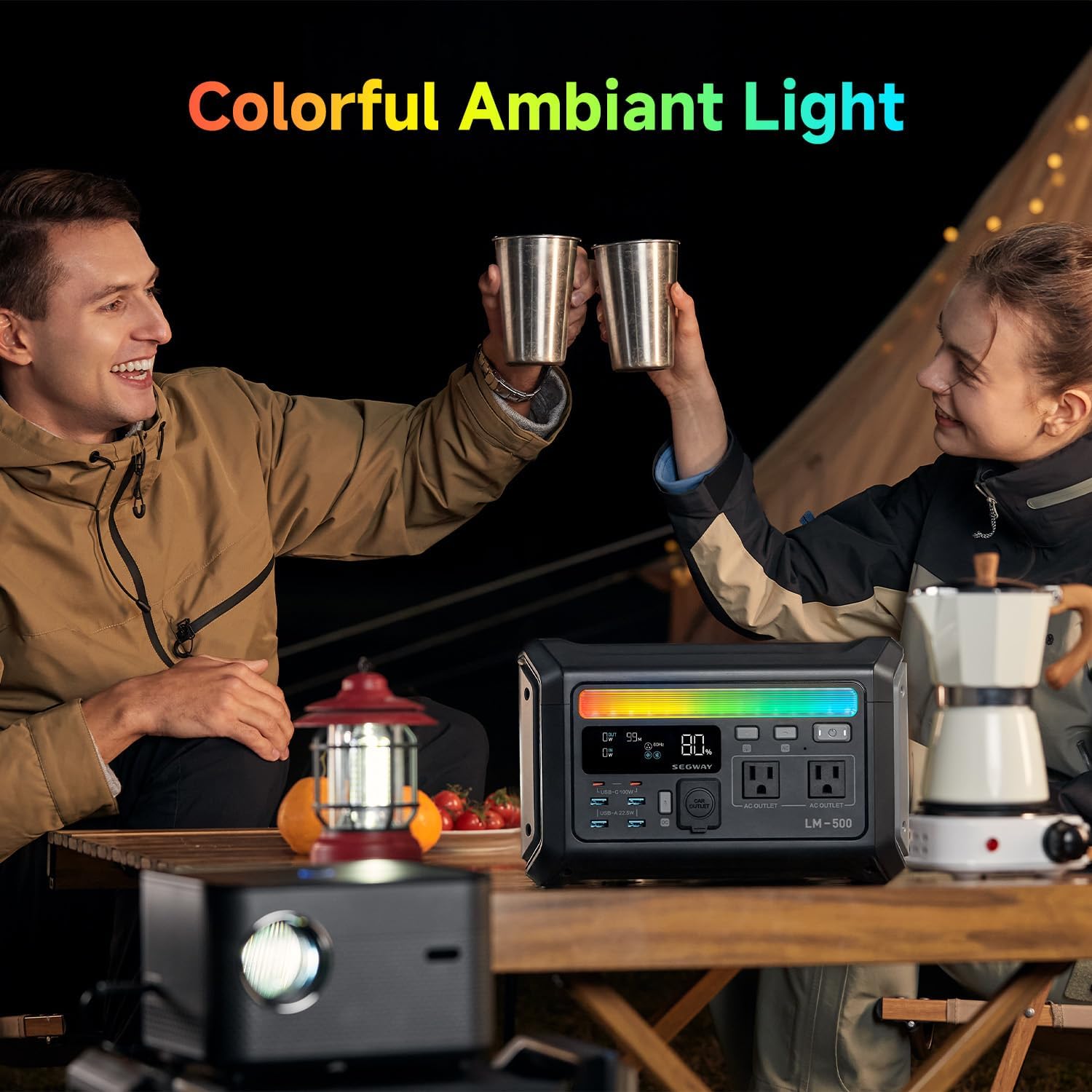
Figure 5.2: The Lumina 500 connected to a solar panel for eco-friendly charging.
5.3. Mengecas Kereta
Use the provided car charging cable to connect the unit to your vehicle's 12V car outlet. A full charge takes approximately 5 hours.

Figure 5.3: Conveniently charge your Lumina 500 using your car's power outlet.
6. Port Output
The Lumina 500 is equipped with 9 versatile output ports to power a wide range of devices:
- Cawangan AC: 2 x 120V AC outlets (600W continuous, 1200W peak) for standard household appliances.
- Port USB-C: 2 x 100W USB-C PD ports for fast charging laptops, tablets, and smartphones.
- Port USB-A: 4 x USB-A 18W ports for charging various USB-powered devices.
- Outlet Kereta: 1 x 12V car outlet for automotive accessories.
7. Durability and Safety
The Segway Lumina 500 is built with durability and safety in mind:
- Bateri LiFePO4: Features a long-lasting Lithium Iron Phosphate (LFP) battery with over 3000 lifecycles, providing approximately 10 years of use.
- BMS Lanjutan: An intelligent Battery Management System (BMS) ensures safe operation by protecting against over-charging, over-current, over-discharge, over-voltage, short circuits, and temperature fluctuations.
- Diperakui UL 2743: Meets rigorous safety standards for portable power packs.
- Extreme Climate Operation: Direka untuk beroperasi dengan andal dalam pelbagai keadaan persekitaran.
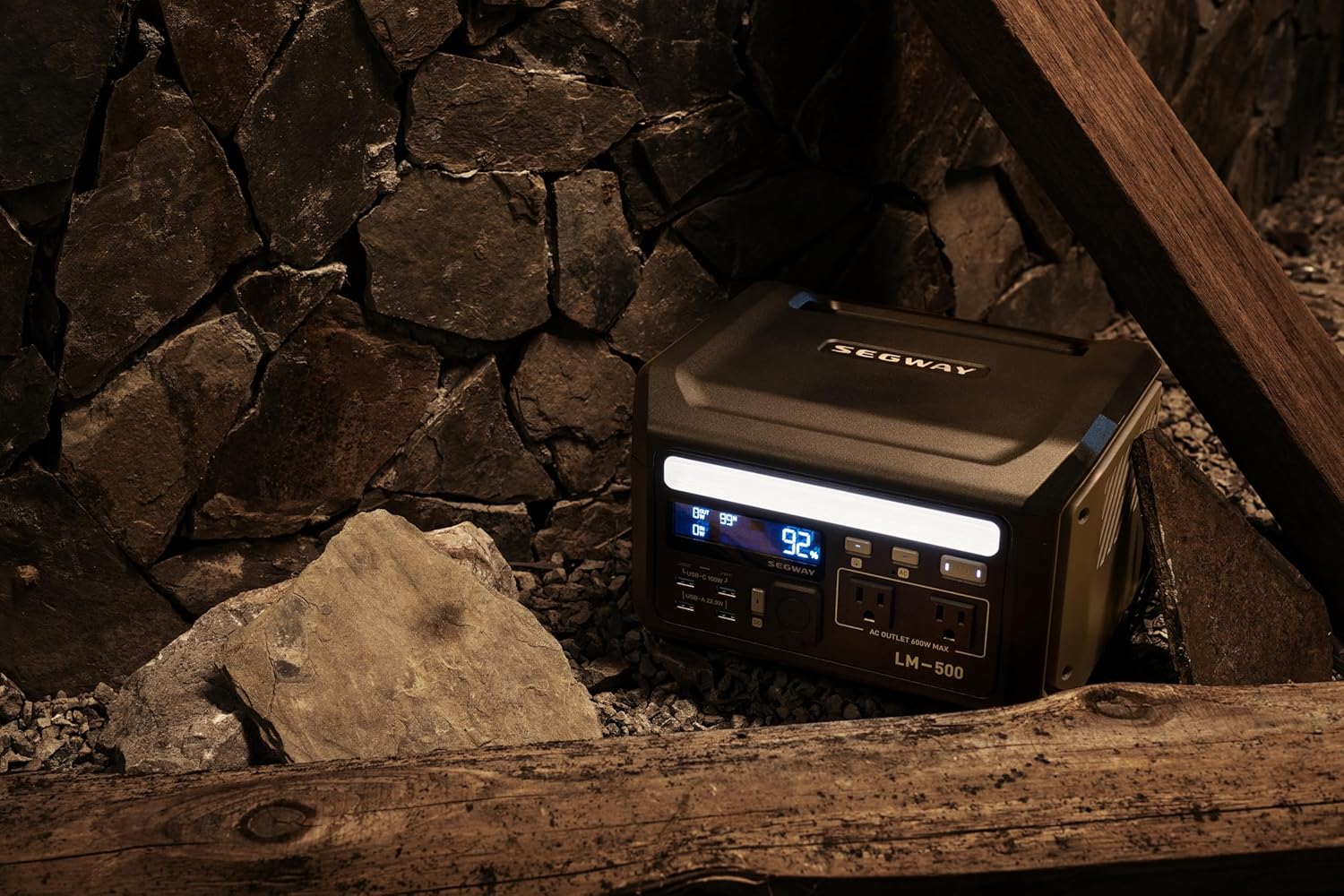
Figure 7.1: The durable LiFePO4 battery cells inside the Lumina 500.

Figure 7.2: The Lumina 500 is built to perform even in extreme temperatures.
8. Penyelenggaraan
To ensure the longevity and optimal performance of your Segway Lumina 500, follow these maintenance guidelines:
- Simpan unit di tempat yang sejuk dan kering jauh dari cahaya matahari langsung dan suhu yang melampau.
- Recharge the unit at least once every 3-6 months if not in regular use to maintain battery health.
- Clean the exterior with a soft, dry cloth. Do not use abrasive cleaners or immerse the unit in water.
- Pastikan bukaan pengudaraan bersih daripada habuk dan serpihan untuk mengelakkan pemanasan melampau.
9. Penyelesaian masalah
If you encounter issues with your Lumina 500, refer to the following common troubleshooting steps:
- Unit Tidak Dihidupkan: Pastikan bateri dicas. Jika tidak, sambungkan kepada sumber kuasa.
- Tiada Keluaran dari Pelabuhan: Check if the AC/DC output buttons are enabled. Ensure the connected device is within the power station's wattage had.
- Perlindungan Lebihan Diaktifkan: If the overload protector light is on, disconnect some devices to reduce the load. Turn the unit off and on again to reset.
- Pengecasan perlahan: Verify that the charging cable is securely connected. For solar charging, ensure panels are in direct sunlight and free of obstructions.
If problems persist, please contact Segway customer support for assistance.
10. Spesifikasi
| Ciri | Spesifikasi |
|---|---|
| Jenama | Segway |
| Nama Model | LM-500 |
| Jenis Bateri | LiFePO4 |
| Kapasiti | 512Wj |
| AC Output (Continuous) | 600W |
| Output AC (Puncak) | 1200W |
| Output PD USB-C | Dwi 100W |
| Keluaran USB-A | 4 x 18W |
| Outlet Kereta | 12V |
| Berat badan | 15.9 paun |
| Dimensi (L x W x H) | 9.6"L x 7.2"W x 11.3"H |
| Pensijilan | UL 2743 |
11. Waranti dan Sokongan
The Segway Lumina 500 Portable Power Station comes with a Waranti pengilang selama 5 tahun. For any warranty claims, technical support, or product inquiries, please refer to the contact information provided in your Warranty Policy document or visit the official Segway webtapak.
Sila simpan bukti pembelian anda untuk pengesahan waranti.