
1. Pengenalan
This manual provides comprehensive instructions for the setup, operation, and maintenance of your TruVoice BT85 Bluetooth Wireless Headset. Designed for clear communication and extended use, the BT85 features noise suppression technology, a noise-canceling microphone, and multi-device connectivity.
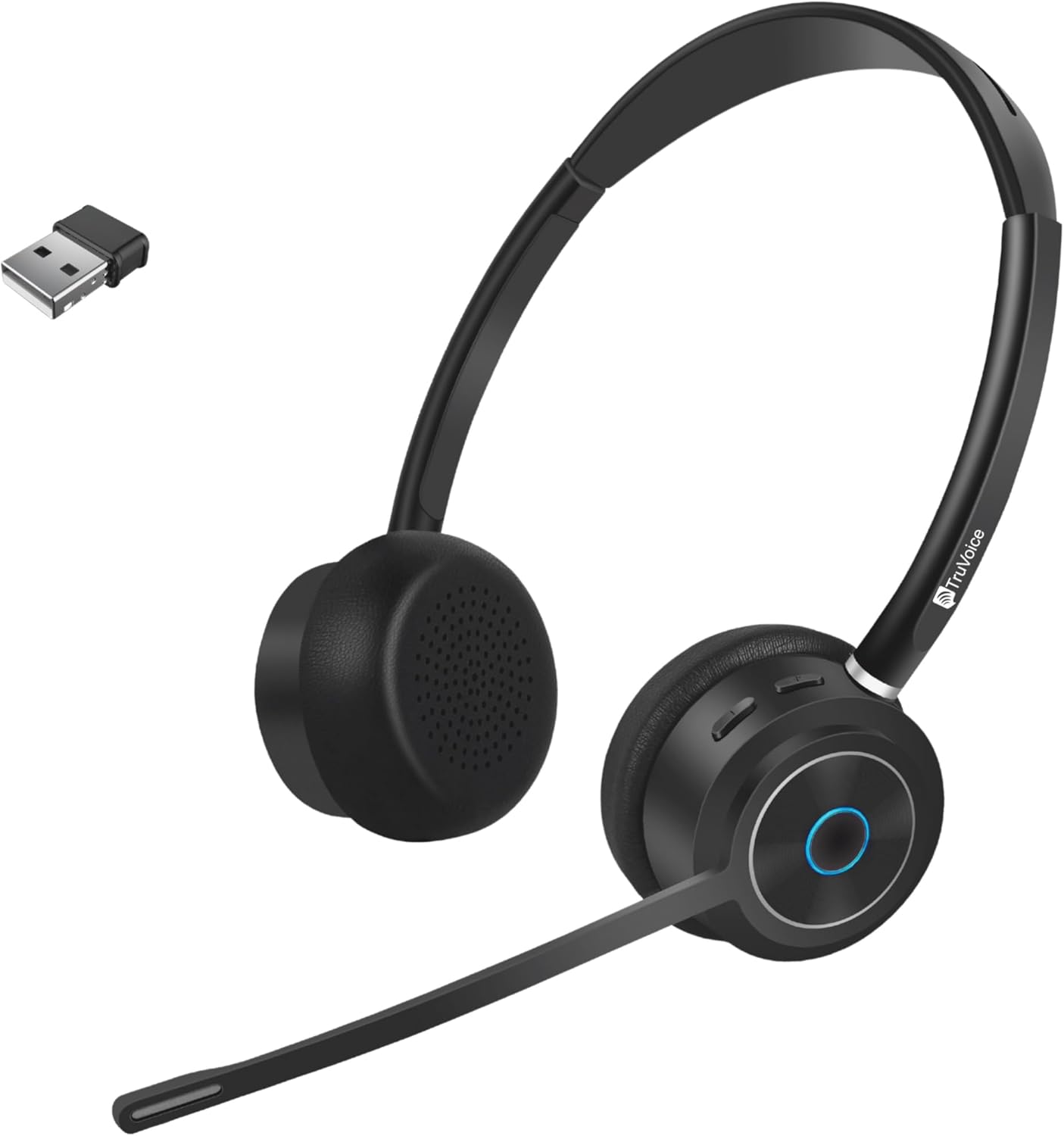
Image 1.1: TruVoice BT85 Bluetooth Wireless Headset with included USB dongle.
2. Apa yang ada di dalam Kotak
Upon unboxing your TruVoice BT85 headset, please verify that all the following components are included:
- TruVoice BT85 Bluetooth Wireless Headset
- V5.2 USB Dongle
- Kabel Pengecas USB
- Kusyen Telinga (sudah dipasang atau ganti)
- Destar (bersepadu)
- Kes Pelindung
- Manual Pengguna (dokumen ini)
3. Panduan Persediaan
3.1. Pengecasan Awal
Before first use, fully charge your headset. Connect the provided USB charging cable to the headset's charging port and to a USB power source (e.g., computer USB port or wall adapter). A full charge typically takes approximately 90 minutes. The LED indicator on the headset will change to indicate charging status (refer to LED indicator section for details).
3.2. Berpasangan dengan Peranti
The BT85 headset supports simultaneous connection with two Bluetooth devices (multipoint connectivity).
- Using the USB Dongle (Recommended for Computers):
Insert the V5.2 USB Dongle into an available USB port on your computer. The dongle will automatically pair with the headset. Ensure the headset is powered on and in pairing mode if it doesn't connect automatically. The headset is designed for plug-and-play functionality with most operating systems.
- Direct Bluetooth Pairing (for Smartphones, Tablets, or other Bluetooth-enabled devices):
- Pastikan alat dengar dimatikan.
- Press and hold the Multi-functional Key (usually the main button on the earcup) until the LED indicator flashes blue and red, indicating pairing mode.
- On your device, navigate to Bluetooth settings and search for new devices.
- Select "TruVoice BT85" from the list of available devices.
- Once connected, the LED indicator will turn solid blue or flash blue periodically.
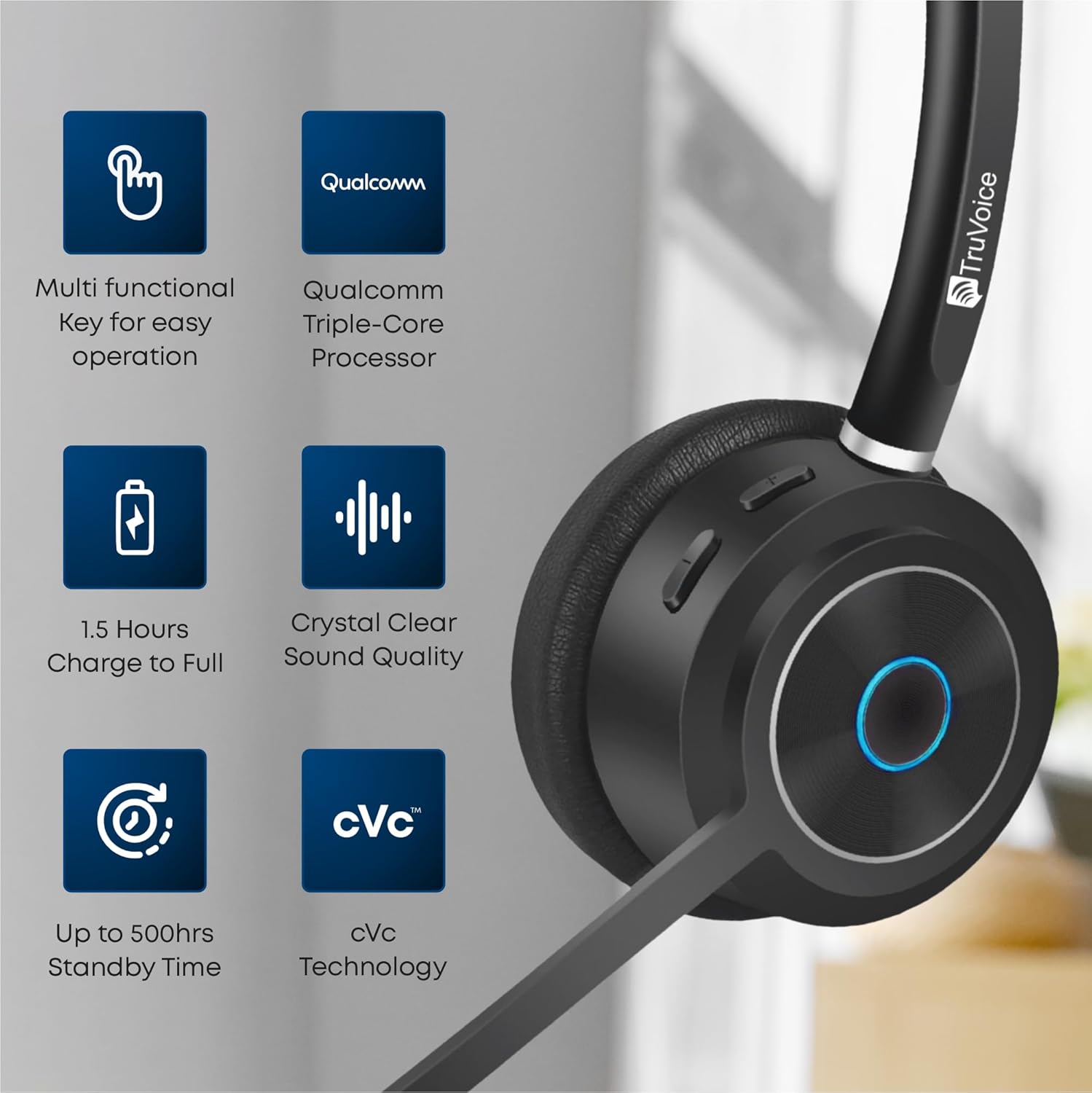
Image 3.1: Key features of the BT85 headset, including the multi-functional key and charging indicators.
4. Arahan Operasi
4.1. Hidupkan/Mati Kuasa
- Hidupkan kuasa: Press and hold the Power button (or Multi-functional Key) for approximately 3 seconds until you hear an audible prompt or see the LED indicator light up.
- Matikan: Press and hold the Power button (or Multi-functional Key) for approximately 5 seconds until you hear an audible prompt or the LED indicator turns off.
4.2. Pengurusan Panggilan
The BT85 headset is equipped with a Uni-Directional Noise Cancellation Microphone and Qualcomm cVc Echo Canceling Noise Suppression Technology for clear calls.
- Jawab/Tamatkan Panggilan: Press the Multi-functional Key once.
- Tolak Panggilan: Press and hold the Multi-functional Key for 2 seconds.
- Redam/Nyahredam Mikrofon: Locate the dedicated mute button on the headset (refer to product diagram if available). Press it once to mute, and again to unmute.

Image 4.1: The BT85 headset provides crystal clear voice calls with advanced noise suppression.
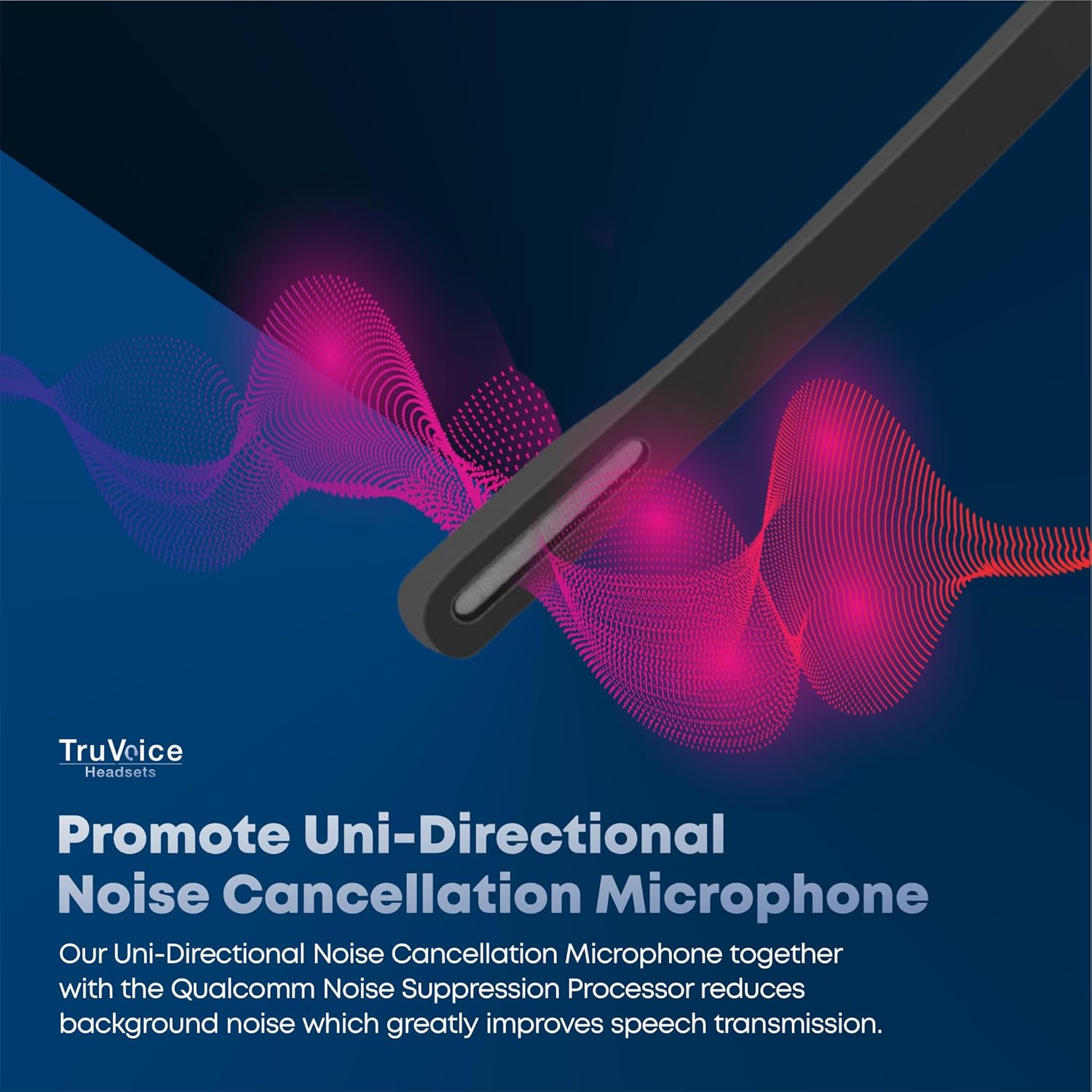
Image 4.2: The uni-directional noise cancellation microphone reduces background noise for improved speech transmission.
4.3. Kawalan Kelantangan
Adjust the listening volume using the dedicated volume buttons on the headset. These are typically marked with '+' and '-' symbols.
4.4. Hayat Bateri
The BT85 headset offers extended battery performance:
- Masa Siap sedia: Sehingga 500 jam
- Masa Bual Berterusan: Sehingga 22 jam
- Media Playing Time: Sehingga 19 jam
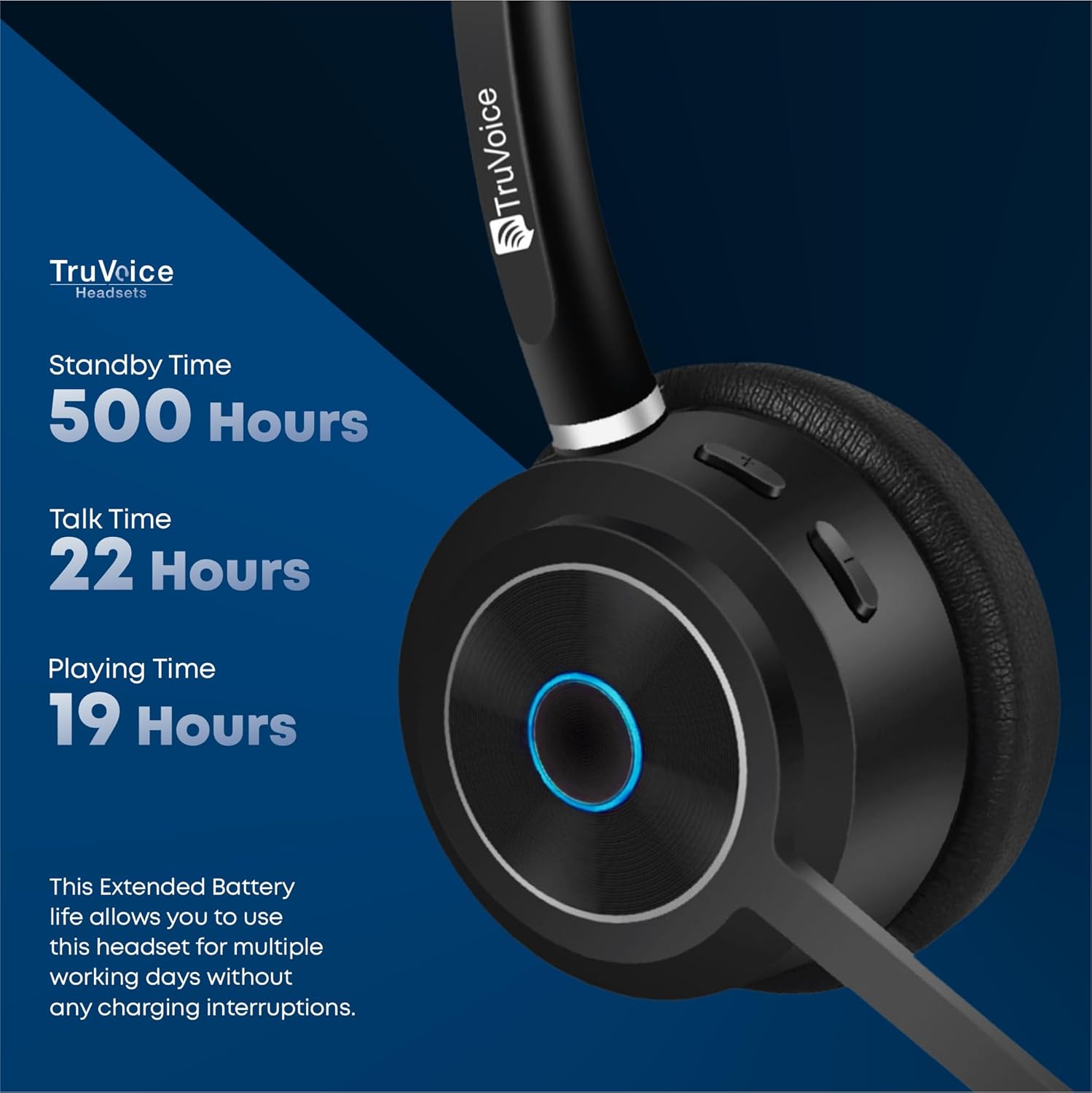
Image 4.3: Detailed battery performance of the BT85 headset.
4.5. Keserasian Sejagat
The BT85 headset is compatible with a wide range of UC (Unified Communications) computer voice platforms and devices, including:
- Microsoft Teams (includes remote call answer)
- Skype
- Zum
- Avaya
- Cisco
- Ring Central
- Vonage Nextiva
- 3CX
- And many more UC platforms.
It also connects with computers, cell phones, and desk phones that have Bluetooth headset capabilities.

Image 4.4: The BT85 headset offers universal compatibility with leading UC platforms.
5. Penyelenggaraan
Proper maintenance ensures the longevity and optimal performance of your TruVoice BT85 headset.
- Pembersihan: Use a soft, dry, lint-free cloth to clean the headset. For ear cushions, gently wipe with a slightly damp cloth and allow to air dry completely before use. Do not use harsh chemicals or abrasive materials.
- Storan: When not in use, store the headset in its protective case to prevent dust accumulation and physical damage. Avoid exposing the headset to extreme temperatures, humidity, or direct sunlight.
- mengecas: Always use the provided USB charging cable. Avoid overcharging by disconnecting the headset once fully charged.
6. Penyelesaian masalah
If you encounter issues with your TruVoice BT85 headset, please refer to the following common solutions:
| Masalah | Kemungkinan Punca | Penyelesaian |
|---|---|---|
| Alat dengar tidak dihidupkan. | Bateri lemah. | Charge the headset fully (approx. 90 minutes). |
| Tidak boleh berpasangan dengan peranti. | Headset not in pairing mode; device Bluetooth off; too many Bluetooth signals. | Ensure headset is in pairing mode (flashing blue/red). Turn on Bluetooth on your device. Try disabling other nearby Bluetooth devices if interference is suspected. |
| Poor audio quality / Microphone not working. | Microphone muted; headset out of range; incorrect audio settings on device. | Ensure microphone is not muted. Stay within 50 feet of the connected device. Check your computer/phone's audio input/output settings to ensure the BT85 is selected. |
| Headset is uncomfortable after extended use. | Kesesuaian yang tidak betul. | Adjust the headband and microphone boom for optimal comfort. The headset features a soft silicone headband and premium leather plush ear cushions for ergonomic fit. |
| Mute function is difficult to use or unresponsive. | User unfamiliarity with button location/function. | Familiarize yourself with the dedicated mute button on the headset. Ensure a single, firm press for activation/deactivation. |
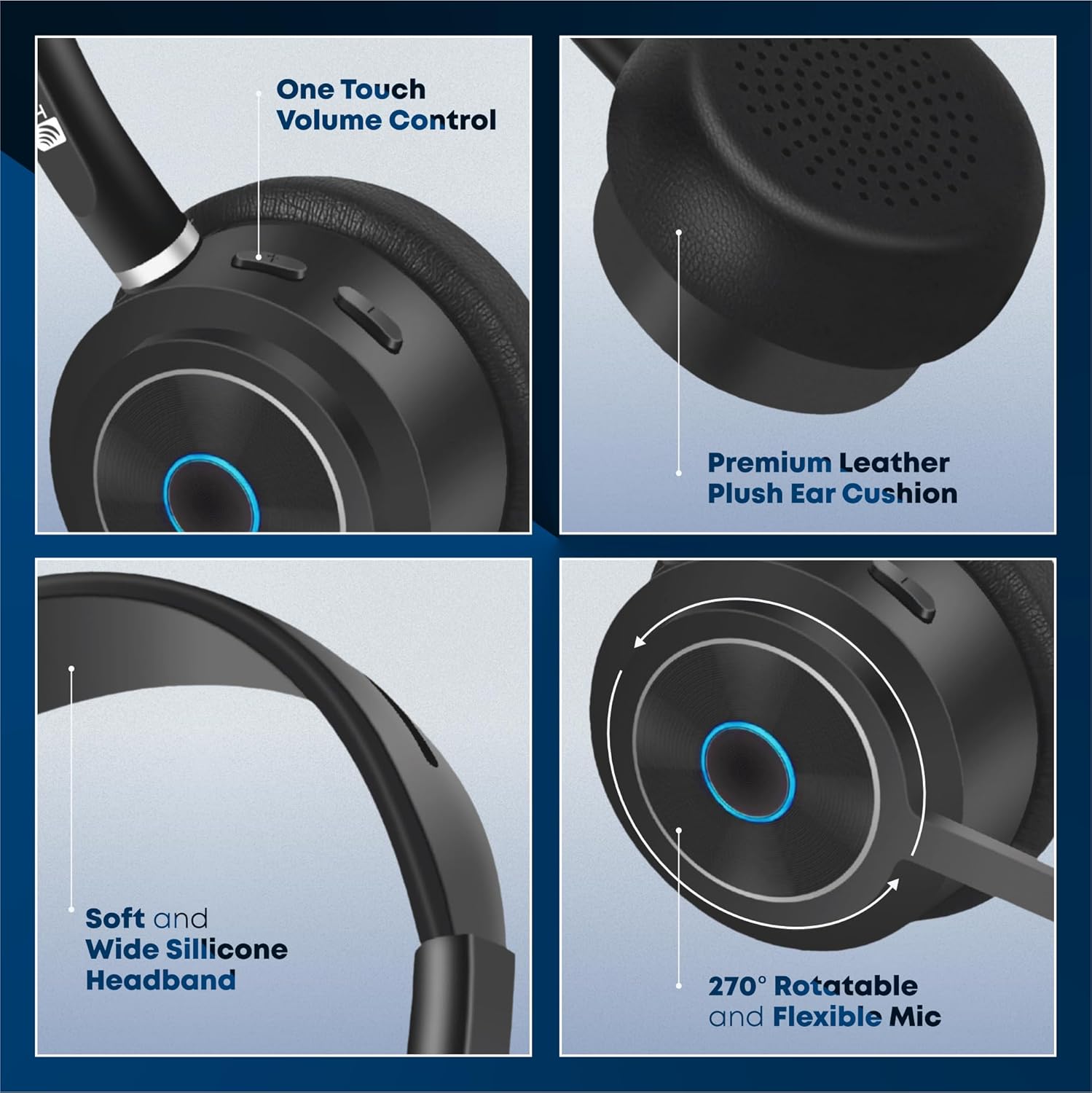
Image 6.1: Ergonomic design features of the BT85 headset for all-day comfort.
7. Spesifikasi
Detailed technical specifications for the TruVoice BT85 Headset:
| Nama Model | Alat Dengar Wayarles Bluetooth |
| Teknologi Ketersambungan | Tanpa wayar |
| Teknologi Komunikasi Tanpa Wayar | Bluetooth |
| Versi Bluetooth | 5.2 |
| Julat Bluetooth | 50 Kaki |
| Hayat Bateri (Masa Berbual) | 22 Jam |
| Hayat Bateri (Bersedia) | 500 Jam |
| Masa Mengecas | 90 Minutes (Full Charge) |
| Jenis Pemacu Audio | Pemandu Dinamik |
| Julat Kekerapan | 20 Hz - 20,000 Hz |
| Jenis Mikrofon | Uni-Directional Noise Cancellation |
| Jenis Kawalan | Kawalan Media, Sentuh |
| Penempatan Telinga | Di Telinga |
| Bentuk alat dengar | Cawan atas telinga |
| Faktor Bentuk | Di Telinga |
| warna | Hitam |
| Berat Barang | 9.6 auns |
| Pengeluar | TruVoice |
| Nombor Model Item | BT75 and BT85 |
| UPC | 643781593073 |
8. Waranti dan Sokongan
TruVoice stands behind the quality of its products. For warranty information and technical support, please refer to the official TruVoice webtapak atau hubungi perkhidmatan pelanggan mereka secara langsung.
Additional protection plans may be available for purchase to extend coverage beyond the standard warranty period. Please check with your retailer for details on available protection plans.
For direct inquiries, you may contact TruVoice Telecom, the seller of this product.