
pengenalan
The Vieta Pro Way 3 headphones are designed to provide a versatile audio experience with multiple connectivity options and features. This device supports Bluetooth wireless connection, an Aux-in port for wired use, an integrated microphone for hands-free communication, a dedicated gaming mode, and Dual Pairing functionality. With an impressive battery life of up to 50 hours, these headphones are suitable for extended listening sessions.
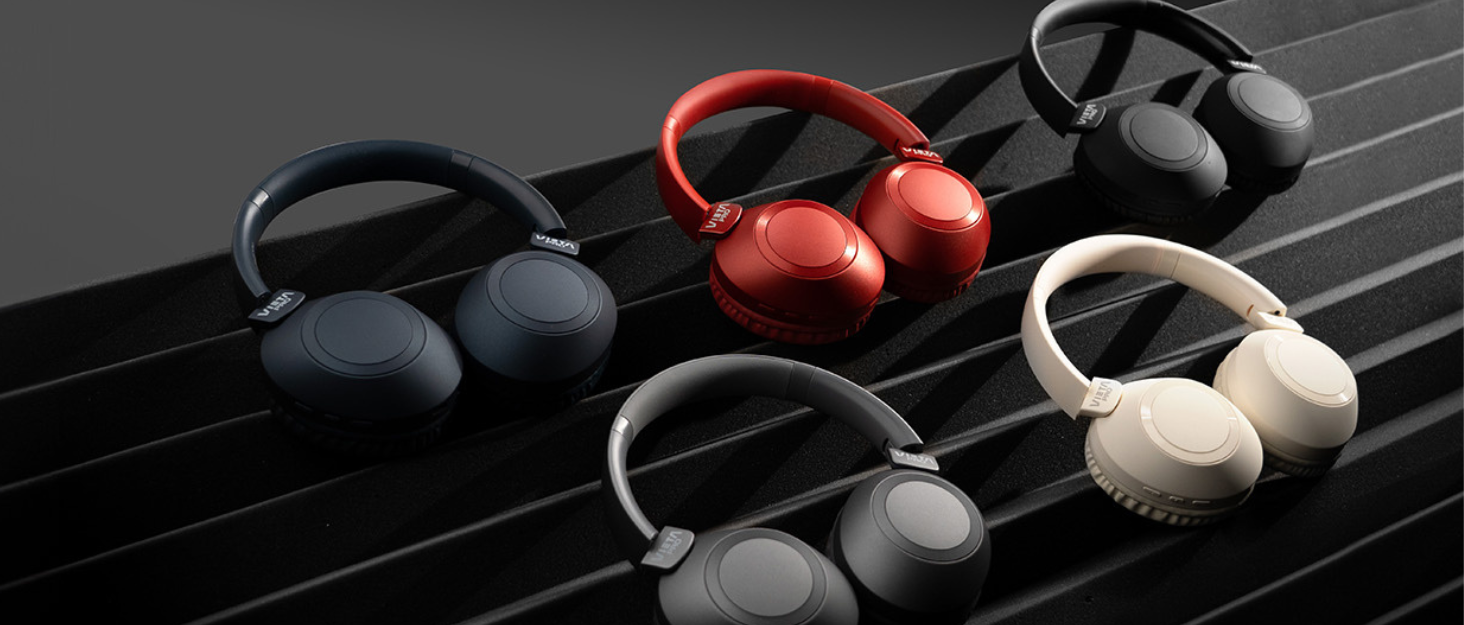
Image: Vieta Pro Way 3 headphones displayed in multiple color options.
Persediaan
1. Mengecas Fon Kepala
Before initial use, ensure the headphones are fully charged. The Vieta Pro Way 3 headphones support wireless charging. A full charge provides up to 50 hours of continuous playback.
- Connect the provided charging cable to the charging port on the headphones and to a compatible USB power source.
- Alternatively, place the headphones on a compatible wireless charging pad.
- The indicator light will show the charging status and turn off or change color once fully charged.
2. Menghidupkan/Mematikan
- Untuk Menghidupkan: Tekan dan tahan butang Kuasa selama lebih kurang 3 saat sehingga lampu penunjuk menyala.
- Untuk Mematikan: Tekan dan tahan butang Kuasa selama lebih kurang 3 saat sehingga lampu penunjuk padam.
3. Berpasangan Bluetooth
Untuk menyambungkan fon kepala anda secara wayarles ke peranti:
- Pastikan fon kepala dimatikan.
- Tekan dan tahan butang Kuasa selama lebih kurang 5-7 saat sehingga lampu penunjuk berkelip dengan cepat, menunjukkan mod berpasangan.
- Pada telefon pintar, tablet atau komputer anda, dayakan Bluetooth dan cari peranti yang tersedia.
- Select "Vieta Pro Way 3" from the list of found devices.
- Once connected, the indicator light will stop flashing and remain solid or flash slowly.
4. Sambungan Aux-in
For a wired connection, use a 3.5mm audio cable:
- Connect one end of the 3.5mm audio cable to the Aux-in port on the headphones.
- Connect the other end to the 3.5mm audio output of your audio source.
- The headphones will automatically switch to Aux-in mode when a cable is detected.
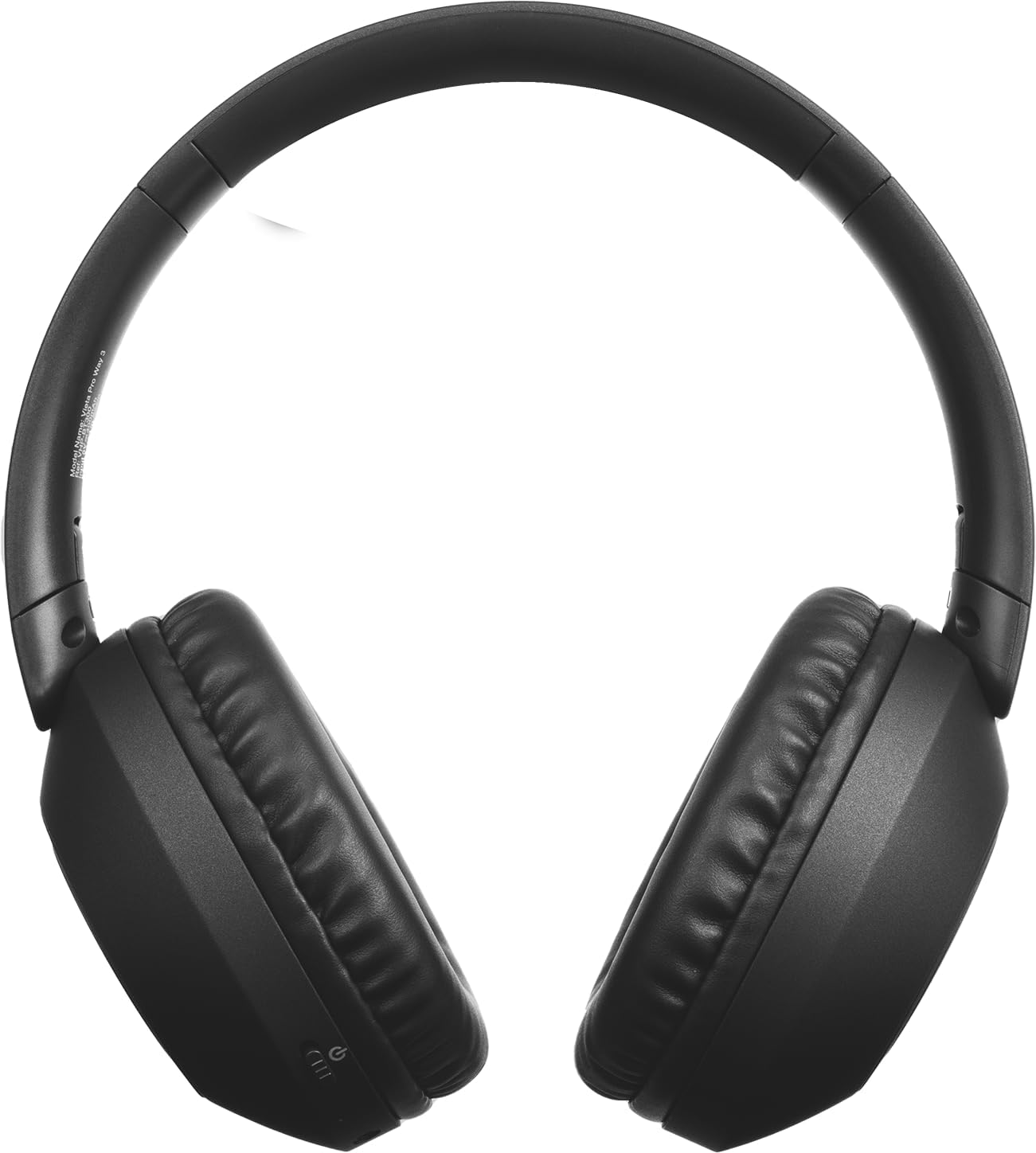
Imej: Depan view of the Vieta Pro Way 3 headphones, showing the earcups and headband.
Arahan Operasi
1. Main balik Muzik
When connected via Bluetooth or Aux-in, you can control your music:
- Main/Jeda: Tekan butang Pelbagai fungsi sekali.
- Lagu Seterusnya: Tekan dan tahan butang Naik Kelantangan.
- Trek Sebelumnya: Tekan dan tahan butang Kurangkan Kelantangan.
- Kelantangan: Tekan butang Kelantangan Naik sebentar.
- Perlahankan suara: Tekan butang Kelantangan Turun sebentar.
2. Pengurusan Panggilan
The integrated microphone allows for hands-free calls when connected via Bluetooth:
- Jawab/Tamatkan Panggilan: Tekan butang Pelbagai fungsi sekali.
- Tolak Panggilan: Tekan dan tahan butang Berbilang fungsi selama 2 saat.
- Pembantu Suara: Double-press the Multi-function button to activate your device's voice assistant.
3. Mod Permainan
Activate the dedicated gaming mode for optimized audio performance during gameplay, reducing latency and enhancing sound effects.
- Aktifkan Mod Permainan: Refer to the specific button or gesture indicated in the quick start guide for your model. (Typically a dedicated button or a long press on a volume button).
4. Gandingan Berganda
The Dual Pairing feature allows the Vieta Pro Way 3 headphones to connect to two different Bluetooth devices simultaneously. This enables seamless switching between audio sources without the need to disconnect and re-pair.
- Pair the headphones with your first device following the Bluetooth Pairing instructions.
- Putuskan sambungan Bluetooth pada peranti pertama buat sementara waktu.
- Pair the headphones with your second device.
- Dayakan semula Bluetooth pada peranti pertama. Fon kepala kini harus disambungkan ke kedua-dua peranti.
- Audio will play from the active source, and you can switch by pausing one and playing the other.

Image: A person wearing the Vieta Pro Way 3 headphones, demonstrating comfortable use.
Penyelenggaraan
1. Pembersihan
- Lap fon kepala dengan kain lembut, kering dan tidak berbulu.
- Do not use abrasive cleaners, solvents, or strong chemicals, as these may damage the surface or internal components.
- Elakkan mendapatkan kelembapan ke dalam mana-mana bukaan.
2. Penyimpanan
- Simpan fon kepala di tempat yang sejuk dan kering, jauh daripada cahaya matahari langsung dan suhu yang melampau.
- When not in use for extended periods, store them in their protective case (if included) to prevent dust and damage.
3. Penjagaan Bateri
- To prolong the lifespan of the battery, avoid fully discharging the headphones frequently.
- Charge the headphones regularly, even if not in frequent use.
Menyelesaikan masalah
1. Tiada Bunyi
- Pastikan fon kepala dihidupkan dan dicas.
- Semak tahap kelantangan pada kedua-dua fon kepala dan peranti yang disambungkan.
- Verify that the headphones are properly paired via Bluetooth or securely connected via the Aux-in cable.
- Try restarting both the headphones and the audio source device.
2. Isu Berpasangan
- Ensure the headphones are in Bluetooth pairing mode (indicator light flashing rapidly).
- Lumpuhkan dan dayakan semula Bluetooth pada peranti anda.
- Move the headphones closer to your device to ensure a strong signal.
- Clear previous Bluetooth connections from your device's Bluetooth settings and try pairing again.
3. Isu Pengecasan
- Verify that the charging cable is securely connected to both the headphones and the power source, or that the headphones are correctly placed on the wireless charging pad.
- Ensure the power source (USB adapter, computer port, wireless charger) is functional.
- Check the charging port on the headphones for any debris that might obstruct the connection.
Spesifikasi
| Jenama | Vieta Pro |
| Model | Cara 3 |
| Faktor Bentuk | Over-ear (Headband) |
| Teknologi Ketersambungan | Wireless (Bluetooth), Wired (Aux-in) |
| Komunikasi Tanpa Wayar | Bluetooth |
| Hayat Bateri | Sehingga 50 jam (main balik) |
| Ciri Khas | Wireless Charging, Built-in Microphone, Gaming Mode, Dual Pairing |
| Pengeluar | FRAMASON AUDIO SA |
| ASIN | B0CRL99NBD |
Catatan: Spesifikasi boleh berubah tanpa notis.
Waranti dan Sokongan
For detailed warranty information, product registration, or technical assistance, please refer to the official Vieta Pro website or contact their customer support directly. It is recommended to retain your purchase receipt as proof of purchase for any warranty claims.
- rasmi Webtapak: melawat www.vietapro.com (or relevant regional site) for support resources.
- Perkhidmatan Pelanggan: Contact information can typically be found on the official webtapak.