
pengenalan
Welcome to the user manual for your boAt Airdopes 161 ANC True Wireless Stereo (TWS) Earbuds. This guide provides detailed instructions on how to set up, operate, maintain, and troubleshoot your earbuds to ensure optimal performance and a seamless audio experience.

Image: The boAt Airdopes 161 ANC earbuds shown with their charging case, highlighting their sleek design and portability.
1. Persediaan
1.1 Apa yang ada di dalam Kotak
Your boAt Airdopes 161 ANC package includes:
- boAt Airdopes 161 ANC Earbuds
- Kes Pengecasan
- Kabel Pengecasan USB Jenis-C
- Manual Pengguna
1.2 Mengecas Fon telinga dan Sarung
Sebelum penggunaan pertama, cas sepenuhnya fon telinga dan bekas pengecas.
- Letakkan kedua earbud ke dalam cas pengecasan.
- Sambungkan kabel pengecas USB Jenis-C ke port pengecasan pada bekas dan ke sumber kuasa.
- The indicator light on the case will show charging status. Once fully charged, the indicator will change or turn off.

Image: The USB Type-C charging port on the boAt Airdopes 161 ANC charging case, indicating the modern charging interface. Also shows Bluetooth v5.3 icon.
The Airdopes 161 ANC features ASAP Charge technology, providing 150 minutes of playback with just 10 minutes of charging.

Image: Illustration of ASAP Charge, showing 10 minutes of charge provides 150 minutes of playback.
1.3 Pairing with Your Device (IWP Technology)
The Airdopes 161 ANC features Insta Wake N' Pair (IWP) Technology for instant connection.
- Buka penutup bekas pengecas. Fon telinga akan dihidupkan secara automatik dan memasuki mod berpasangan.
- Dayakan Bluetooth pada peranti anda (telefon pintar, tablet, dll.).
- Cari untuk "Airdopes 161 ANC" in the list of available Bluetooth devices and select it to connect.
- Setelah disambungkan, anda akan mendengar nada pengesahan dan fon telinga akan sedia untuk digunakan.

Image: A smartphone screen displaying "Airdopes 161 ANC Connected" with the earbuds and case, illustrating the IWP pairing process.
2. Mengendalikan Fon Telinga
2.1 Kawalan Sentuhan
The Airdopes 161 ANC features intuitive touch controls on each earbud.
| Tindakan | Fungsi |
|---|---|
| Ketik Tunggal (Earbud Kiri/Kanan) | Main/Jeda Muzik, Jawab/Tamatkan Panggilan |
| Dwiketik (Earbud Kanan) | Trek Seterusnya |
| Dwiketik (Earbud Kiri) | Trek Sebelumnya |
| Tekan Lama (Earbud Kanan) | Kelantangan Naik |
| Tekan Lama (Earbud Kiri) | Kelantangan Kurang |
| Ketik Tiga Kali (Earbud Kiri/Kanan) | Aktifkan Pembantu Suara |
| Long Press (2 seconds) during call | Tolak Panggilan |
| Long Press (2 seconds) to toggle ANC/Transparency | Toggle Active Noise Cancellation / Transparency Mode |
2.2 Pembatalan Bising Aktif (ANC)
The Airdopes 161 ANC features Active Noise Cancellation up to 32dB, reducing ambient noise for an immersive listening experience.
- To activate ANC, long press the touch control area on either earbud for 2 seconds.
- Repeat the action to switch between ANC, Transparency Mode, and Normal Mode.
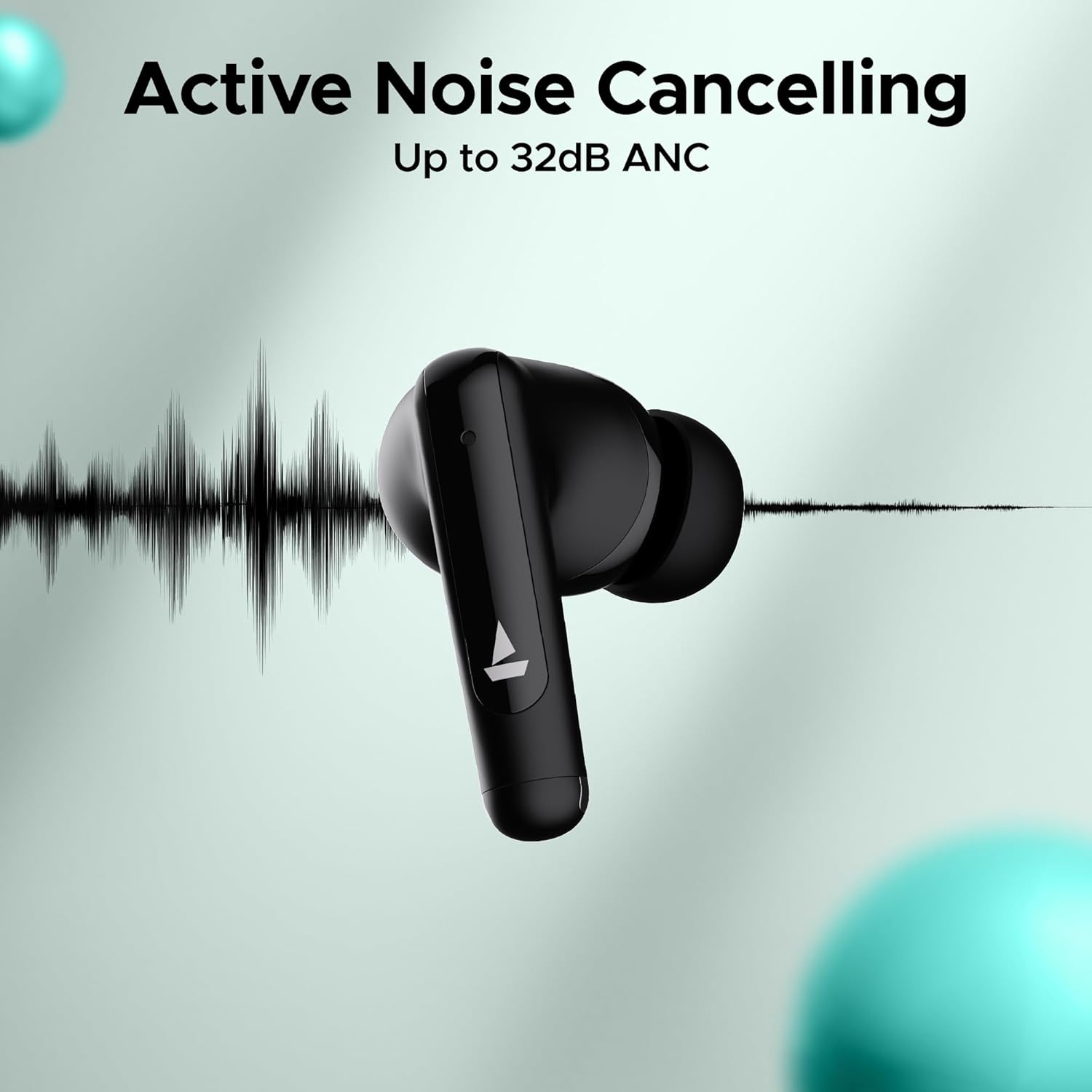
Image: An earbud with a sound wave graphic, illustrating the Active Noise Cancelling capability up to 32dB.
2.3 Making Calls (Quad Mics with ENx Technology)
The earbuds are equipped with Quad Mics and ENx Technology for clear voice calls by filtering out environmental noise.
- Jawab/Tamatkan Panggilan: Ketik sekali sama ada fon telinga.
- Tolak Panggilan: Tekan lama mana-mana fon telinga selama 2 saat.
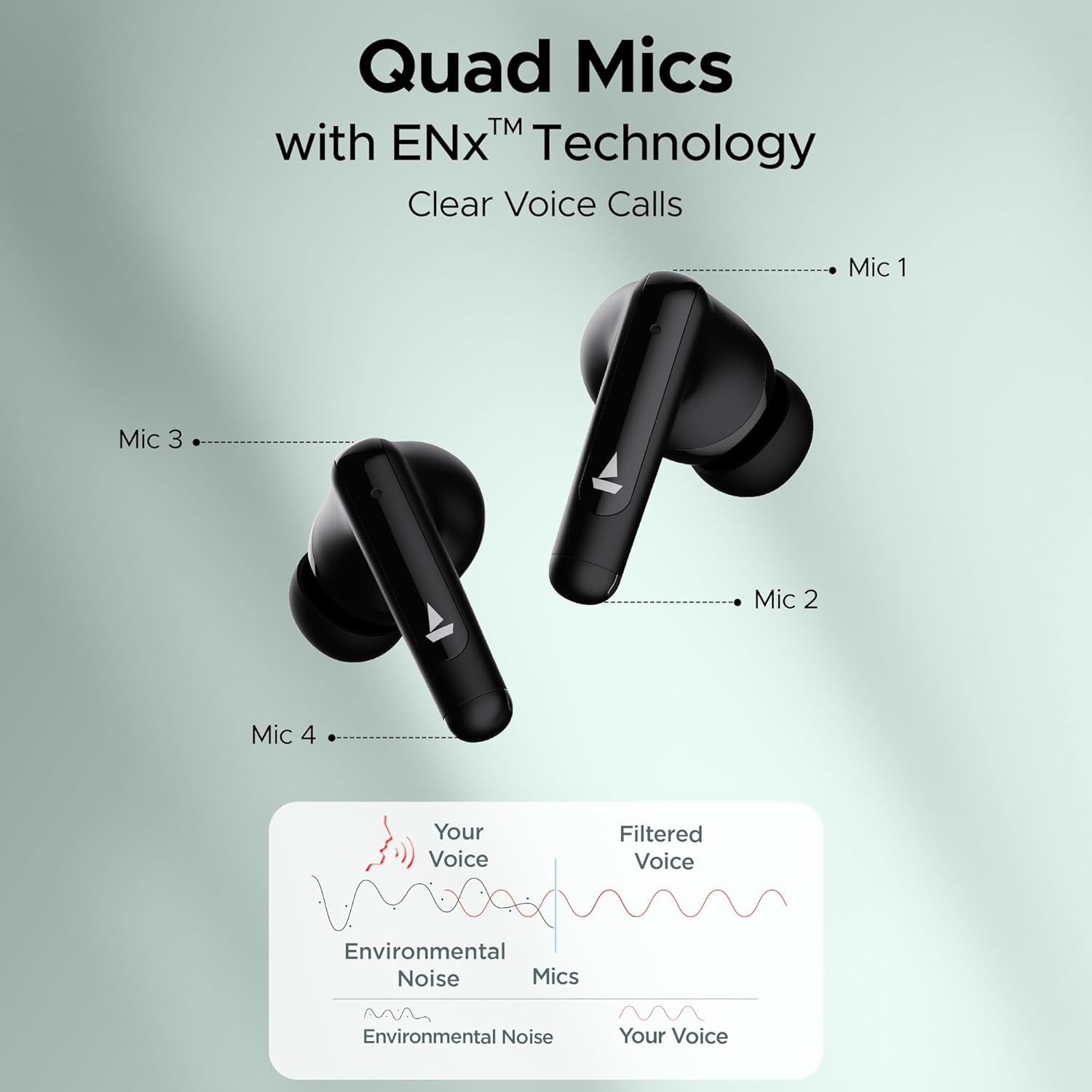
Image: Diagram showing the placement of four microphones on the earbuds and how ENx Technology filters environmental noise for clear voice calls.
2.4 Playback Time
The boAt Airdopes 161 ANC provides up to 50 hours of total playback time with the charging case. Individual earbud playback time varies based on usage and ANC status.
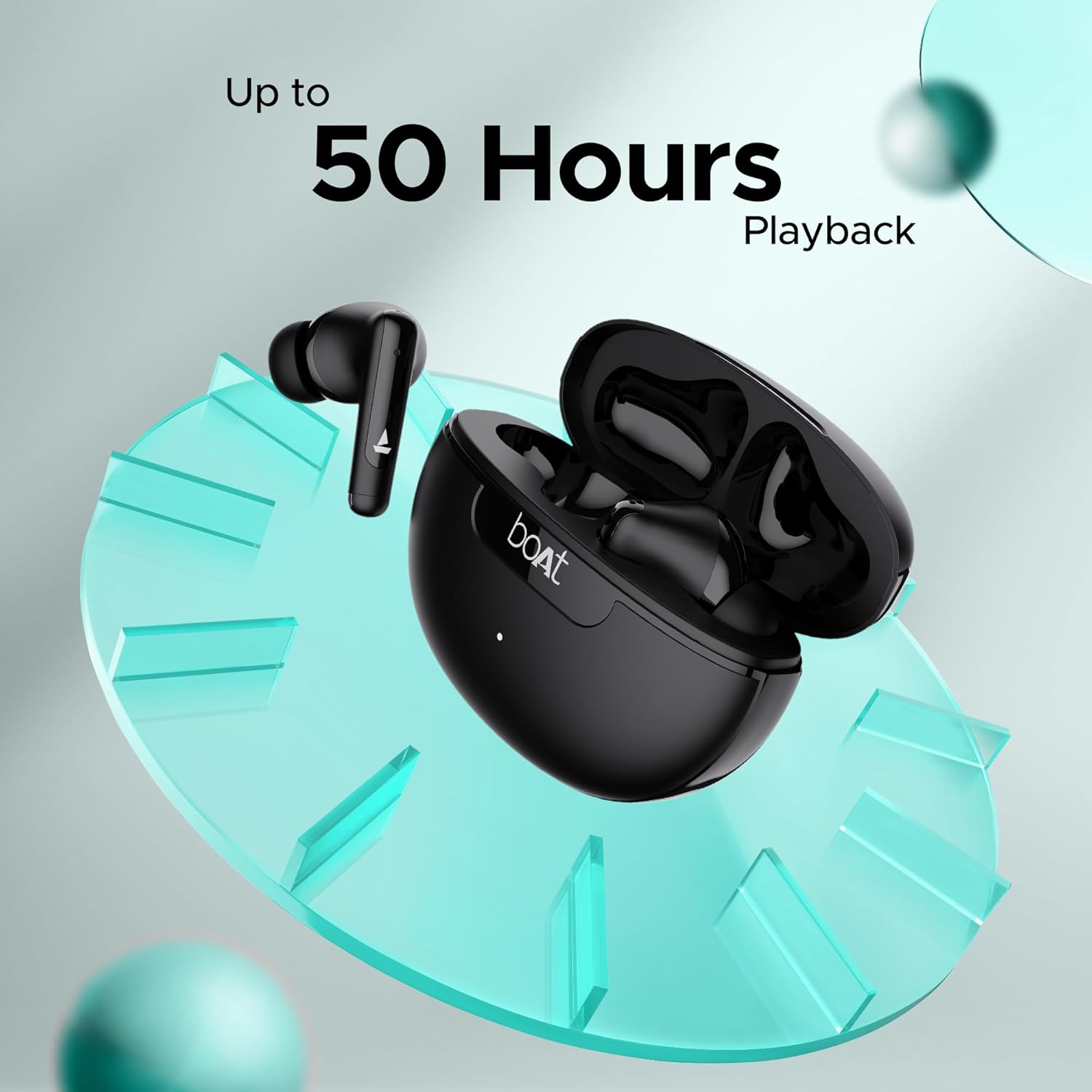
Image: Graphic indicating "Up to 50 Hours Playback" for the boAt Airdopes 161 ANC earbuds and charging case.
3. Penyelenggaraan
3.1 Membersihkan Earbud Anda
Pembersihan tetap membantu mengekalkan kualiti bunyi dan kebersihan.
- Gunakan kain lembut, kering dan tidak berbulu untuk mengelap fon telinga dan bekas pengecas.
- Gently remove any earwax or debris from the ear tips and speaker mesh using a small, clean brush or cotton swab.
- Elakkan menggunakan bahan yang melelas, alkohol atau pembersih kimia.
3.2 Water and Sweat Resistance (IPX5)
The Airdopes 161 ANC earbuds are IPX5 rated, meaning they are resistant to water splashes and sweat. This makes them suitable for workouts and light rain.
- Jangan tenggelamkan fon telinga dalam air.
- Pastikan fon telinga kering sebelum meletakkannya semula ke dalam bekas pengecas untuk mengelakkan kerosakan.
Image: Earbuds shown with water droplets, indicating IPX5 water and sweat resistance.
4. Penyelesaian masalah
If you encounter any issues with your Airdopes 161 ANC, refer to the following common solutions:
| Masalah | Penyelesaian |
|---|---|
| Fon telinga tidak berpasangan |
|
| Hanya satu fon telinga berfungsi |
|
| Kelantangan rendah atau kualiti bunyi yang lemah |
|
| ANC tidak berfungsi dengan berkesan |
|
5. Spesifikasi
| Ciri | Perincian |
|---|---|
| Nama Model | Airdopes 161 ANC |
| Teknologi Ketersambungan | Bluetooth |
| Teknologi Komunikasi Tanpa Wayar | Bluetooth |
| Versi Bluetooth | 5.0 (Note: Image shows v5.3, using product spec 5.0) |
| Julat Bluetooth | 10 Meter |
| Kawalan Bunyi | Pembatalan Bunyi Aktif (sehingga 32dB) |
| Mikrofon | Quad Mics with ENx Technology |
| Kaedah Kawalan | Sentuh |
| Tahap Ketahanan Air | IPX5 (Tahan Air) |
| Faktor Bentuk | Di Telinga |
| Jenis Pemacu Audio | Pemandu Dinamik |
| Jenis Bateri | Litium Ion (termasuk) |
| Masa Main Semula | Sehingga 50 Jam (dengan kes pengecasan) |
| Antara Muka Pengecasan | USB Jenis-C |
| Ciri Khas | Built-In Voice Assistant, IWP Technology, ASAP Charge |
| Berat Barang | 50 Gram |
| Dimensi Produk | 5 x 3 x 5 cm |
6. Waranti dan Sokongan
Your boAt Airdopes 161 ANC earbuds come with a 1-year warranty from the date of purchase.
For warranty claims, technical support, or any other inquiries, please contact boAt customer service:
- Pengeluar: Imagine Marketing Sdn. Bhd.
- e-mel: info@imaginemarketingindia.com
- Webtapak: Refer to the official boAt website for the latest support information and contact details.
Sila simpan resit pembelian anda sebagai bukti pembelian untuk perkhidmatan jaminan.